
Twilight Street Corner
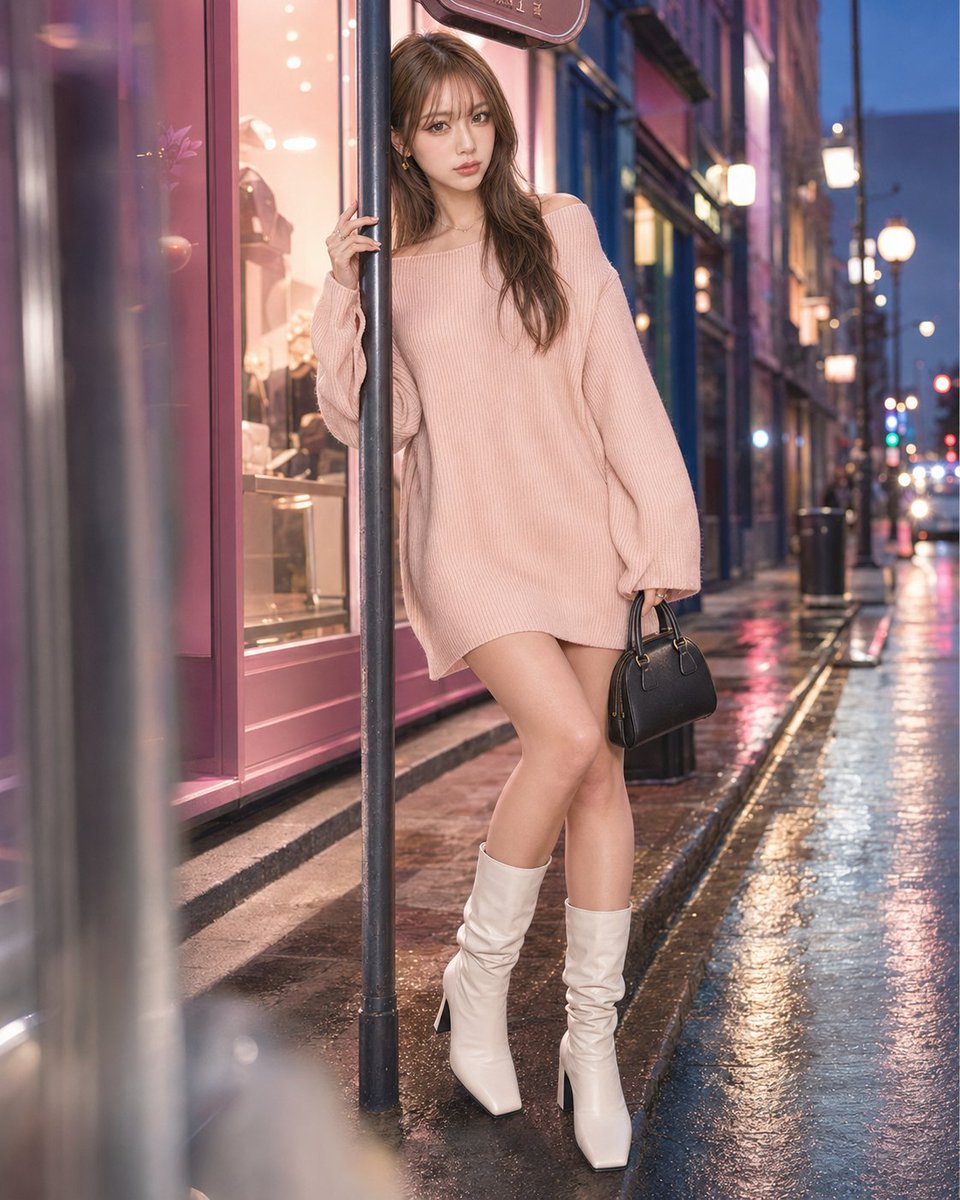
Photorealistic fashion-lifestyle portrait of an adult woman at a colorful twilight city corner with layered storefront windows, soft pink-blue artificial light, wet pavement reflections, a narrow curb, decorative street lights, distant traffic glow, and a slim cylindrical metal pole supporting a small fictional non-readable street sign or decorative signboard. No commercial messaging, real logos, or readable text.
Prompt
【Twilight Street Corner】 Prompt: Photorealistic fashion-lifestyle portrait of an adult woman at a colorful twilight city corner with layered storefront windows, soft pink-blue artificial light, wet pavement reflections, a narrow curb, decorative street lights, distant traffic glow, and a slim cylindrical metal pole supporting a small fictional non-readable street sign or decorative signboard. No commercial messaging, real logos, or readable text. Strong depth with a softly blurred curb edge or glass reflection in the foreground, the subject standing beside the slim round signpost in the middle ground, and layered storefronts, lights, and receding sidewalk depth behind. Tight vertical 4:5 crop from upper thighs to head, subject filling about 85–90% of the frame. Pose lock: the thin cylindrical signpost runs vertically through the composition and divides the body slightly off-center. The face and one shoulder remain visible on one side of the pole, while the pelvis and opposite arm appear on the other side. One hand rests lightly on the pole near cheek or shoulder height. The opposite arm extends lo…
Kynvio Prompt Workflow
How to use this prompt
Open it in Image Studio
Send the prompt to Kynvio AI without starting a generation.
Adapt the details
Replace the subject, setting, colors, text, or composition for your goal.
Review and generate
Choose your final settings, then click Generate when you are ready.
Related GPT Image 2 prompts
GPT Image 2 prompts
About this prompt
Will opening this prompt spend credits?
No. The button only prefills Image Studio. Credits are used only after you start a generation.
Can I edit the prompt first?
Yes. The transferred text is fully editable before you generate an image.