GPT Image 2 AI Image Generator

Generate detailed product shots, campaign visuals, and image edits with GPT Image 2.

Prompt-faithful imagesProduct photosPostersPrecise edits
Start creating
GPT Image 2 model logoGPT Image 2|Text to Image|1:1|2K|1

Related generators

Use this model-specific page to understand the strengths, tune the prompt, and carry the selected platform model into the Kynvio workspace.

GPT Image 2 generated image examples

Review the output, prompt, mode, resolution, and use case before you open the workspace.

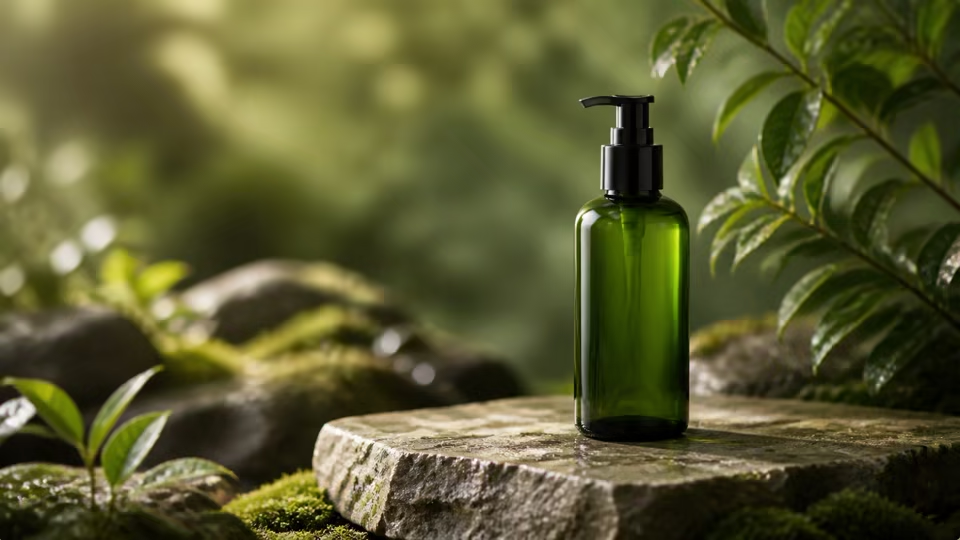
GPT Image 2 perfume product image with marble reflections and editorial lighting

Perfume product hero

A polished product-photo sample for high-fidelity commercial image generation.

Text to image1:12K0 refsProduct photo
Create a realistic product photo of a perfume bottle on polished marble, soft editorial lighting, subtle reflections, shallow depth of field, no extra text.
GPT Image 2 SaaS launch visual with hands, laptop screen, and calm workspace

SaaS launch desk

A controlled launch-image sample for believable hands, devices, and screen hierarchy.

Text to image16:92K0 refsLaunch visual
Create a clean SaaS launch image with realistic hands using a laptop, dashboard visible but not text-heavy, calm blue-gray workspace, natural daylight, balanced negative space on the right.
GPT Image 2 holiday poster edit with warm paper texture and preserved product structure

Holiday poster edit

A poster-ready editing sample for keeping product structure while changing the campaign mood.

Image to image4:54K2 refsPoster edit
Edit the reference product into a holiday poster scene, keep product shape, color, and main label structure, add warm paper textures, soft festive lights, uncluttered background, no invented logo.
GPT Image 2 packaging rebuild on a clean studio surface with preserved label layout

Packaging reference rebuild

A reference-guided package rebuild sample for ecommerce and brand review.

Image to image3:42K1 refsReference edit
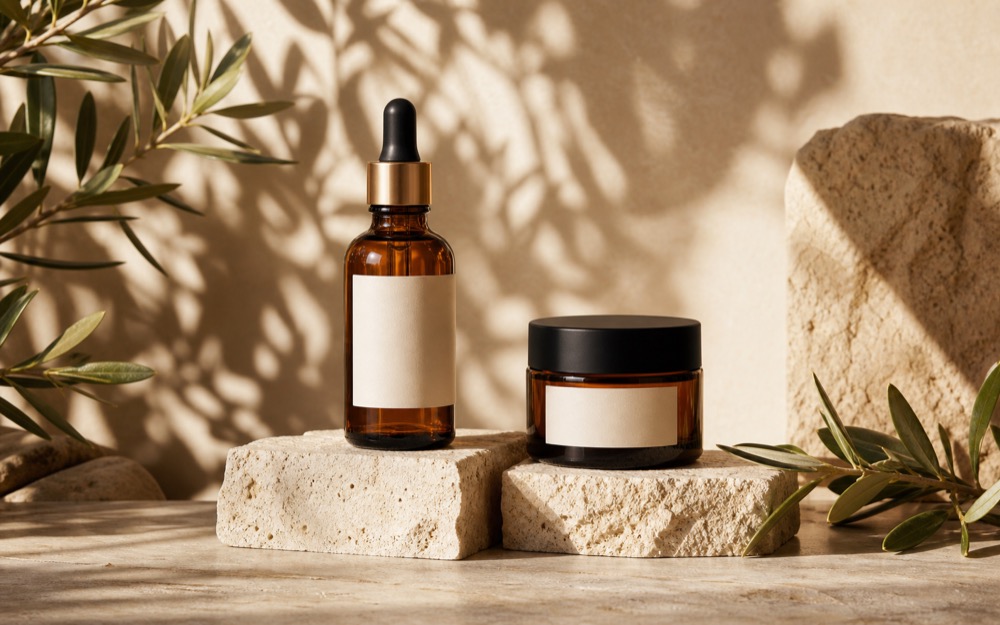
Rebuild the reference package as a clean ecommerce hero, preserve bottle shape and label layout, replace the background with warm off-white studio sweep, natural contact shadow, remove clutter.
GPT Image 2 commercial ad image with realistic hand interaction and product hierarchy

Hand-and-product ad

A commercial ad sample for reviewing anatomy, screen geometry, and product hierarchy.

Text to image4:32K0 refsCommercial ad
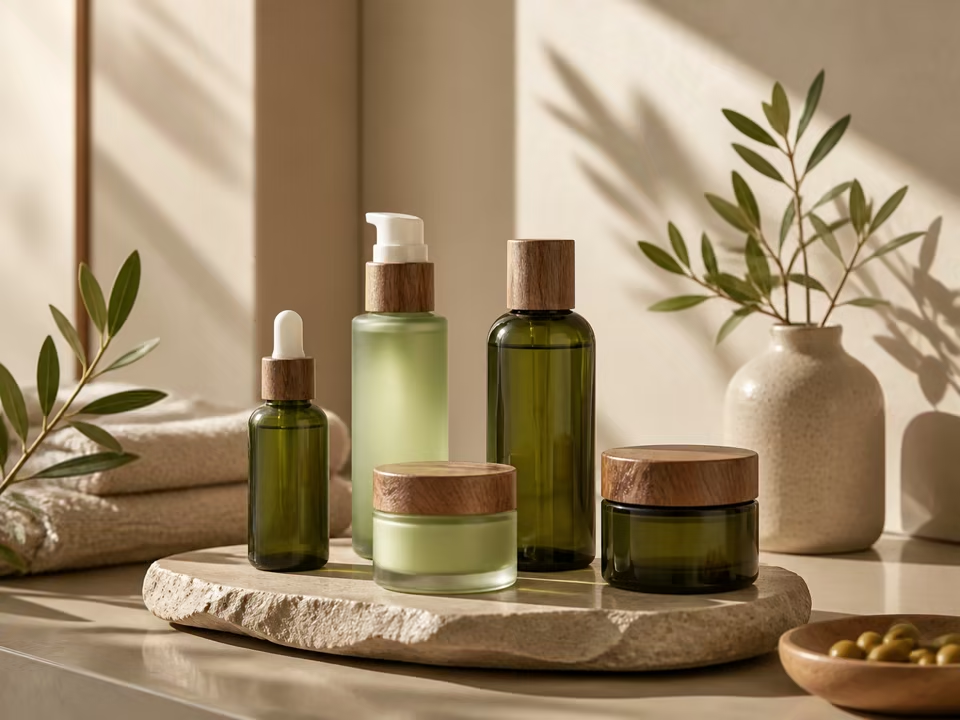
Create a commercial image of a hand arranging a premium skincare set on a clean desk, realistic fingers, clear product hierarchy, soft studio light, no fake text, no duplicated products.

How to use GPT Image 2 for image generation

GPT Image 2 is the high-fidelity image route for reference-heavy edits, realistic product photography, and prompts where exact visual instruction matters.

Strong fit for

Use it for precise commercial images, multi-reference edits, and scenes that need careful object placement or prompt faithfulness.

Choose another model when

Use Nano Banana 2 for faster idea volume, or Qwen Image 2.0 when negative-prompt control is the main requirement.

Prompt structure

  1. 1List the subject, reference preservation requirement, and final use case first.
  2. 2Describe camera angle, material behavior, lighting, and background.
  3. 3Add review constraints such as label accuracy, no fake text, or crop safety.

Prompt recipes

Product photo rebuild

A realistic commercial photo prompt for preserving a product while changing the scene.

Create a realistic product photo of the reference perfume bottle on polished marble, preserve bottle silhouette and label position, soft editorial lighting, subtle reflections, shallow depth of field, no extra text.

1:12KImage to image1-4 references

Check label placement, glass reflections, and whether the product still matches the reference.

Ad layout with hands

A controlled prompt for scenes where hands, devices, and product hierarchy must stay believable.

Create a clean SaaS launch image with realistic hands using a laptop, product dashboard visible but not text-heavy, calm blue-gray workspace, natural daylight, balanced negative space on the right.
16:92KText to image1 output

Check hands, screen geometry, and whether the UI area stays readable without fake copy.

Poster-ready edit

A prompt for converting a reference into a publishable visual direction.

Edit the reference product into a holiday poster scene, keep product shape, color, and main label structure, add warm paper textures, soft festive lights, uncluttered background, no invented logo.
4:54KImage to imageMultiple references when needed

Check reference fidelity, poster crop, and whether decorative elements stay secondary.

Packaging reference rebuild

A precise edit prompt for rebuilding a package into an ecommerce-ready scene.

Rebuild the reference package as a clean ecommerce hero, preserve bottle shape and label layout, replace the background with warm off-white studio sweep, natural contact shadow, remove clutter.
3:42KImage to image1 reference

Check label layout, product silhouette, and whether the new surface feels physically grounded.

Hand-and-product ad

A commercial prompt for checking anatomy, product hierarchy, and brand-safe realism.

Create a commercial image of a hand arranging a premium skincare set on a clean desk, realistic fingers, clear product hierarchy, soft studio light, no fake text, no duplicated products.
4:32KText to image1 output

Check finger anatomy, product spacing, and whether the scene still feels like an advertisement.

Choose image models by use case

If you have not chosen a model yet, start from image editing, image-to-image, background changes, object removal, product photos, posters, ecommerce image sets, or logo generation, then pick the image model that fits the task.

AI Image Editor

Use Kynvio AI as an AI image editor to edit images with prompts, change backgrounds, clean product photos, refine portraits, and create image-to-image variants.

View use-case guide

Image to Image AI Generator

Use Kynvio AI as an image to image AI generator for reference-guided image variations, product redraws, style changes, and prompt-based image edits.

View use-case guide

AI Background Remover

Use Kynvio AI to remove backgrounds, create product cutouts, clean profile images, and make white background product photos with prompt-based edits.

View use-case guide

AI Background Changer

Use Kynvio AI to change image backgrounds, create branded scenes, make ad background variants, and refresh ecommerce images with prompt-based edits.

View use-case guide

AI Object Remover

Use Kynvio AI to remove objects from photos, clean product images, erase distractions, rebuild backgrounds, and create polished image-to-image edits.

View use-case guide

AI Product Image Generator for Product Photos

Create AI product photos, ecommerce hero images, and clean product visuals from prompts or product references with Kynvio AI.

View use-case guide

AI Poster Generator

Create AI posters with Kynvio AI for campaigns, product launches, event visuals, social covers, and reference-guided poster edits.

View use-case guide

AI Ecommerce Image Generator

Use Kynvio AI to create coordinated ecommerce images for marketplace listings, product galleries, detail pages, ads, and social commerce from product references or prompts.

View use-case guide

AI Logo Generator

Use Kynvio AI as an AI logo generator to create logo concepts, brand marks, ecommerce store logos, creator channel avatars, and app icon directions.

View use-case guide

Real GPT Image 2 task examples

Prompt-faithful images visual brief

Scenario
A creator needs a concrete image direction before committing to a campaign, product, or social asset.
Example input
A realistic perfume product image on marble with soft reflections and editorial lighting.
Expected output
A prompt-ready visual direction with subject, composition, lighting, style, and usage notes.
Why this model
Choose GPT Image 2 for high-fidelity product shots, prompt-faithful edits, and workflows with many references.

Product photos variation

Scenario
A designer wants a second direction that preserves the core idea while exploring layout or style.
Example input
Create a clean SaaS launch illustration with human hands, laptop screen, and subtle brand colors.
Expected output
A reusable prompt that clarifies what should change, what should stay consistent, and how the output should be judged.
Why this model
GPT Image 2 is useful here because the model page emphasizes Text to image, Image to image, Up to 16 references.

Posters production check

Scenario
A team wants the first result to be easier to review before producing more image candidates.
Example input
Edit the reference into a holiday ad while preserving the product shape and label.
Expected output
A focused image prompt plus review criteria for brand fit, subject accuracy, crop safety, and unwanted artifacts.
Why this model
GPT Image 2 fits this case because its public page is built around Prompt-faithful images, Product photos, Posters, Precise edits.

Estimated credits

Calculated before generation

The live quote uses Kynvio pricing rules for this default setup. Final usage is confirmed in the workspace before any credits are spent.

Speed tier: Quality

Actual wait depends on queue and provider availability, selected resolution, duration, and uploaded reference media.

Default capability guide

These limits come from the same public model metadata used by the Kynvio workspace. The final generation page still validates uploads, plan access, and provider availability before spending credits.

Modes

Text To Image, Image To Image

Ratios

1:1, 2:3, 3:2, 3:4, 4:3, 4:5, 5:4, 9:16, 16:9, 21:9

Resolution

1k, 2k, 4k

Output count

Up to 4 images

Reference images

Up to 16

Best for

Choose GPT Image 2 for high-fidelity product shots, prompt-faithful edits, and workflows with many references.

Tradeoff

It is a quality-first option, so use lighter image models when you only need quick ideation.

Use instead when

Use Nano Banana 2 for faster drafts, or Qwen Image 2.0 when negative prompt control matters more.

GPT Image 2 key features

Use this model-specific page to understand the strengths, tune the prompt, and carry the selected platform model into the Kynvio workspace.

Text to image

GPT Image 2 turns detailed prompts into product images, campaign graphics, social visuals, and concept drafts.

Image to image

Use source images or references to keep the subject, starting frame, style, or composition aligned before continuing in the workspace.

Up to 16 references

Use source images or references to keep the subject, starting frame, style, or composition aligned before continuing in the workspace.

1K to 4K outputs

Choose 1K to 4K outputs based on whether you need fast drafts, social posts, or higher-detail final assets.

How to use GPT Image 2 AI Image Generator

Step 1

Open the GPT Image 2 page and write the subject, style, lighting, and final use case.

Step 2

Choose the image model settings in the prompt bar so the workspace opens with the right setup.

Step 3

Click Generate to continue inside Kynvio AI, review the settings, then run the real generation from the app.

Example prompts

A realistic perfume product image on marble with soft reflections and editorial lighting.
Create a clean SaaS launch illustration with human hands, laptop screen, and subtle brand colors.
Edit the reference into a holiday ad while preserving the product shape and label.
Rebuild a packaging reference into a clean ecommerce hero while keeping the label layout stable.
Create a hand-and-product commercial image with realistic fingers, clear product hierarchy, and no fake text.

FAQ

Is GPT Image 2 good for edits?

Yes. It is a strong option when the prompt needs to preserve references while changing scene, styling, or layout.

Can I generate multiple images?

Yes. Use the output count control to request multiple candidate images from one prompt.

When should I choose another model instead of GPT Image 2?

Use Nano Banana 2 for faster exploration, Nano Banana Pro for polished product heroes, or Qwen Image 2.0 when negative-prompt control is the central requirement.

What prompt details work best with GPT Image 2?

Include the subject, final use case, composition, lighting, material details, and what should stay out of the frame. Add references when the workflow depends on an existing product or style.

How should I evaluate the first image output?

Check subject accuracy, visual hierarchy, brand fit, unwanted text, and whether the image works at the target crop. Then refine the prompt or references before creating the next version.

Try GPT Image 2 with your next prompt

The public page explains the model. The Kynvio workspace handles the real generation flow, credits, uploads, and history.

Start creating