Turn campaign direction into visuals
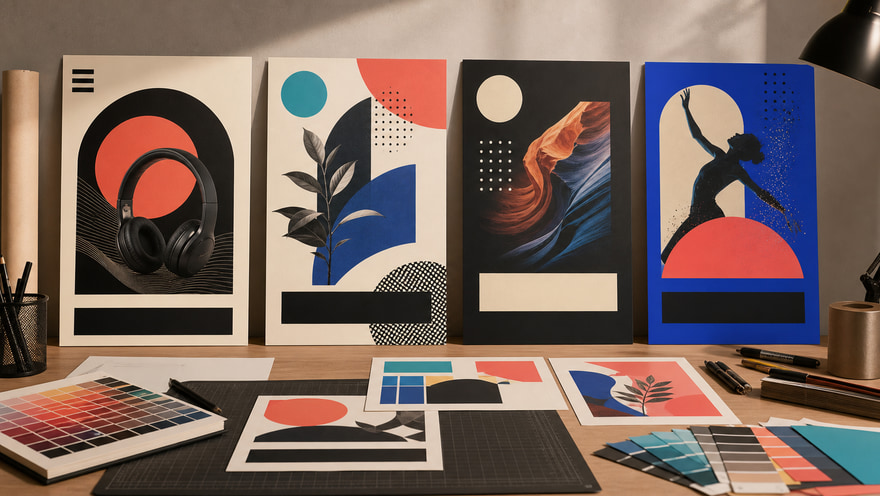
Start from a campaign goal, product angle, or reference image and create a poster draft with a clear subject, mood, composition, and title-safe space for faster creative review.
Create review-ready AI poster drafts for product launches, events, social covers, and brand campaigns. Start with a campaign direction or product reference, then shape the layout, lighting, mood, and title-safe space faster.
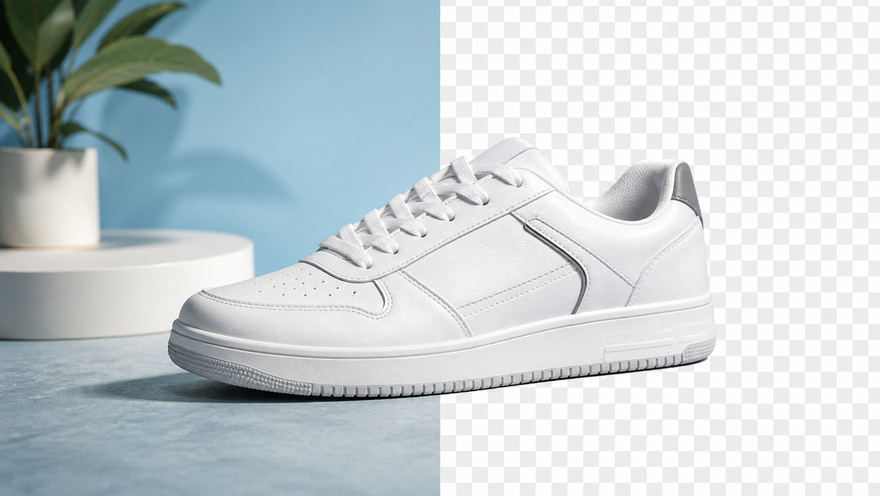
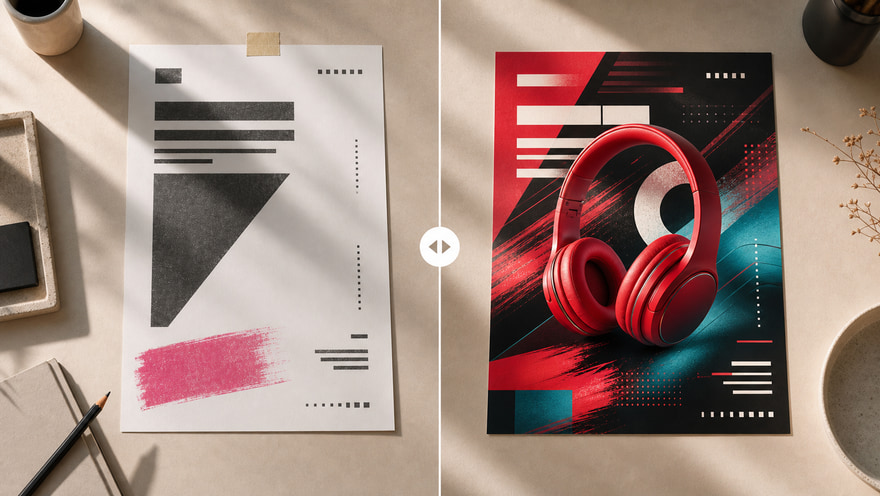 Plain Poster DraftAI Polished Poster
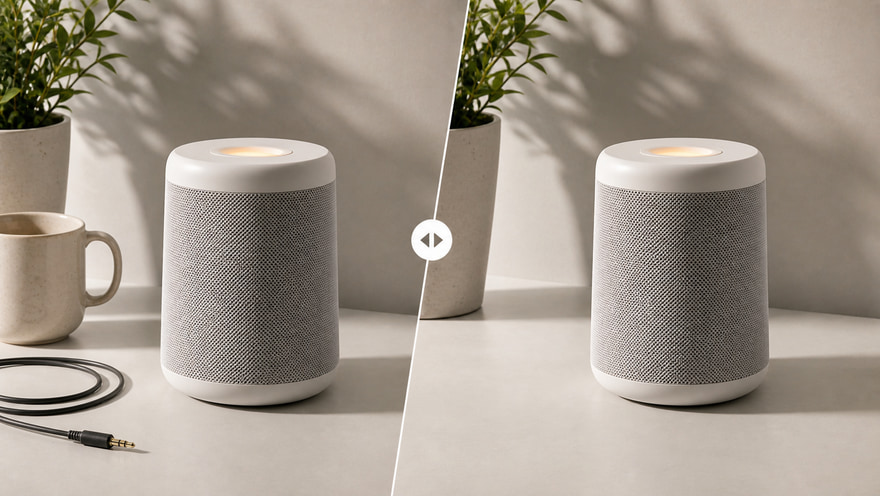
Start with a campaign direction or reference → Generate a review-ready AI poster
The AI poster generator is built for visual exploration before final design work: define subject, scene, lighting, material, color, and title-safe space, then open the Kynvio workspace to choose the model, ratio, and references for real generation. This public page explains and routes; it does not spend credits.
Generate AI posters free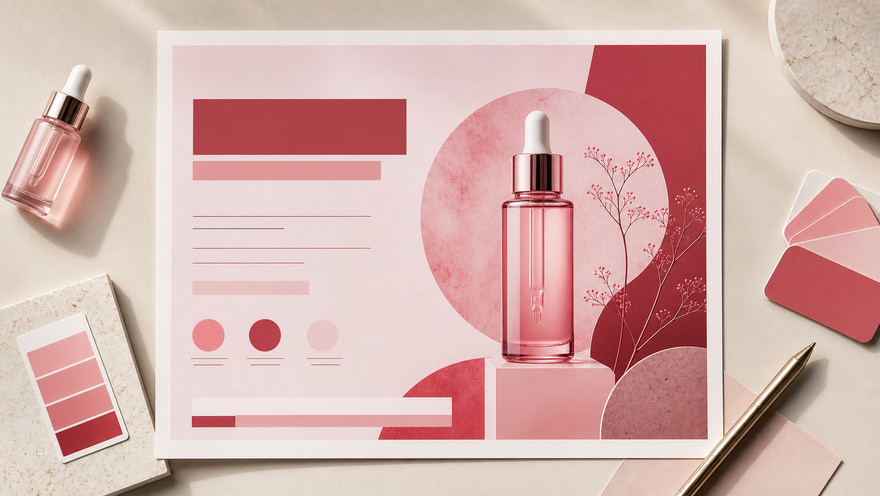
Start from a campaign goal, product angle, or reference image and create a poster draft with a clear subject, mood, composition, and title-safe space for faster creative review.
Extend one visual direction into vertical social posters, square covers, wide banners, and campaign heroes. Define the visual system first, then choose ratio and model in the workspace.
Early poster work often means finding style, composition, and copy placement. Use AI to draft multiple directions, then let designers refine typography, brand rules, and final production files.
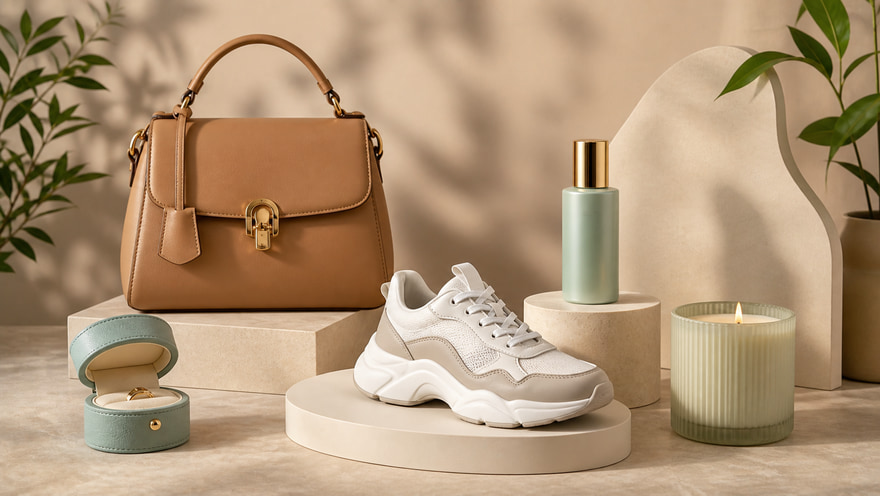
Create product launch posters that give a new item a clear hero image, refined material feel, and enough title-safe space for campaign copy. Use this for landing pages, launch emails, and paid social tests.
Create product launch posters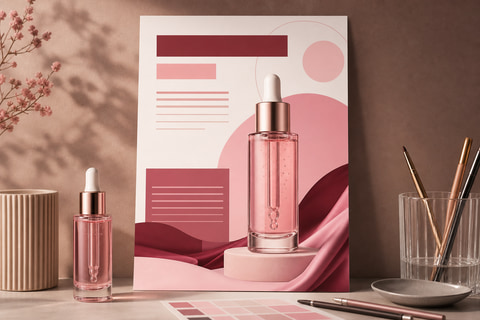
Draft event posters for pop-ups, exhibitions, webinars, workshops, and campaign moments. Keep the visual hierarchy clear so designers can later add verified dates, names, and typography.
Make event poster drafts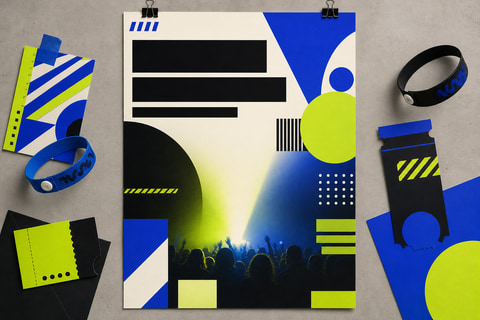
Use social-ready poster compositions for covers, feed posts, thumbnail tests, and creator briefs. Keep the product recognizable while leaving room for channel-specific copy.
Generate social cover posters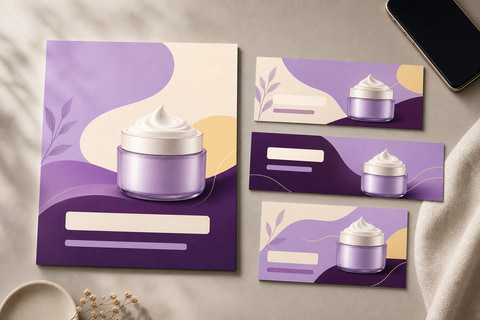
Explore expressive poster concepts for music releases, culture campaigns, fashion drops, and high-energy social visuals without committing to final typography too early.
Create music visual posters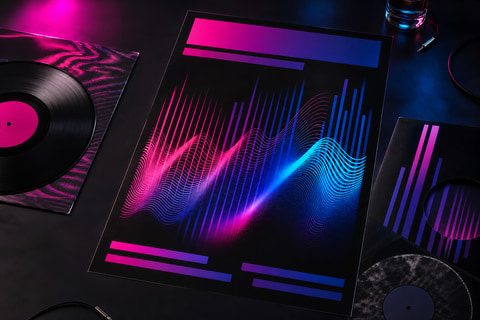
Create wide poster banners for website hero sections, travel campaigns, editorial headers, and paid media placements that need landscape framing and broad copy-safe space.
Generate wide poster banners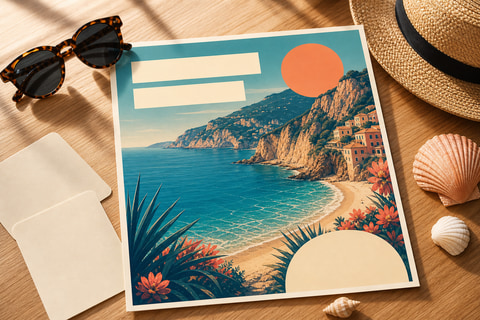
Whether you are preparing brand campaigns, product launches, event promotion, or social content, use the AI poster generator to explore visual direction first, then carry the confirmed subject, ratio, and style into the Kynvio workspace.
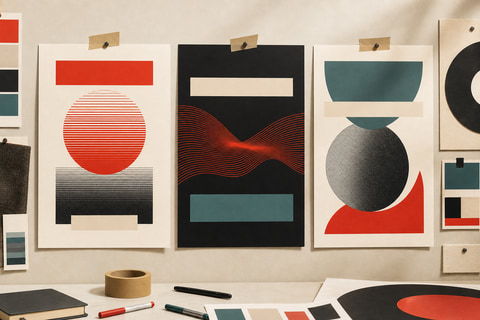
Brand teams can use the AI poster generator to test campaign key art before locking typography, final copy, and production files. It helps align the creative direction around subject, mood, color, and copy-safe space before design polish begins.
Start with the poster goal and visual direction, then choose ratio, style, references, and model. Use the result for campaign review and design drafts, and check typography and brand rules before publishing.
Describe the campaign goal, product or event, audience, visual mood, and any title-safe space the poster needs.
Upload a product or style reference when the subject, package, color, or original layout should stay recognizable.
Choose poster use case, style, aspect ratio, and model in the workspace, then generate and review the draft before final design polish.
Keep exploring related tools for commercial images, ecommerce assets, and campaign visuals.
Use GPT Image 2 for prompt-faithful poster edits, Nano Banana Pro for polished brand posters, and Grok Imagine 1.0 for bold social or music-poster concepts.
Yes. Keep important copy in the prompt and leave clear title-safe space, then check generated text carefully before publishing.
Yes. Use a reference image when the product, person, or original layout must stay recognizable in the poster.
Write a poster brief or upload a product reference, choose the style, aspect ratio, and model, then generate campaign poster drafts for launch pages, events, ads, and social covers in the Kynvio workspace.
Start AI posters free