AI Image Generator

Image to Image AI Generator

Generate new visuals from an existing image. Use image-to-image AI to preserve a subject, change the style, rebuild scenes, and iterate faster.

image to image AIText to ImageImage to Image
Image to image AI generator for reference-guided visual variations

Real examples and prompts

Each example keeps a reusable prompt, settings direction, and business use case so you can judge whether this page matches your image task.

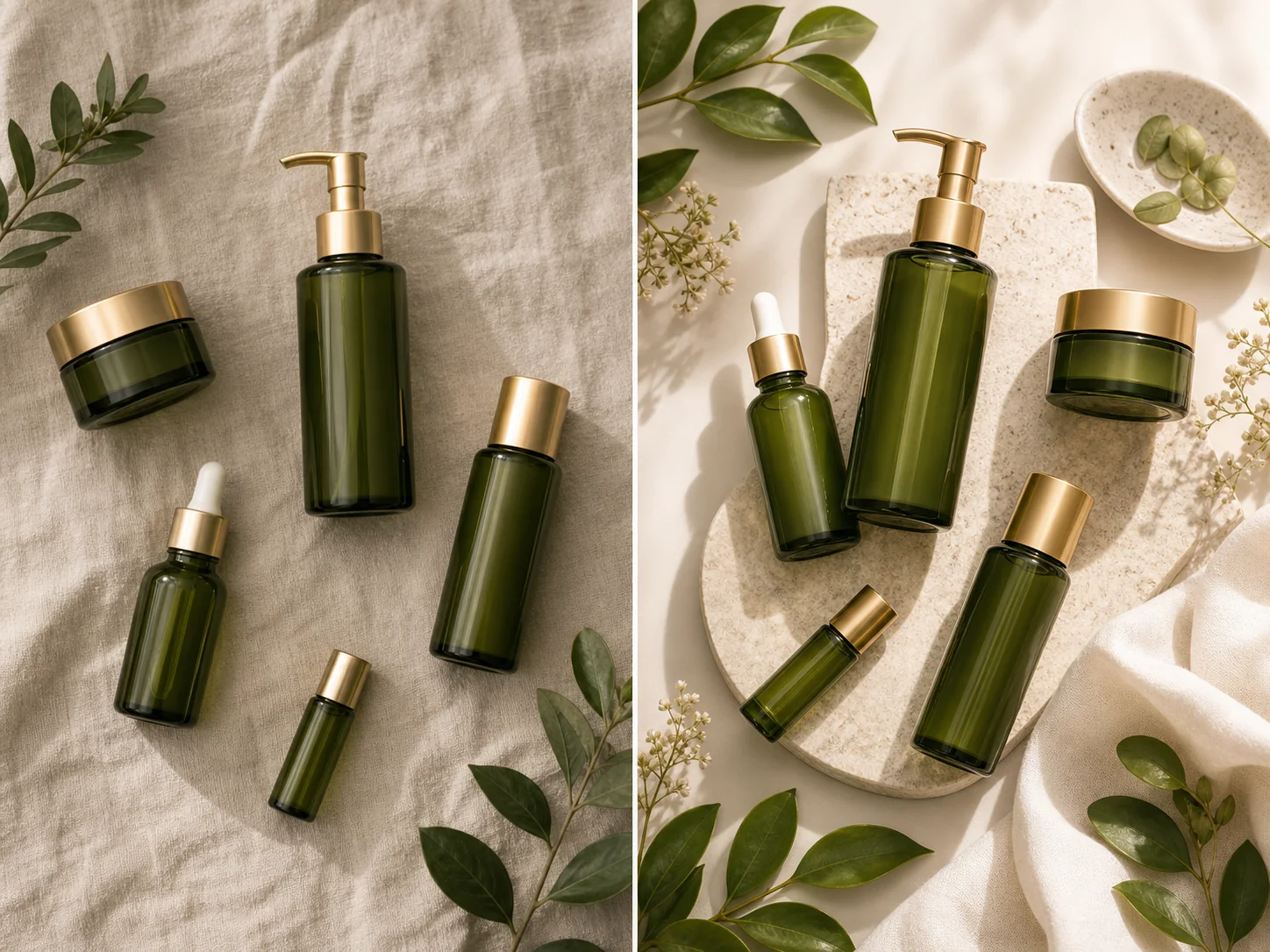
Image to image AI example preserving a bottle while changing the studio scene

Product variant

Use the reference image as structure, then generate a cleaner commercial variant.

Image to ImageProduct reference1:12K
Use the reference bottle as the main subject, preserve silhouette and label placement, create a premium studio variant with warm neutral background and realistic shadow.
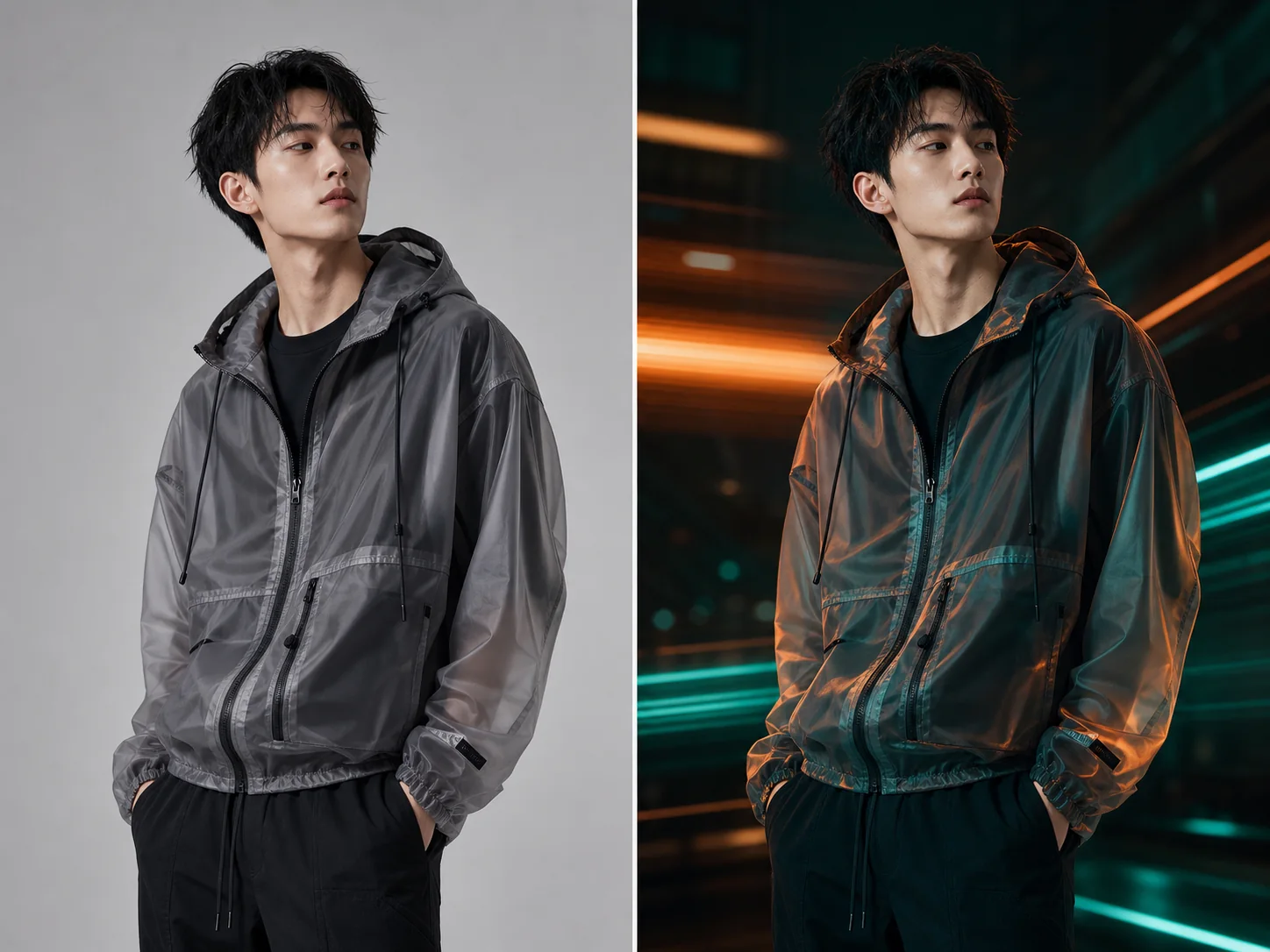
Image to image AI style variation for a fashion portrait

Style variation

Create style variants without losing the visual direction of the source image.

Image to ImageStyle variant3:4Editorial
Create a new fashion editorial variant from this reference, keep pose and framing, add cinematic neon lighting, sharper styling, clean high-end magazine finish.
Image to image AI turning a poster direction into a polished campaign visual

Campaign iteration

Use image-to-image when the first draft is close, but needs stronger layout and finish.

Image to ImageCampaign variant4:52 outputs
Create a more polished version of this campaign image, keep product mood and pink palette, improve composition, lighting, and title-safe negative space.

Prompt templates you can adapt

Templates provide direction; the final model, aspect ratio, uploads, and output count are still confirmed inside the Kynvio workspace.

Reference variation

Use this for controlled visual variations from one uploaded image.

Create an image-to-image variation of this reference, preserve [subject/layout], change [style/scene], keep realistic details, balanced composition, no unwanted text.

Second-pass polish

Use this when one generated draft needs a more polished second pass.

Improve this draft while keeping the core idea, make the image more polished for [channel], refine lighting, background, and composition, keep the subject recognizable.

Explore More AI Image Tools

Keep exploring related tools for commercial images, ecommerce assets, and campaign visuals.

FAQ

Which model should I use for image-to-image AI?

Use GPT Image 2 when the reference must stay accurate, Nano Banana Pro for polished variations, and Qwen Image 2.0 when you need stronger constraint control.

How is image-to-image different from text-to-image?

Image-to-image starts from an uploaded image or visual reference, so it is better for preserving subjects, layouts, and styles than text-only generation.

Can I create multiple variants from one image?

Yes. Describe what should remain stable, then ask for new lighting, background, style, crop, or product presentation.

Start creating this image workflow

Start image-to-image generation with a reference upload, then preserve the parts that matter while changing style, scene, or composition.

Start image to image