Plan a complete listing gallery
Start from product references or a clear product direction, then build a unified visual system for listing heroes, galleries, detail modules, and campaign assets.
Create coordinated ecommerce image sets for marketplace listings, product galleries, detail pages, ads, and social commerce. Start from product references or a clear brief, then generate a consistent visual family.
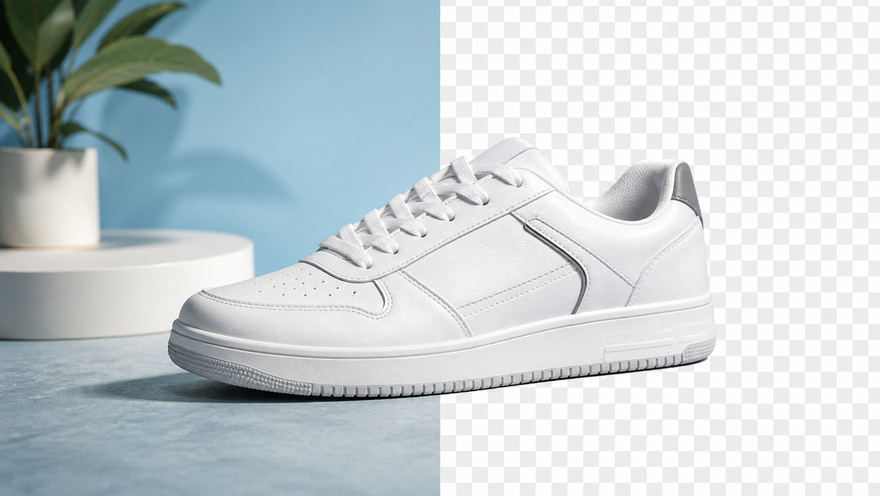
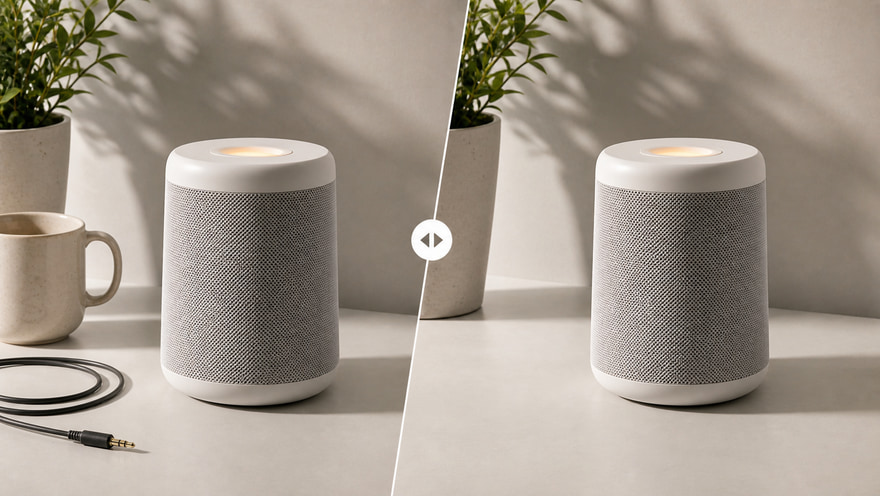
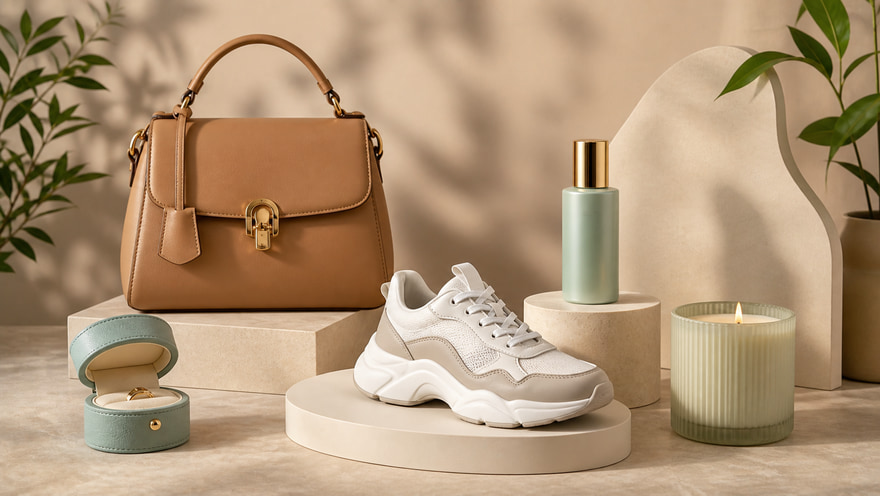
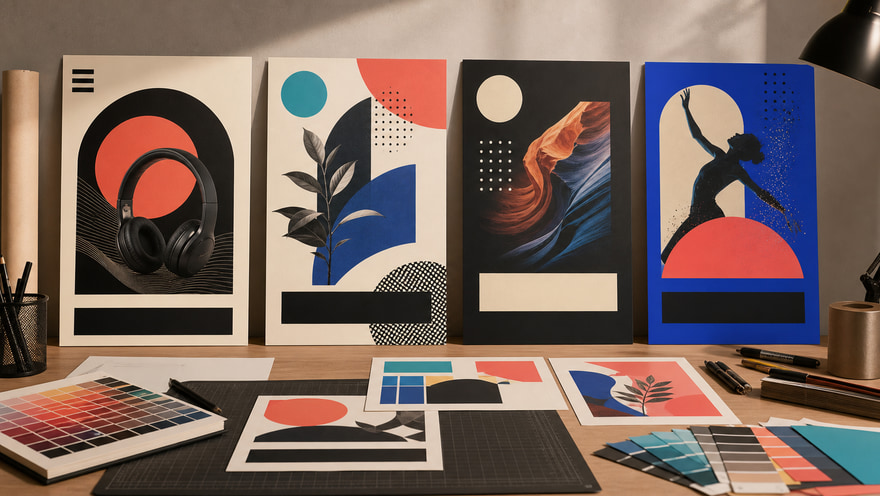
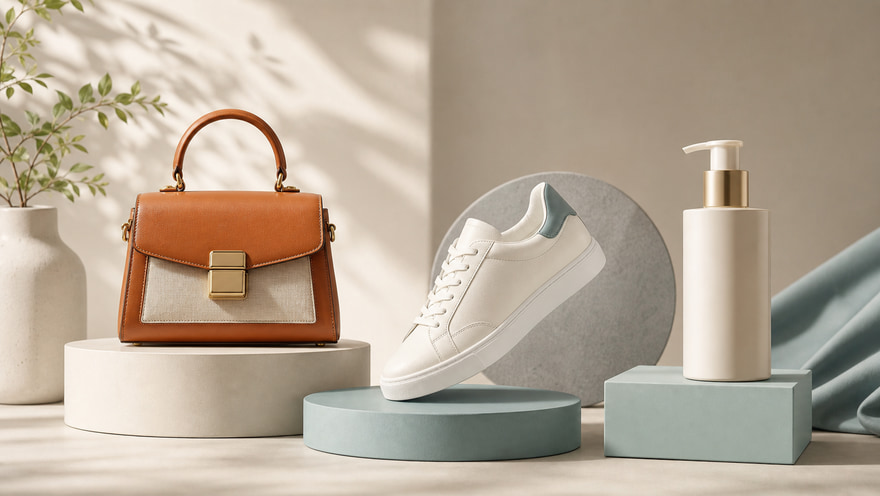 Marketplace galleryDetail page assetsAd and social set
Start with one product direction → Build a multi-channel ecommerce image set
Ecommerce images are more than one product photo. They include listing galleries, detail-page visuals, bundle flatlays, lifestyle images, ad creatives, and social covers. Kynvio AI rebuilds background, lighting, composition, and publishing ratios around the same product direction so you can create a more consistent commercial image system.
Create ecommerce image sets
Start from product references or a clear product direction, then build a unified visual system for listing heroes, galleries, detail modules, and campaign assets.
Extend the same product direction across Shopify, Amazon, TikTok Shop, Instagram, ads, and site hero placements while keeping lighting, backgrounds, ratios, and brand mood aligned.
Ecommerce pages often need heroes, detail crops, bundle flatlays, lifestyle images, and ad variants. AI image generation helps teams draft those assets faster for review and publishing.
Create clean product gallery images for marketplace listings and storefront shelves. Use consistent surfaces, spacing, and shadows so every product feels part of the same catalog.
Create gallery images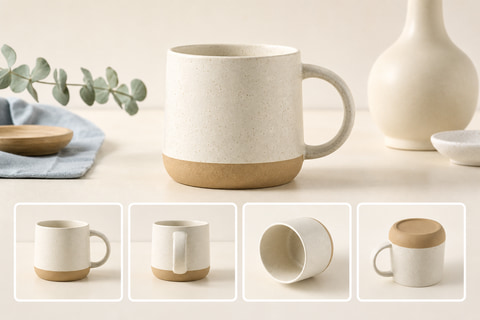
Product-detail pages need more than a main image. Generate lifestyle context, usage scale, benefit visuals, and clean supporting images that help shoppers understand what they are buying.
Make detail page images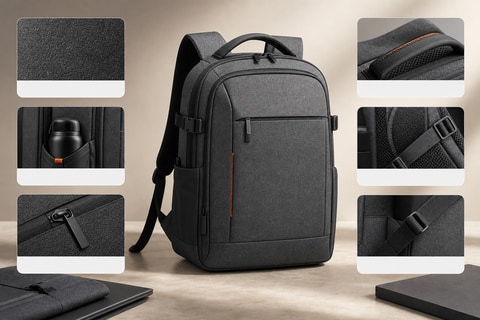
Use flatlay compositions for bundles, kits, subscription boxes, and seasonal sets. Keep color, material, and spacing coherent so the set looks planned instead of assembled from unrelated images.
Generate bundle flatlays
Add lifestyle and scale context when a simple white-background image does not explain enough. Show material, size, and use environment while keeping the product presentation polished.
Add lifestyle context
Prepare ecommerce visuals for ads, sale moments, social commerce posts, and landing-page tests. Keep the product recognizable while adapting crop, color, and mood for each channel.
Create campaign variants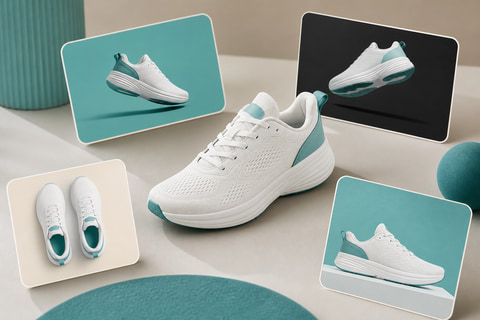
Whether you are preparing marketplace listings, a DTC storefront, ad campaigns, or social commerce content, use the AI ecommerce image generator to turn one product direction into a coordinated, publishable set of commercial images.
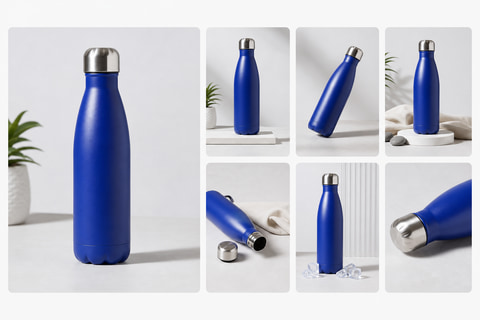
Create a consistent visual family for marketplace listings, product galleries, and storefront shelves. Keep the product hierarchy clean so shoppers can compare shape, material, scale, and style without visual clutter.
Upload product references, choose the purpose, channel, ratio, and visual style, then generate ecommerce images for listings, detail pages, ads, and social commerce.
Upload clear product references or describe the product line, category, material, and must-keep details.
Choose image purpose, visual style, publishing channel, aspect ratio, layout, and background direction.
Generate the ecommerce image, review product accuracy, then repeat the same direction for the rest of the visual set.
Keep exploring related tools for commercial images, ecommerce assets, and campaign visuals.
Use Nano Banana Pro for polished product sets, GPT Image 2 for reference-guided ecommerce edits, and Seedream 5.0 Lite when you need flexible wide campaign images.
Use the same product references, channel, visual style, layout, and background direction for each generation. This keeps listing heroes, detail images, and campaign variants connected as one ecommerce image set.
Use reference images when product shape, color, packaging, or label placement must stay consistent. Use text-only prompts for early concept exploration or when the exact product is not final yet.
Yes. Choose common ratios such as 1:1 for product galleries, 4:5 for social commerce, 16:9 for website heroes, and 9:16 for vertical commerce placements.
Upload product references, choose the purpose, channel, ratio, layout, and style, then generate ecommerce visuals for listings, detail pages, ads, and social commerce in the Kynvio workspace.
Start ecommerce images free