AI Image Generator for Text to Image, Image Editing, and Product Photos

Use Kynvio AI to turn prompts or reference images into product photos, brand posters, social covers, ecommerce detail images, and commercial visual drafts. Choose from multiple AI image models, then keep editing, swap backgrounds, unify style, and create image variations.

Generate--

Multiple AI image models

Choose the right AI image model for product image generation, AI poster design, social media graphics, reference image editing, and brand visual exploration. Kynvio AI supports text-to-image and image-to-image workflows, so you can compare visual quality, speed, language understanding, detail control, and commercial fit.

Real examples from prompt to usable commercial image

Each example keeps the model, prompt, settings, and intended use case visible, so the page works as a practical generator hub instead of a template overview.

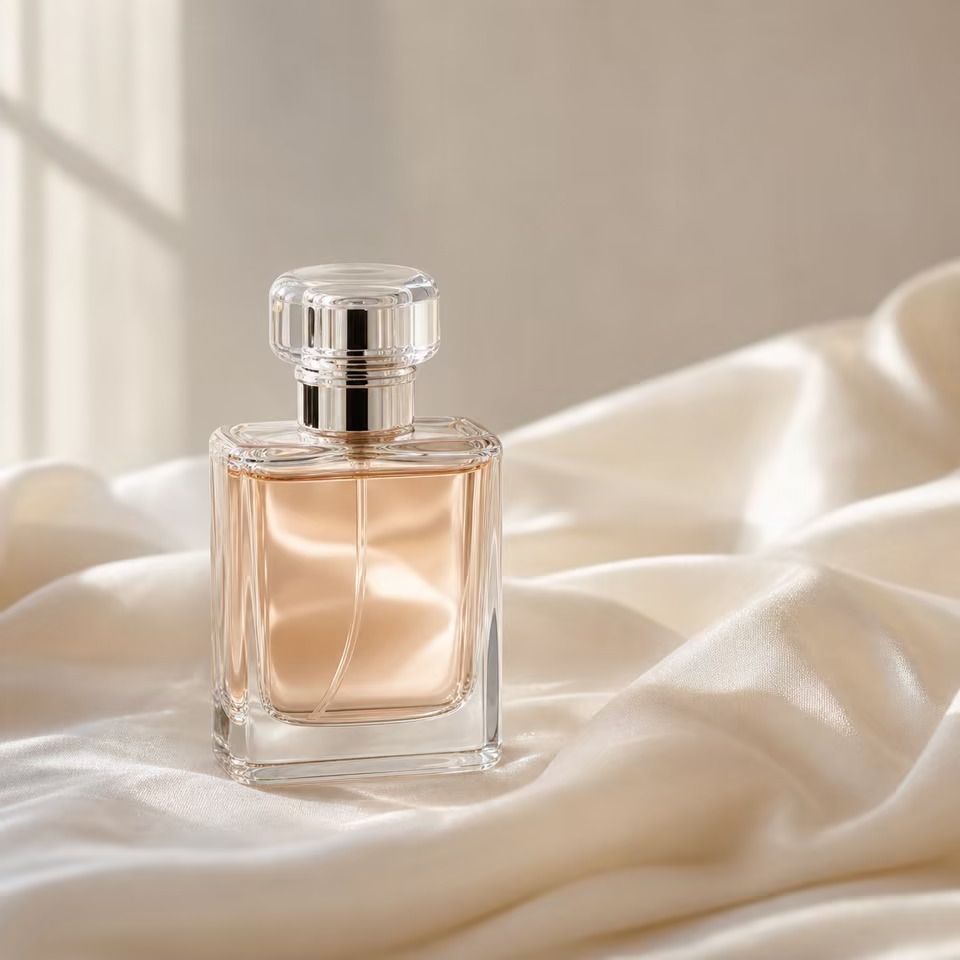
Perfume bottle product photo generated with warm silk reflectionsGPT Image 2

Perfume hero image

Use case: Product hero for ecommerce PDP, ads, and launch banners.

Prompt

A luxury perfume bottle on ivory silk, warm editorial lighting, subtle marble reflection, premium ecommerce product photography, crisp label, clean negative space.

Settings
Text to Image1:12K2 outputs
Use this setup
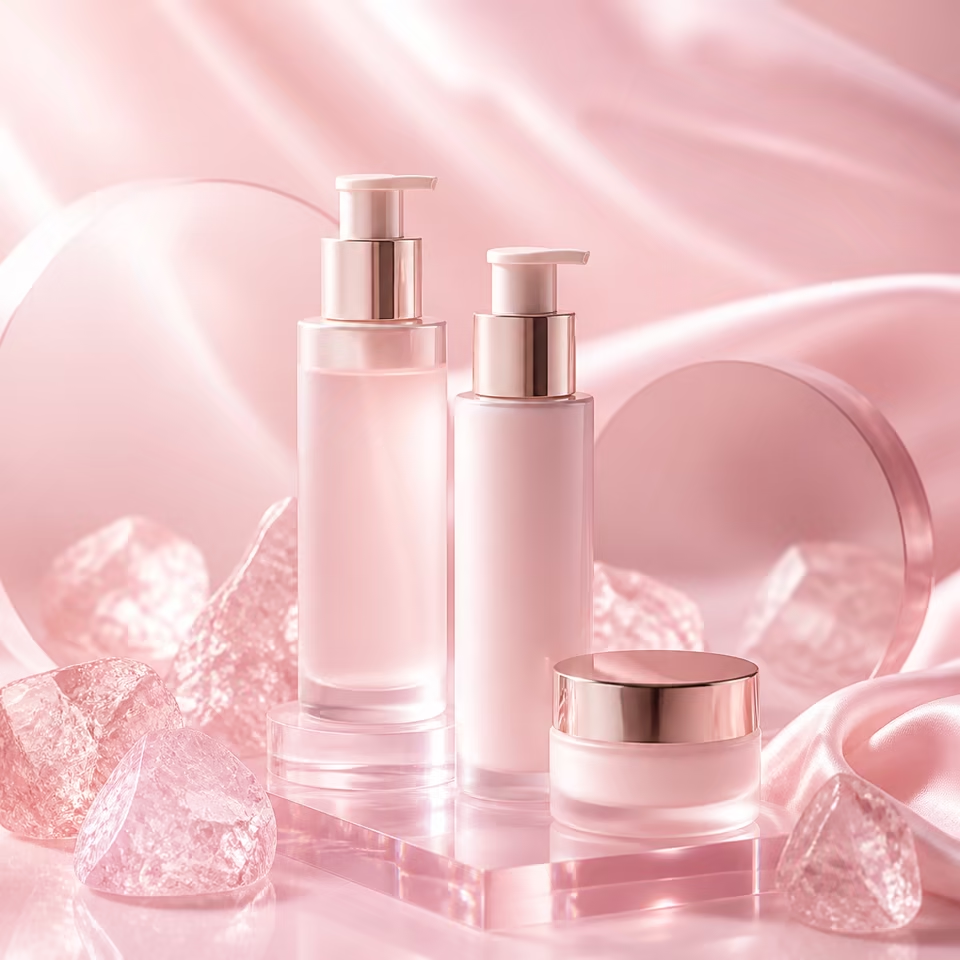
Pink skincare campaign poster generated with glossy studio surfacesNano Banana Pro

Beauty poster visual

Use case: Campaign poster draft for social ads, launch pages, and creative review.

Prompt

A pink skincare serum campaign poster, glossy rose studio surfaces, clean typography space, soft reflections, premium beauty brand mood, vertical social ad composition.

Settings
Text to Image4:52K2 outputs
Use this setup
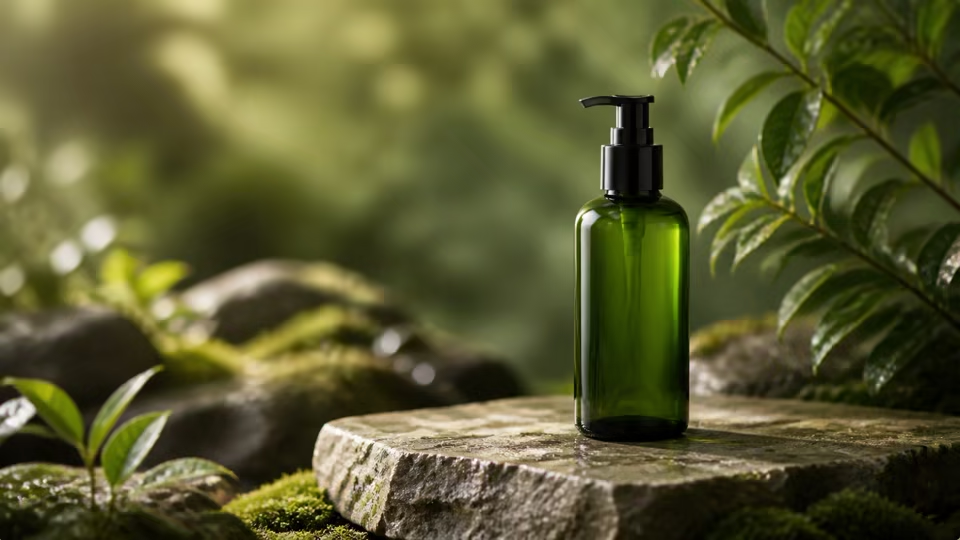
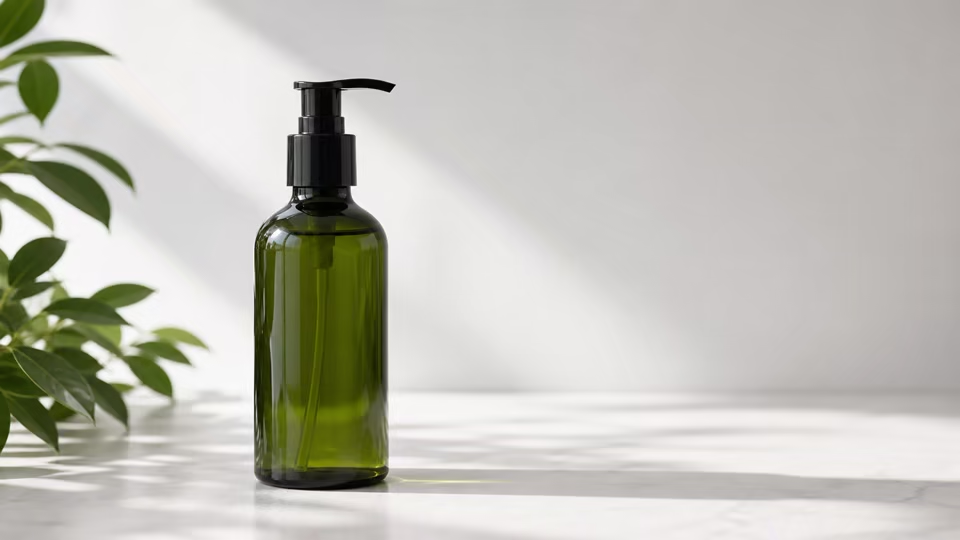
Reference bottle changed into a clean commercial product sceneGPT Image 2

Reference image cleanup

Use case: Turn a simple product reference into a cleaner marketplace-ready image.

Prompt

Keep the bottle shape and label readable, replace the background with a clean beige studio set, add soft product lighting, realistic shadow, premium ecommerce finish.

Settings
Image to Image1 reference1:12K
Use this setup
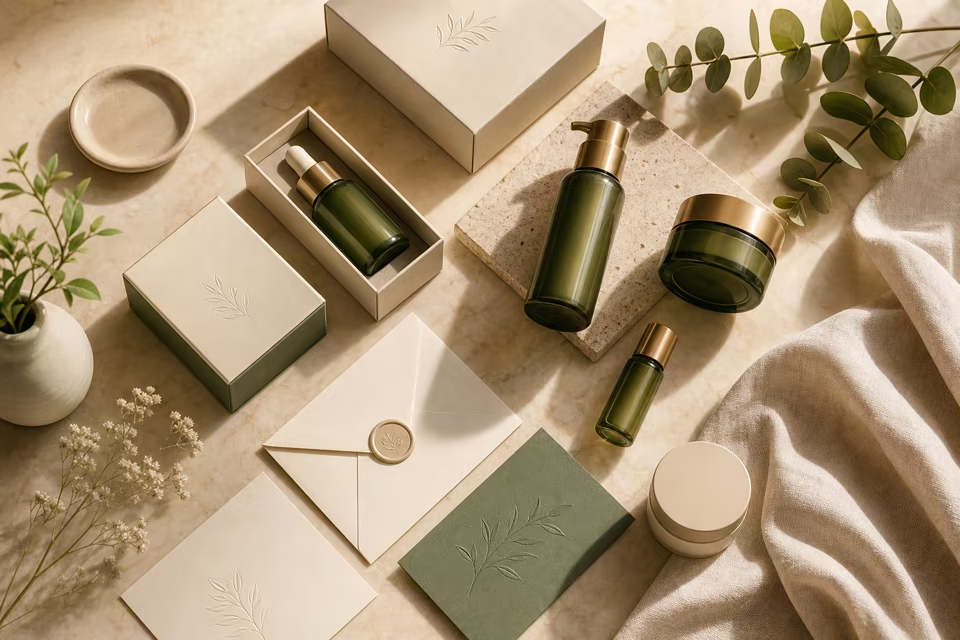
Skincare packaging flatlay generated as an ecommerce image setNano Banana Pro

Ecommerce image set

Use case: Generate a small visual set for product galleries and marketplace testing.

Prompt

A coordinated skincare packaging flatlay on marble and linen, matching brand colors, balanced spacing, realistic shadows, ecommerce gallery image set.

Settings
Text to Image1:12K4 outputs
Use this setup

Generate commercial visuals from one prompt

Start with an image prompt, or combine a reference image with image-to-image generation, to create product shots, brand posters, social covers, ecommerce detail images, portraits, and scene concepts for fast commercial visual exploration.

Perfume bottle on ivory silk with warm commercial light
GPT Image 2

Perfume hero, silk texture

Pink skincare bottles on glossy rose studio surfaces
Nano Banana Pro

Beauty set, clean pink light

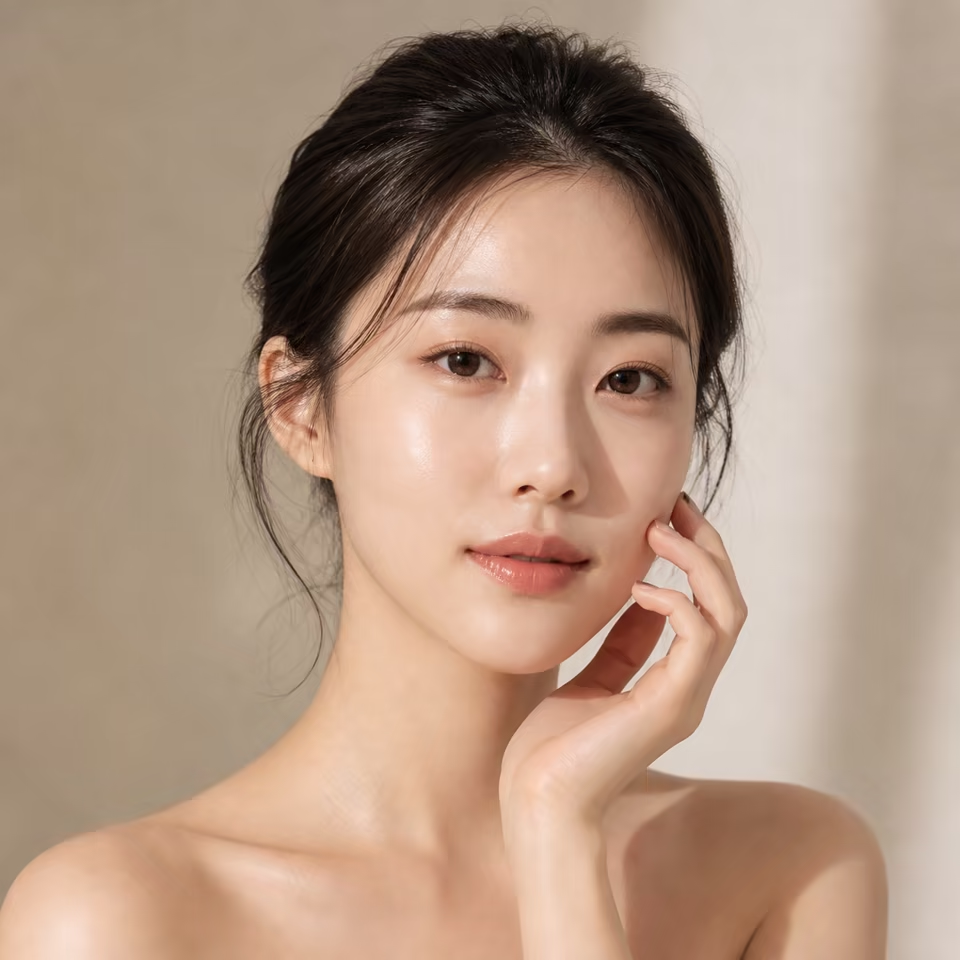
Clean beauty portrait with soft skincare campaign lighting
Nano Banana 2

Natural portrait, shallow depth

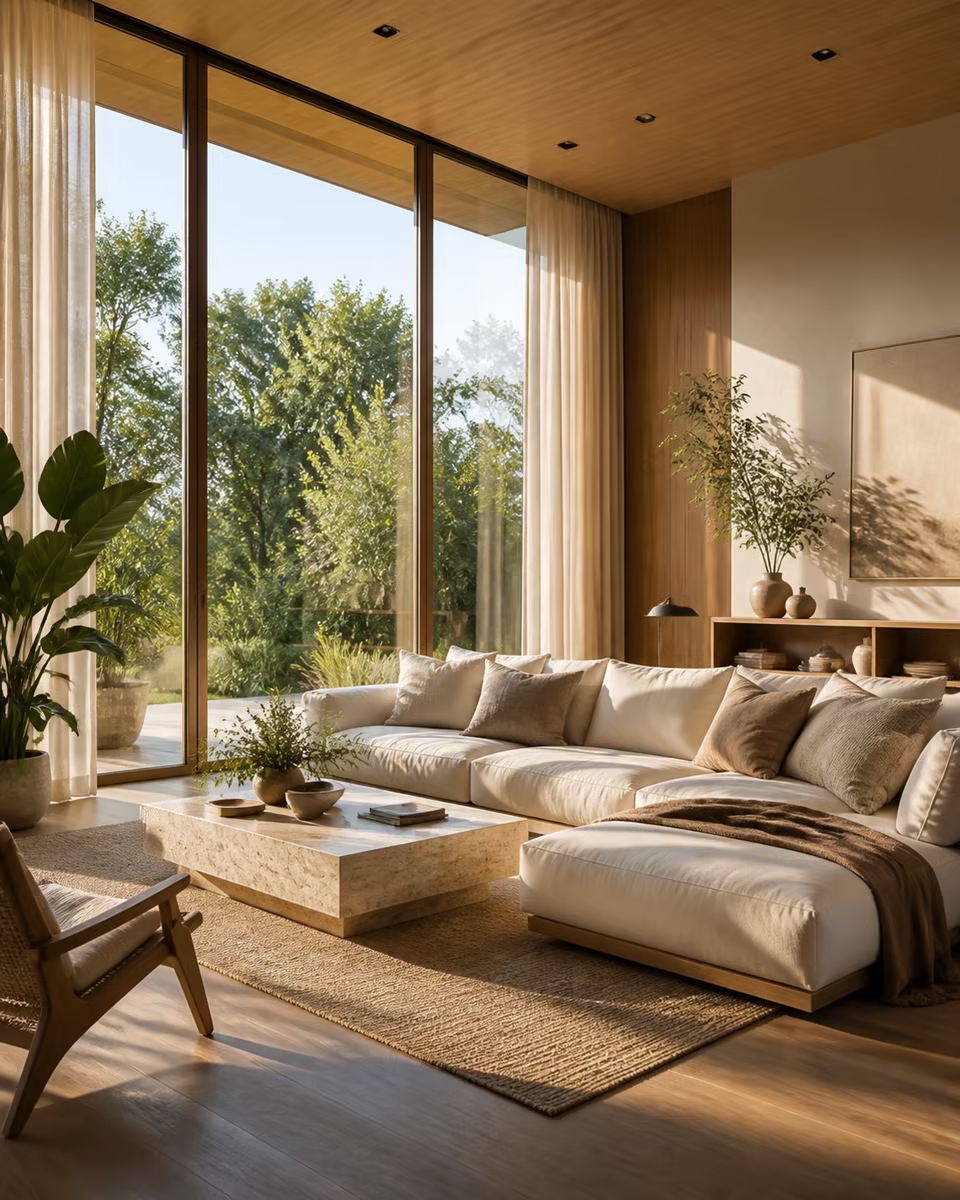
Sunlit neutral luxury living room with plants
Seedream 5.0 Lite

Interior scene, natural light

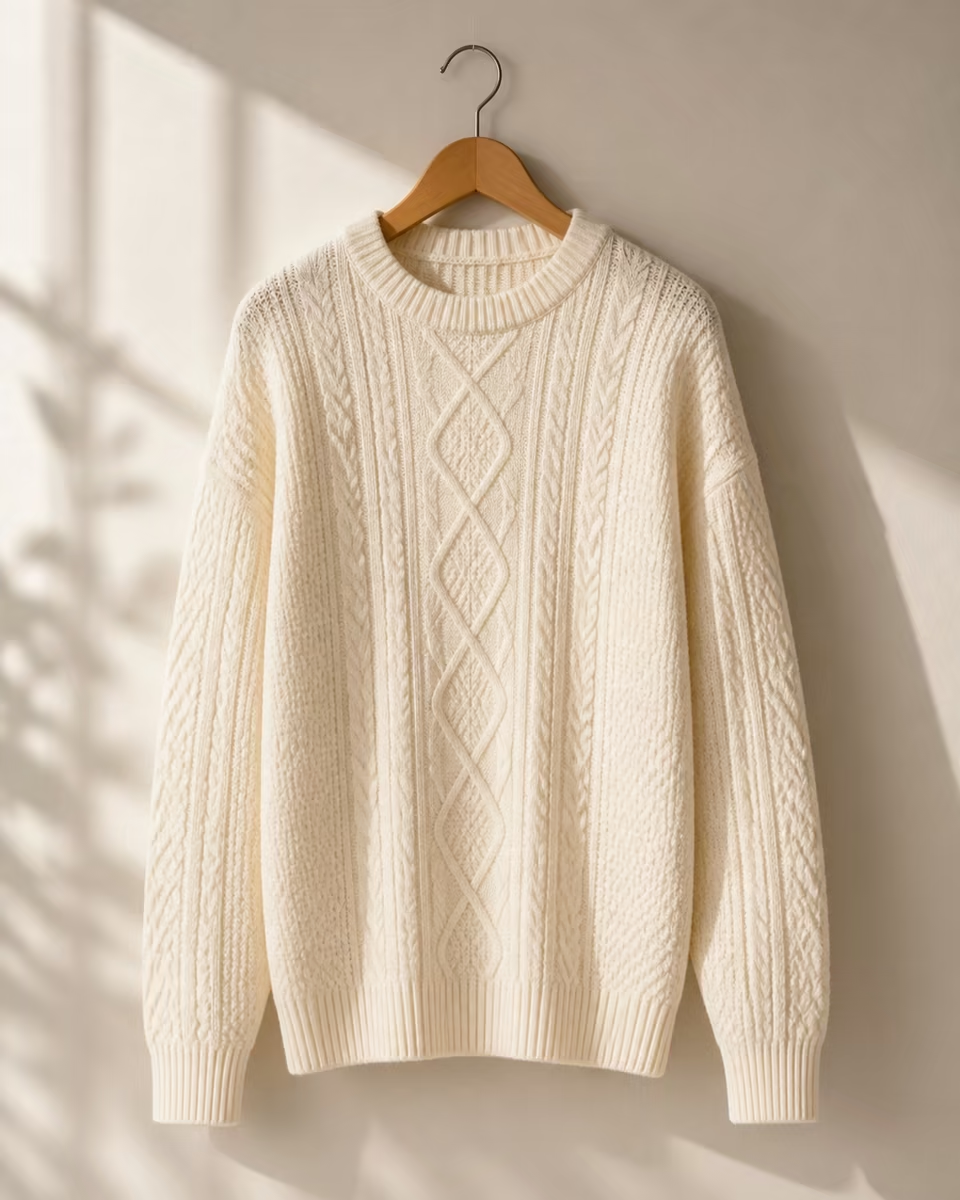
Cream knit sweater on a wooden hanger
Qwen Image 2.0

Fashion catalog, fabric detail

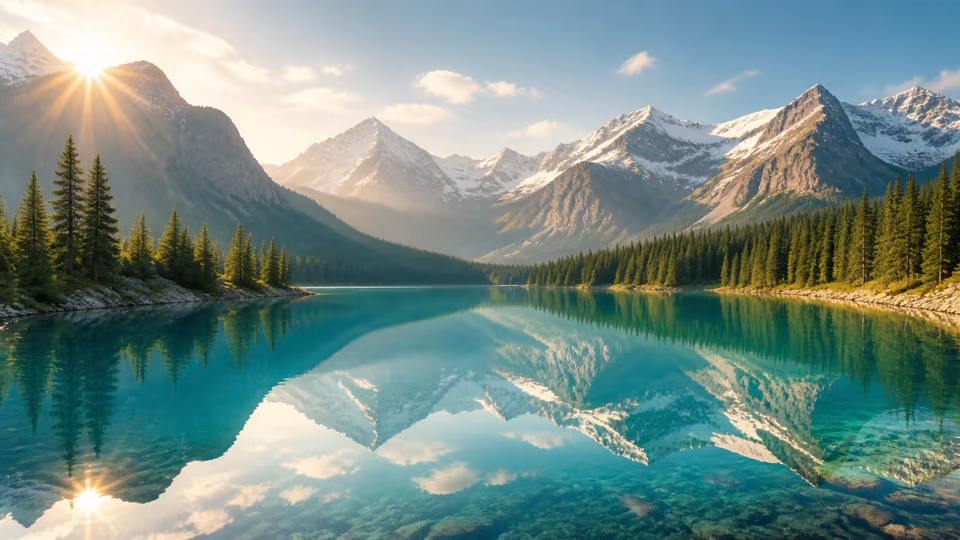
Wide alpine lake and mountain travel banner
GPT Image 2

Travel banner, alpine morning

Luxury skincare packaging flatlay on marble and linen
Nano Banana Pro

Packaging layout, brand system

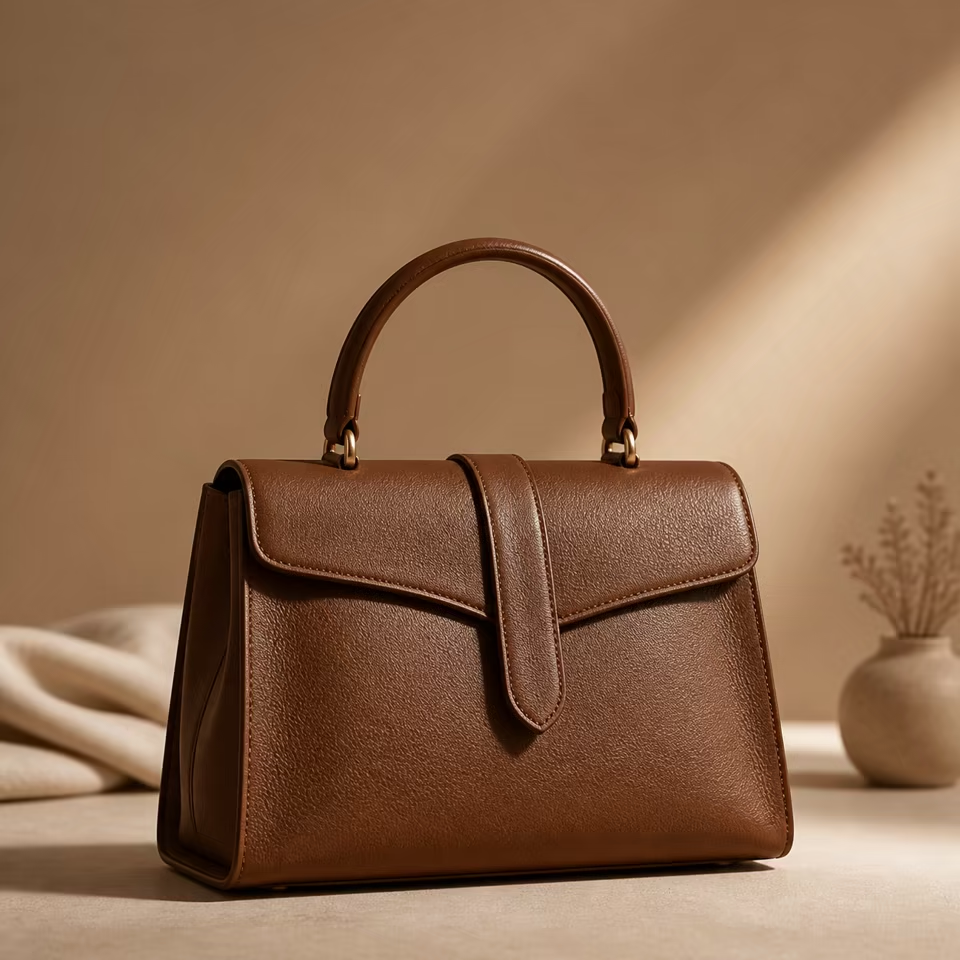
Brown leather handbag commercial product closeup
Nano Banana 2

Leather bag, product closeup

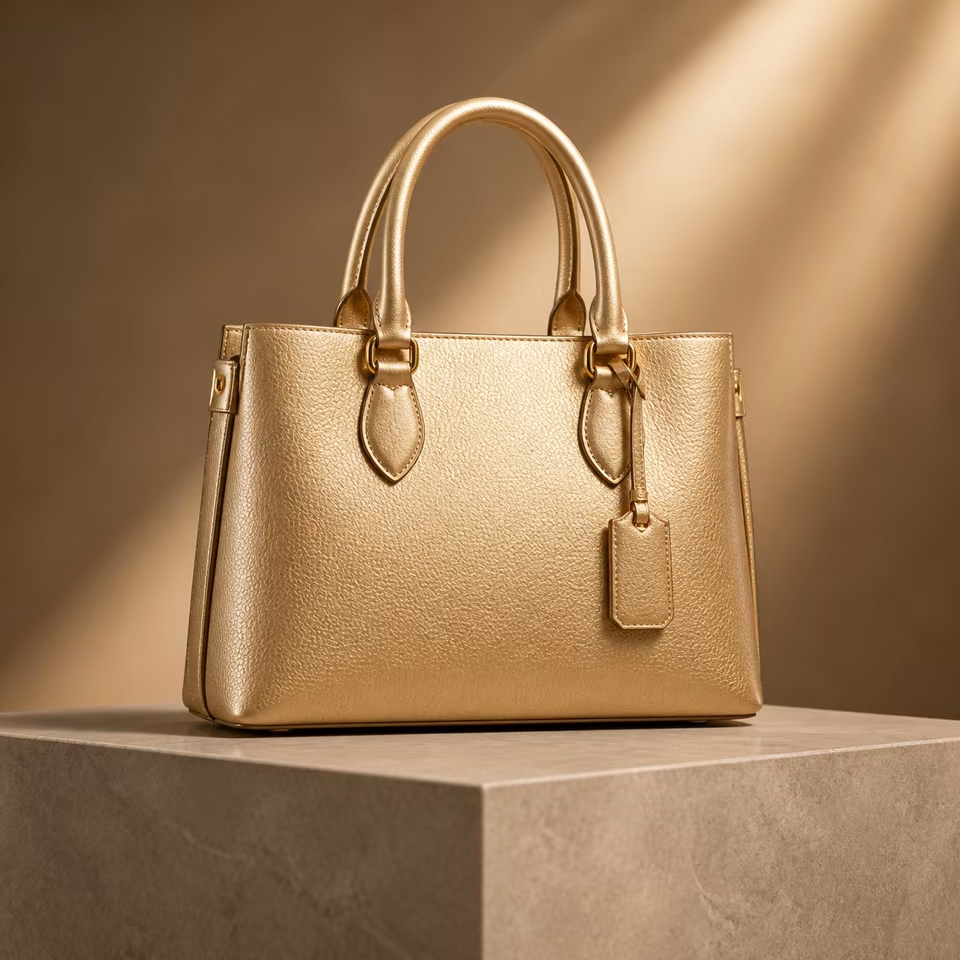
Gold handbag on a neutral pedestal
Nano Banana 2

Accessory hero, warm studio

Upload a reference image, then edit and generate variants

Upload product photos, portraits, or scene references, keep the core subject and structure, then use AI image editing to swap backgrounds, unify style, redraw details, refine local areas, and generate multiple variants from the same source material.

ReferenceReference
GeneratedGenerated

Popular generation scenarios with real destinations

These links only point to real destinations: public use-case and model pages for discovery, plus noindex workspace tools for actual creation.

Prepared for commerce, design, and content teams

Whether commerce sellers need product images, brand teams are preparing campaign posters, designers are exploring visual drafts, or creators are making covers and graphics, Kynvio AI helps teams move from concept to generated image faster.

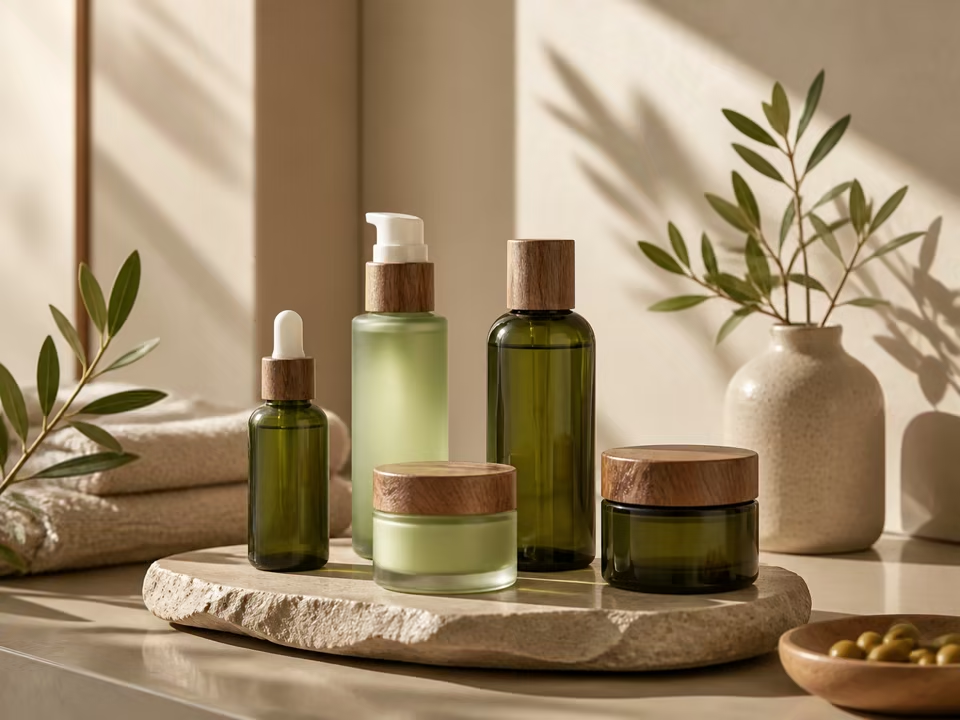
Commercial skincare product set
Improve conversionCreate polished product and social visuals that help shoppers engage.
Lower costExplore multiple directions before committing to production.
Batch outputGenerate visual sets for multiple channels and sizes.
Image editingChange backgrounds and unify style from reference images.

Kynvio compared with generic generators and manual design

Kynvio is designed as a generator hub: model choice, scenarios, settings, examples, and workspace handoff stay connected instead of living as isolated template copy.

Kynvio AI

Best when you want prompt, model, settings, examples, and workspace handoff in one flow.

Starting point

Starts from prompt, model, mode, ratio, resolution, and example-backed use cases.

Model choice

Public model pages explain when to pick GPT Image 2, Nano Banana Pro, and Nano Banana 2.

Commercial fit

Highlights product photos, ecommerce image sets, posters, social graphics, and image edits.

Iteration

Carries prompt, model, aspect ratio, image count, and resolution into the workspace.

Generic AI image generator

Best for quick one-off images, but often weaker on workflow context and reuse.

Starting point

Usually starts from a prompt box with limited model guidance.

Model choice

Model choice can be hidden or loosely described.

Commercial fit

Good for inspiration, but may miss product-photo and marketplace details.

Iteration

Generated assets may be hard to reproduce once settings change.

Manual design workflow

Best for final brand control, but slower before you know which direction works.

Starting point

Starts from a design brief, asset search, layout, retouching, and export specs.

Model choice

Relies on designer judgment and production constraints rather than model capabilities.

Commercial fit

Strong for final production, but requires more time, assets, and revision rounds.

Iteration

Iteration is precise but depends on design time, software files, and review cycles.

Create in three steps

Go from prompt to generated image in three steps: describe the visual, choose the AI image model, aspect ratio, resolution, and image count, then confirm generation in the workspace where results are saved for review, download, and further editing.

1Enter a promptDescribe the subject, scene, style, lighting, composition, and use case, such as a product shot, poster, social cover, or ecommerce detail image.
2Choose model and ratioChoose the image model, aspect ratio, resolution, and output count based on text-to-image, image-to-image, product, portrait, or creative visual needs.
3Confirm and saveReview the parameters in the Kynvio AI workspace, start generation, and keep the result in history for download, reuse, and further editing.

Image generator FAQ

Will clicking generate spend credits immediately?

No. This public page only carries your prompt, model, and parameters into the workspace. The real generation action happens after review inside the app.

Can I switch image models?

Yes. Pick a model in the hero controls, or open the GPT Image 2, Nano Banana Pro, and Nano Banana 2 model pages below to compare them by use case.

Which model should I use for product images?

Start with GPT Image 2, Nano Banana Pro, or Seedream 5.0 Lite for product and ecommerce work, then switch by speed, fidelity, and aspect-ratio needs.

Can I edit reference images?

Yes. Choose Image to Image, enter the workspace, and upload reference images for background changes, style matching, redraws, and variations.

Are failed generations refunded?

This public page does not submit jobs. Real app runs follow the platform generation task and refund rules.

Can I use the images commercially?

Kynvio AI helps produce commercial visual drafts, but usage still depends on your source materials, brand permissions, and local compliance needs.

Create your first AI image

Use multiple image models to create polished commercial visuals faster.

Open image generator