Remove distracting backgrounds
Start from supplier photos, phone snapshots, or profile images, then remove clutter so subject edges, silhouettes, and key details are easier to inspect.
Upload a product, profile, or reference image to remove cluttered backgrounds, create white product photos, clean subject cutouts, or profile background cleanup while keeping the subject edges recognizable.
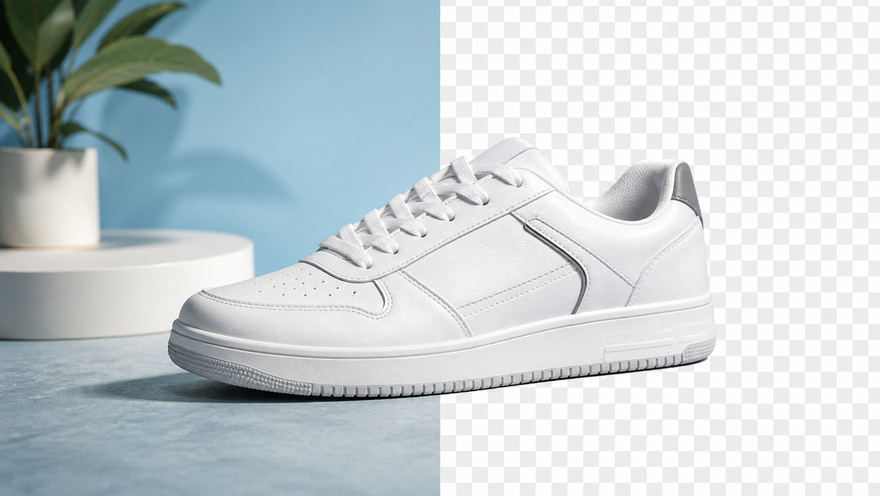
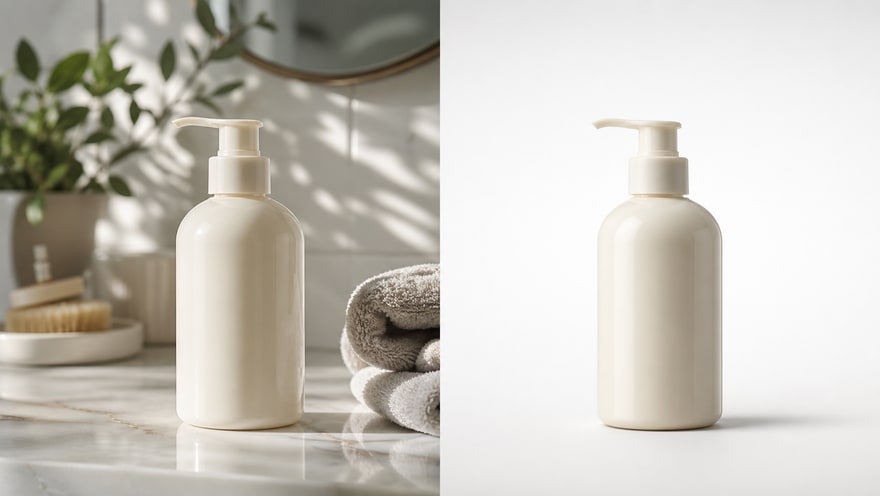 Original BackgroundAI Background Removed
Upload the source image → Remove the background and clean the subject edges
AI background removal focuses on removing background distractions so you can create white product photos, clean profile images, and subject assets for further design. This public page explains and routes; real generation happens in the Kynvio workspace.
Remove backgrounds with AI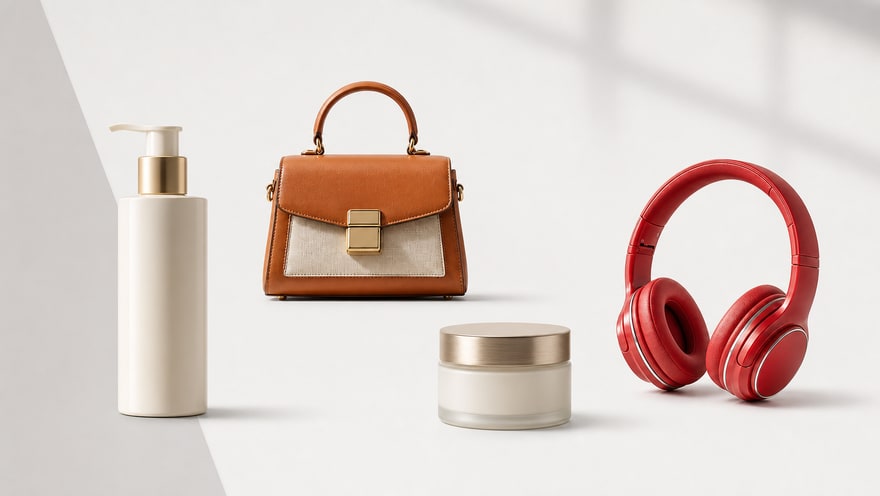
Start from supplier photos, phone snapshots, or profile images, then remove clutter so subject edges, silhouettes, and key details are easier to inspect.
Use it for listings, catalog images, profile pictures, and design-ready subject assets. The goal is clean, stable, reusable output rather than a complex new scene.
Before publishing, inspect hair, shoulders, transparent materials, handles, labels, and contact shadows, then finish final masks in a specialist editor when needed.
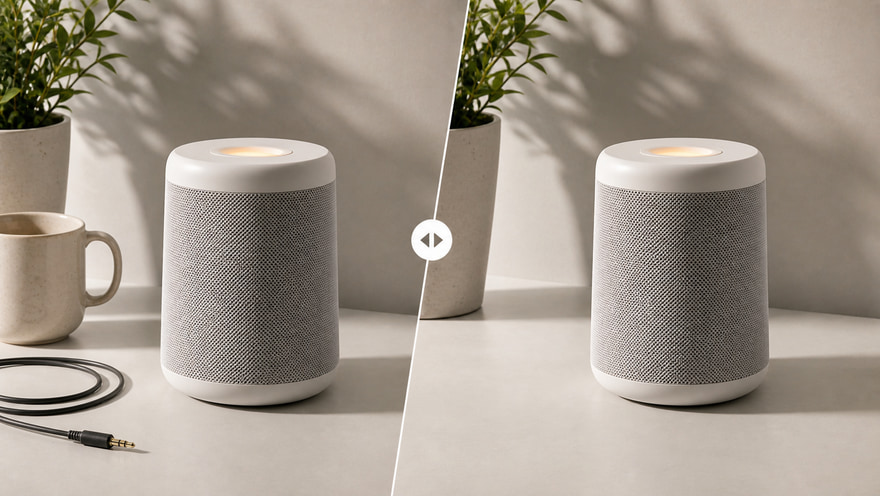
Remove messy product-photo backgrounds and create clean white or neutral images for marketplace review.
Create white background product photos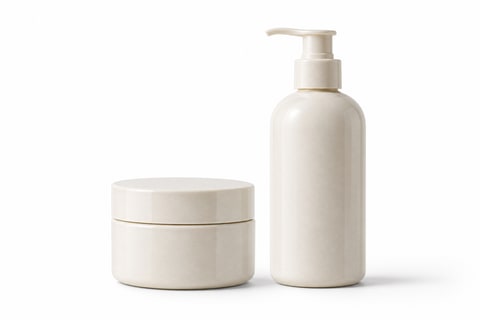
Normalize product photos from different shoots into a consistent marketplace grid with comparable framing and light backgrounds.
Clean marketplace images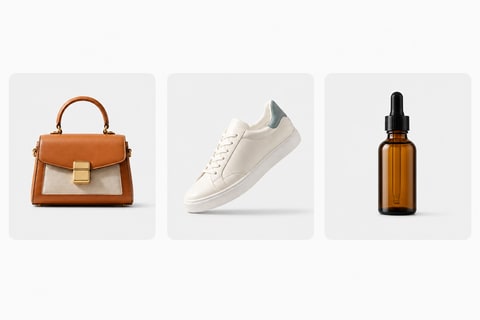
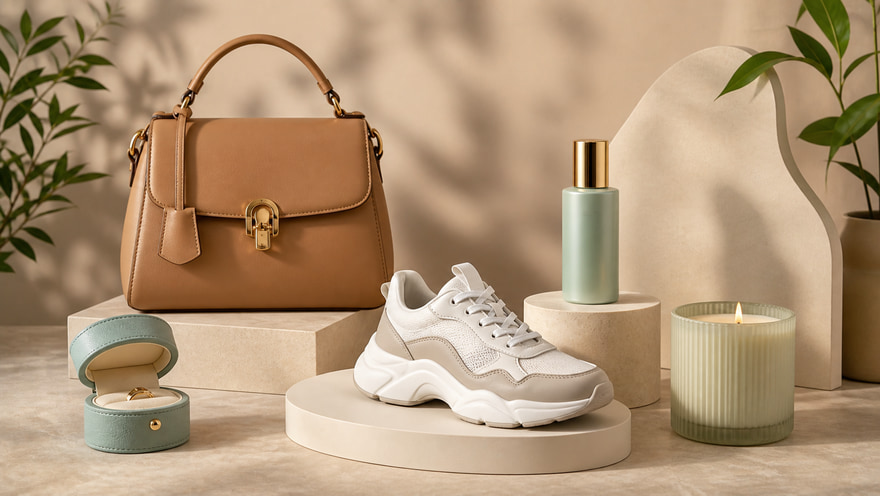
Prepare cutout-like subject assets that can be reused in posters, ecommerce banners, social layouts, and design drafts.
Prepare reusable cutouts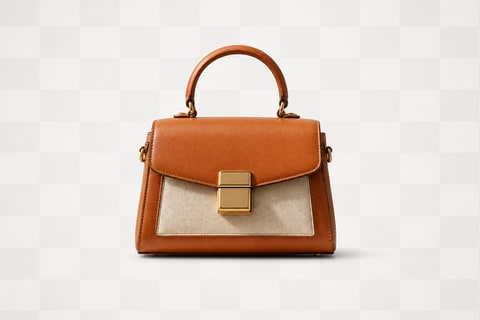
Clean profile, creator, and team photos by removing distracting backgrounds while checking hair and clothing edges.
Clean profile backgrounds
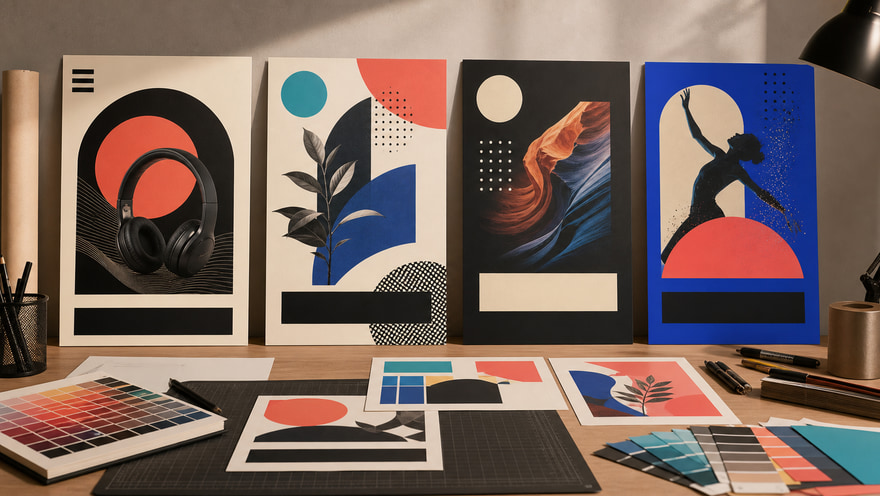
Move clean product subjects into ad mockups, social covers, creator briefs, and channel-specific layouts without rebuilding the product image.
Prepare ad layout assets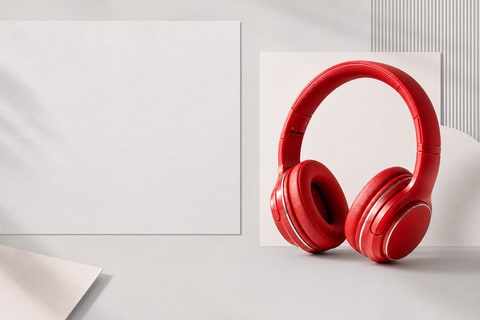
Whether you are preparing listings, brand catalogs, ad layouts, or profile pages, use the AI background remover to clean the subject first, then move it into publishing and design workflows.
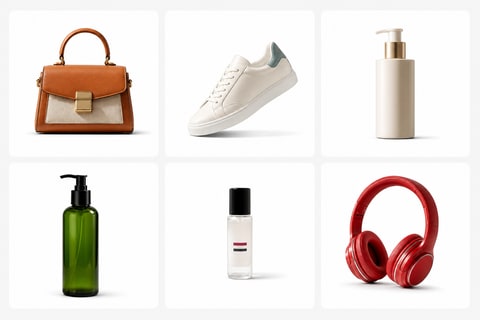
Turn supplier photos, phone snapshots, and uneven catalog images into cleaner listing assets. Consistent white or light-gray backgrounds make products easier to compare in marketplace grids.
Start with a clear subject image, then describe the background removal, subject preservation, and edge cleanup you need. After generation, inspect whether the cutout edges look natural.
Upload a clear product, portrait, or reference image with the full subject visible and important edges unobstructed.
Ask Kynvio to remove the background, create a white or neutral background, and preserve the subject shape, label, texture, and natural shadow.
Generate in the workspace, then check hair, fabric, handles, transparent materials, labels, and contact shadows before downloading.
Keep exploring related tools for commercial images, ecommerce assets, and campaign visuals.
Use it when the main job is removing clutter, isolating the subject, or creating a white or neutral background. Use the background changer page when you want a new branded, seasonal, or advertising scene.
Use simple, high-contrast source images when possible. Product photos with clear edges, visible labels, and unobstructed silhouettes are easier to clean.
Yes. Ask for a white, light gray, or simple neutral background when you need marketplace-ready product images with clean edges and realistic shadows.
Inspect hair, shoulder, fabric, handle, glass, and label edges before publishing. For pixel-perfect export, finish the final mask in a specialist editor.
The public SEO page only explains the workflow and sends you to the app workspace. Credits are handled only after you confirm real generation settings there.
Upload a product, portrait, or reference image, describe the background removal and edge cleanup you need, then generate white product shots, profile cleanup, and reusable cutout assets in the Kynvio workspace.
Start background removal free