AI Image Generator

AI Image Editor

Edit images with AI from a reference photo: change backgrounds, clean product shots, refine portraits, and create before-after visuals for campaigns.

AI image editorText to ImageImage to Image
AI image editor for before-after product and portrait edits

Real examples and prompts

Each example keeps a reusable prompt, settings direction, and business use case so you can judge whether this page matches your image task.

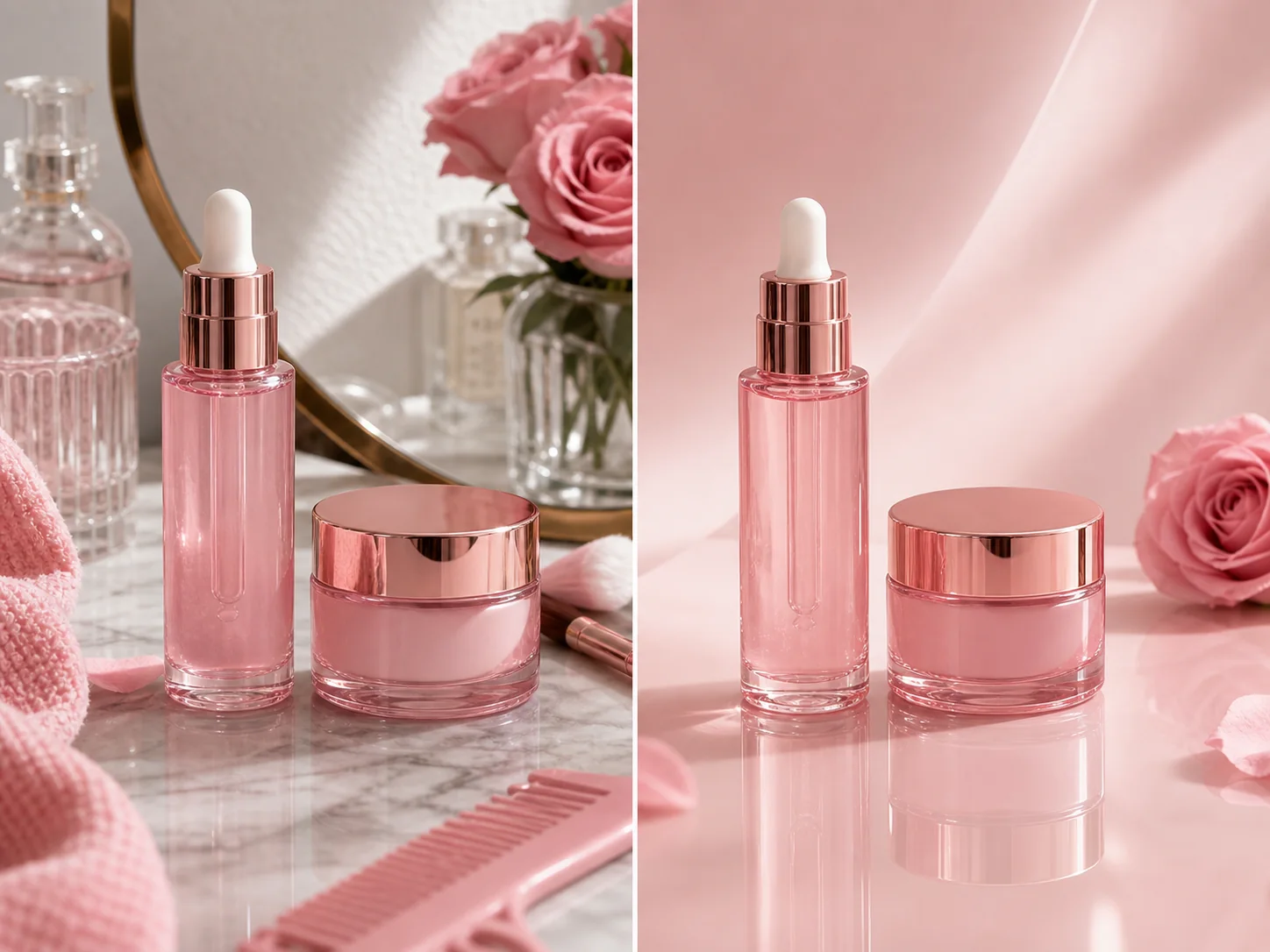
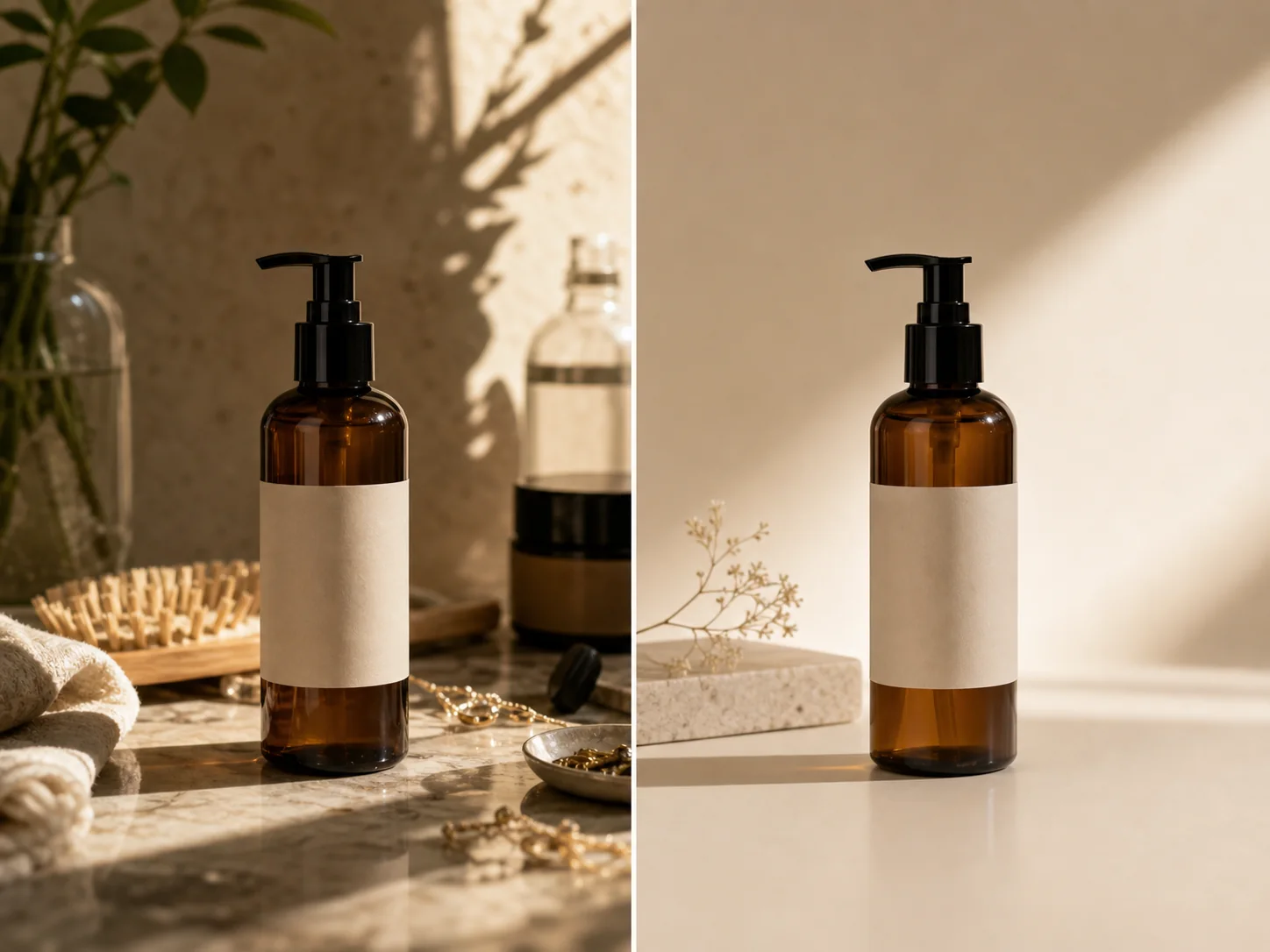
AI image editor example changing a product reference into a clean studio visual

Product cleanup edit

Turn a rough reference into a cleaner commercial image while preserving the recognizable subject.

Image to Image1 reference1:12K
Edit the reference image into a clean studio product visual, keep the object shape and label position, replace clutter with a soft neutral background, realistic contact shadow, no invented text.
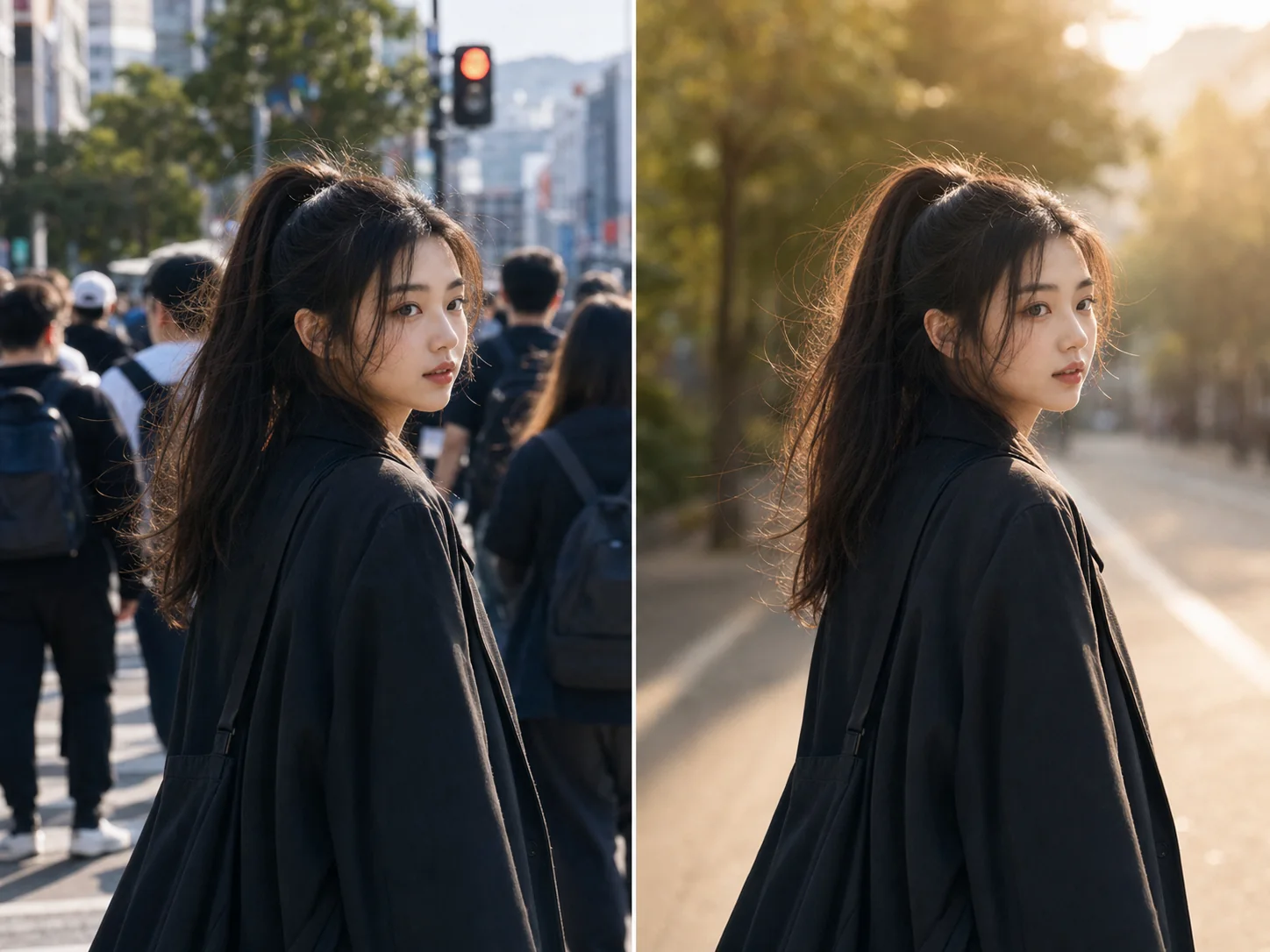
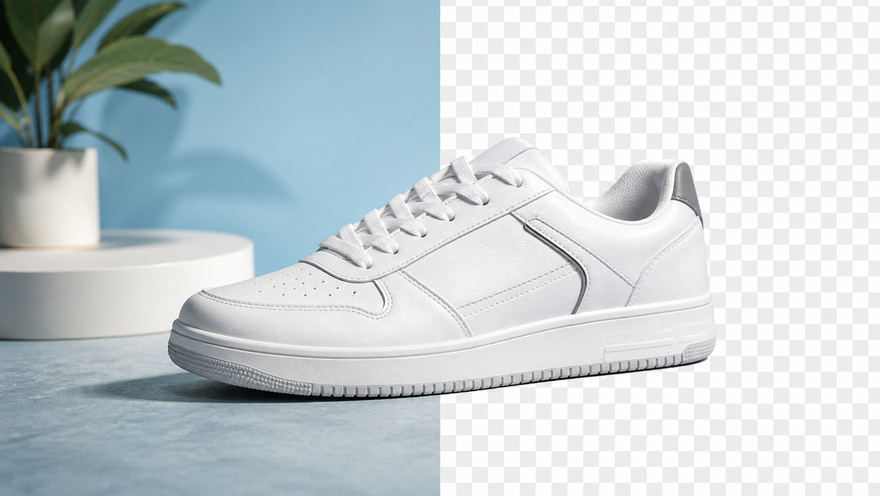
AI photo editor example creating a polished portrait variant

Portrait refinement

Keep the person and pose stable while improving lighting, crop, and campaign-ready finish.

Image to ImagePortrait3:4Reference edit
Refine this portrait into a polished lifestyle campaign image, preserve face identity and pose, warm natural light, clean background separation, realistic skin texture.
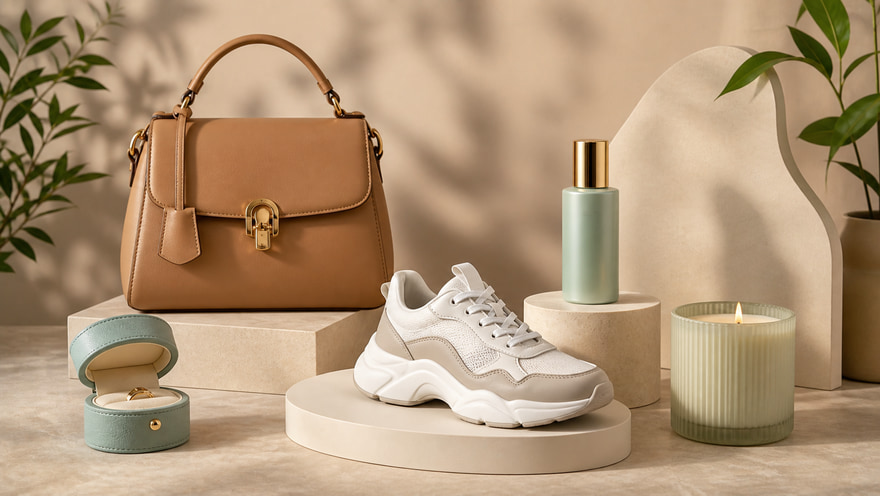
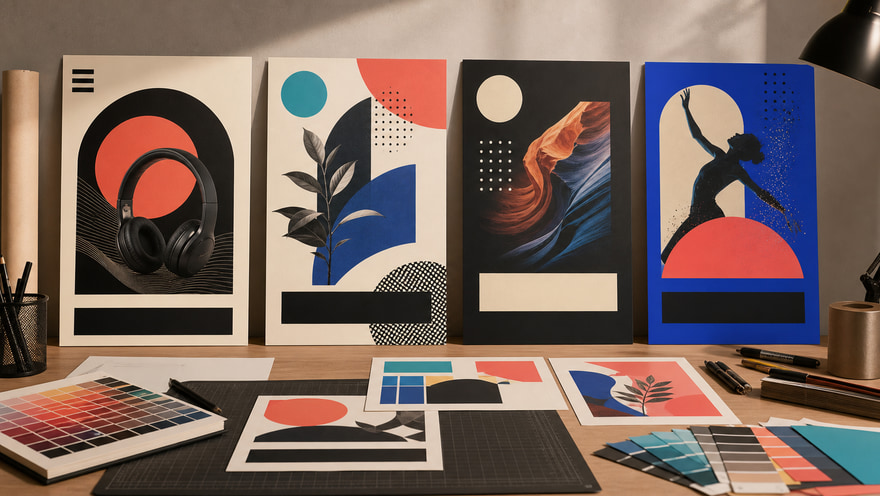
AI image editor example turning a product into a campaign poster style

Campaign image edit

Use image editing for campaign visuals when the product structure must remain recognizable.

Image to Image4:5Campaign edit2K
Turn the reference product into a premium campaign visual, preserve product shape and color, add editorial lighting, refined background texture, title-safe space, no fake logo.

Prompt templates you can adapt

Templates provide direction; the final model, aspect ratio, uploads, and output count are still confirmed inside the Kynvio workspace.

Controlled image edit

Use this when the uploaded image should keep its main subject but look more commercial.

Edit the reference image, preserve [subject], change [specific area] into [new direction], improve lighting, clean composition, realistic details, do not alter [must-keep details].

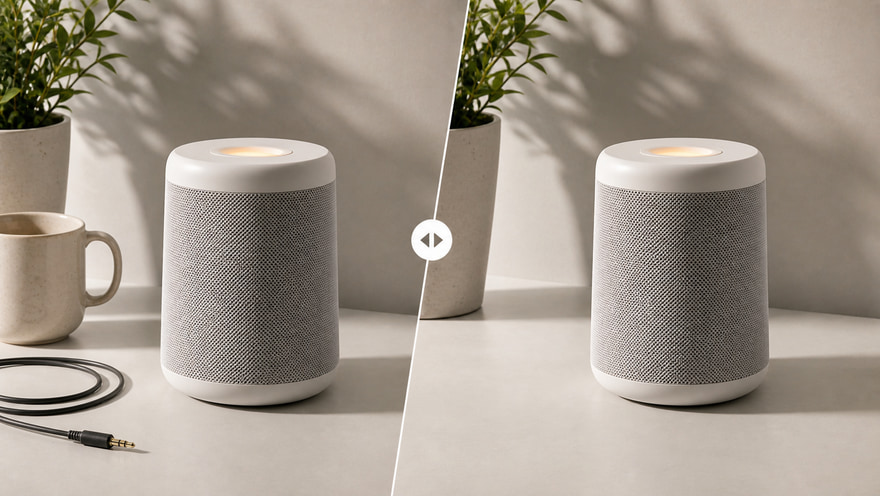
Before-after upgrade

Use this for side-by-side marketing assets or product listing refreshes.

Create a polished after version of this image for [use case], keep the original subject recognizable, remove distractions, add [style or background], premium finish.

Explore More AI Image Tools

Keep exploring related tools for commercial images, ecommerce assets, and campaign visuals.

FAQ

Which model is best for AI image editing?

Use GPT Image 2 for reference fidelity, Nano Banana Pro for polished campaign edits, and Qwen Image 2.0 when clean constraints and negative prompts matter.

Can I edit an existing image?

Yes. Start with image-to-image mode, upload the source image, and describe what should change and what must stay the same.

What should I write in an AI image editor prompt?

For best results, describe the subject to preserve, the exact edit, lighting, background, crop, and any elements that should not be invented.

Start creating this image workflow

Open the image workspace in image-to-image mode, upload a reference, then choose a model and generate edited variants.

Open AI image editor