Create product assets faster
Start with one ordinary product image and create white-background shots, lifestyle visuals, detail-page images, and social ad assets in minutes, without repeated shoots, retouching, or image selection.
Upload one product image to generate high-quality product photos for ecommerce pages, social ads, and marketing campaigns. No studio, models, or complex set design needed.
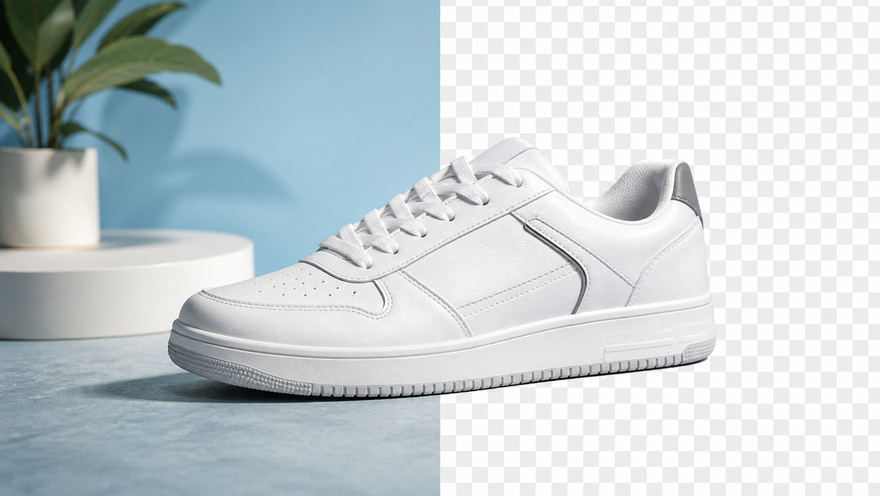
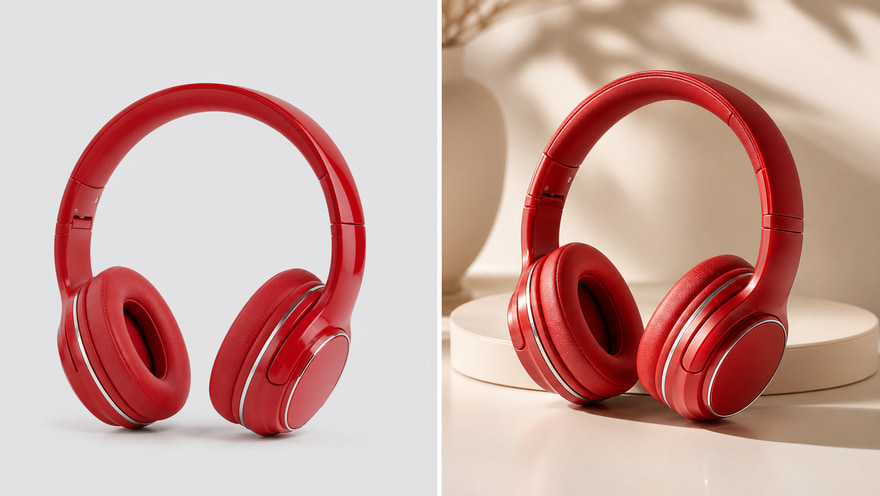 Plain Product ImageAI Commercial Product Photo
Upload a plain product image → Generate a sales-ready product photo
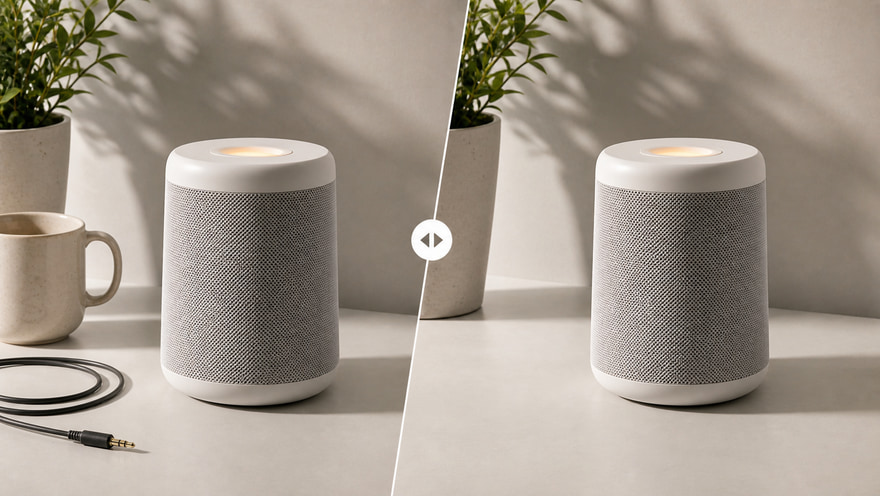
Start with one plain product image. Kynvio AI keeps the product shape, materials, logo, and package details where possible, then rebuilds the background, lighting, composition, and scene mood so a basic product shot can become a commercial visual for ecommerce hero images, ads, social content, and website banners.
Generate AI product photos free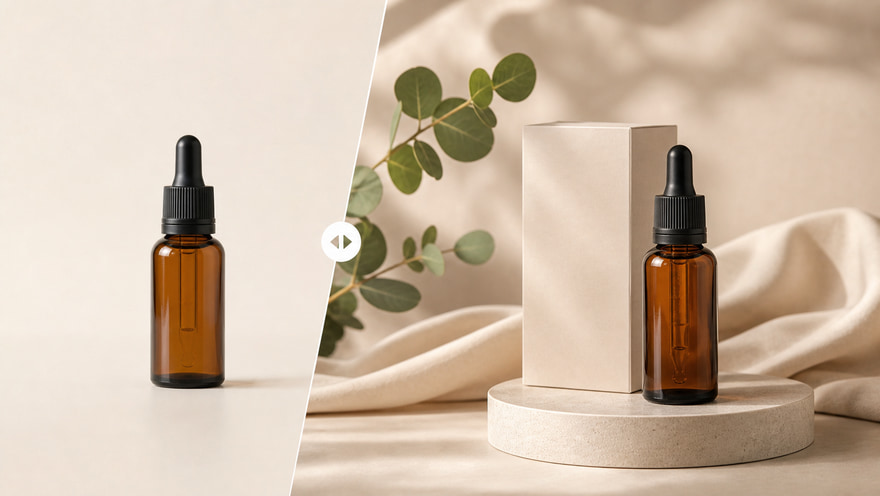
Start with one ordinary product image and create white-background shots, lifestyle visuals, detail-page images, and social ad assets in minutes, without repeated shoots, retouching, or image selection.
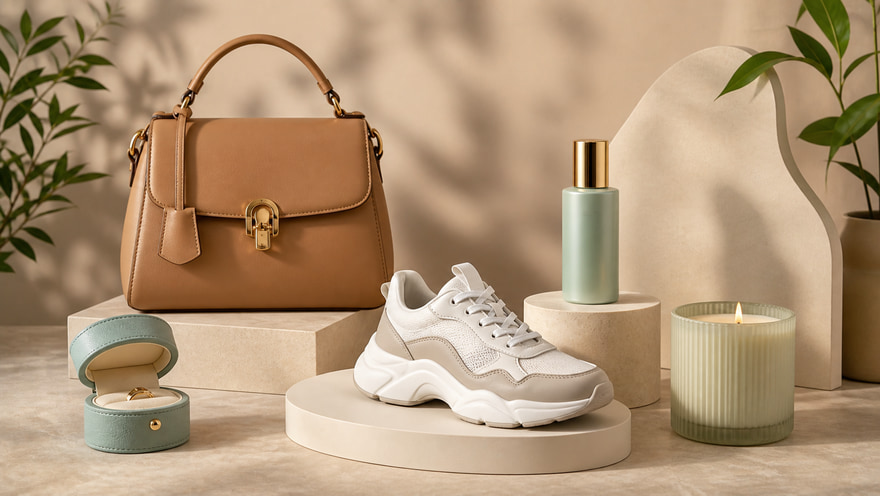
Turn plain product images into realistic usage scenes, branded atmosphere shots, and polished ad visuals so shoppers can see the product value, lifestyle, and reason to buy.
Skip studio setups, model bookings, and large photo teams. Upload product images and batch-create high-quality AI product photos for marketplaces, DTC sites, ads, and brand promotion.
Use an AI product photo generator to turn plain white-background product images into real usage scenes. Make products look more compelling on websites, standalone stores, and ecommerce marketplaces so shoppers understand product value and store conversion improves.
Create ecommerce product images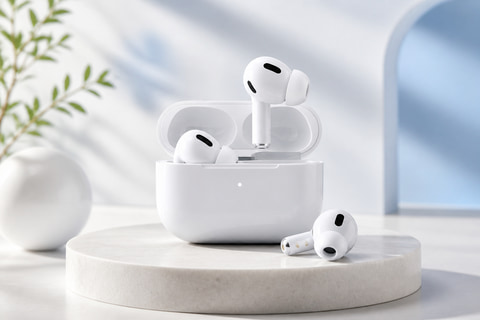
Need product photos that work better on social media? Generate atmospheric, lifestyle-led product images for Instagram, Facebook, TikTok, Pinterest, and other platforms to improve content clicks and engagement.
Generate social media product photos free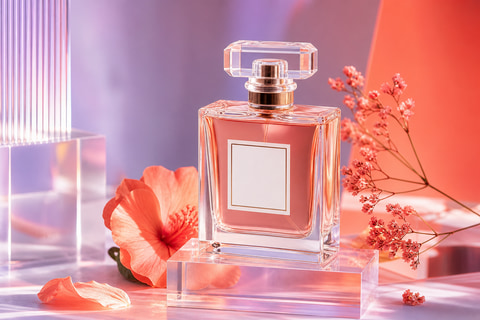
Product detail pages should show more than the product itself. They also need usage context and lifestyle cues. AI product photo generation helps you quickly create high-quality images for product pages, detail pages, and marketing pages.
Make product detail page images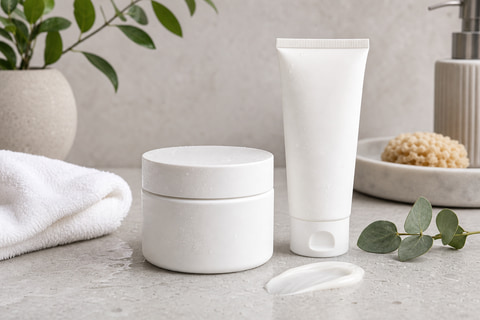
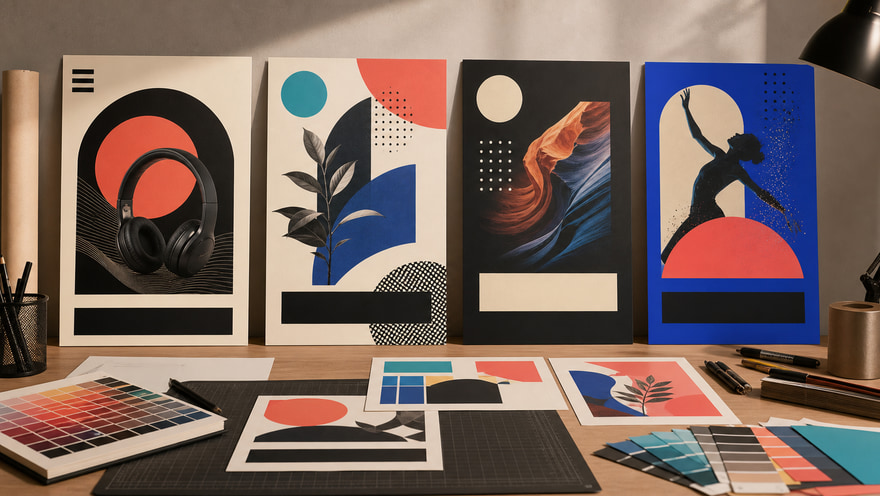
Quickly generate professional product images for ad campaigns. Whether you are launching a new product, running a discount campaign, or producing brand ads, AI can create more visually striking ad assets that attract the right audience and improve return on ad spend.
Create product images for ads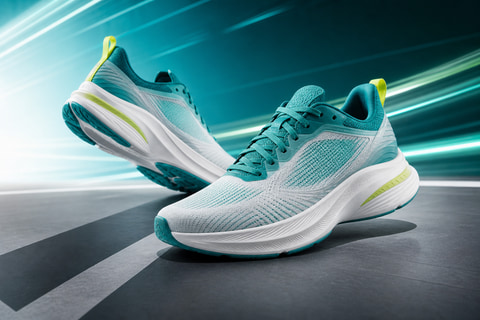
Use AI to generate clear, professional, unified product photos for brand brochures, product catalogs, official website showcases, and sales materials. Skip complex shoots while still presenting a polished brand feel.
Make product brochure photos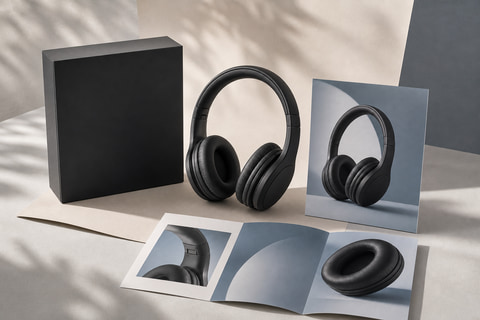
Whether you are launching ecommerce products, building a brand website, running ads, or managing social channels, use the AI product photo generator to turn ordinary product shots into more professional, realistic, sales-ready commercial photos.
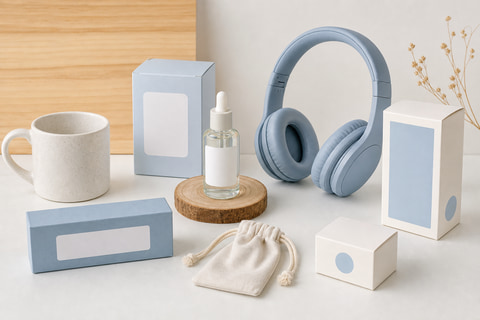
Upload an ordinary product image and generate lifestyle product photos for product detail pages, independent stores, and ecommerce marketplaces. Real usage scenes help shoppers understand product value faster and build more confidence before placing an order.
Upload a product image, choose the purpose, style, ratio, and background scene, then generate a downloadable product photo.
Upload one clear product image so the shape, logo, and packaging details stay recognizable.
Pick the purpose, visual style, aspect ratio, and background or scene direction.
Generate in the workspace, review the result, then download the product image.
Keep exploring related tools for commercial images, ecommerce assets, and campaign visuals.
Kynvio AI turns a product reference image into marketplace-ready product photos, ecommerce hero images, social creatives, ad visuals, and website product banners.
Upload a clear product photo with the full product visible. If the logo, label, or package text matters, make sure those details are sharp and not covered.
Yes. In the product photo workspace, the tool is designed to preserve product shape and can keep logos, labels, and package text when the uploaded image is clear enough.
You can create product display images, ecommerce listing images, social posts, ad creatives, and homepage hero visuals from the same product reference.
The workspace supports clean studio, luxury, lifestyle, tech, and minimalist styles. You can also add custom notes for props, background, materials, and lighting.
Yes. Choose automatic sizing or common ratios such as 1:1, 4:5, 16:9, and 9:16 for ecommerce listings, social posts, ads, and website banners.
Describe the scene, props, background, material, lighting, and anything to avoid. For example: clean white studio background, soft shadow, premium skincare texture, no clutter.
No. The public page sends you to the app workspace. Credits are only handled after you confirm the real generation settings there.
Upload a product reference, choose the model, aspect ratio, and resolution, then generate downloadable hero shots, detail images, and ad assets in the Kynvio workspace.
Start product photos free