Turn clutter into publishable images
Start from supplier photos, phone snapshots, or older product images, then replace the background with white, light gray, warm studio, or branded scenes for listings, websites, and campaigns.
Upload a product, profile, or marketing reference image to replace the original background with a white product shot, branded studio scene, ad background, or social commerce visual while keeping the subject recognizable.
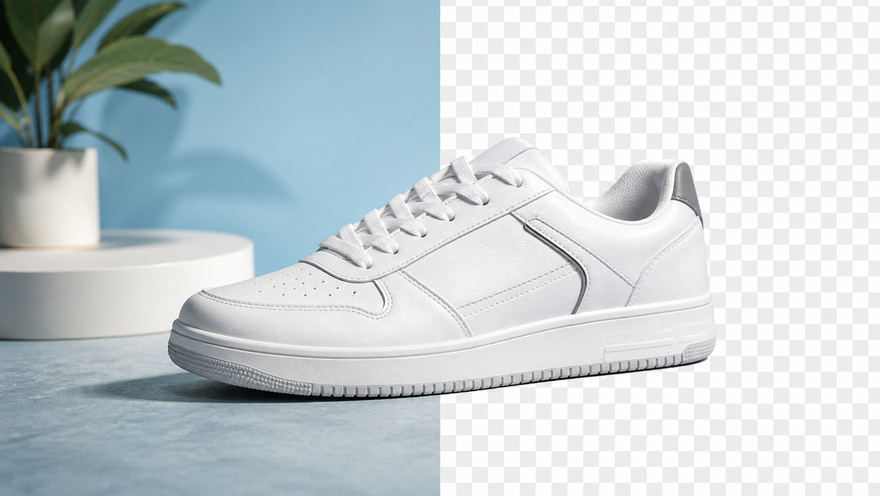
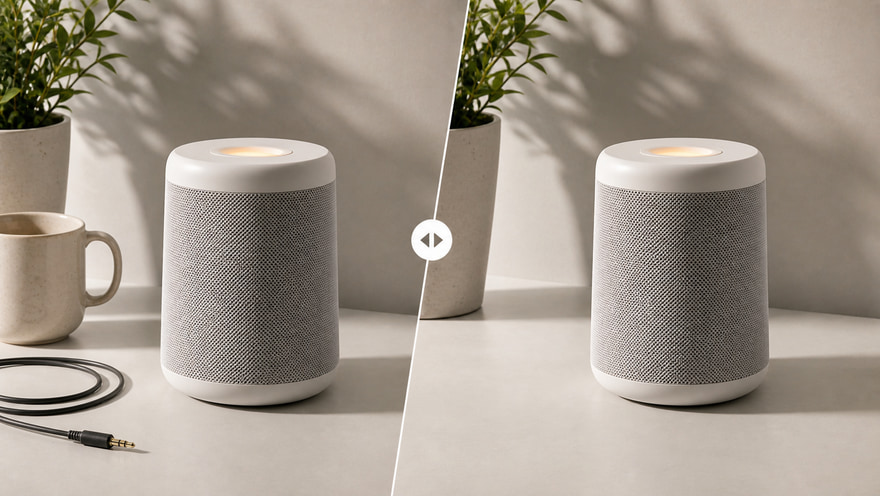
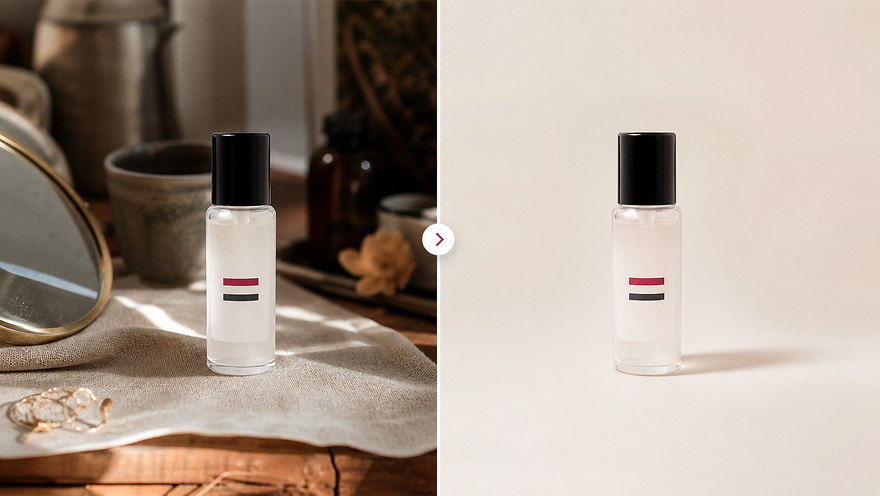 Original Busy BackgroundAI Clean Commercial Background
Upload the source image → Remove or replace it with a clean commercial background
AI background replacement is more than cutting out a subject. It rebuilds a publishable scene around the subject: white product shots, branded studio images, ad backgrounds, social content, and profile cleanup can all follow the same workflow. This public page explains and routes; real generation happens in the Kynvio workspace.
Create clean background images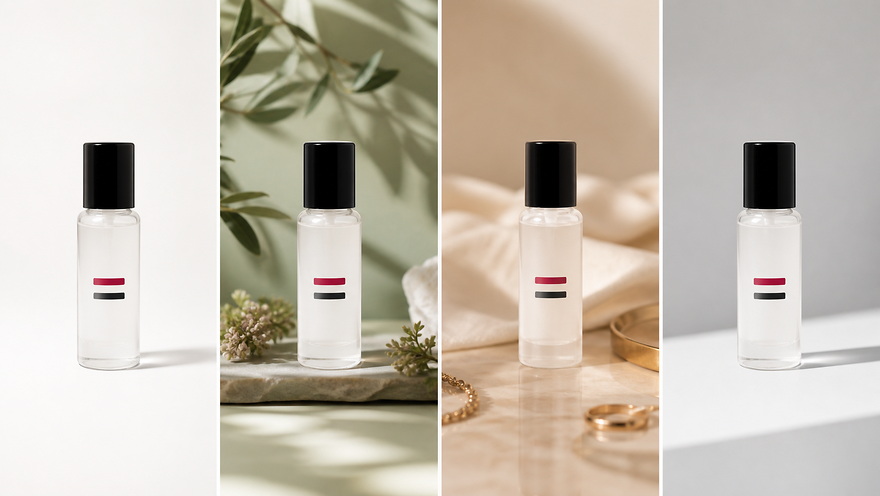
Start from supplier photos, phone snapshots, or older product images, then replace the background with white, light gray, warm studio, or branded scenes for listings, websites, and campaigns.
Background changes should preserve product shape, packaging, materials, portrait edges, and key details, then add realistic contact shadows so the new scene feels natural instead of pasted on.
Use the same subject across product heroes, detail-page modules, ad creatives, social covers, and profile images. Confirm the clean background direction, then generate the final version in the workspace.
Create clean white-background product photos for marketplace listings, product pages, and catalog refreshes. Keep the product shape, label position, and natural shadow visible so the image feels ready for commerce instead of manually pasted.
Create white background product photos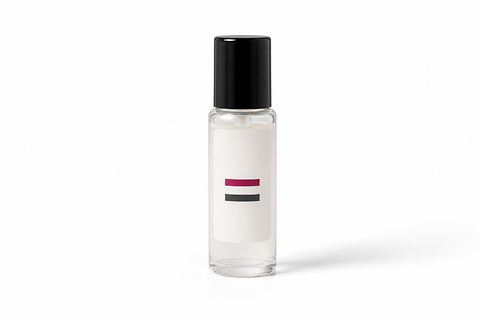
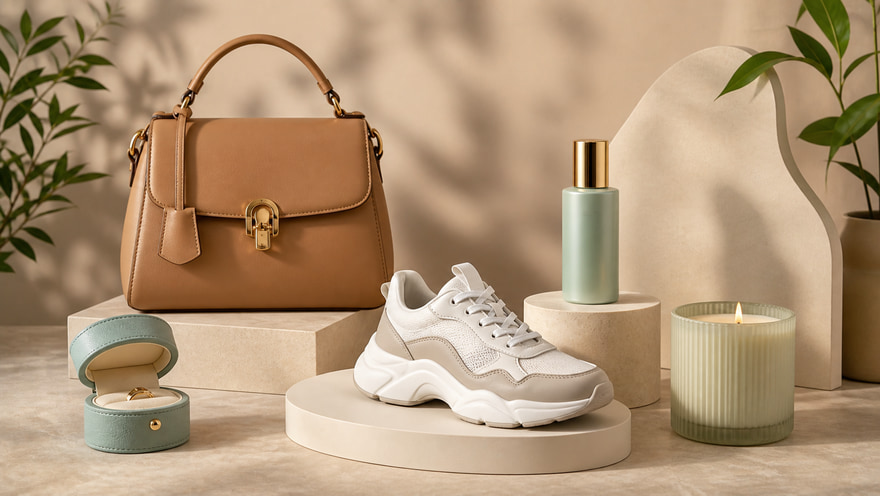
Replace a plain or distracting background with a branded studio scene. Use this when a product should keep its packaging and silhouette while gaining a more premium campaign mood for brand pages or launch visuals.
Replace with a brand background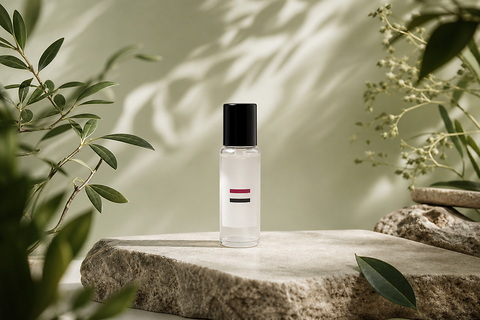
Use background cleanup to make products from different sources feel like one catalog. Consistent light-gray or white backgrounds help shoppers compare size, material, and style across marketplace grids.
Make marketplace main images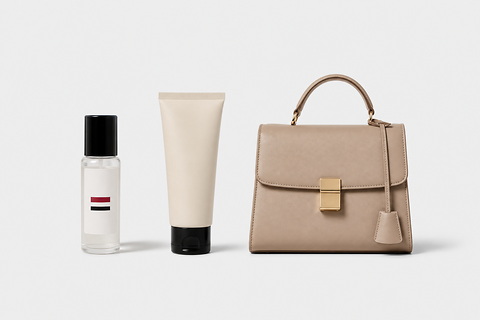
Generate ad-ready backgrounds with more mood, color, and copy-safe space. Keep the subject recognizable while adapting the crop and background for social ads, launch banners, and landing-page tests.
Create ad background variants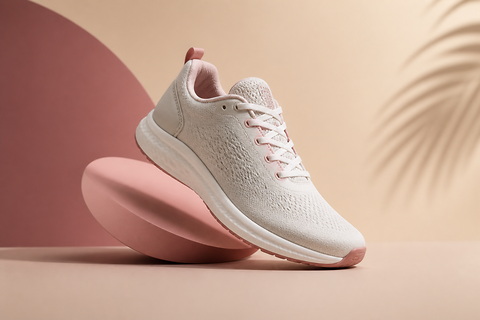
Remove distracting portrait backgrounds for profile images, creator pages, team bios, and simple business visuals. Use a clean neutral background and inspect hair, shoulders, and clothing edges before publishing.
Clean profile backgrounds
Whether you are preparing listings, brand pages, ad tests, or social commerce assets, use the AI background changer to turn cluttered or inconsistent photos into cleaner, more commercial, publishable visuals.
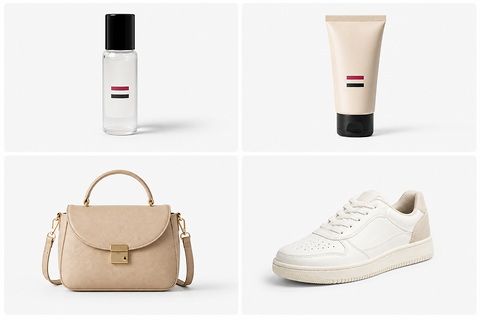
Turn supplier photos, phone snapshots, and mixed product references into listing-ready images with consistent white or light-gray backgrounds. Clean edges and believable shadows help products compare well across store shelves and marketplace grids.
Start with a clear subject image, then describe the background, lighting, shadows, and details that must stay unchanged. After generation, inspect whether edges look natural and the subject remains accurate.
Upload a clear product, portrait, or reference image with the full subject visible and important edges unobstructed.
Describe the new background: white studio, light gray ecommerce, branded scene, ad backdrop, or clean profile background.
Generate in the workspace, then check edges, shadows, label accuracy, and subject recognition before downloading or iterating.
Keep exploring related tools for commercial images, ecommerce assets, and campaign visuals.
Use GPT Image 2 when the product and label must stay accurate, Qwen Image 2.0 for clean constraints, and Nano Banana Pro for premium product presentation.
Yes. Describe the replacement background, lighting, shadow, crop, and the parts of the subject that must remain unchanged.
Use clear product or portrait references with visible subject edges. The more recognizable the subject, the easier it is to keep the object stable while changing the scene.
Yes. Specify whether you need a white studio, botanical scene, luxury material, seasonal campaign, ad-safe background, or social commerce layout.
The public SEO page only explains the workflow and sends you to the app workspace. Credits are handled only after you confirm real generation settings there.
Upload a product, portrait, or reference image, describe the new background direction, then generate white product shots, branded scenes, ad backgrounds, and profile visuals in the Kynvio workspace.
Start background changes free