
Quiet Confidence Fashion Portrait
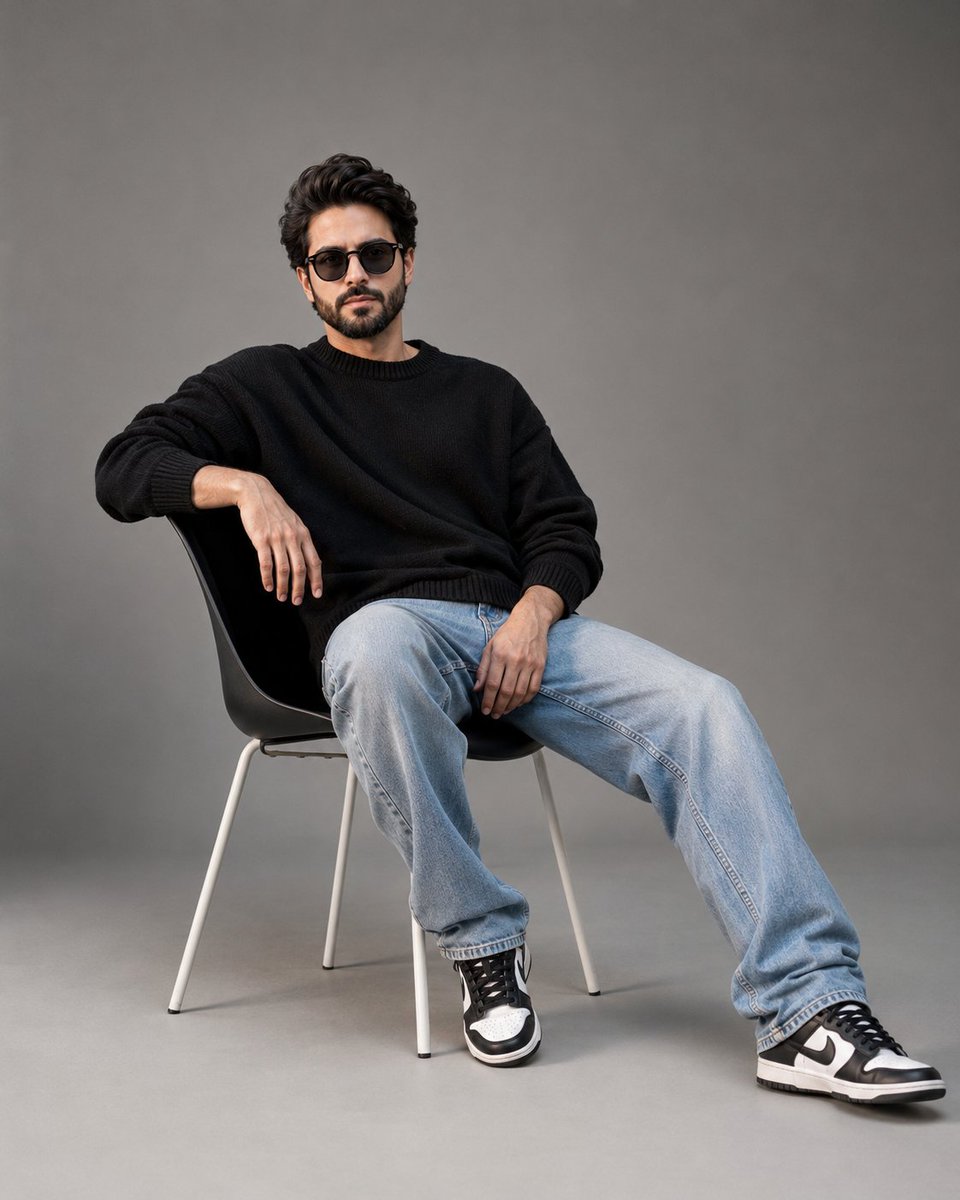
A contemporary minimalist luxury fashion editorial capturing quiet confidence in a young male. Eye-level full-body portrait with minimalist composition, soft lighting, and realistic details in premium magazine style.
Prompt
Contemporary minimalist luxury fashion editorial of an adult young man with light skin, defined jawline, dark messy medium-length hair, and a well-groomed beard. Calm, confident expression with direct eye contact. Realistic facial anatomy with visible pores, natural skin texture, subtle imperfections, authentic beard growth, and no beauty retouching. Seated casually on a minimalist matte black designer chair angled slightly right. Right arm draped over the backrest, left hand resting naturally on the lap, torso leaning slightly back, one foot planted while the other leg extends naturally. Relaxed, effortless posture. Wearing an oversized matte black heavyweight knitted crewneck sweater, light-wash relaxed-fit denim jeans with natural folds, and black-and-white leather low-top sneakers inspired by Nike Dunk styling. Glossy black round acetate eyeglasses with lightly smoky lenses. Shot in a professional studio with a seamless neutral gray cyclorama background. Soft diffused key light from front-left creates gentle shadows, realistic catchlights, and smooth tonal transitions. Minimalist composition with generous negative space. Eye-level full-body portrait, 50–70mm lens, moderately shallow depth of field, portrait 4:5 aspect ratio, 8K photorealistic quality, physically accurate lighting, realistic fabric textures, film-inspired neutral color grading, premium magazine fashion photography. Negative Prompt: cartoon, anime, CGI, 3D render, plastic skin, beauty retouching, unrealistic anatomy, extra limbs, bad hands, distorted proportions, blurry, low resolution, HDR, oversaturated colors, harsh shadows, AI artifacts, text, logo, watermark.
Kynvio Prompt Workflow
How to use this prompt
Open it in Image Studio
Send the prompt to Kynvio AI without starting a generation.
Adapt the details
Replace the subject, setting, colors, text, or composition for your goal.
Review and generate
Choose your final settings, then click Generate when you are ready.
Related GPT Image 2 prompts
GPT Image 2 prompts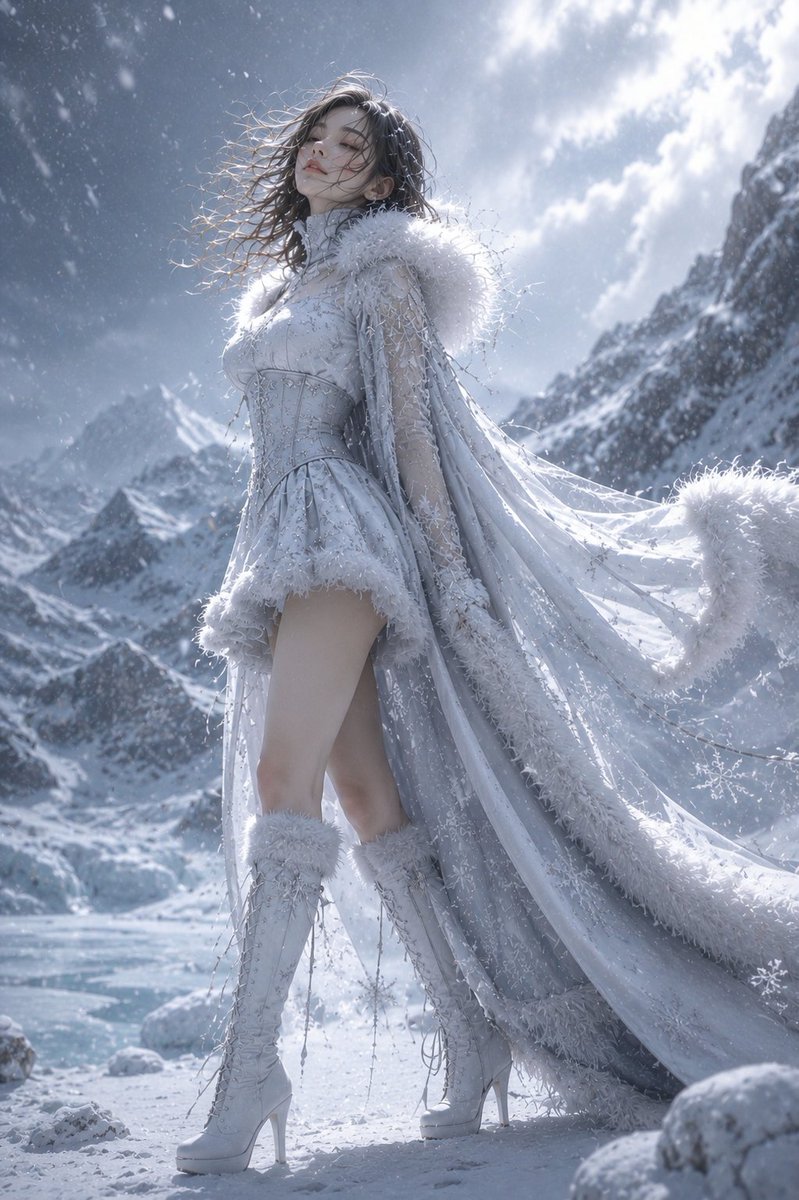
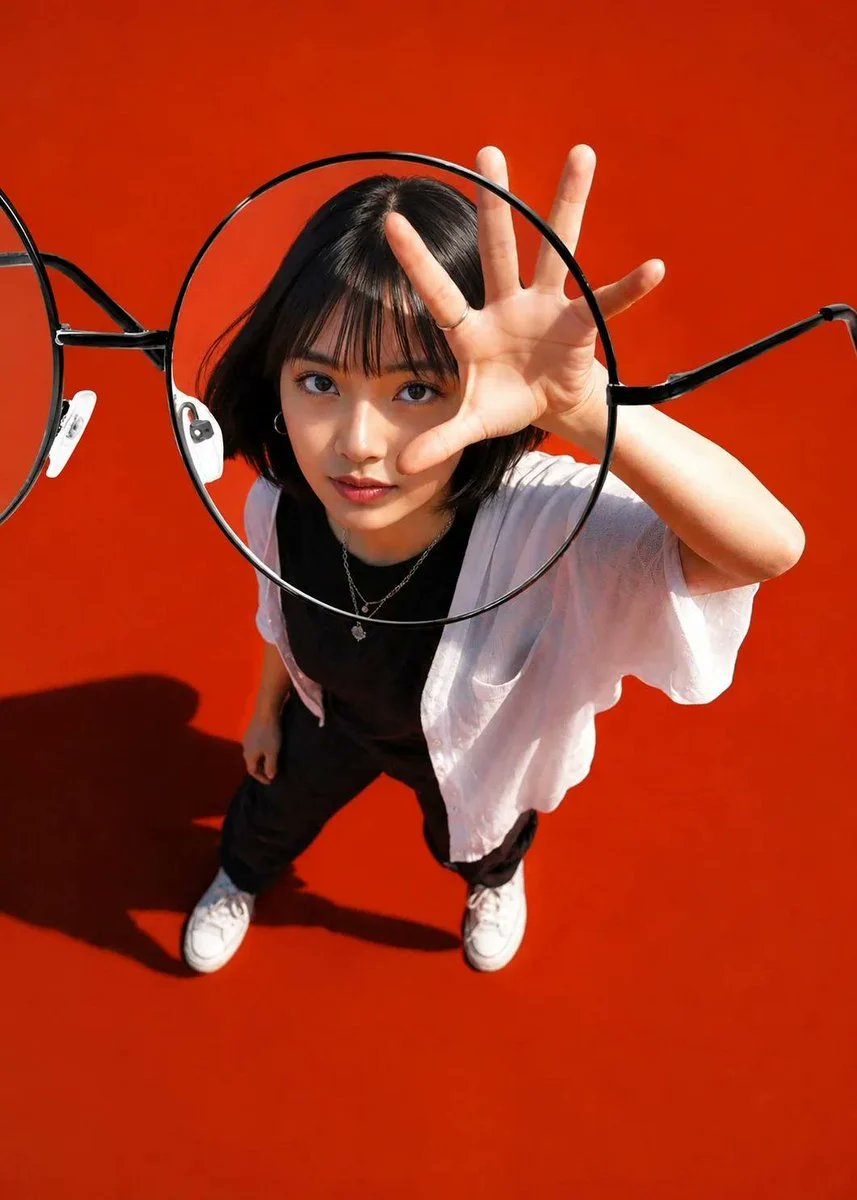
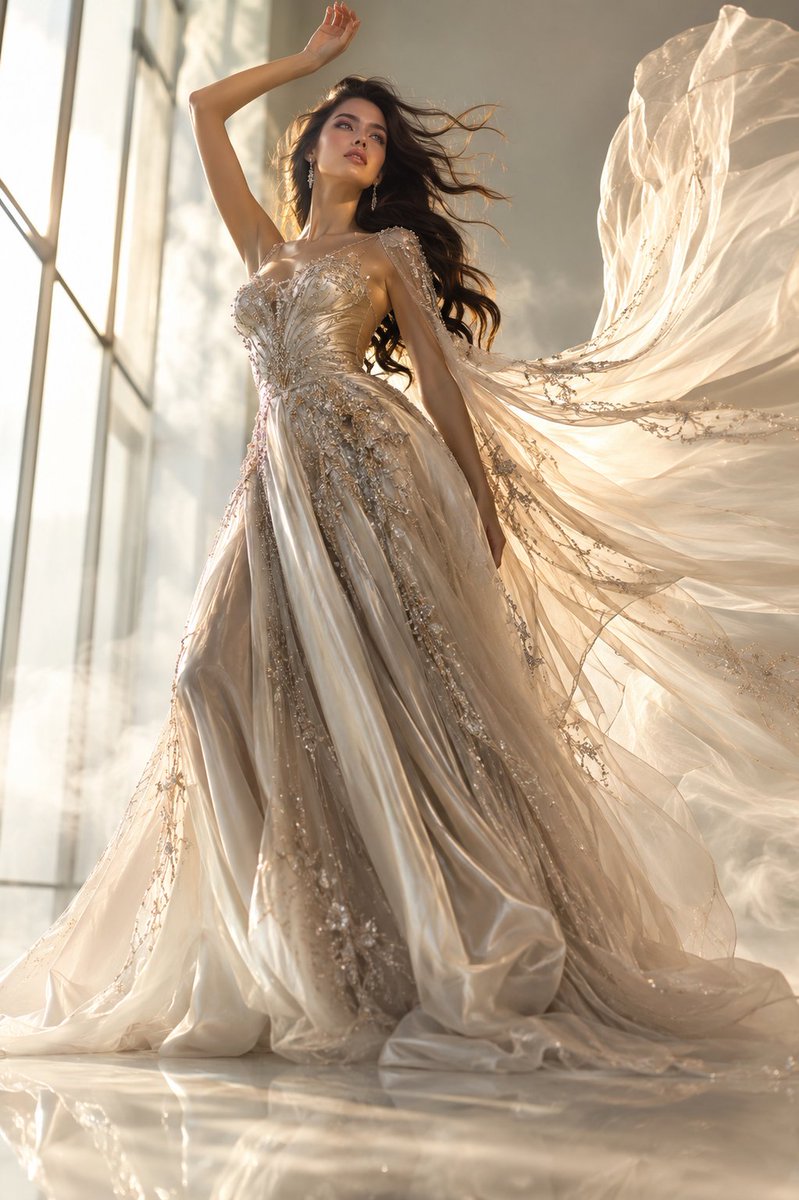
About this prompt
Will opening this prompt spend credits?
No. The button only prefills Image Studio. Credits are used only after you start a generation.
Can I edit the prompt first?
Yes. The transferred text is fully editable before you generate an image.