
Ultra-Realistic Smartphone Portrait: Close-Up of East Asian Woman
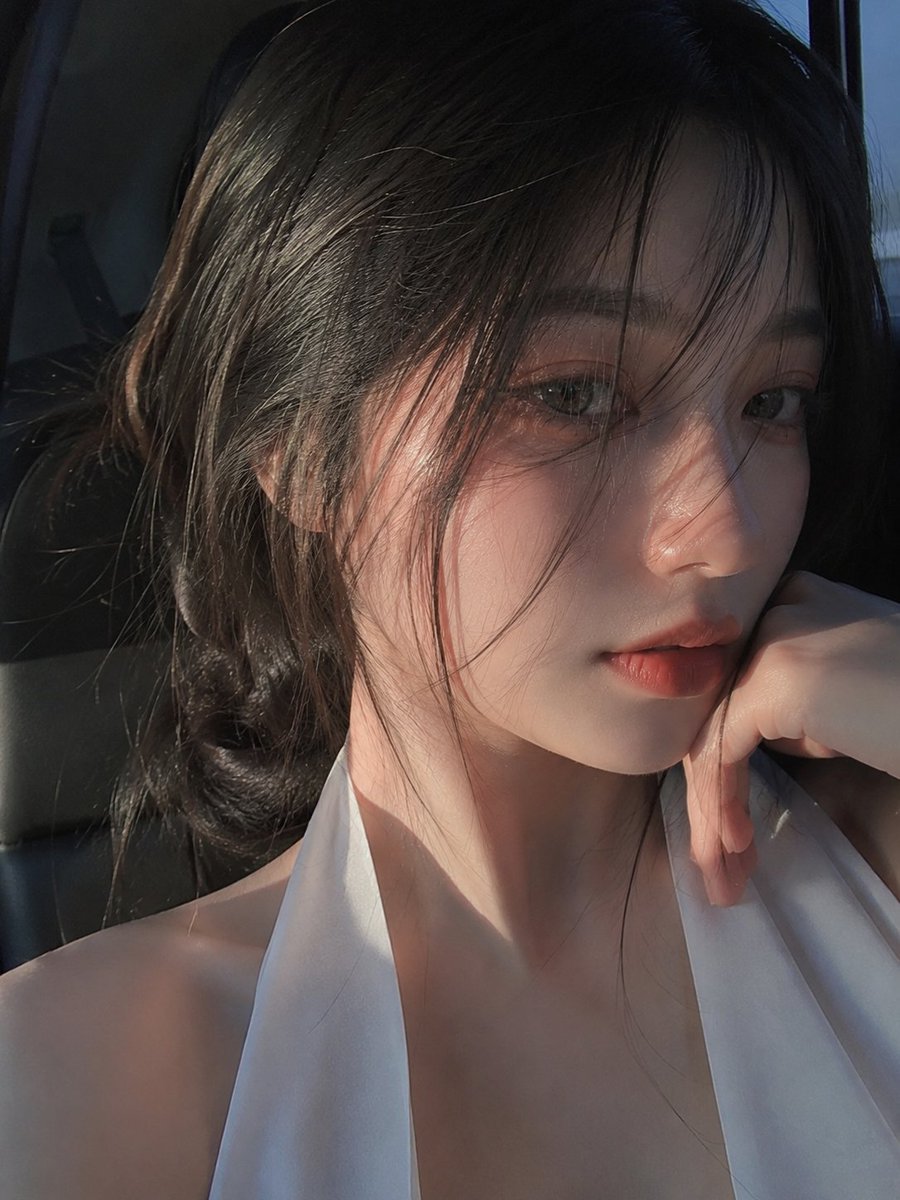
An ultra-realistic smartphone portrait, extreme close-up of a young East Asian woman with only half her face visible, gray-brown eye in sharp focus, slightly damp black hair falling naturally, warm golden sunset and cool blue ambient light creating dramatic shadows, realistic skin pores and hair strands, shallow depth of field, handheld framing, no AI-generated look.
Prompt
Ultra-realistic smartphone portrait, looks genuinely captured with a mobile phone, not a DSLR or AI render. An extreme close-up of a beautiful young East Asian woman with fair porcelain skin and delicate facial features. Only half of her face is visible in the frame, with one large expressive gray-brown eye in sharp focus. Slightly damp wispy black hair falls naturally across her forehead and eye, creating a cinematic mood. Soft natural makeup with warm peach eyeshadow, subtle eyeliner, long lashes, natural brows, and glossy nude-pink lips. Calm, mysterious expression while looking directly into the phone camera. Warm golden sunset light mixed with cool blue ambient light creates dramatic shadows across her face. Authentic smartphone HDR, realistic skin pores, fine hair strands, natural digital noise, shallow depth of field, handheld framing, casual candid aesthetic, high detail, photorealistic, looks like an unedited iPhone/mobile camera portrait, no studio lighting, no watermark, no text, no logos, no AI-generated look.
Kynvio Prompt Workflow
How to use this prompt
Open it in Image Studio
Send the prompt to Kynvio AI without starting a generation.
Adapt the details
Replace the subject, setting, colors, text, or composition for your goal.
Review and generate
Choose your final settings, then click Generate when you are ready.
Related GPT Image 2 prompts
GPT Image 2 prompts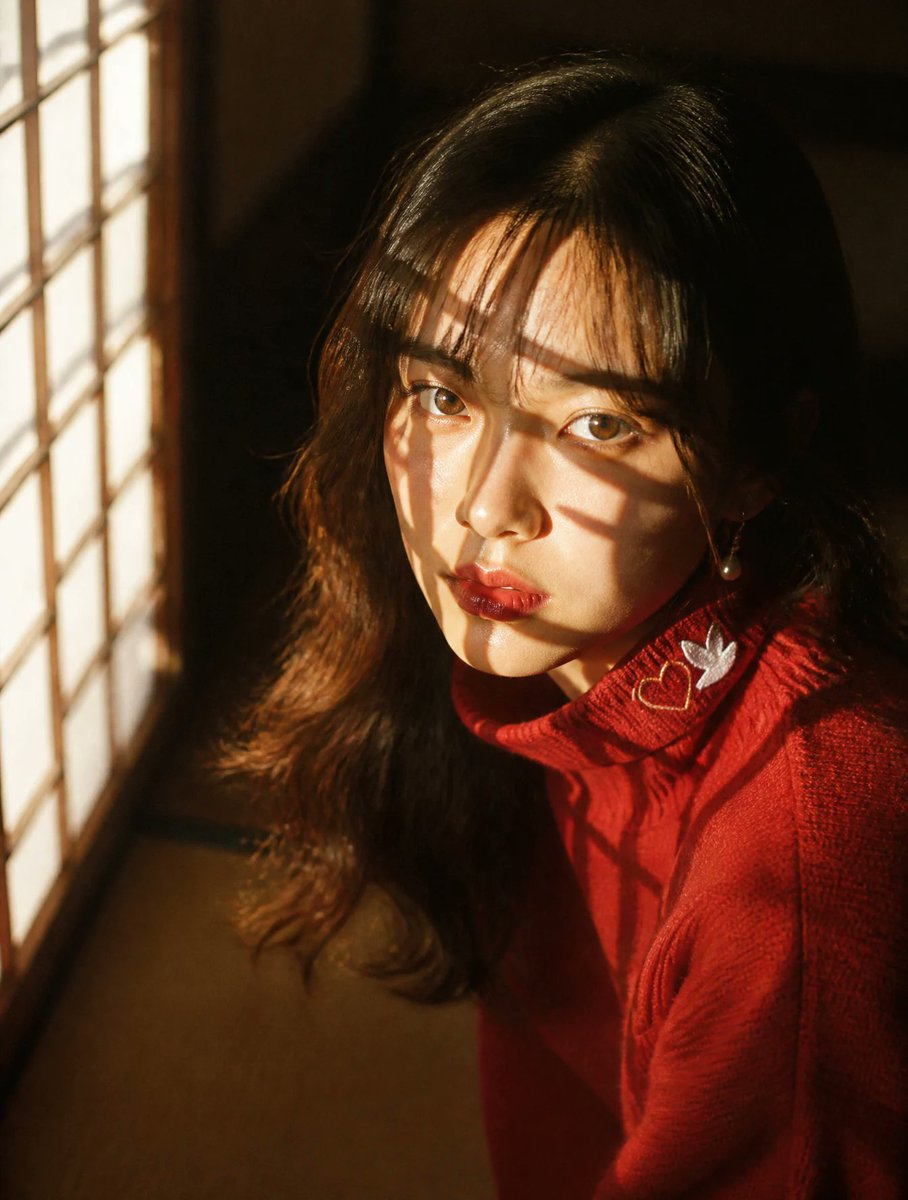
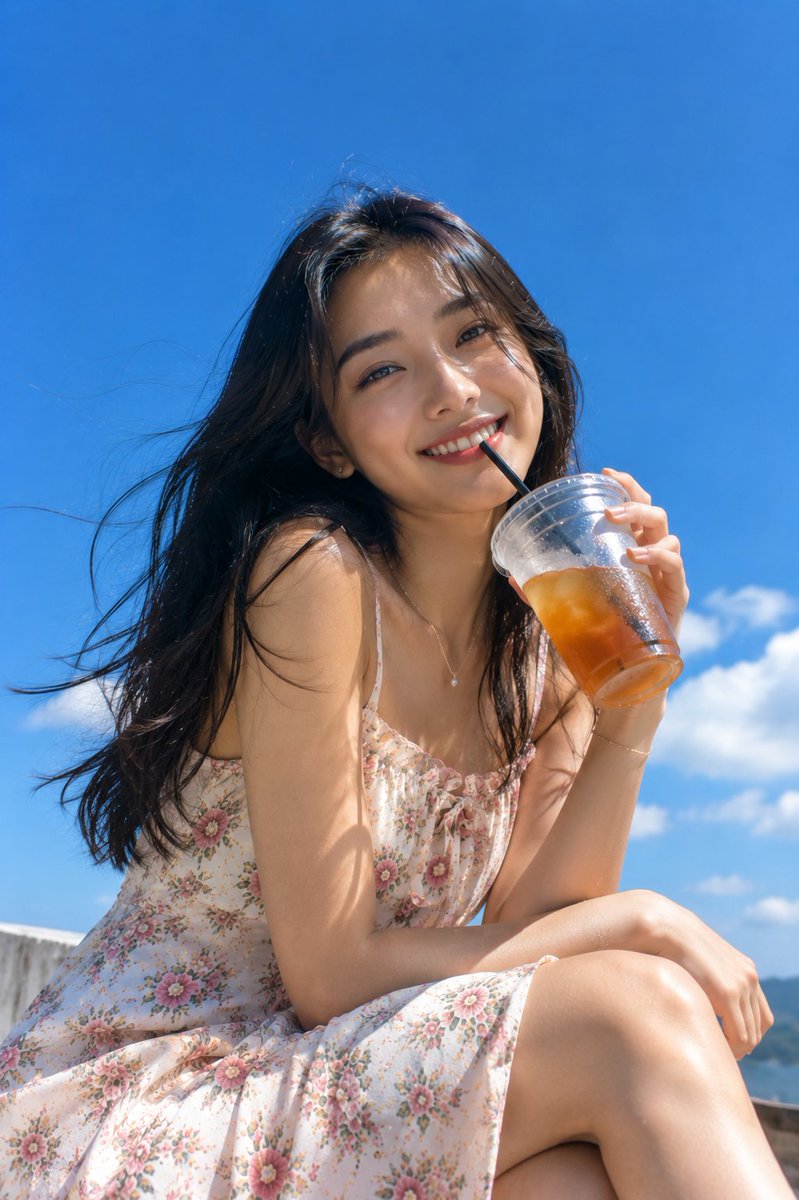
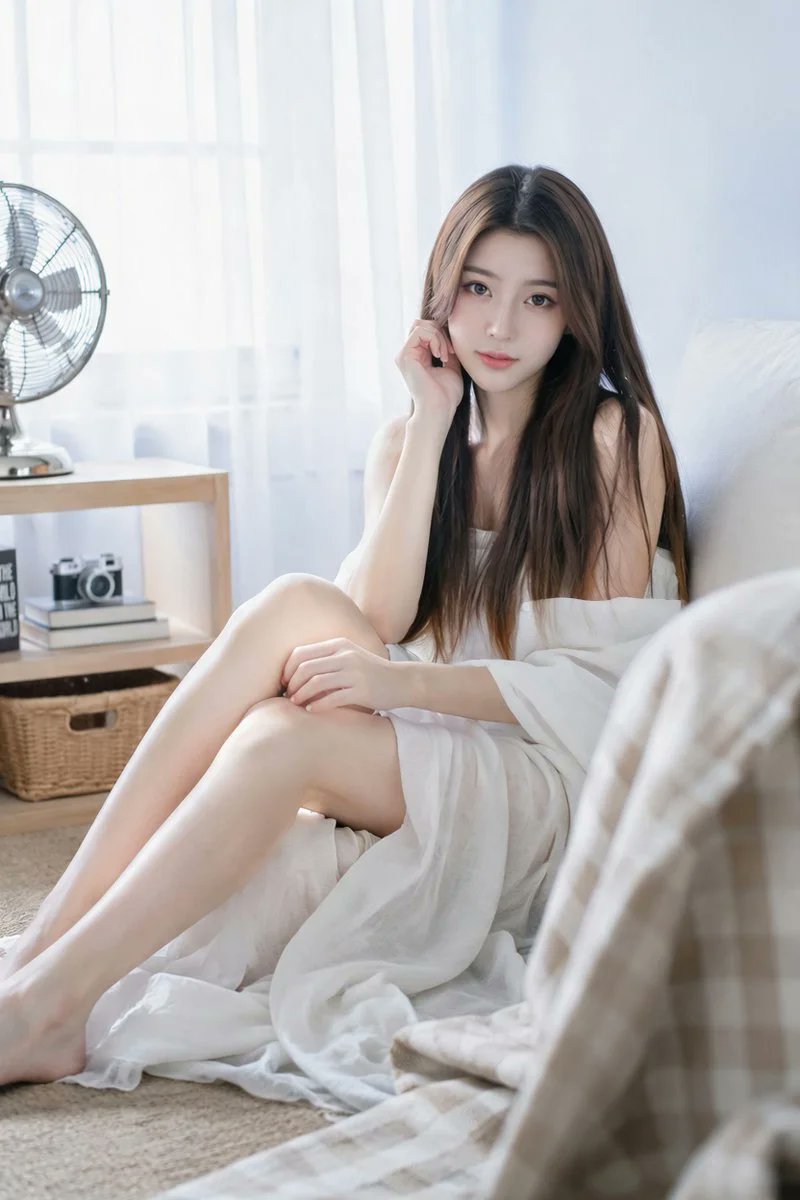
About this prompt
Will opening this prompt spend credits?
No. The button only prefills Image Studio. Credits are used only after you start a generation.
Can I edit the prompt first?
Yes. The transferred text is fully editable before you generate an image.