
Sweet Lifestyle Magazine Cover: Close-up of Popular Chinese Actresses
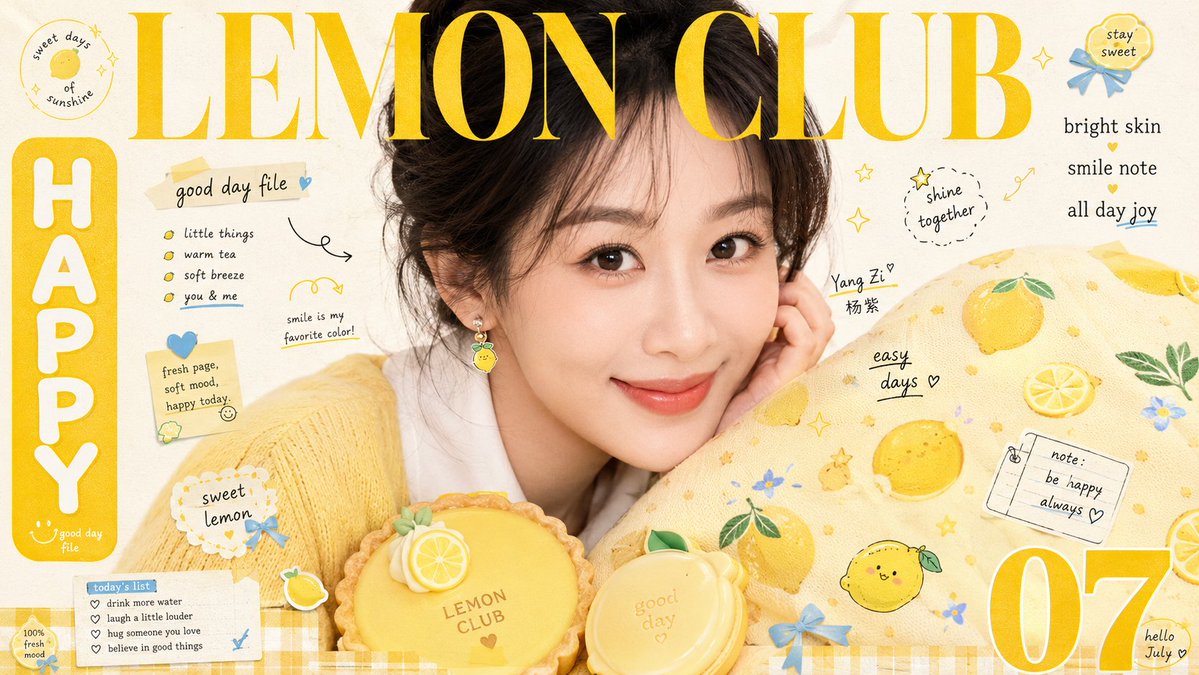
Generate 10 sweet lifestyle magazine cover-style images in 16:9 using GPT-image2, featuring close-ups of popular Chinese actresses. Each image has different background creativity, color scheme, copy creativity, and different actresses, clothing, poses, and emotions. The prompt details composition, color, lighting, texture, etc., emphasizing information density centered on the subject, with the headline overlapping the image, and foreground props and pattern carriers creating a cute, abundant, close-up visual crowding.
Prompt
Create a sweet lifestyle magazine cover-style visual around any subject: position the core subject close-up, large-scale, slightly off-center in the upper middle of the frame, with edges naturally extending beyond the frame, retaining a sense of intimacy from direct eye contact or close-up display. Arrange a round, touchable thematic prop in the lower foreground, and surround it with a larger soft patterned carrier from the right to the lower part, partially obscuring it, so that the subject, prop, and printed surface form a continuous diagonal embrace. Place a very large high-contrast serif Latin headline across the top, overlapping the upper edge of the subject; the font color is derived from the most vibrant warm color of the theme, strokes remain clear, while allowing slight interweaving with the subject's outline. On the left, set a rounded solid-color vertical sign with bold round white text; on the right, arrange a compact vertical short text; in one bottom corner, place an oversized single number or symbol; fill gaps with small Latin words, handwritten lines, and short phrases, creating a four-level reading rhythm of large headline, vertical sign, number, and micro-text. Decorative items are derived from the theme's semantics as small colored clips, badges, and flat symbols, attached to the subject's outline and the carrier's surface; use rounded contours, candy-like medium-high saturation colors, and slight irregular arrangement, echoing the dense dots and cartoon motifs on the carrier. Colors: bright, clean milky white light background as the largest area; the theme-derived main warm vibrant color takes the headline, sign, and large carrier areas; dark colors only stabilize outlines; a small amount of warm-cool color contrast is concentrated on small decorations; maintain high brightness, clarity, and cheerfulness; the area of the main warm vibrant color is significantly larger than other colors; hue is derived from the theme's meaning, not fixed to specific values. Use frontal soft flash and even fill; subject surface is delicate and bright; shadows are short and soft; round foreground props have a delicate creamy matte finish; the surrounding carrier has a soft fabric-like fine texture. Add a theme-derived two-color plaid narrow band at the bottom edge as a closure; background maintains light paper surface with sparse white space. The imaging has a mixed texture of sweet magazine photography and print layout: photos are clear and soft; printed text has slight ink spread and slight registration looseness; light paper surface retains only subtle fibers and scanning softness, without heavy stains, browning, or film grain. The final effect should be information-dense yet centered on the subject's expression or core display; the large headline must overlap the image; foreground props and pattern carriers must create a cute, abundant, close-up visual crowding. Theme: close-up of popular Chinese actresses. Total 10 images, each with different background creativity, color scheme creativity, copy creativity, different actresses, clothing, poses, and emotions. Aspect ratio 16:9.
Kynvio Prompt Workflow
How to use this prompt
Open it in Image Studio
Send the prompt to Kynvio AI without starting a generation.
Adapt the details
Replace the subject, setting, colors, text, or composition for your goal.
Review and generate
Choose your final settings, then click Generate when you are ready.
Related GPT Image 2 prompts
GPT Image 2 prompts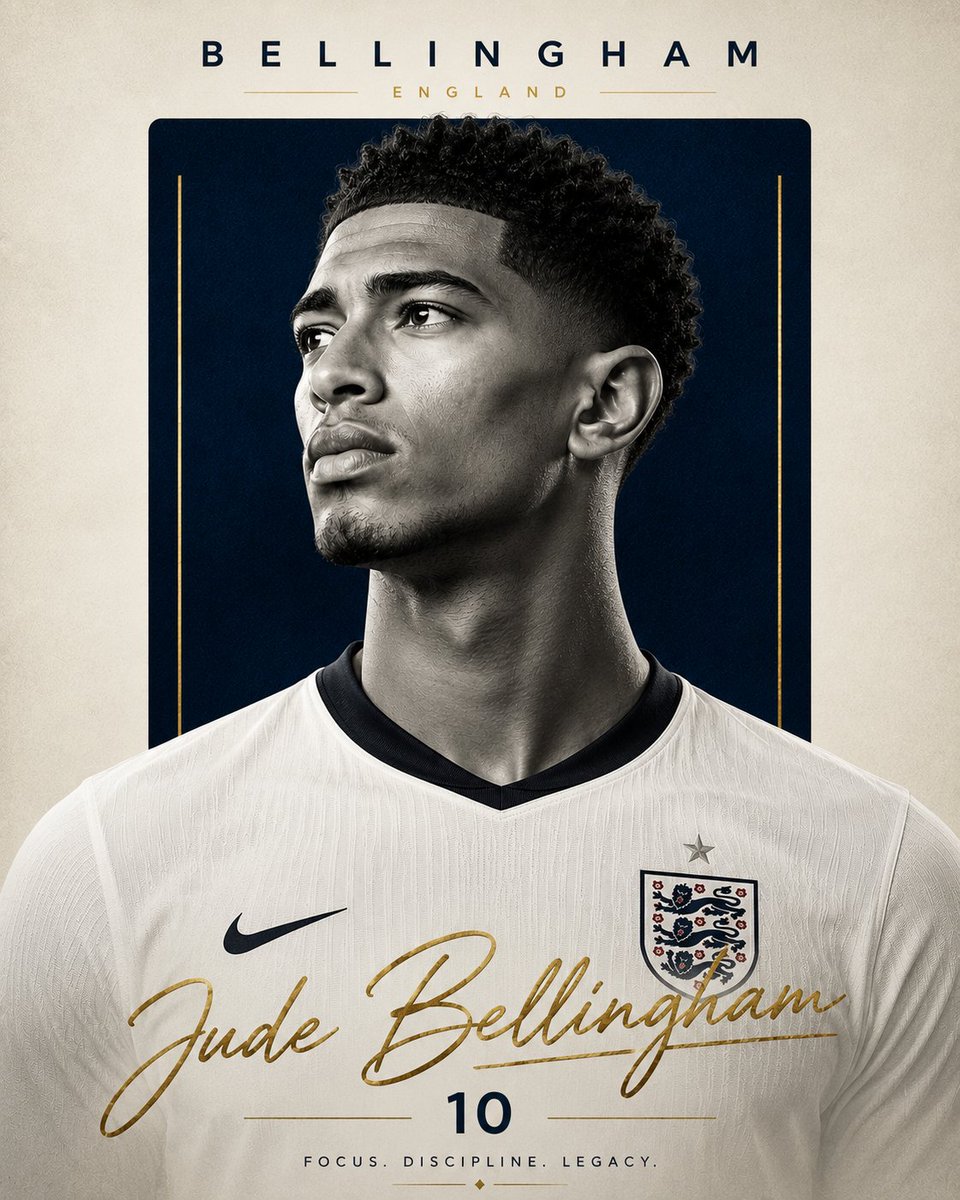
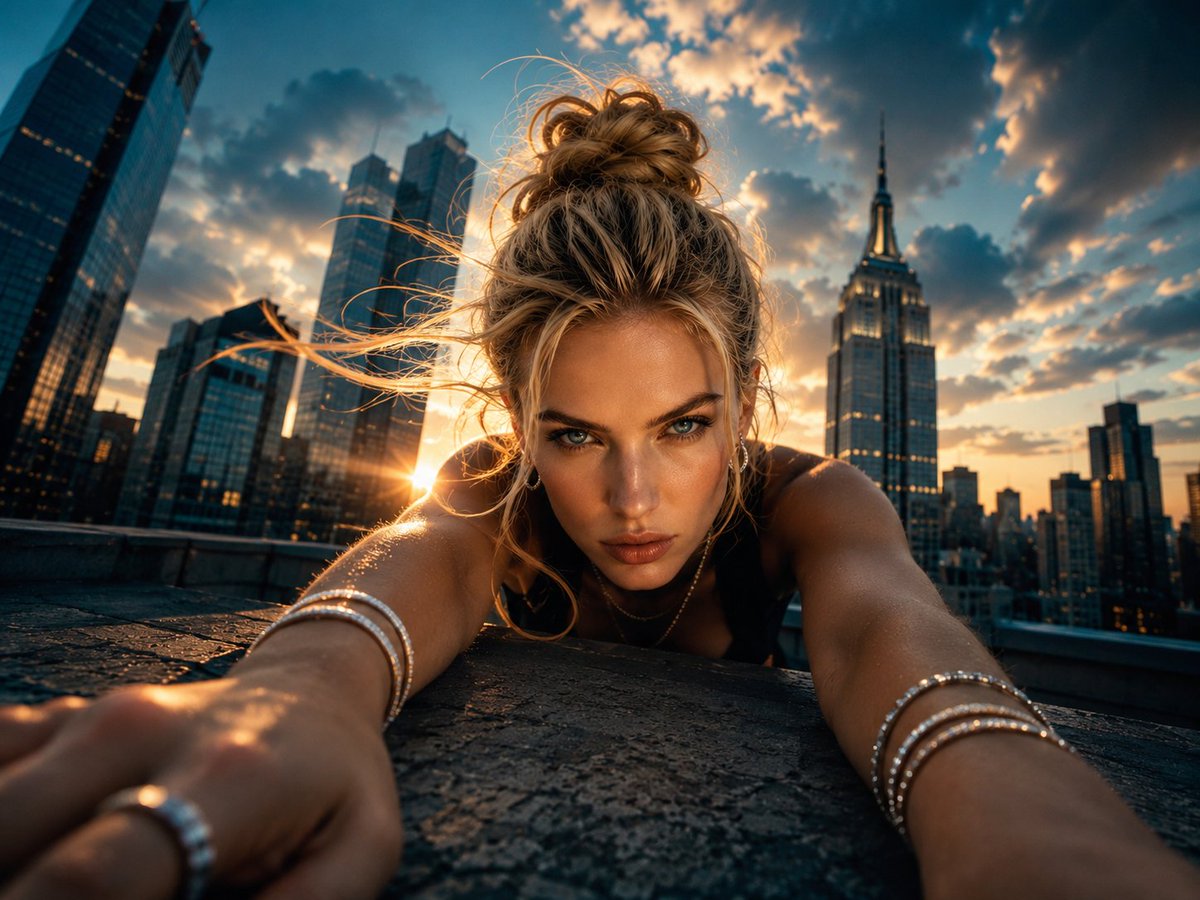
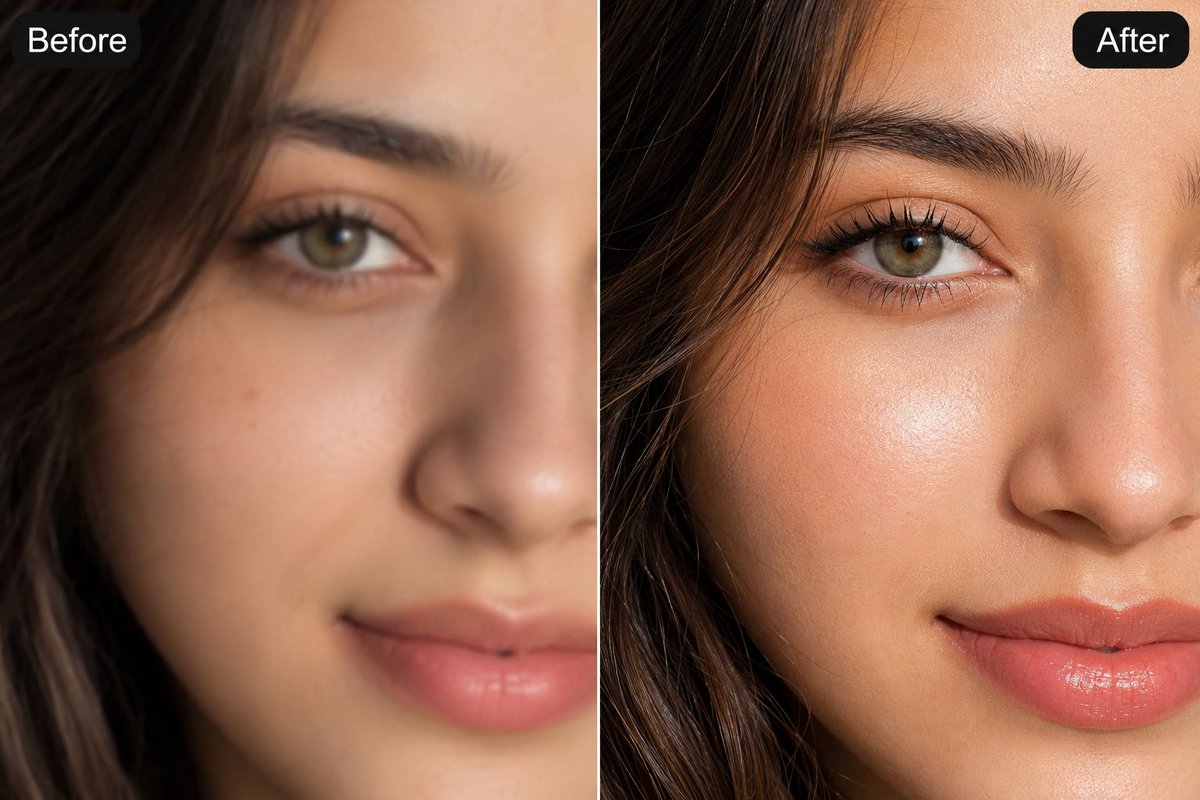
About this prompt
Will opening this prompt spend credits?
No. The button only prefills Image Studio. Credits are used only after you start a generation.
Can I edit the prompt first?
Yes. The transferred text is fully editable before you generate an image.