
AI Skin Retouch Before/After: Extreme Close-Up Split-Screen Demo
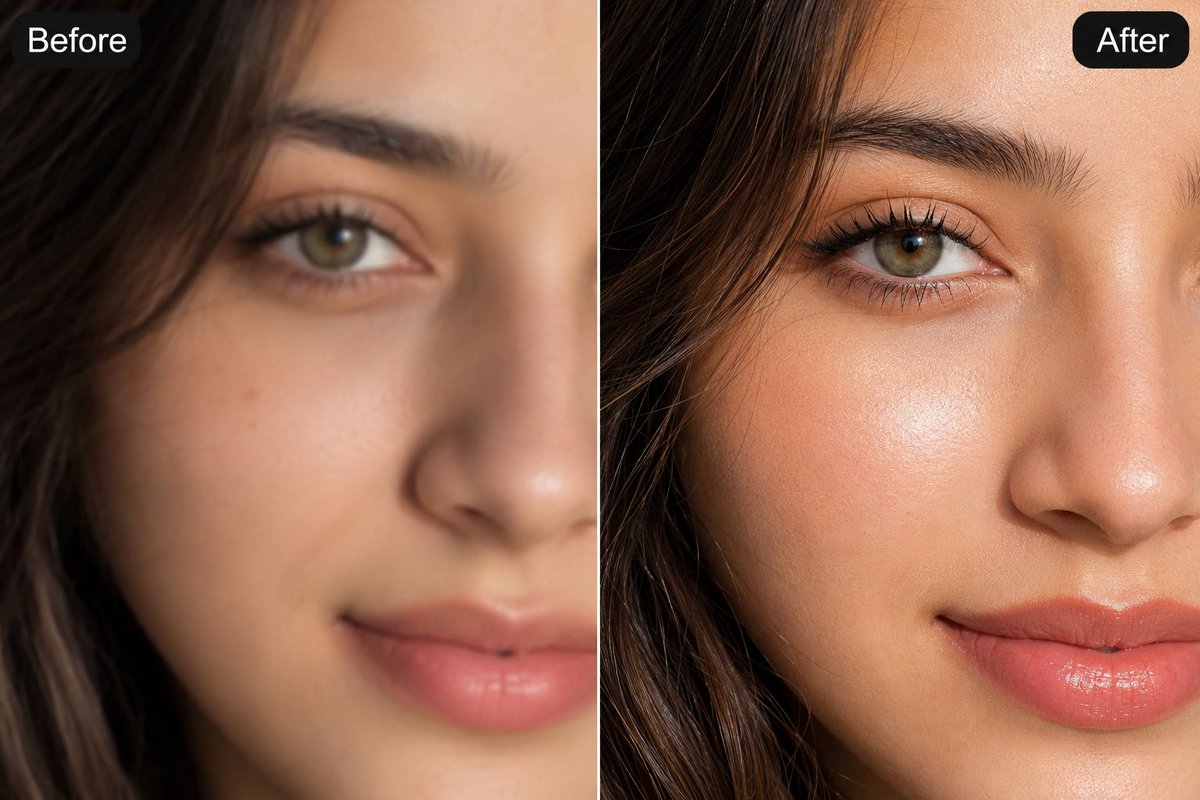
An extreme close-up split-screen comparison image demonstrating AI-enhanced skin retouching. The left side shows a soft, blurry low-detail rendering labeled 'Before'; the right side shows hyper-realistic sharp skin details including pores, eyelashes, eyebrows, highlights, blush, and lips. Professional beauty photography style, 8k detail.
Prompt
Extreme close-up split-screen comparison image of a young woman's face, cropped tightly on the eye, brow, cheek, and nose area, labeled "Before" on the left panel and "After" on the right panel with rounded black label tags in the top corners. Left side ("Before"): soft, blurry, out-of-focus low-detail rendering, muted skin tone, undefined eyebrow hairs, flat lighting, hazy hair strands. Right side ("After"): hyper-realistic ultra-sharp AI-enhanced skin retouch, individually defined eyebrow hairs, crisp mascara-coated eyelashes, visible natural skin pores and texture, soft dewy highlight on cheekbone, warm rosy blush, glossy nude-pink lips, sharp catchlight in the hazel-green eye, strand-by-strand hair detail with soft backlight rim, warm neutral studio lighting, shallow depth of field falloff toward the hairline, professional beauty photography quality, 8k detail, photorealistic skin retouching demo.
Kynvio Prompt Workflow
How to use this prompt
Open it in Image Studio
Send the prompt to Kynvio AI without starting a generation.
Adapt the details
Replace the subject, setting, colors, text, or composition for your goal.
Review and generate
Choose your final settings, then click Generate when you are ready.
Related GPT Image 2 prompts
GPT Image 2 prompts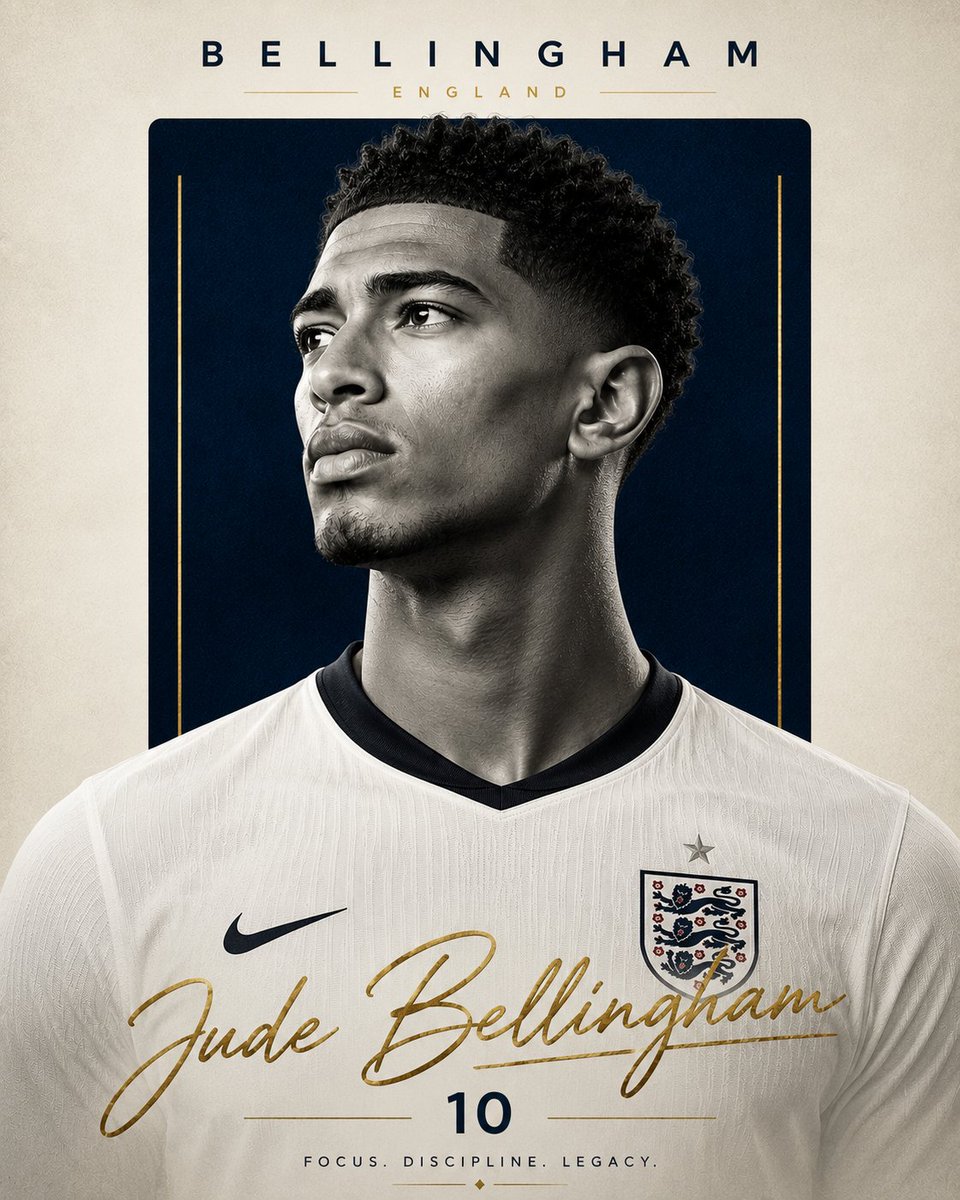
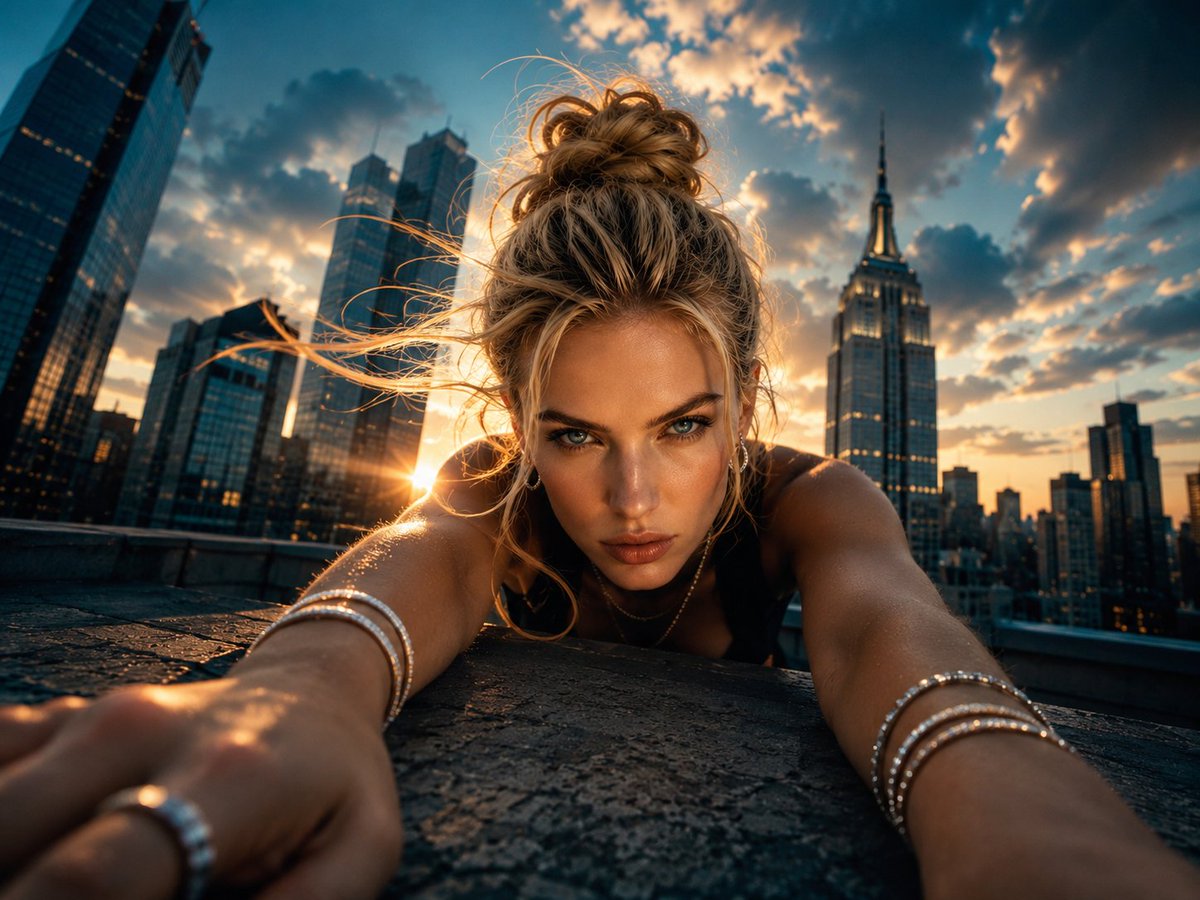
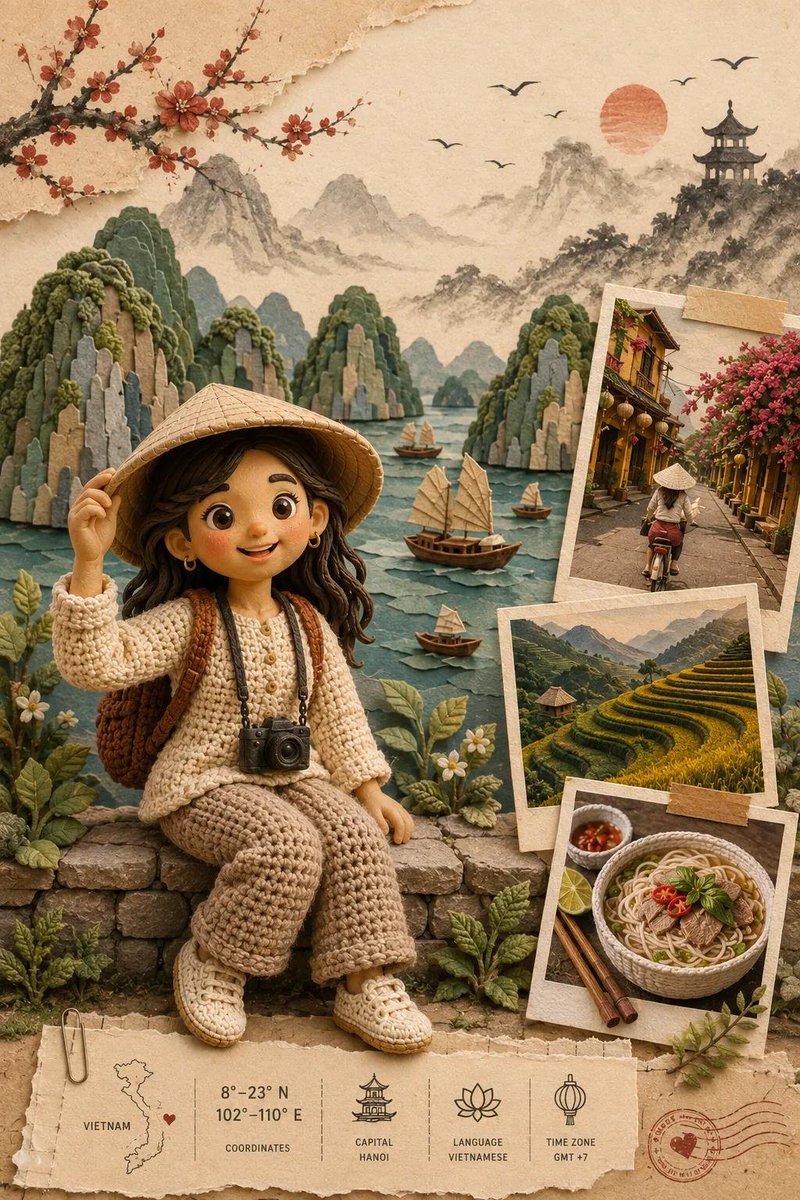
About this prompt
Will opening this prompt spend credits?
No. The button only prefills Image Studio. Credits are used only after you start a generation.
Can I edit the prompt first?
Yes. The transferred text is fully editable before you generate an image.