
Surreal Technical Character Illustration Prompt Template
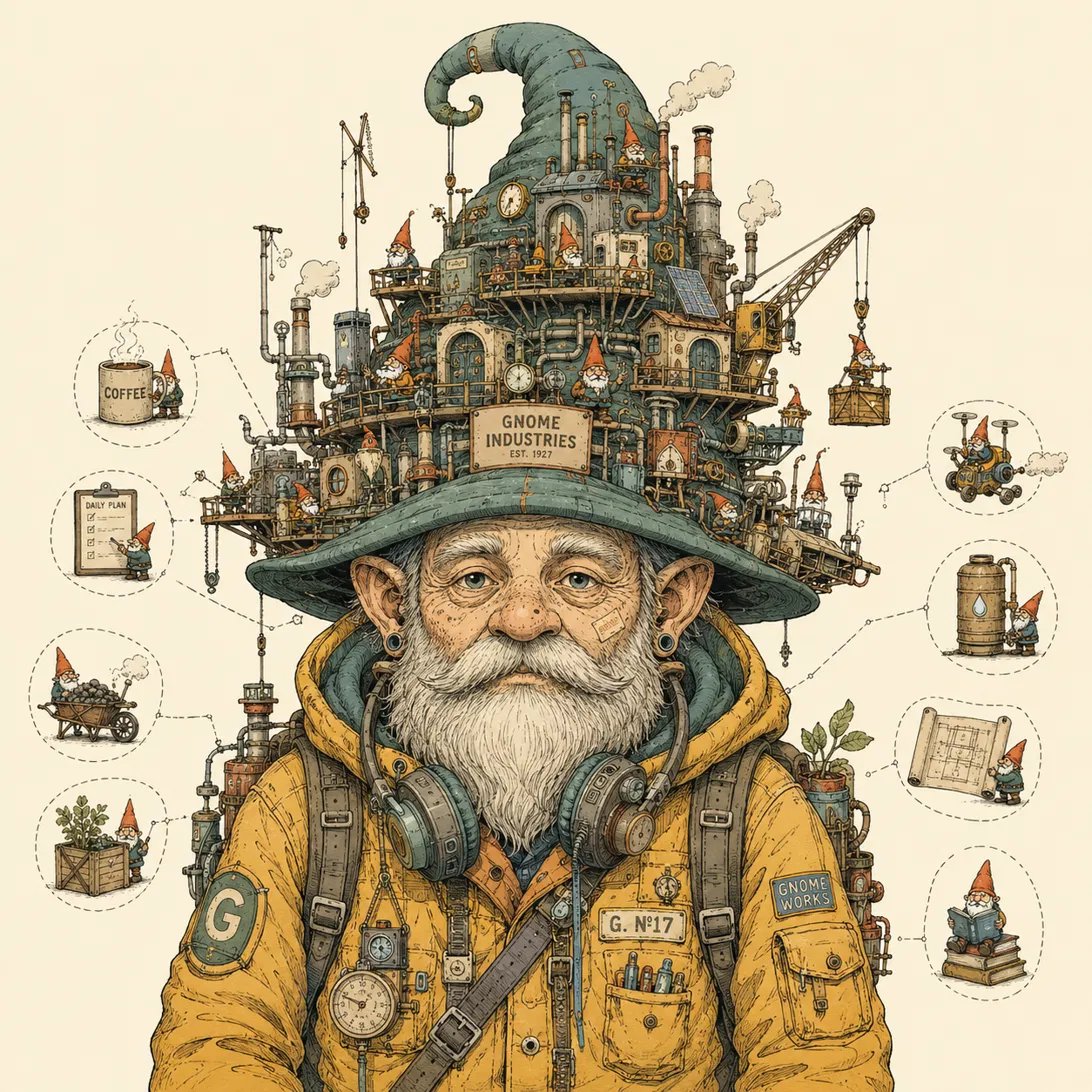
A detailed JSON prompt template for generating surreal technical character illustrations, merging mechanical schematics with character portraits, including complete art style, color palette, composition, conceptual theme, and character design details.
Prompt
{ "prompt_type": "surreal_technical_character_illustration", "art_style": { "medium": "Detailed pen-and-ink illustration with flat digital coloring, fine cross-hatching and stippling for texture and shading", "linework": "Precise, slightly loose hand-drawn outlines, consistent line weight with fine hatching for shadow and material texture (skin stubble, fabric weave, metal scratches)", "rendering": "Technical/engineering-diagram aesthetic applied to organic subjects — as if a mechanical schematic and a character portrait were merged into one drawing", "color_application": "Flat, muted color fills with minimal gradients; shading achieved mostly through linework/hatching rather than soft blending", "reference_descriptor": "Reminiscent of editorial/book-cover illustration in the style of surreal machine-human hybrid artists — intricate, whimsical, slightly melancholic" }, "color_palette": { "background": "Flat, uniform warm off-white / cream (#F2EEE1 approx.), completely empty, no gradient, no texture, no environment", "primary_accents": ["Mustard / golden yellow (#E8B84B–#D9A62E)", "Teal / sage green (#6E9C93–#8FAFA0)", "Rust orange / burnt sienna (#C0592B)", "Warm gray (#7A7A78)"], "skin_tones": "Warm, slightly pale peach with visible freckles, blemishes, or texture marks for realism", "notes": "Palette stays muted and slightly retro/vintage — no neon, no high saturation, no pure black (uses warm dark brown/charcoal instead of black for line color)" }, "composition": { "framing": "Single centered subject, isolated on the empty cream background, no horizon line, no ground shadow beyond the subject's own base", "focal_point": "The character or vehicle occupies most of the frame, cropped tightly at chest/waist level for portraits, or full-figure for scenes", "balance": "Asymmetrical visual weight — dense intricate detail concentrated in one area (head, machine cluster, or top of the composition) contrasted against simpler, cleaner lower portions of the subject", "negative_space": "Generous use of empty cream space around the subject to let the intricate details breathe" }, "conceptual_theme": { "core_idea": "A human (or humanoid/animal) figure fused with, wearing, or generating an elaborate miniature world of machinery, gadgets, architecture, or vehicles — as if their mind, head, or body were an engine room, a city, or a factory", "narrative_tone": "Whimsical, surreal, slightly satirical, delivered with deadpan character expressions (neutral, tired, or mildly bewildered)" }, "character_design_details": { "clothing": "Everyday casual/utilitarian streetwear — puffer jackets, hoodies, overalls, always in the same muted palette (mustard yellow is a recurring signature garment color)", "accessories": "Small realistic props integrated into the mechanical theme: glasses, headphones around the neck, piercings, wristwatches, backpacks", "facial_expression": "Deadpan, neutral, slightly weary gaze, contrasted against the chaos of mechanical detail around them", "texture_details": "Visible stubble, messy hair strands, freckles, fabric creases, and metal wear-and-tear rendered with fine hatching" }, "micro_detail_elements": { "instruction": "Fill every mechanical/architectural cluster with dozens of small, distinct sub-details — tiny pipes, gauges, antennas, windows, potted plants, solar panels, wind turbines, robotic arms, floating debris/birds — so the image rewards close inspection", "small_vignettes": "Include isolated thought-bubble-style icons or small independent scenes floating near the subject (food items, tools, documents) to hint at narrative without a full background" }, "subject_concept": "{{DESCRIBE YOUR CHARACTER/SCENE HERE — e.g. 'an old gnome with a white beard whose huge hat is a steampunk factory full of tiny gnomes working'}}", "technical_specs": { "aspect_ratio": "1:1", "resolution_intent": "High detail, print-illustration quality, sharp linework even at small scale", "background_requirement": "Pure flat cream, no shadow gradient, no vignette, no texture noise" }, "negative_prompt": [ "no photorealistic rendering", "no 3D render look", "no painterly soft brush textures", "no gradient backgrounds", "no added scenery, horizon, or environment behind the subject", "no pure black outlines (use warm dark brown/charcoal linework)", "no neon or oversaturated colors" ] }
Kynvio Prompt Workflow
How to use this prompt
Open it in Image Studio
Send the prompt to Kynvio AI without starting a generation.
Adapt the details
Replace the subject, setting, colors, text, or composition for your goal.
Review and generate
Choose your final settings, then click Generate when you are ready.
Related GPT Image 2 prompts
GPT Image 2 prompts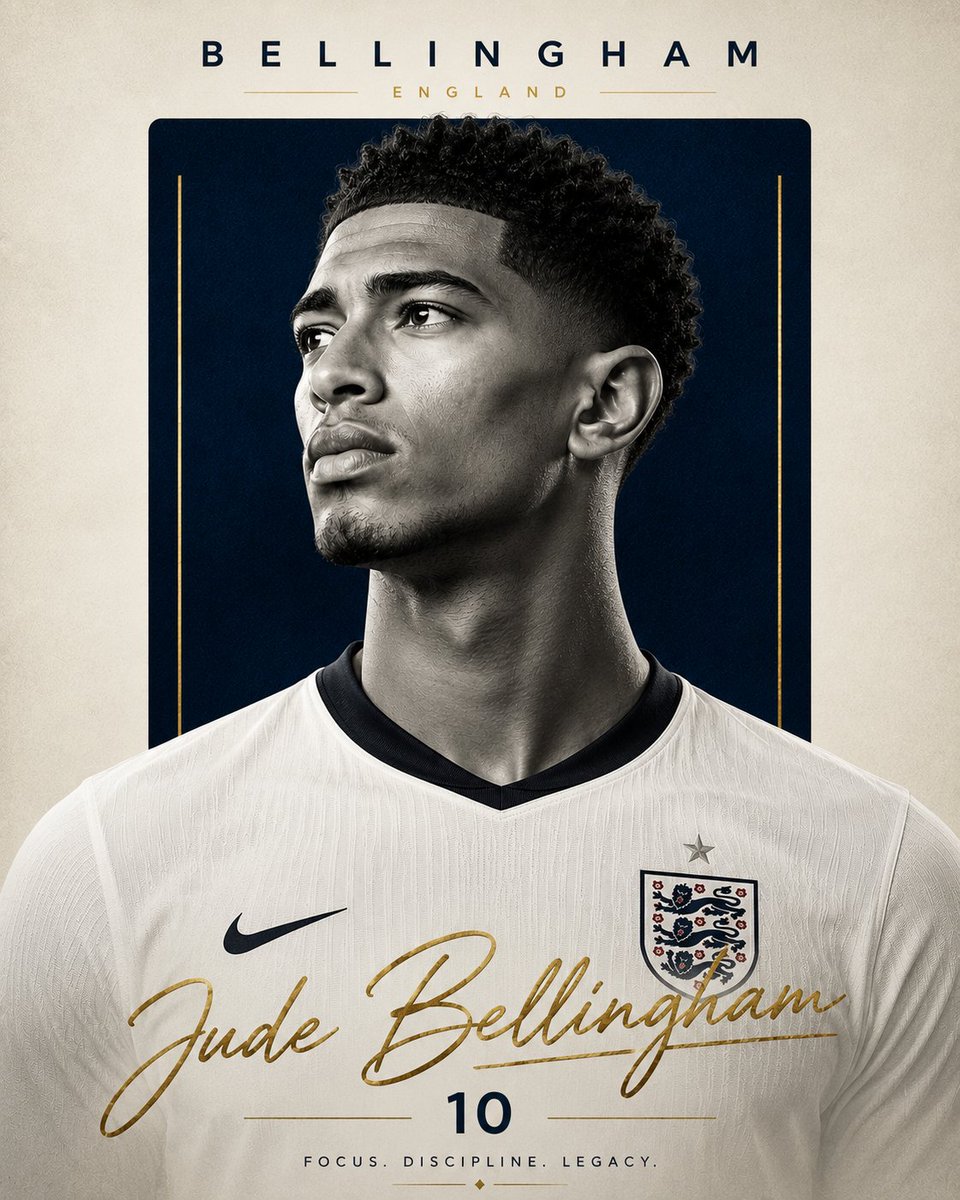
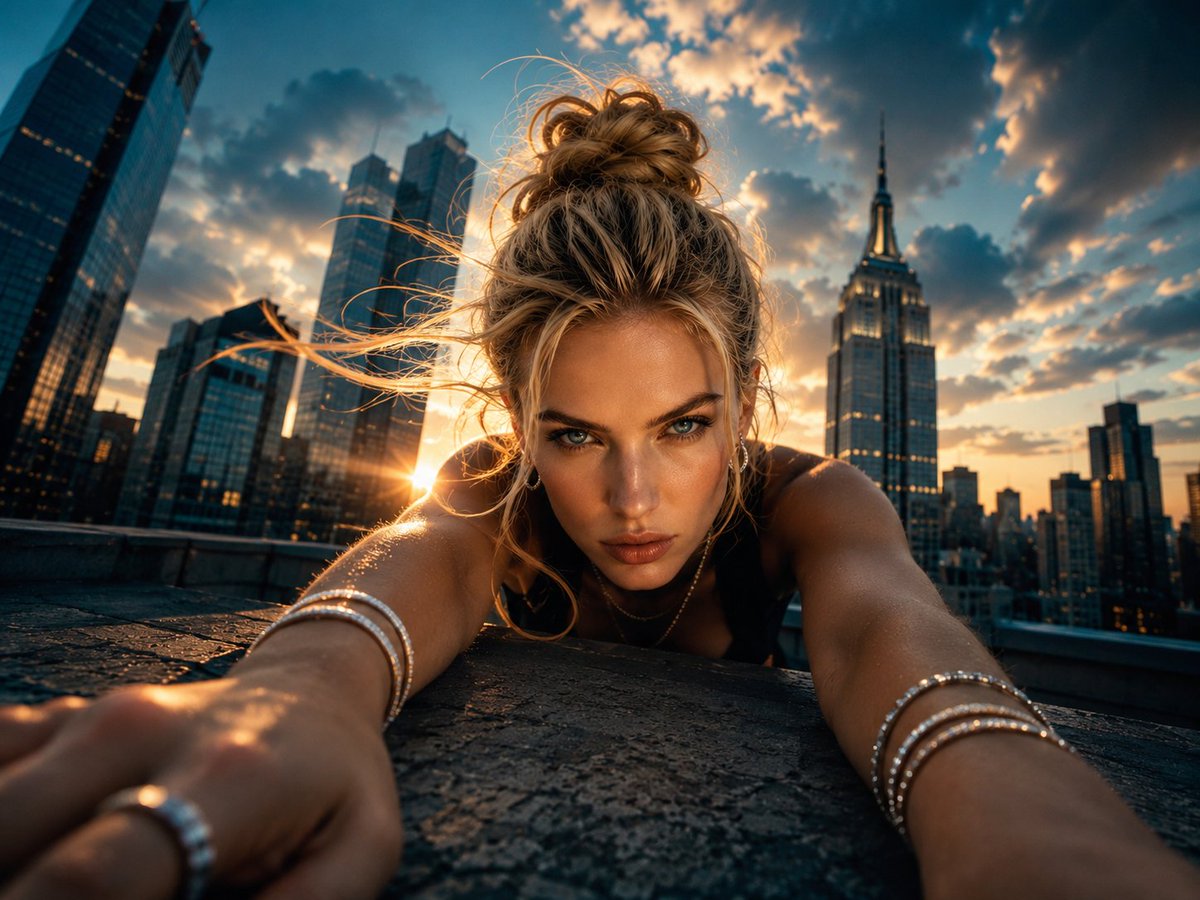
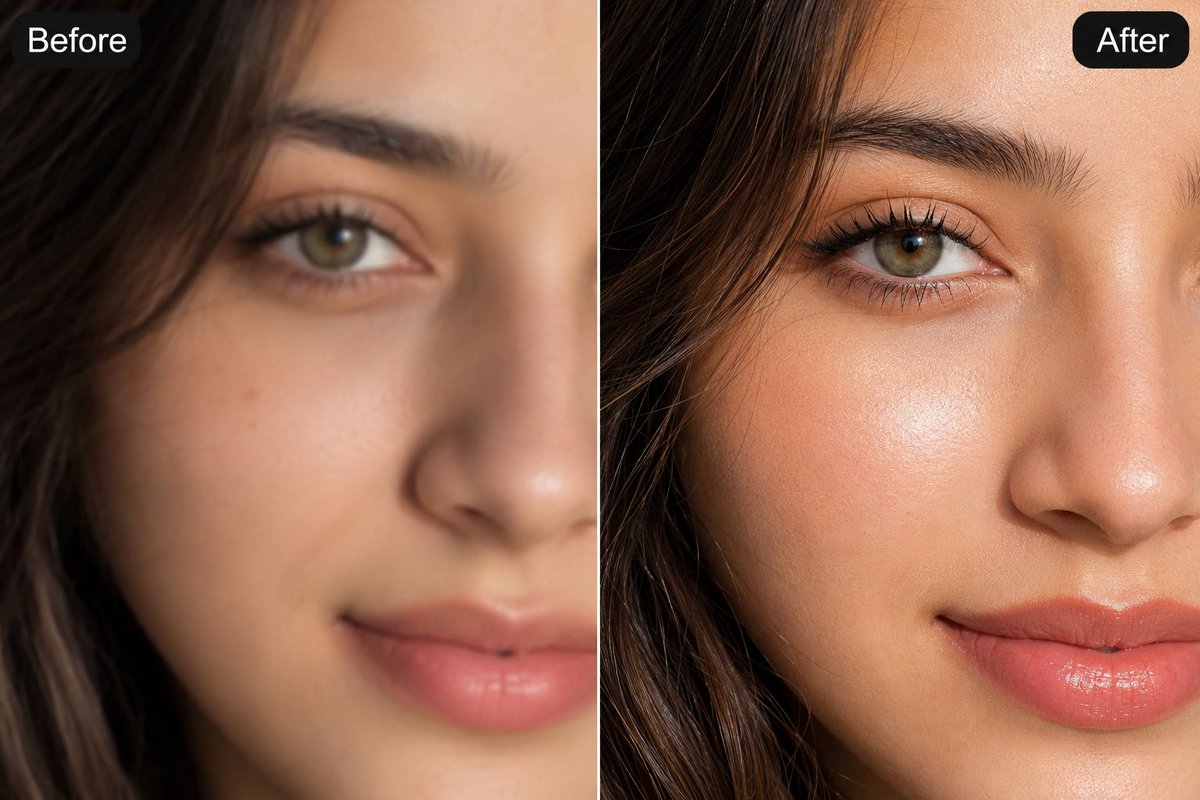
About this prompt
Will opening this prompt spend credits?
No. The button only prefills Image Studio. Credits are used only after you start a generation.
Can I edit the prompt first?
Yes. The transferred text is fully editable before you generate an image.