
Product Gravity Advertising Poster Generation
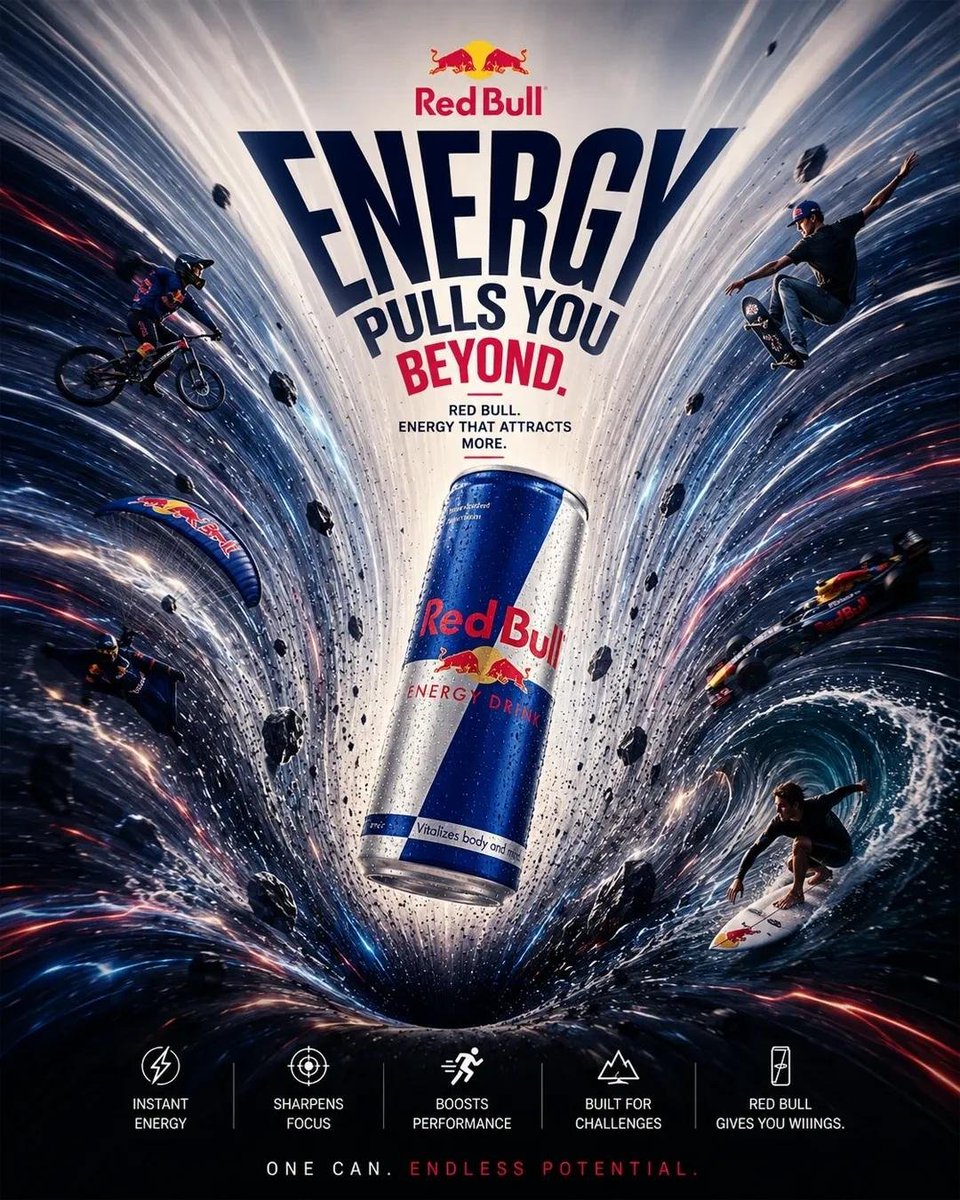
Generate a premium advertising poster with a gravity effect for a specified product/brand based on the user's prompt. The prompt details the composition, style, and element requirements, including the product as the gravitational center, surrounding objects moving along curved trajectories, realistic spatial vortex effects, and headline creation based on product benefits.
Prompt
Create a premium 4:5 **PRODUCT HAS GRAVITY advertising poster** for [PRODUCT/BRAND] on a clean editorial background. Place the authentic photorealistic product floating at the visual center as a powerful gravitational force, pulling product-relevant objects, particles, light, energy and typography into dramatic curved trajectories around it. Build a realistic spatial vortex with warped perspective, radial motion trails and bent environmental elements, while keeping the hero product perfectly sharp, undistorted and dominant. Create a **short, bold campaign headline specifically based on the product's main benefit, expressed through a gravity, orbit, pull, force, mass or attraction metaphor; never use a fixed generic gravity headline**. Surrounding objects must directly relate to the product's real use case and visually reinforce its benefit. Use controlled brand-color accents, cinematic commercial lighting, realistic physics, strong depth, generous negative space and premium global advertising art direction; surreal yet believable, sophisticated, minimal, high-impact, no irrelevant objects, no clutter.
Kynvio Prompt Workflow
How to use this prompt
Open it in Image Studio
Send the prompt to Kynvio AI without starting a generation.
Adapt the details
Replace the subject, setting, colors, text, or composition for your goal.
Review and generate
Choose your final settings, then click Generate when you are ready.
Related GPT Image 2 prompts
GPT Image 2 prompts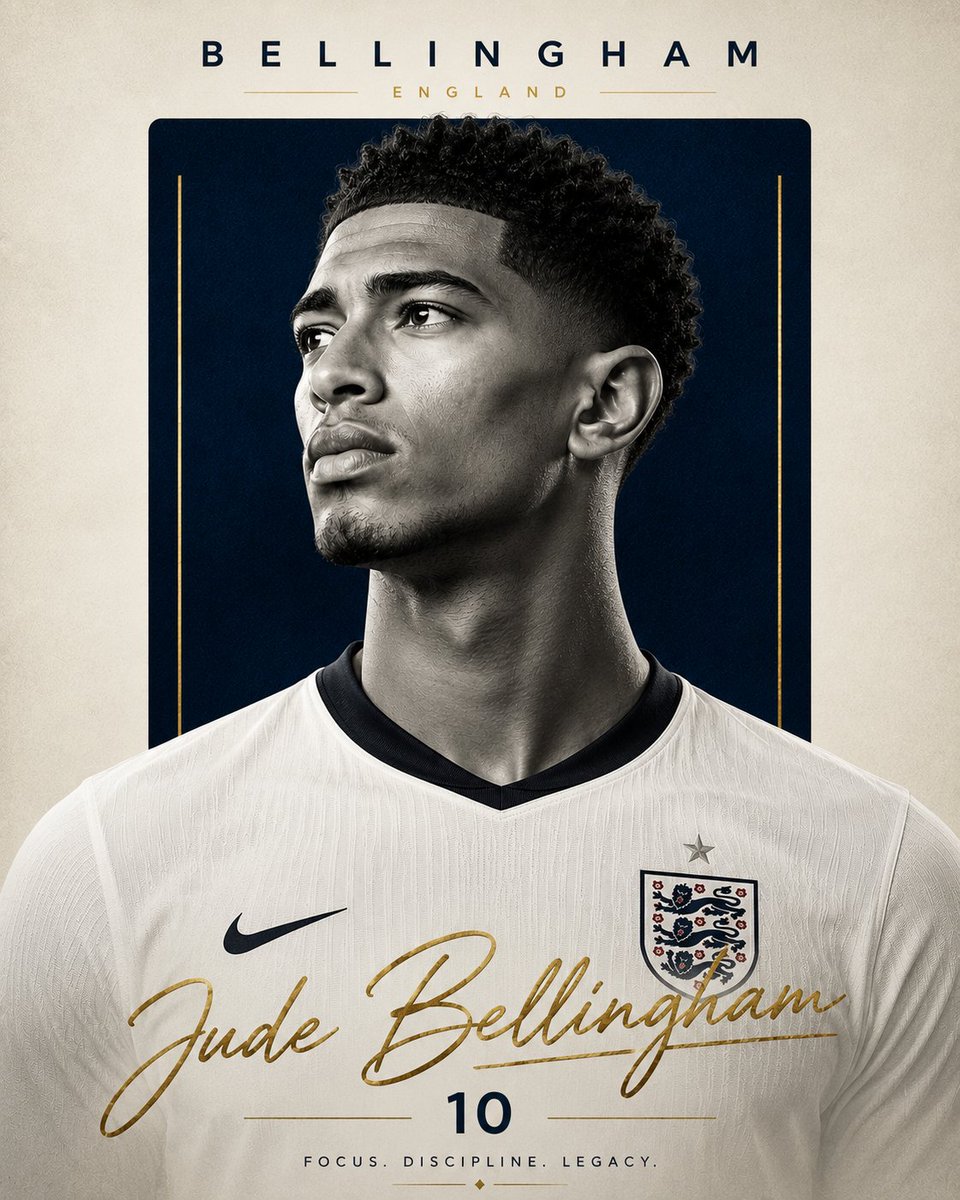
About this prompt
Will opening this prompt spend credits?
No. The button only prefills Image Studio. Credits are used only after you start a generation.
Can I edit the prompt first?
Yes. The transferred text is fully editable before you generate an image.