
Premium Editorial Portrait Poster
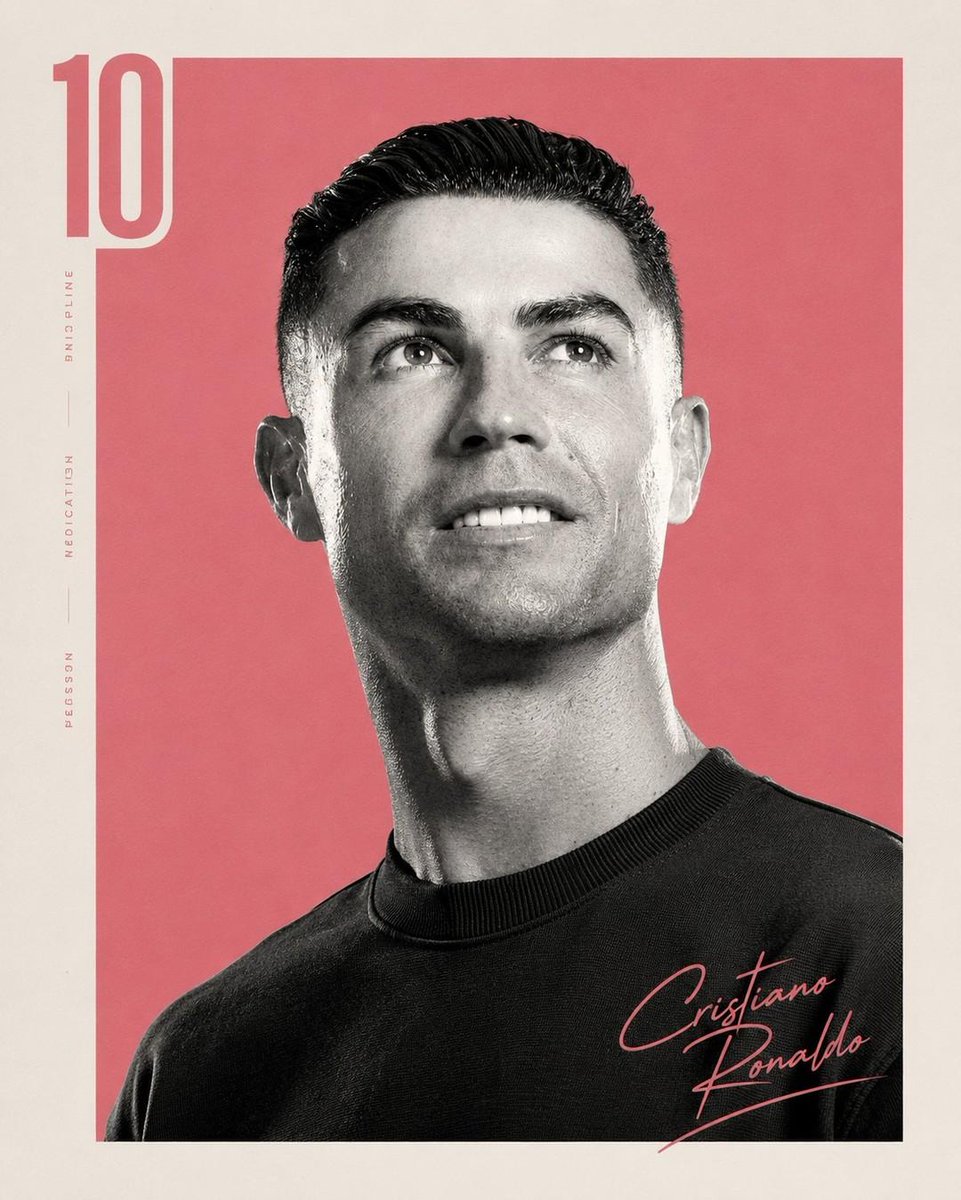
A premium editorial portrait poster featuring a high-contrast black-and-white portrait inside a colored rectangle with a vintage paper border, a semi-transparent number "10" on the left, and a handwritten signature at the bottom-right, blending luxury magazine cover aesthetics with modern sports/editorial branding.
Prompt
Create a premium editorial portrait poster featuring a single subject from the chest up, looking slightly upward and away from the camera with a calm, confident expression. Use a high-contrast black-and-white portrait with crisp facial detail, soft studio lighting, and subtle film grain. Place the portrait inside a large centered colored rectangle (choose a single bold background color such as coral pink, emerald green, mustard yellow, royal blue, or crimson) surrounded by a wide warm ivory/off-white paper border with a subtle vintage texture. Add a large semi-transparent number "10" vertically along the left edge in a matching tone of the background color. Keep the typography elegant and minimal. Place a handwritten signature of the subject in the bottom-right corner using the same accent color as the background. The subject wears a simple black crewneck sweater with no logos or patterns. The overall aesthetic should feel like a luxury magazine cover meets modern sports/editorial branding: minimalist Swiss-inspired layout, premium typography, clean negative space, balanced composition, timeless design, matte paper texture, subtle print imperfections, cinematic lighting, ultra-sharp focus, monochrome portrait with selective color background, sophisticated and iconic. Style keywords: editorial portrait, minimalist poster design, monochrome photography, luxury branding, Swiss design, premium magazine cover, cinematic studio lighting, Kodak Portra-inspired tonality, fine art print, textured paper, modern typography, elegant, high-end, photorealistic, 8k. Negative prompt: Low quality, blurry, oversaturated, cluttered background, multiple subjects, harsh shadows, distorted face, extra limbs, text errors, watermark, logos, excessive accessories, busy composition, cartoon, CGI, low detail, noisy skin, poor anatomy.
Kynvio Prompt Workflow
How to use this prompt
Open it in Image Studio
Send the prompt to Kynvio AI without starting a generation.
Adapt the details
Replace the subject, setting, colors, text, or composition for your goal.
Review and generate
Choose your final settings, then click Generate when you are ready.
Related GPT Image 2 prompts
GPT Image 2 prompts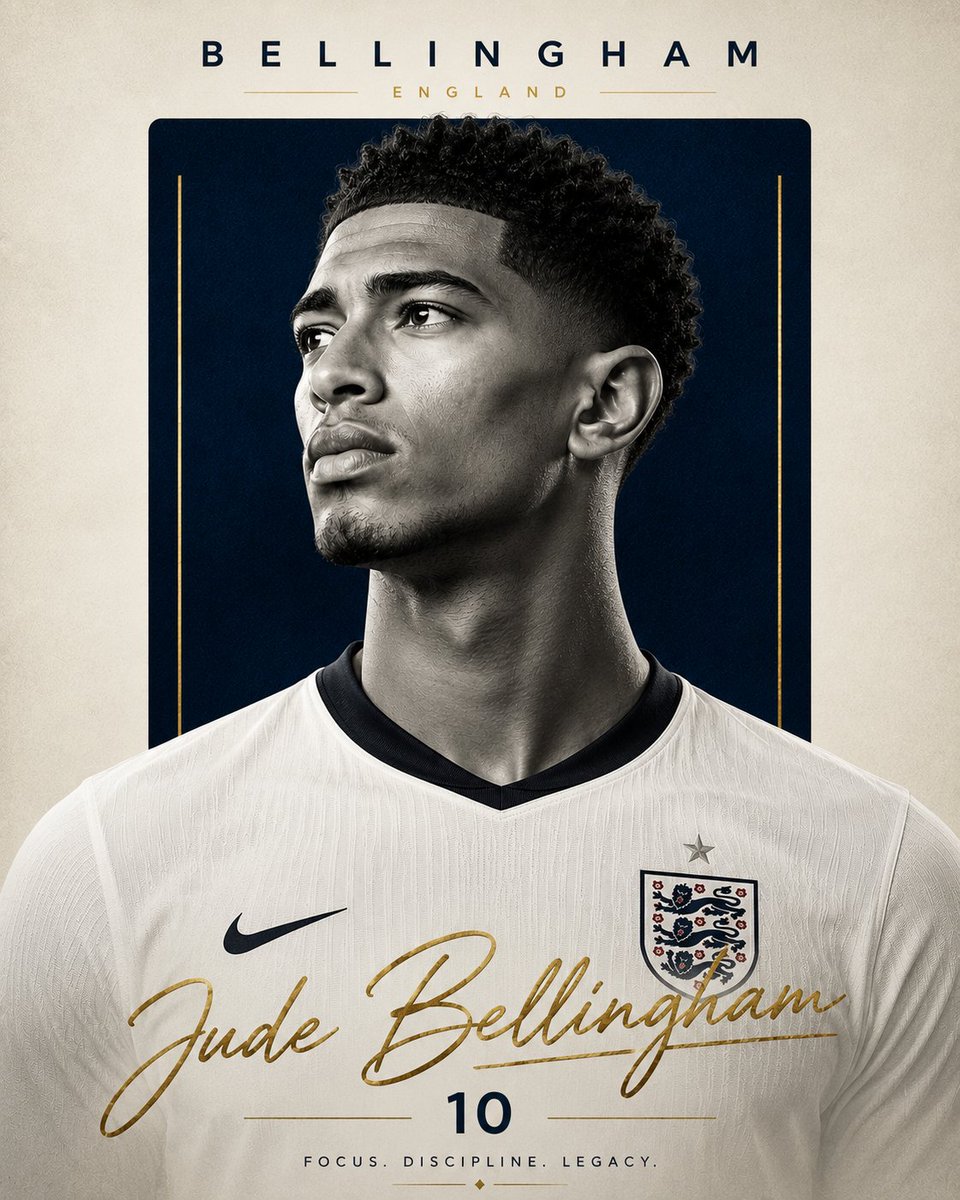
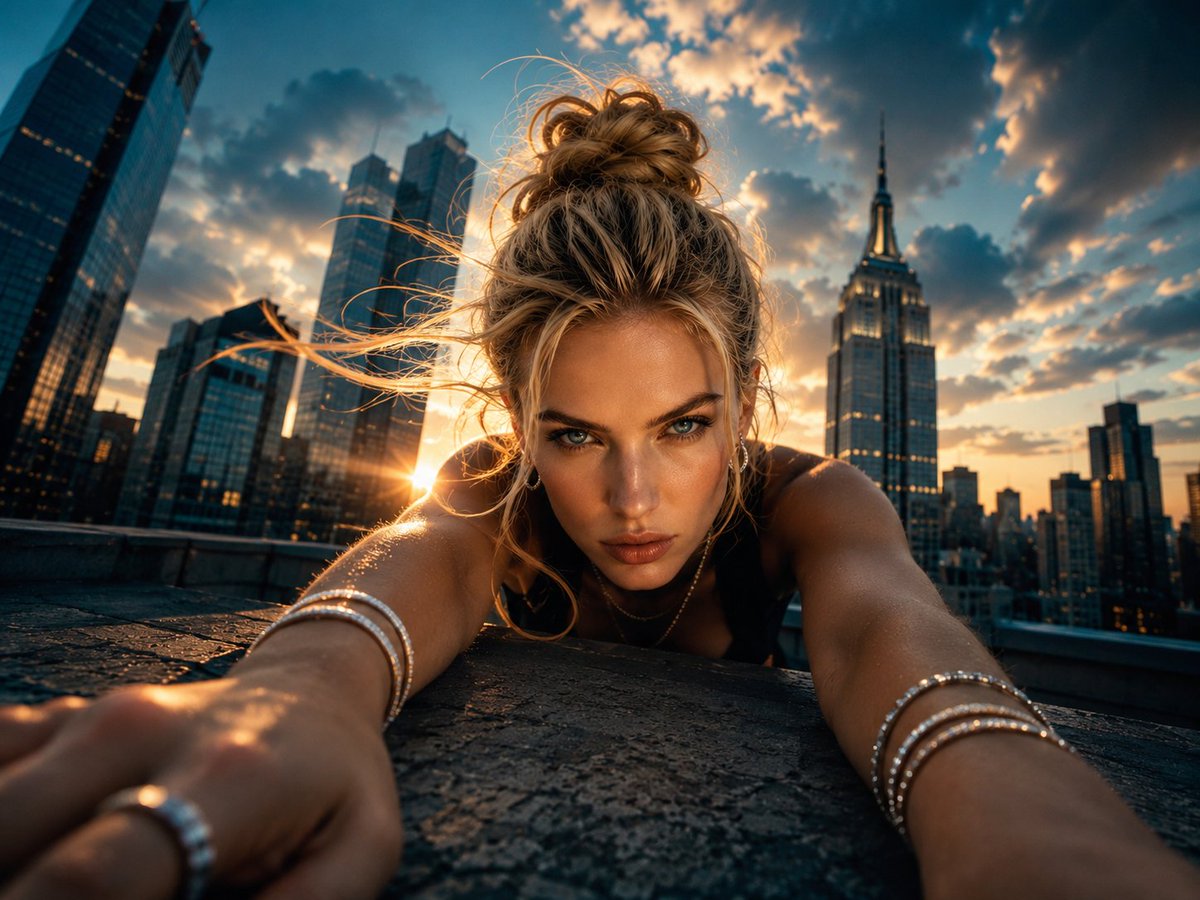
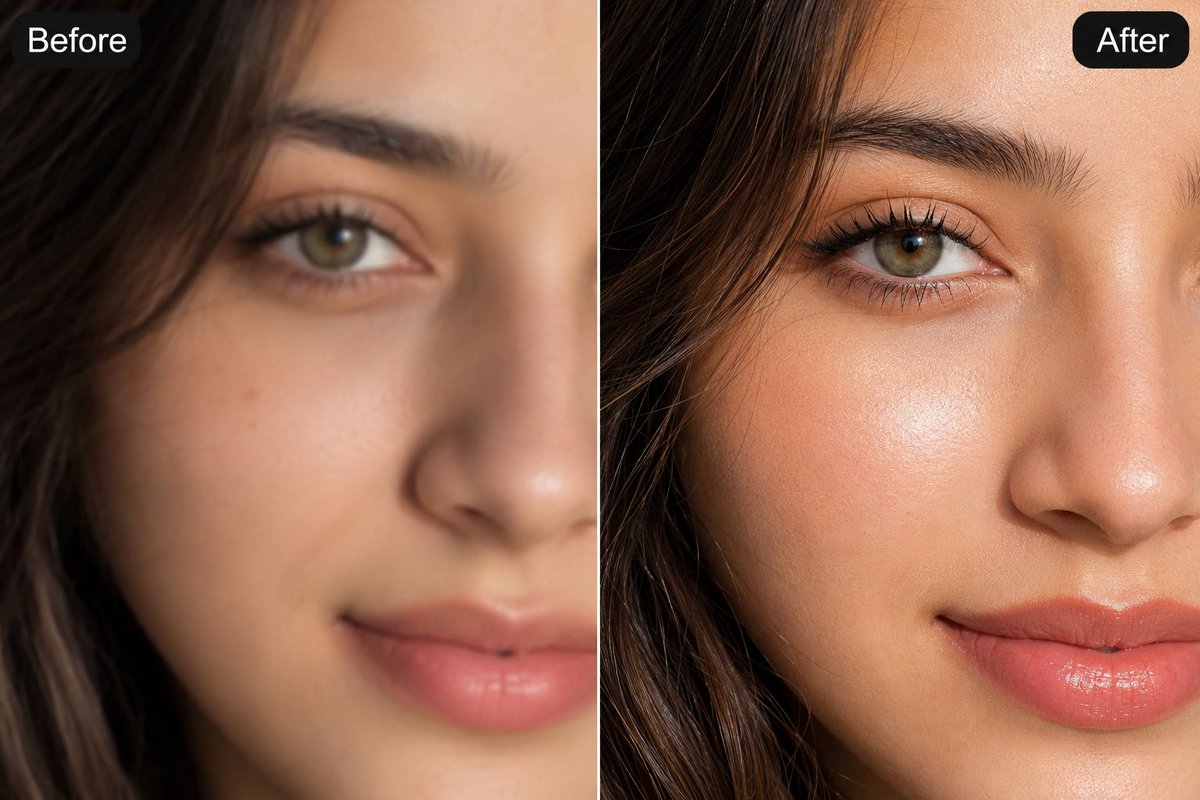
About this prompt
Will opening this prompt spend credits?
No. The button only prefills Image Studio. Credits are used only after you start a generation.
Can I edit the prompt first?
Yes. The transferred text is fully editable before you generate an image.