
Osharenger 10 Character Design Distribution
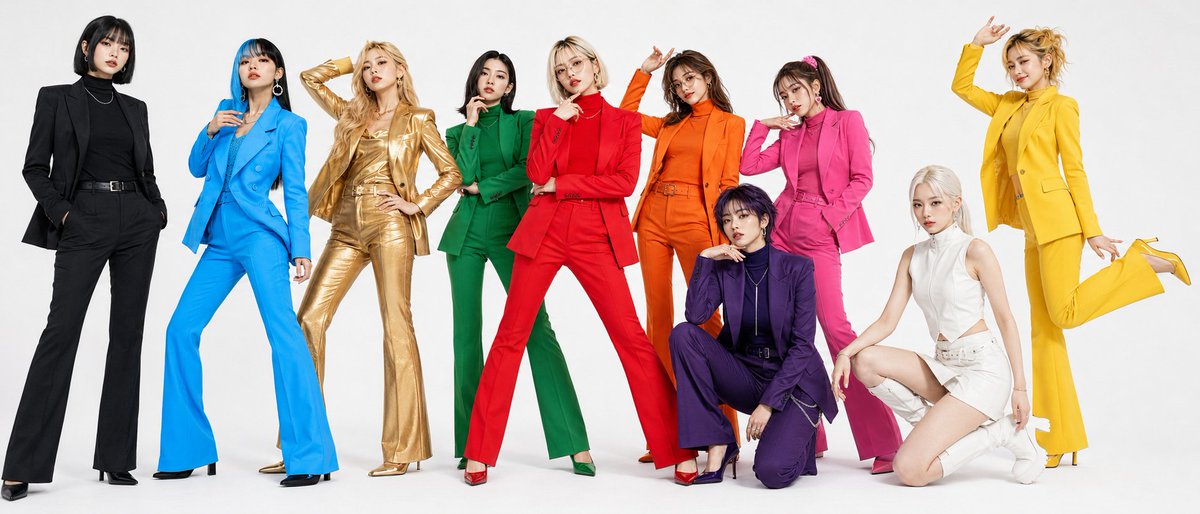
Distribution of "Osharenger 10" character designs, including three-view drawings of all characters, free to use in videos.
Prompt
Distribution of "Osharenger 10" 🆓 I will place three-view drawings of all characters in the reply section, so if you like 💦 please feel free to use them in any video (no permission or attribution needed) 🙇♂️ I believe that color gives meaning. Starting from "I want to have colorful characters," I designed each one. "Realistic and stylish characters wearing single colors" If you find it troublesome to design, please use this "Osharenger 10" w✨ The video used CPP and did Seedance2.0 on Yapper @yapper_so. My prompt skills are poor, so the character sheet came out as is 💦 Yapper is a platform that includes not only GPT Image2 and Seedance2.0, but also Grok Imagen 1.5 and Kling3.0, and is equipped with agent functionality. Opus and Sonnet run 🤖 Yapper is here 💁 https://t.co/gBiQMVoHkj
Kynvio Prompt Workflow
How to use this prompt
Open it in Image Studio
Send the prompt to Kynvio AI without starting a generation.
Adapt the details
Replace the subject, setting, colors, text, or composition for your goal.
Review and generate
Choose your final settings, then click Generate when you are ready.
Related GPT Image 2 prompts
GPT Image 2 prompts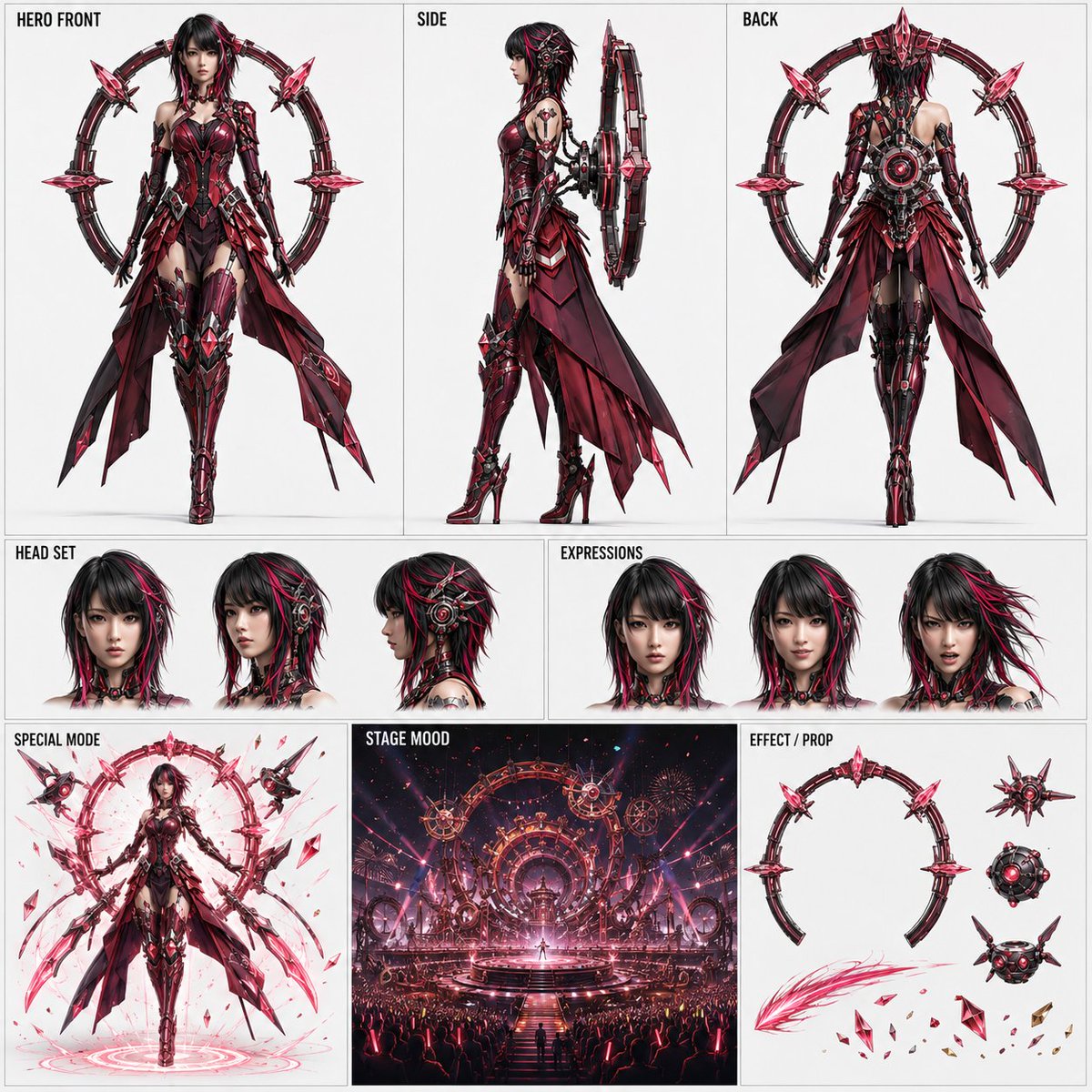
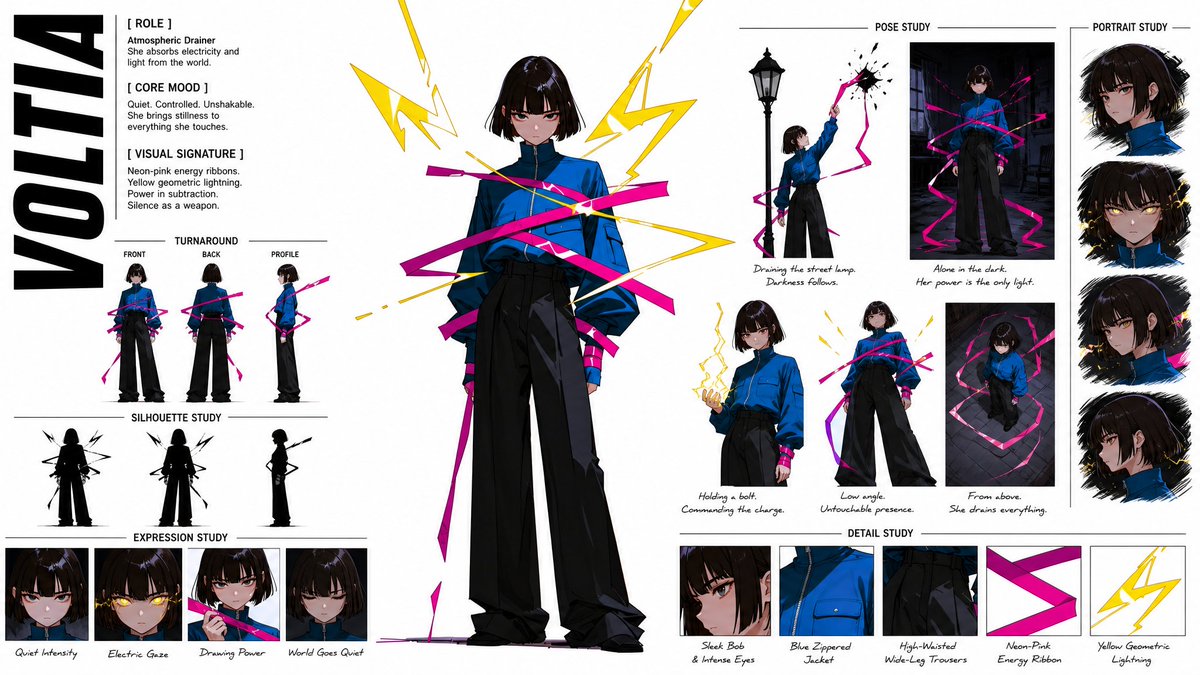
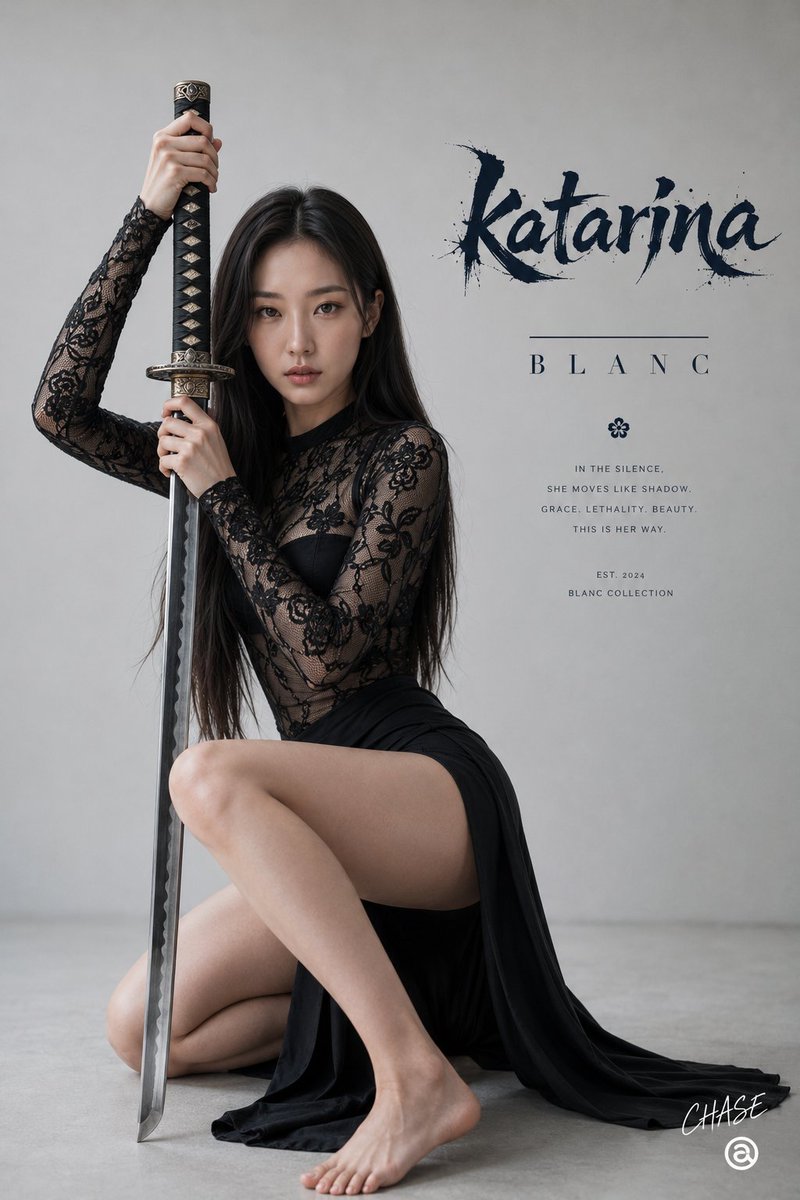
About this prompt
Will opening this prompt spend credits?
No. The button only prefills Image Studio. Credits are used only after you start a generation.
Can I edit the prompt first?
Yes. The transferred text is fully editable before you generate an image.