
Melancholic Subway Station Portrait
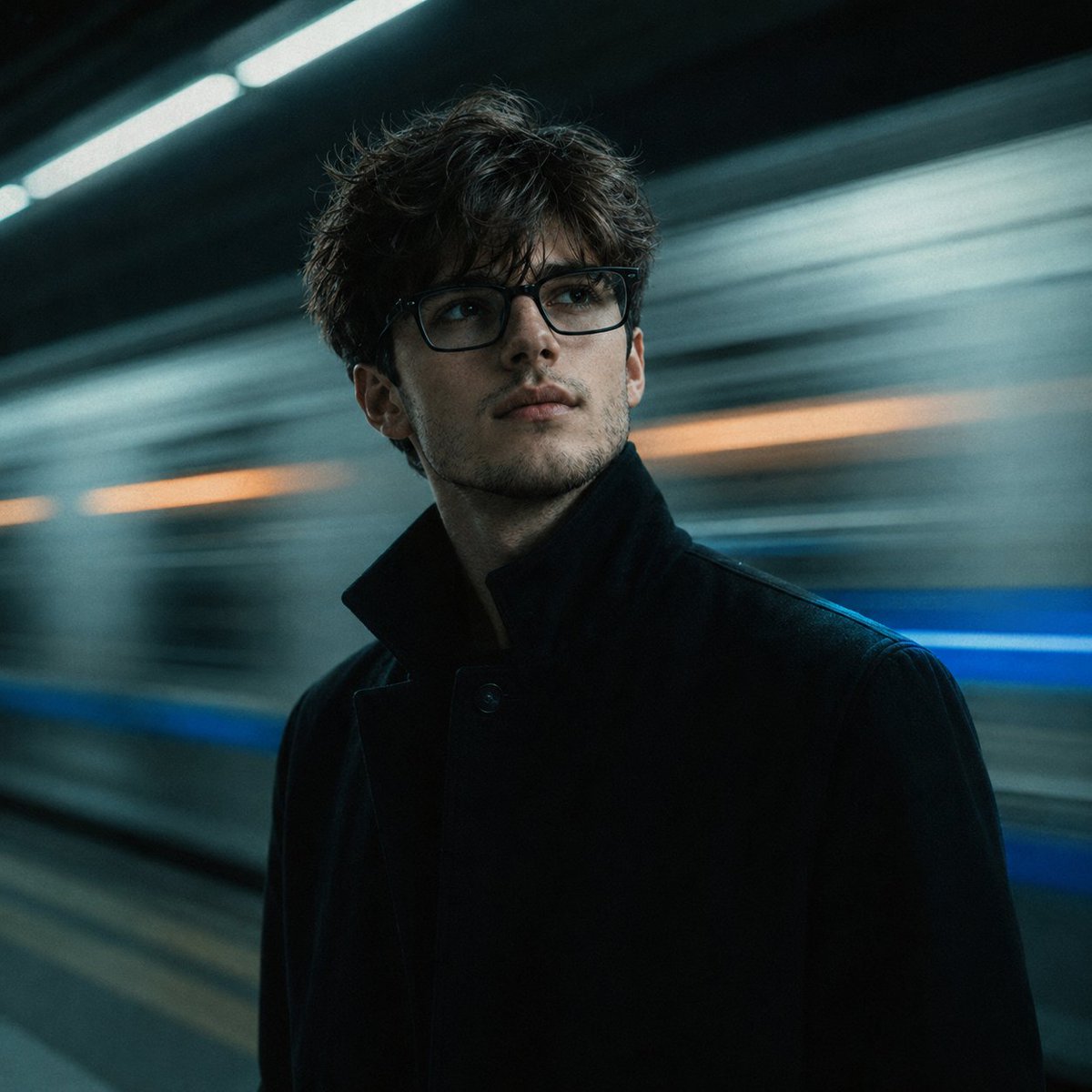
An upper body portrait in a subway station scene generated using GPT Image 2, requiring an uploaded face reference photo for reconstruction, with detailed lighting, color, and composition descriptions.
Prompt
Upload one reference photo of your face. Using the uploaded image, accurately reconstruct your face and place yourself in this exact subway station scene as an upper body portrait only. You are standing on the platform, body slightly angled left, head tilted upward and to the right at 20 to 25 degrees, looking up past the camera with a deeply introspective, melancholic expression, not looking at the lens. Thick black rectangular frame glasses. Dark black high collar structured overcoat buttoned up. Directly behind you, a subway train is rushing past at full speed. Extreme horizontal motion blur fills the entire background, silver grey train body blur with vivid electric blue stripe streak and warm orange light streak within the blur. Cool teal blue green fluorescent overhead lighting falls naturally on your face and hair from above. Subtle blue train light catches the edge of your right shoulder. Cool cinematic color grade with teal shadows and cool skin tones. Fine film grain. Do NOT paste your face. The cool fluorescent teal light must fall naturally on your face from above with realistic shadows, a subtle blue rim light on your right shoulder, and a consistent cool color cast across your face that perfectly matches the underground subway environment. 1:1.
Kynvio Prompt Workflow
How to use this prompt
Open it in Image Studio
Send the prompt to Kynvio AI without starting a generation.
Adapt the details
Replace the subject, setting, colors, text, or composition for your goal.
Review and generate
Choose your final settings, then click Generate when you are ready.
Related GPT Image 2 prompts
GPT Image 2 prompts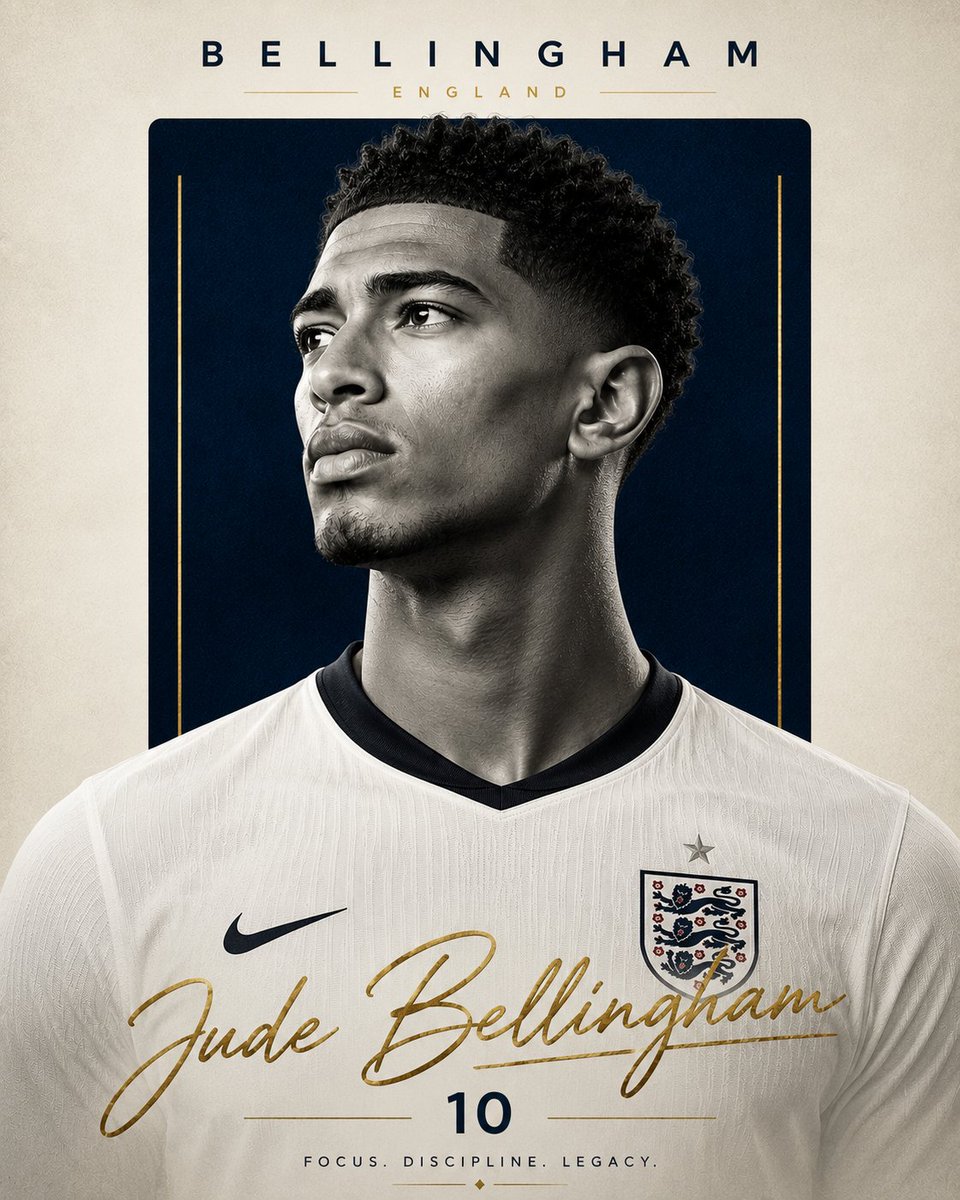
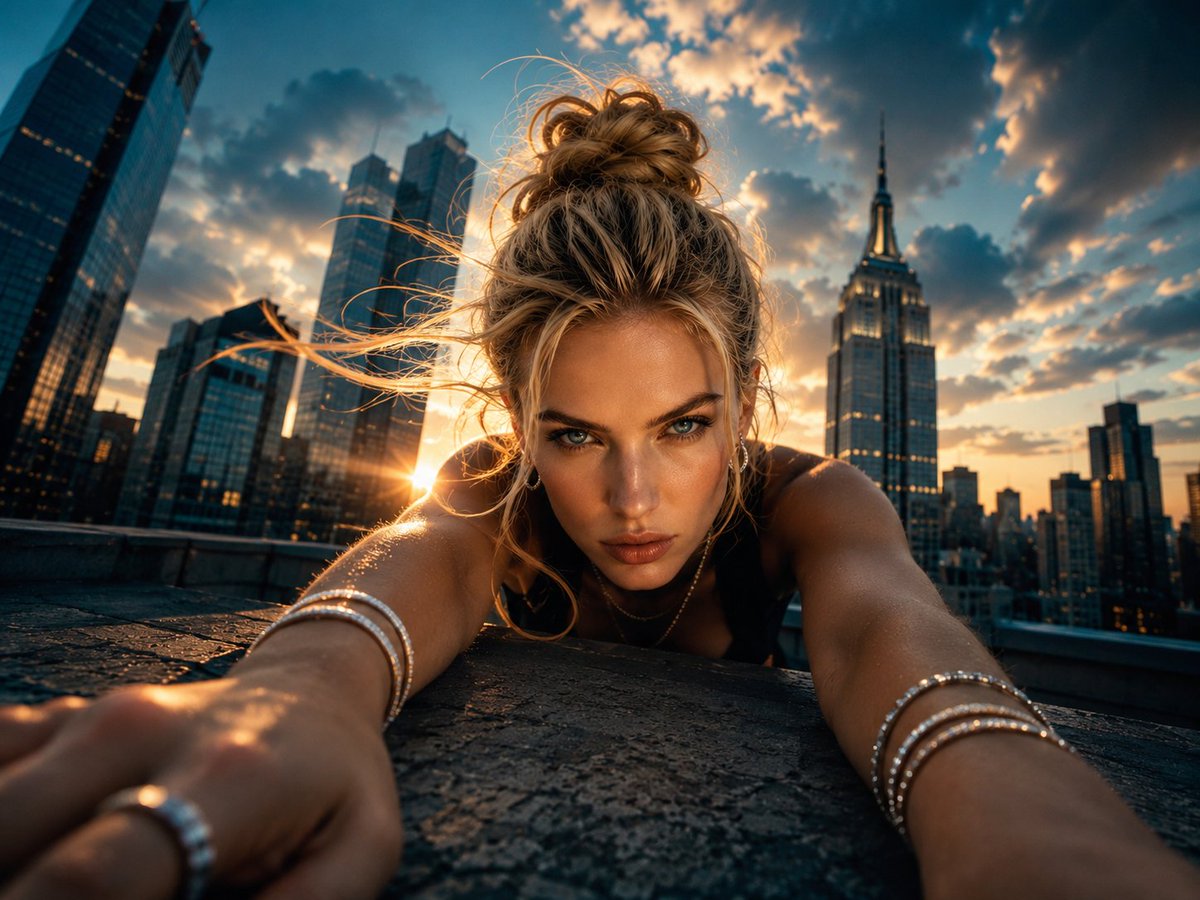
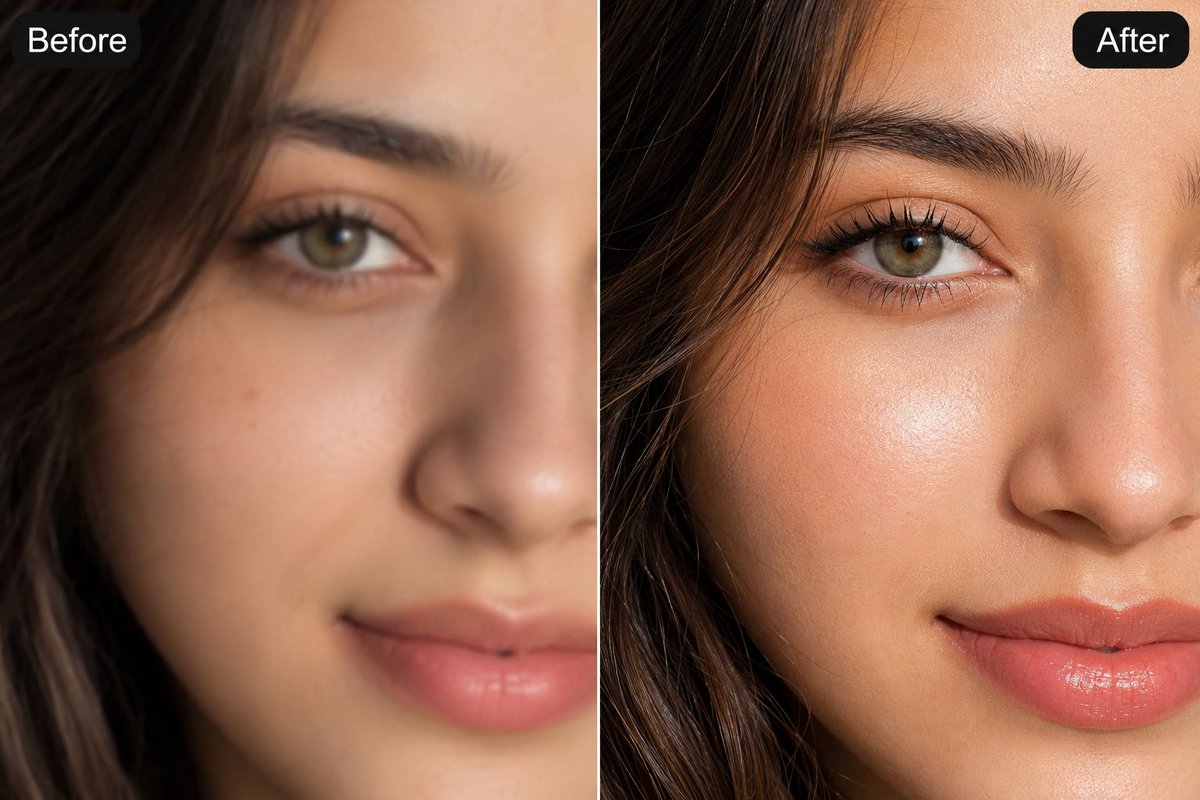
About this prompt
Will opening this prompt spend credits?
No. The button only prefills Image Studio. Credits are used only after you start a generation.
Can I edit the prompt first?
Yes. The transferred text is fully editable before you generate an image.