
Melancholic Portrait in a Vintage Diner on a Rainy Night
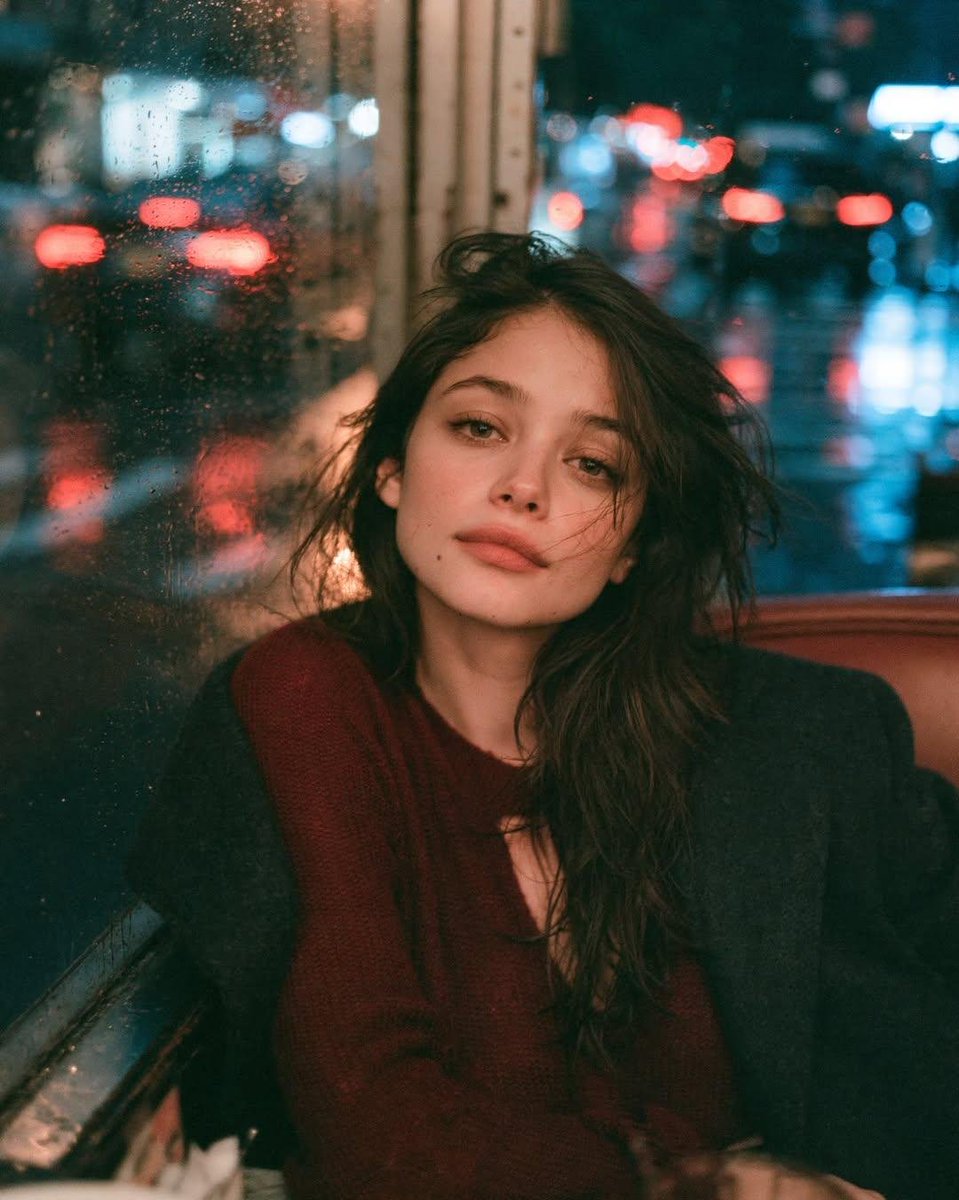
Ultra-realistic cinematic portrait of a young woman sitting alone in a vintage diner on a rainy night, leaning against a rain-covered window with blurred city lights. Wet streets reflect red, white, and blue neon, creating bokeh through raindrops. She wears a burgundy sweater under a black coat, melancholic expression, warm tungsten and cool blue light contrast. Kodak Portra 800 palette, 50mm f/1.4 lens, slow shutter, shallow depth of field, film grain, photorealistic.
Prompt
Ultra-realistic cinematic portrait of a young woman sitting alone in the corner booth of a vintage diner on a rainy night, leaning against a rain-covered window as blurred city lights glow outside. Wet streets reflect red brake lights, white headlights, and cool blue neon, creating dreamy bokeh through raindrops on the glass. She has long, naturally tousled dark hair, minimal makeup, soft expressive eyes, and wears a deep burgundy knit sweater layered beneath an oversized black wool coat. Quiet, melancholic expression with relaxed posture, one shoulder resting against the window, subtle wind-blown strands framing her face. Warm tungsten diner lighting softly illuminates her skin while cool blue city light spills through the rain-covered window, creating cinematic color contrast. Authentic reflections on the glass, natural skin texture with visible pores, soft film grain, shallow depth of field, moody atmosphere, intimate storytelling, Kodak Portra 800 color palette, warm amber and teal tones, 50mm lens, f/1.4, slow shutter with realistic light trails outside while the subject remains perfectly sharp, editorial fashion photography, emotional realism, photorealistic, HDR, 8K, no CGI, no illustration, no text, no watermark.
Kynvio Prompt Workflow
How to use this prompt
Open it in Image Studio
Send the prompt to Kynvio AI without starting a generation.
Adapt the details
Replace the subject, setting, colors, text, or composition for your goal.
Review and generate
Choose your final settings, then click Generate when you are ready.
Related GPT Image 2 prompts
GPT Image 2 prompts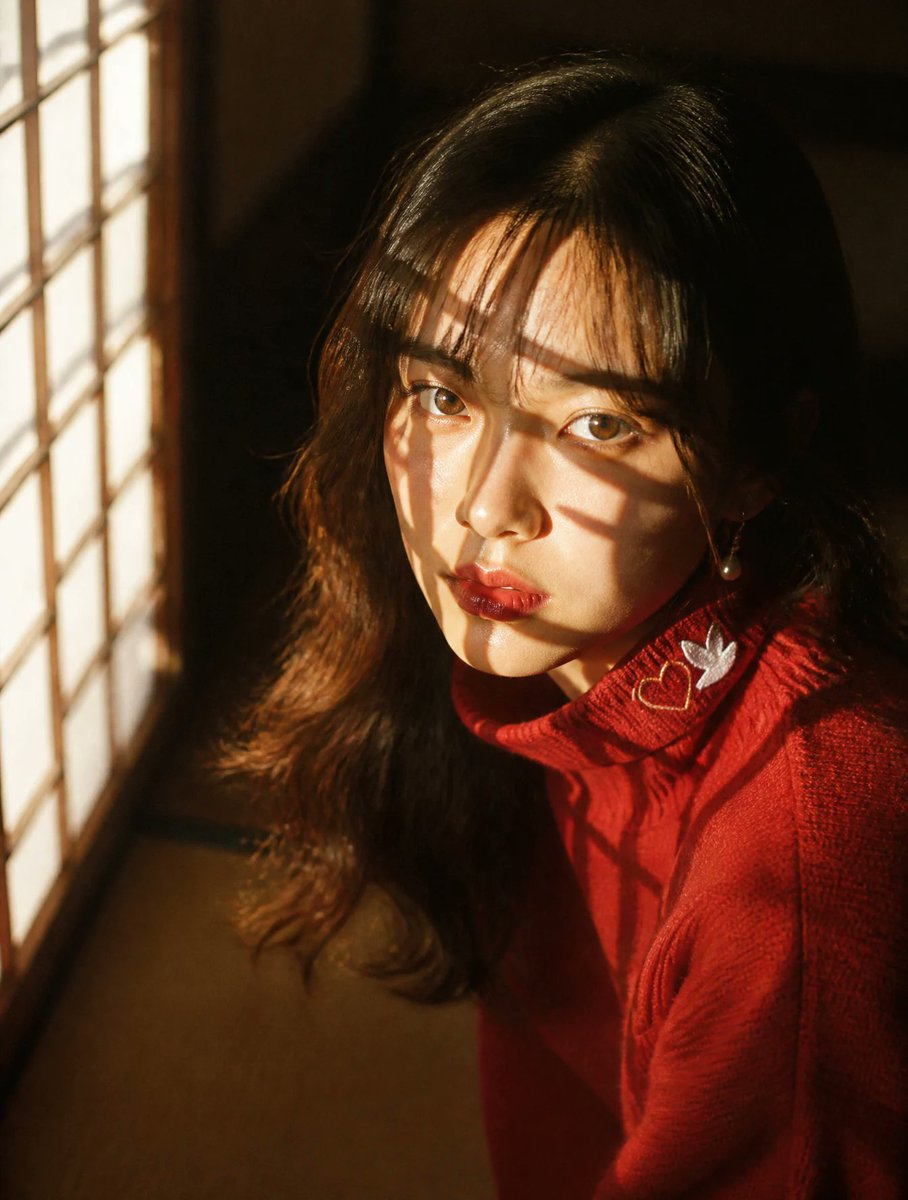
About this prompt
Will opening this prompt spend credits?
No. The button only prefills Image Studio. Credits are used only after you start a generation.
Can I edit the prompt first?
Yes. The transferred text is fully editable before you generate an image.