
GPT2 x redraw x perspective x skeleton x aesthetic prompts
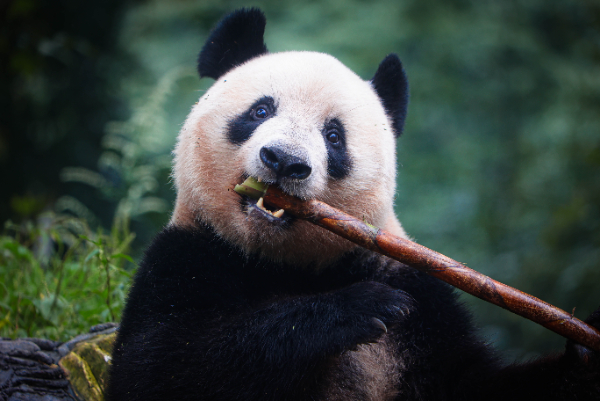
Sharing two sets of perspective wallpaper prompts showing giant panda skeleton, thanks to GPT-image2.
Prompt
GPT2 x redraw x perspective x skeleton x aesthetic prompts Thanks GPT-image2 for showing me what a giant panda's skeleton looks like These two sets of prompts were originally intended as perspective wallpaper prompts The perspective approach is not suitable for me to elaborate But GPT-image2 really can... Hope this prompt idea can help medical students, modelers... Prompt in picture ALT attribute
Kynvio Prompt Workflow
How to use this prompt
Open it in Image Studio
Send the prompt to Kynvio AI without starting a generation.
Adapt the details
Replace the subject, setting, colors, text, or composition for your goal.
Review and generate
Choose your final settings, then click Generate when you are ready.
Related GPT Image 2 prompts
GPT Image 2 prompts
About this prompt
Will opening this prompt spend credits?
No. The button only prefills Image Studio. Credits are used only after you start a generation.
Can I edit the prompt first?
Yes. The transferred text is fully editable before you generate an image.