
GPT2 x Matte x Deep Blue x Light x Wallpaper x Aesthetic Prompt
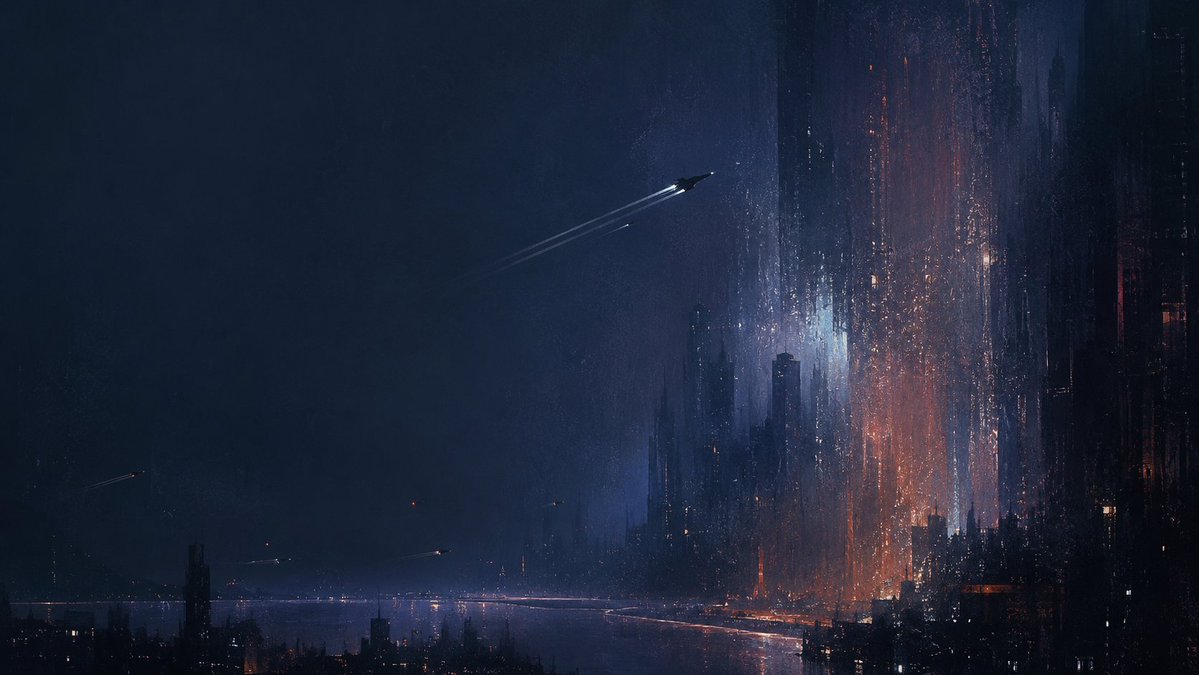
A set of aesthetic prompts combining GPT2, matte, deep blue, light, wallpaper, emphasizing film grain, slight defocus, reflection distortion, and vertical streaks, using light as paint or brush strokes for stippling, pulling, and weaving textures. The prompts were generated by Grok for GPT-image2, allowing style transfer via image input. The last two expressions reference the poems 'Suspected that the Milky Way has fallen from the nine heavens' and 'Not afraid of floating clouds blocking the view.'
Prompt
GPT2 x matte x deep blue x light x wallpaper x aesthetic prompt Film grain + slight defocus / reflection distortion / vertical streaks Light is used as paint/brush strokes to stipple, pull, and weave textures The power of this set of prompts: 1. You can directly convert to this style by providing an image 2. Once the style is specified, it is very strong 3. The prompts were created by Grok for GPT-image2 (These two working together, a powerful combination, interesting) Prompt is in the ALT attribute of the first image The last two expressions are: A Suspected that the Milky Way has fallen from the nine heavens B Not afraid of floating clouds blocking the view
Kynvio Prompt Workflow
How to use this prompt
Open it in Image Studio
Send the prompt to Kynvio AI without starting a generation.
Adapt the details
Replace the subject, setting, colors, text, or composition for your goal.
Review and generate
Choose your final settings, then click Generate when you are ready.
Related GPT Image 2 prompts
GPT Image 2 prompts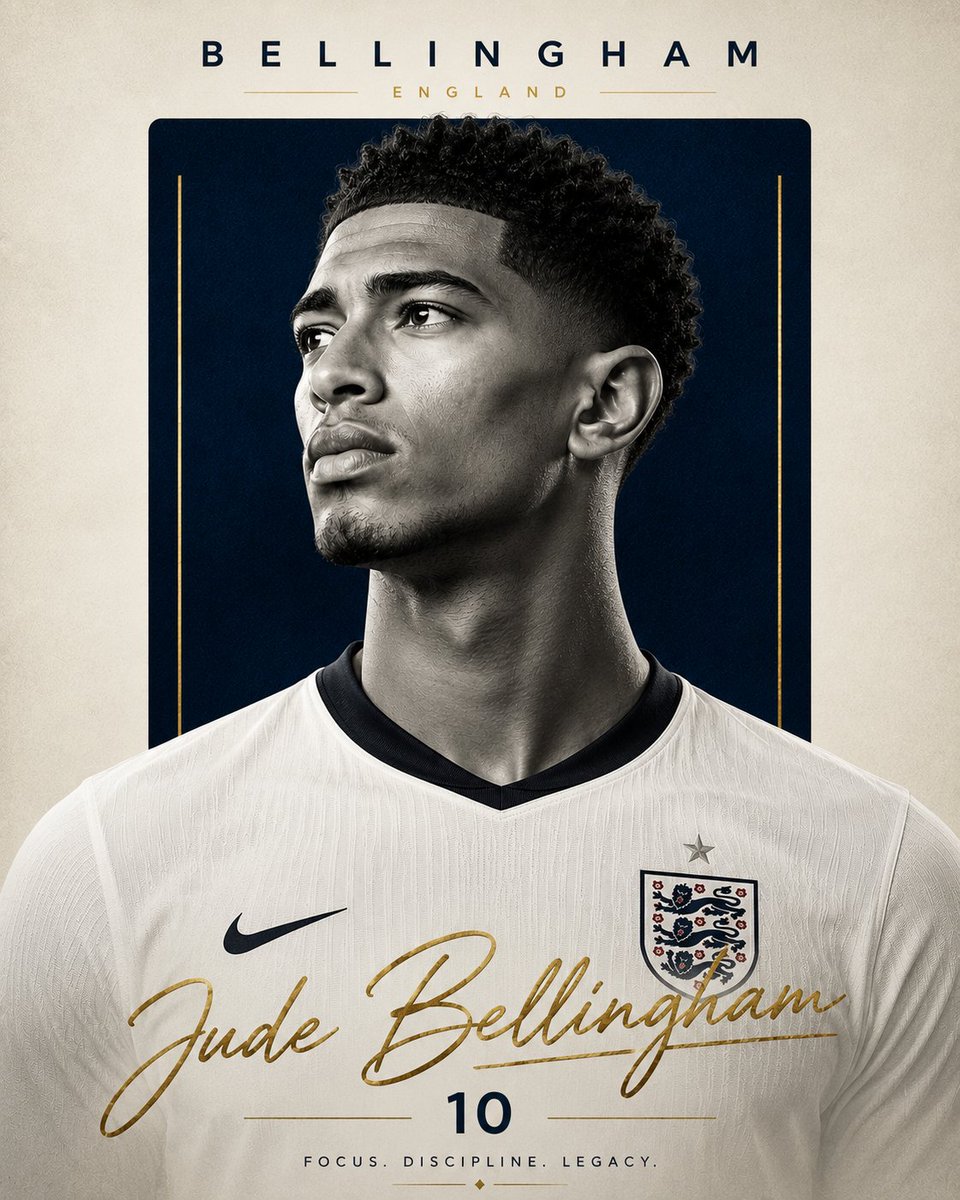
About this prompt
Will opening this prompt spend credits?
No. The button only prefills Image Studio. Credits are used only after you start a generation.
Can I edit the prompt first?
Yes. The transferred text is fully editable before you generate an image.