
GPT Image 2 vs. Nano Banana Pro Street Photo Prompt
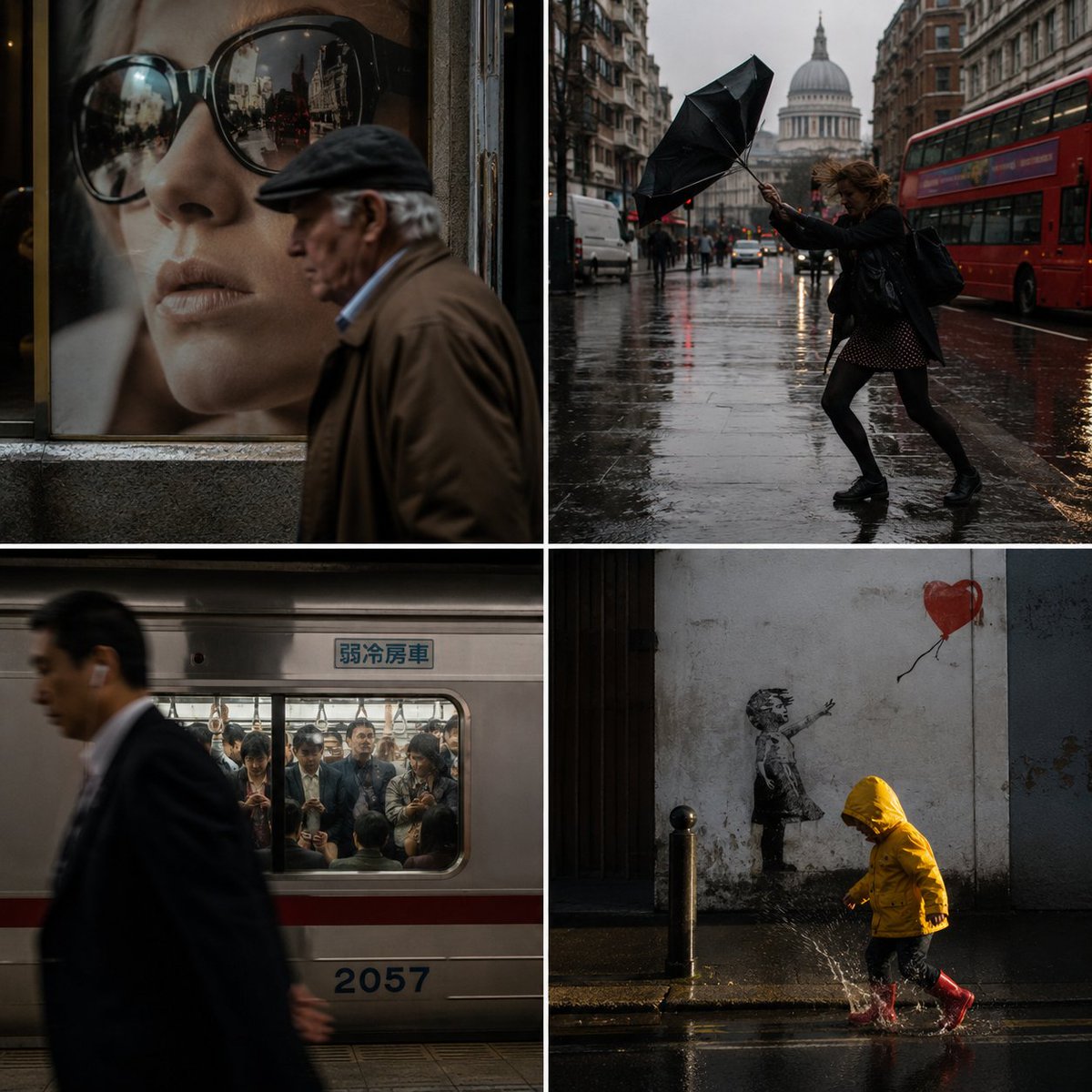
A modular prompt for generating street photography images, including detailed parameters for subject, environment, lighting, composition, emphasizing candidness, natural light, and urban authenticity.
Prompt
GPT Image 2 vs. Nano Banana Pro. A modular prompt for street photos. AI came up with all the subjects and environments. input = [ stranger(s) / urban_context / unaware_action / capture_medium / juxtaposition ] run street_documentary_decisive_moment: subject_dna := unposed strangers unaware of the lens, caught mid-stride/mid-reaction, everyday clothing context_dna := infer city, weather, time (rush hour, dusk, rain), signage/traffic/architecture that dates it moment_state := the split-second where elements align + causal_hint (a passing bus, a splash, a glance) capture_dna := 28–35mm equiv, deep-ish dof, available light only, grain in the shadows, slight blur on a moving limb focal_anchor := one gesture or face sharp; the rest is context light_logic := hard directional daylight or mixed neon/streetlight at dusk, harsh shadows, reflections in glass and puddles, no fill imperfection := a tilted horizon, a foreground head clipping the edge, someone half-cut by the frame depth & frame := layered fore/mid/background telling a small story; 3:2 horizontal, 35mm frame juxtaposition := an unplanned visual rhyme or absurd coincidence between subject and background mood := candid, observational, real city energy render: one honest instant where timing and available light make the image. forbidden — objects: staged "urban model" poses, fake rain machines, everyone facing camera forbidden — look: clean studio light outdoors, symmetrical framing, glossy retouching, posed awareness
Kynvio Prompt Workflow
How to use this prompt
Open it in Image Studio
Send the prompt to Kynvio AI without starting a generation.
Adapt the details
Replace the subject, setting, colors, text, or composition for your goal.
Review and generate
Choose your final settings, then click Generate when you are ready.
Related GPT Image 2 prompts
GPT Image 2 prompts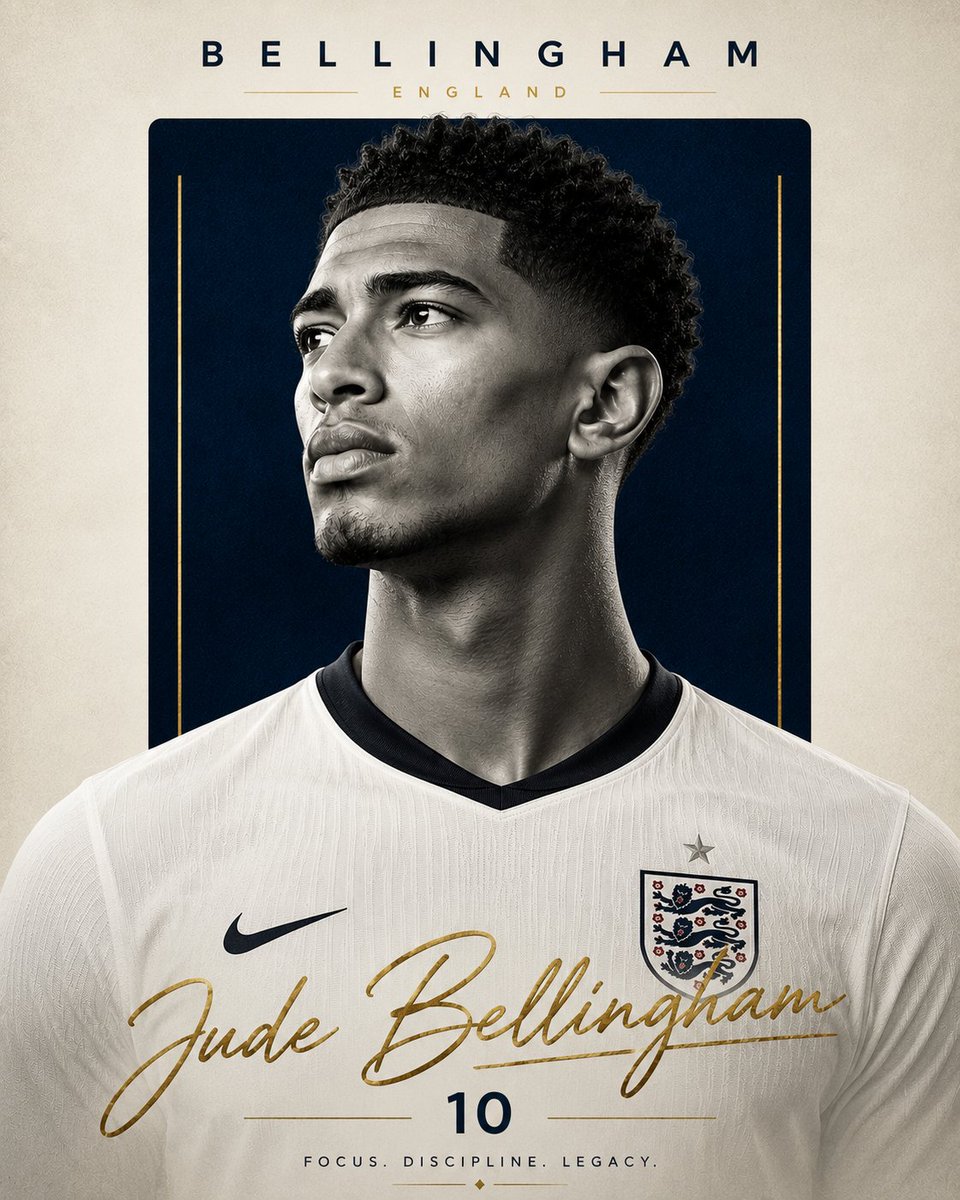
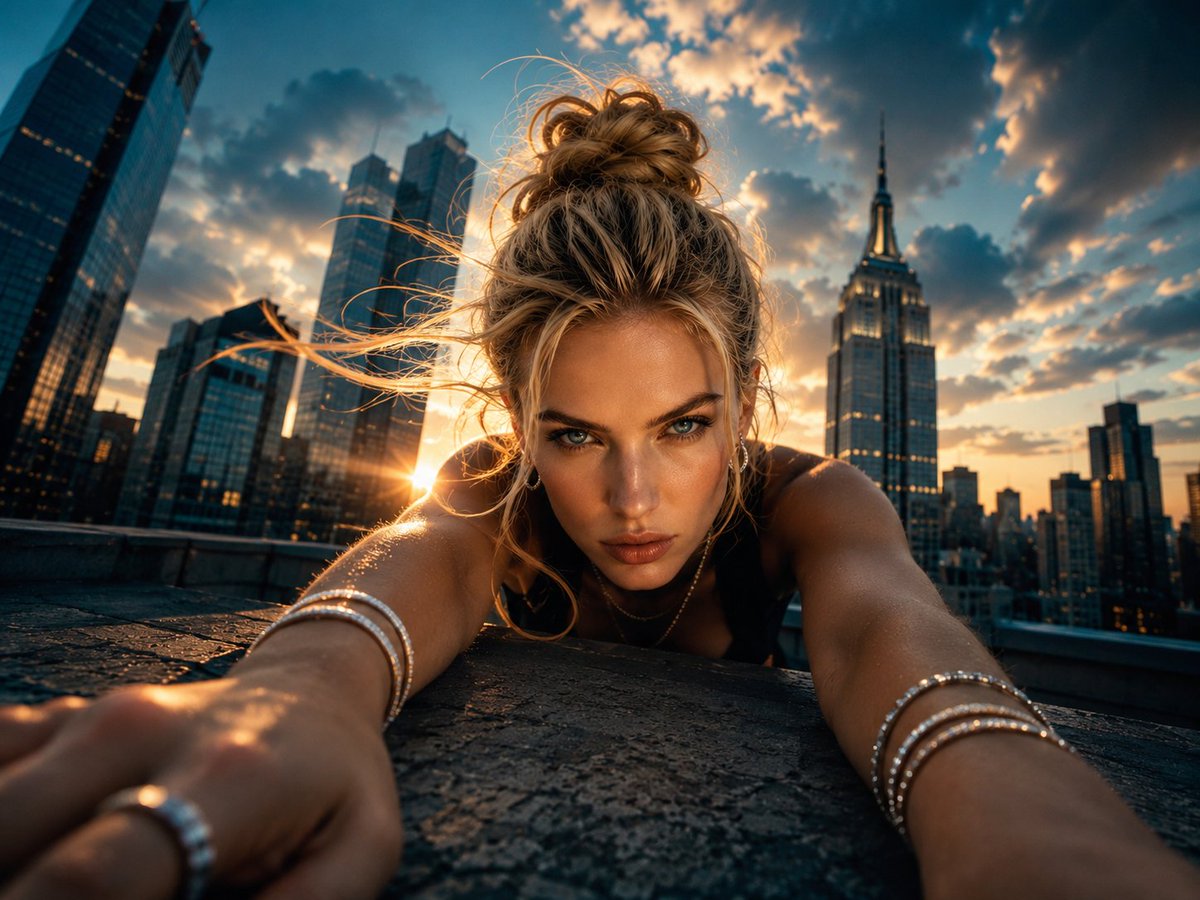
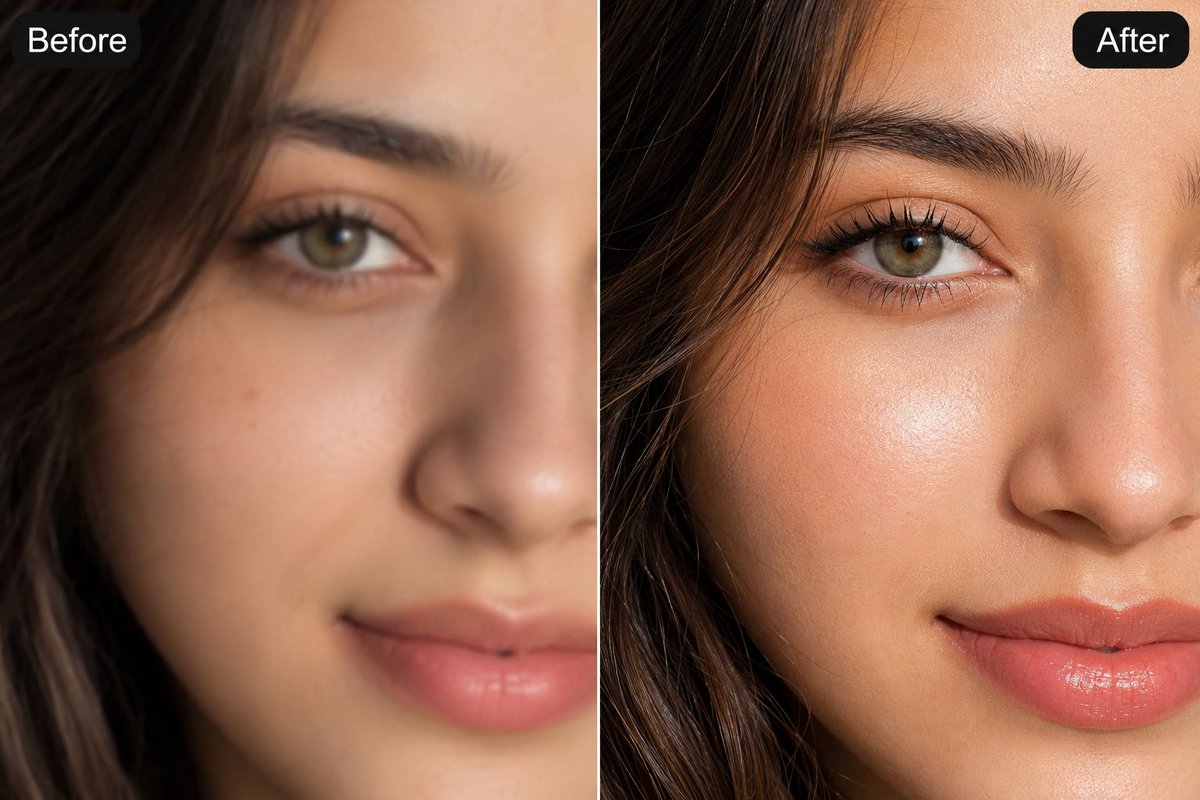
About this prompt
Will opening this prompt spend credits?
No. The button only prefills Image Studio. Credits are used only after you start a generation.
Can I edit the prompt first?
Yes. The transferred text is fully editable before you generate an image.