
Focus-Window Portrait Cover
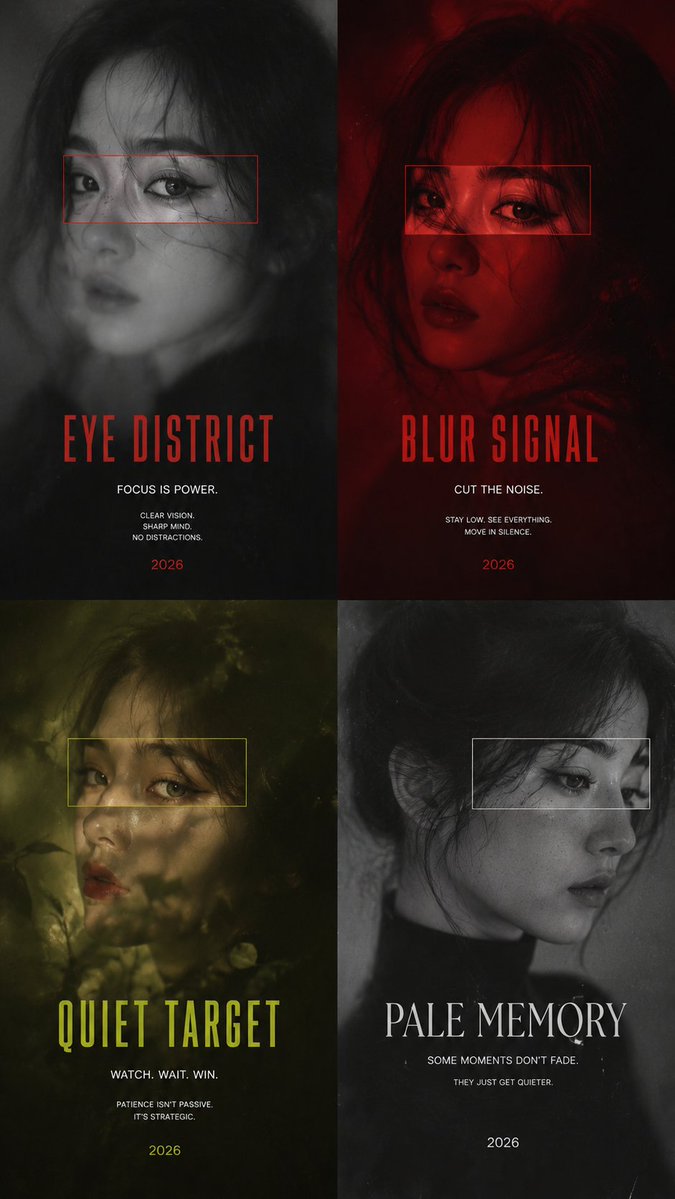
Create a 9:16 high-end focus-window portrait cover using a continuous portrait, mostly blurred, with a sharp facial fragment inside the window, supporting multiple style directions.
Prompt
GPT Image 2 on ChatGPT Prompt: Create a 9:16 high-end focus-window portrait cover. Theme: [Custom Title] Subject: [Subject Description] Color palette: [Color Palette] Focus window: [Focus Window Style] Supporting text: [Supporting Text] Year: 2026 Use one continuous portrait as the base image. Most of the face and body should remain softly blurred, grainy, misted, or motion-softened, while one selected facial fragment inside the window becomes sharp and memorable. The focus window must reveal the same aligned portrait, not a second face. Prioritize the eyes, eyebrow, cheekbone, lips, or a narrow half-face section. Use realistic skin texture, natural hair strands, expressive eyes, soft film grain, subtle paper texture, refined editorial typography, and strong negative space. Keep the text sparse: one dominant title, one subtitle, a few short notes, and 2026. 4 directions: 1. EYE DISTRICT — black-and-white portrait with a red frame revealing the eyes 2. BLUR SIGNAL — deep crimson portrait with a sharp gaze window 3. QUIET TARGET — olive-green haze with a yellow-green eye crop 4. PALE MEMORY — grayscale side profile with a thin white focus window Overall mood: cinematic, fashion editorial, psychological, refined, modern, and magazine-cover quality.
Kynvio Prompt Workflow
How to use this prompt
Open it in Image Studio
Send the prompt to Kynvio AI without starting a generation.
Adapt the details
Replace the subject, setting, colors, text, or composition for your goal.
Review and generate
Choose your final settings, then click Generate when you are ready.
Related GPT Image 2 prompts
GPT Image 2 prompts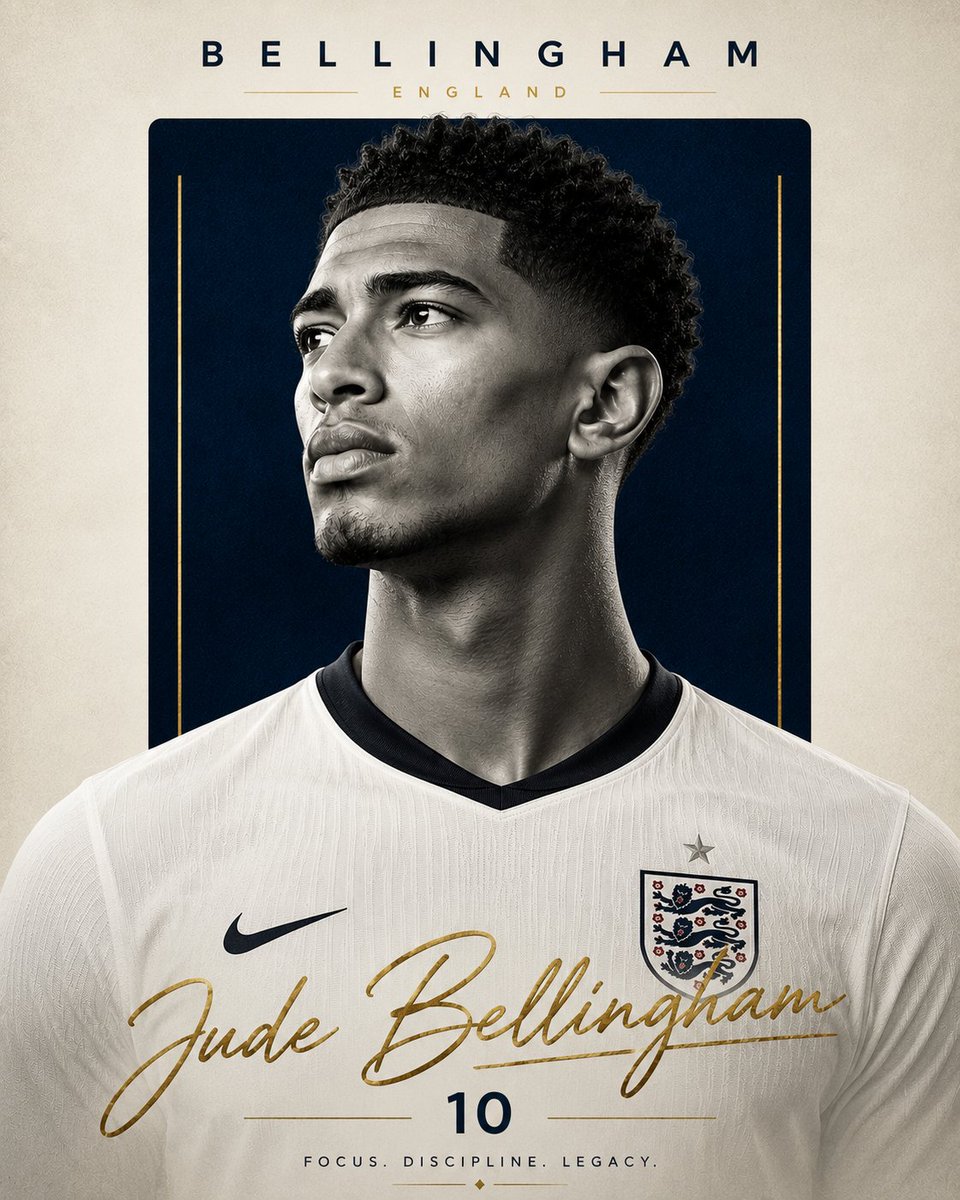
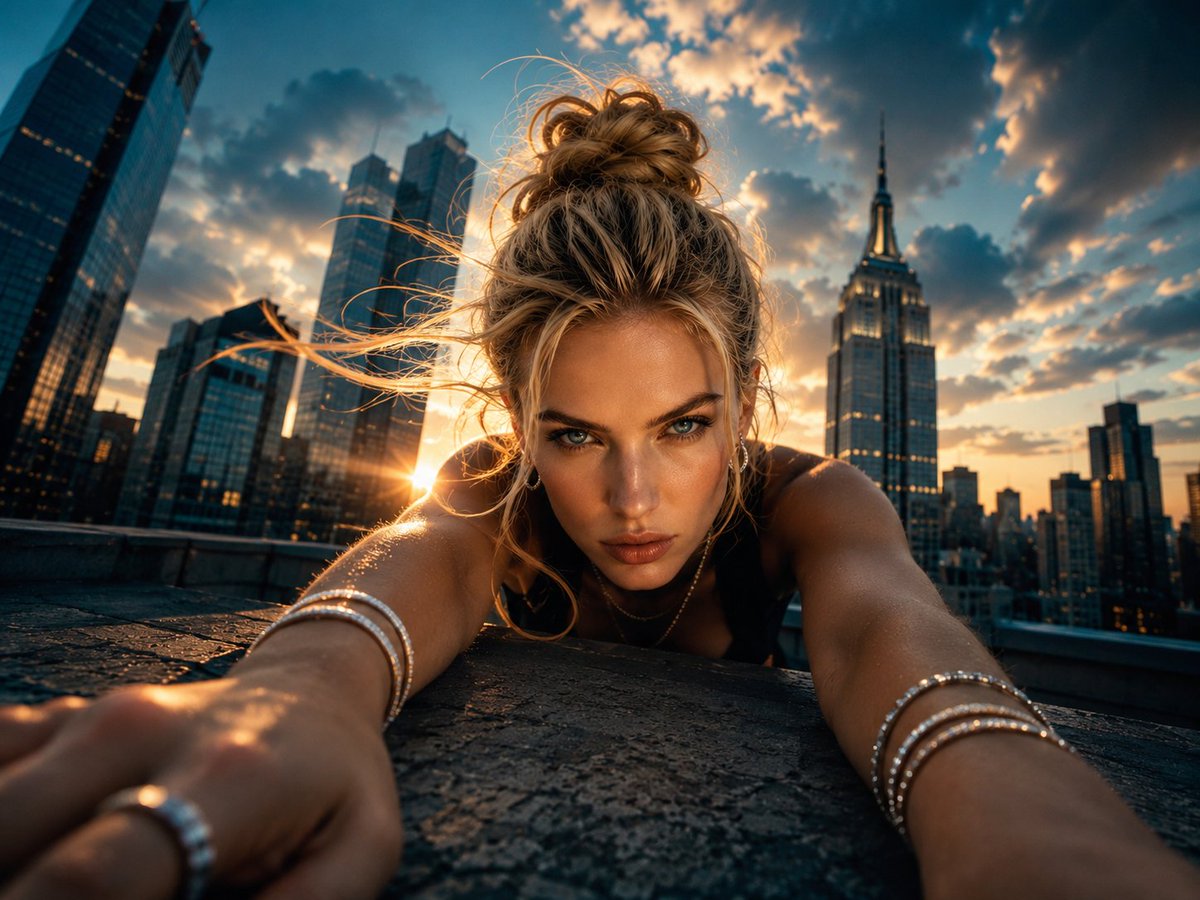
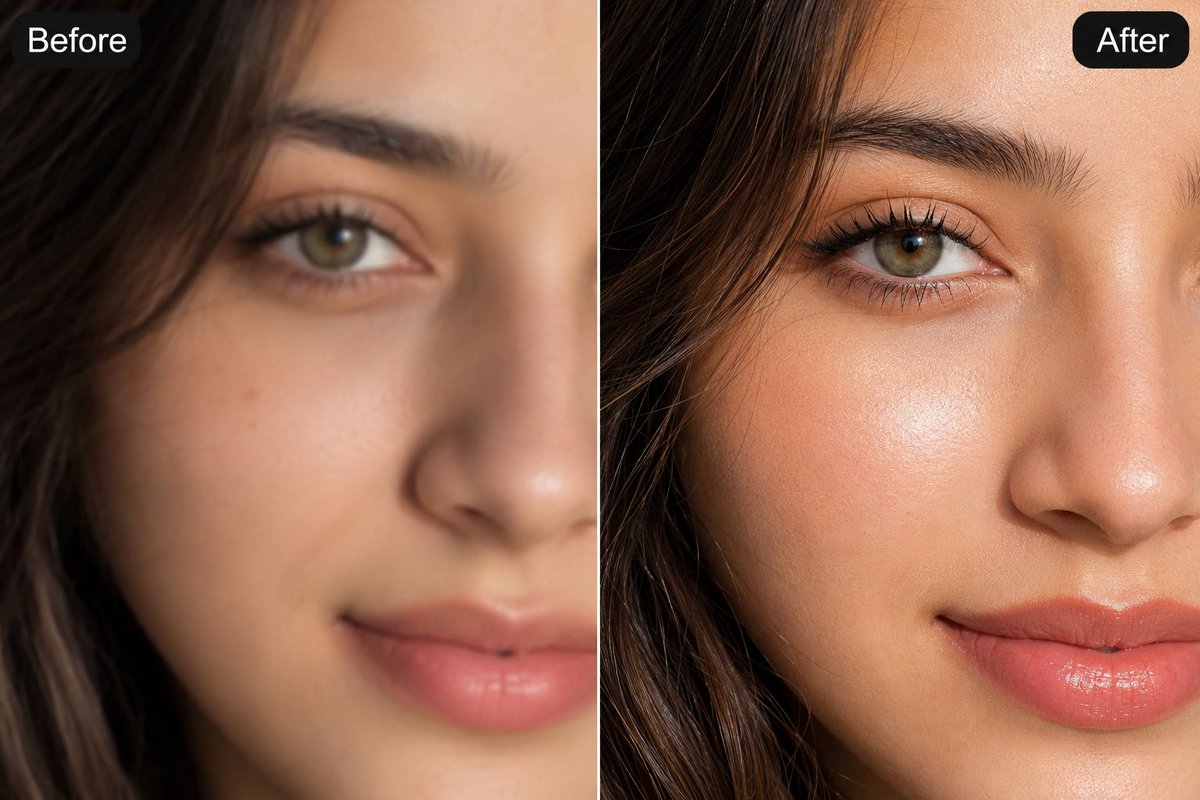
About this prompt
Will opening this prompt spend credits?
No. The button only prefills Image Studio. Credits are used only after you start a generation.
Can I edit the prompt first?
Yes. The transferred text is fully editable before you generate an image.