
GPT Image 2image-generation
Exploring Post-it Note Collage Style with GPT Image 2
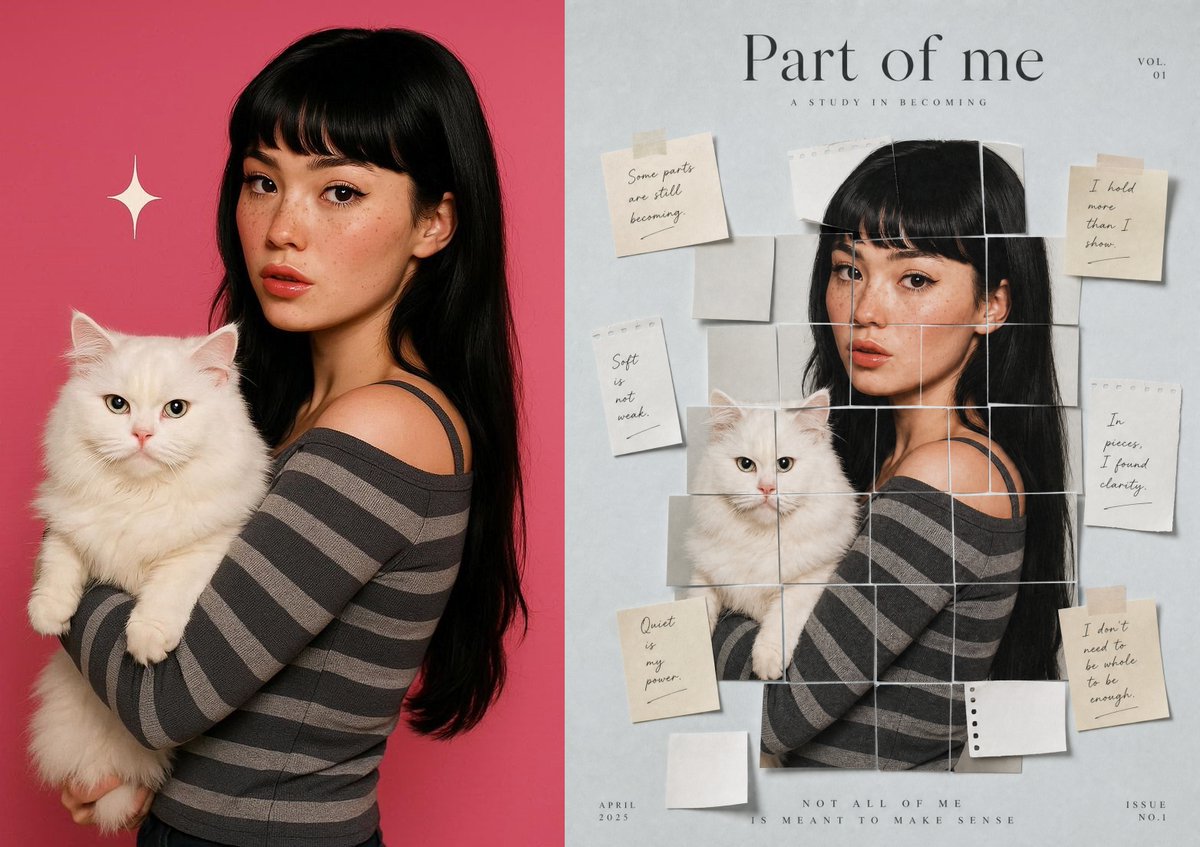
Post-it Note Collage style image created with GPT Image 2 in Maze Guru using a single prompt.
Prompt
Exploring what's possible with GPT Image 2 ✨ This time: Post-it Note Collage Style. Created in Maze Guru using a single prompt. Prompt in next thread Try it yourself: https://t.co/sBW6qRpvT8 #GenerativeAI #GPTImage #CreativeAI #DesignInspiration
Kynvio Prompt Workflow
How to use this prompt
1
Open it in Image Studio
Send the prompt to Kynvio AI without starting a generation.
2
Adapt the details
Replace the subject, setting, colors, text, or composition for your goal.
3
Review and generate
Choose your final settings, then click Generate when you are ready.
Related GPT Image 2 prompts
GPT Image 2 prompts
About this prompt
Will opening this prompt spend credits?
No. The button only prefills Image Studio. Credits are used only after you start a generation.
Can I edit the prompt first?
Yes. The transferred text is fully editable before you generate an image.