
Early 2000s Digicam Style 3-Frame Collage Selfie
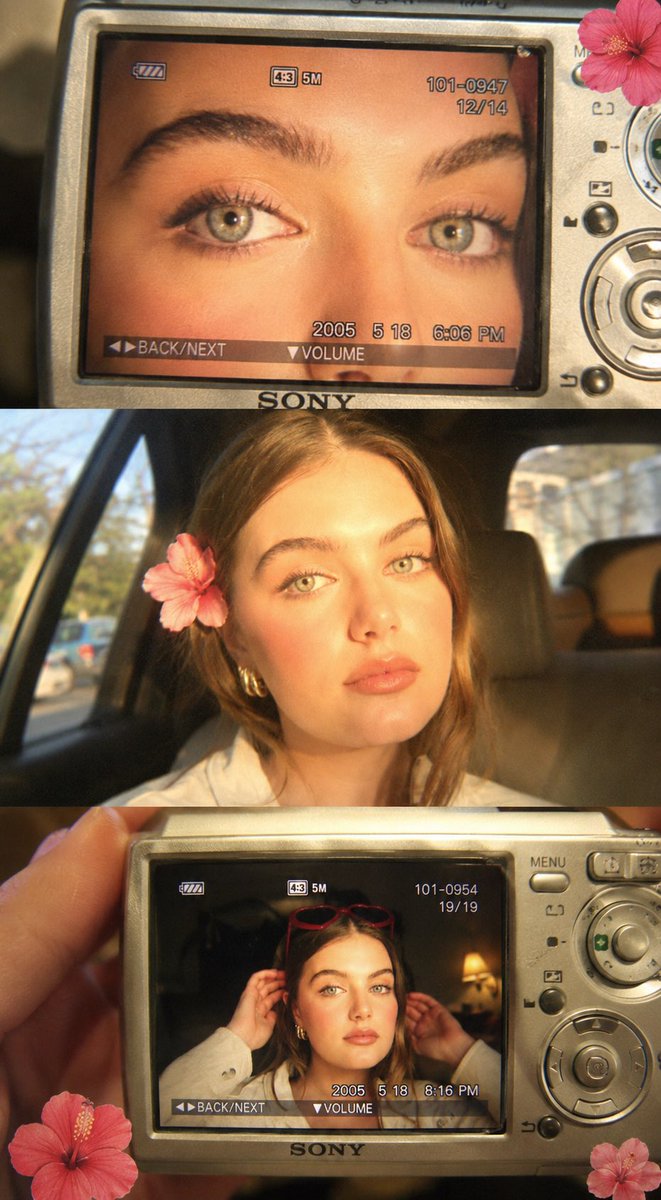
Create a 3-frame collage image with nostalgic early-2000s digital camera aesthetic using GPT Image 2. Includes extreme close-up of eyes, car selfie, and hand holding camera showing photo, with warm tones, grain, and flash effects.
Prompt
Create a 3-frame collage image with a nostalgic early-2000s digital camera aesthetic. Frame 1 (Top): Extreme close-up of my eyes displayed on a silver compact digital camera screen (Sony Cybershot style). Warm golden lighting, slightly overexposed, soft grain. Camera Ul visible (battery icon, zoom bar, numbers, "BACK/NEXT" ", "VOLUME"). Skin texture natural, lashes detailed, eyes sharp. Flash reflection in pupils. Frame 2 (Middle): A candid selfie of me sitting inside a car during golden hour. Strong warm sunlight hitting face from side creating harsh highlights and shadows. Slight overexposure, soft blur in background. Pose: relaxed, slightly tilted head, soft pout, looking at camera. Hair casually styled with a flower tucked behind ear. Vintage, dreamy vibe. Frame 3 (Bottom): A hand holding the same digital camera, showing a photo of me posing indoors. I'm wearing red heart-shaped sunglasses on head, adjusting hair with both hands. Warm tungsten indoor lighting, grainy texture. Camera interface overlays visible again. Overall style: Early 2000s digicam aesthetic Direct flash + golden hour glow Slight grain, noise, chromatic aberration Warm yellow/orange tones Soft blur + overexposed highlights Add small hibiscus flower stickers in corners Keep face EXACTLY same as reference image (no alteration, no Al distortion) Ultra realistic, not Al-looking
Kynvio Prompt Workflow
How to use this prompt
Open it in Image Studio
Send the prompt to Kynvio AI without starting a generation.
Adapt the details
Replace the subject, setting, colors, text, or composition for your goal.
Review and generate
Choose your final settings, then click Generate when you are ready.
Related GPT Image 2 prompts
GPT Image 2 prompts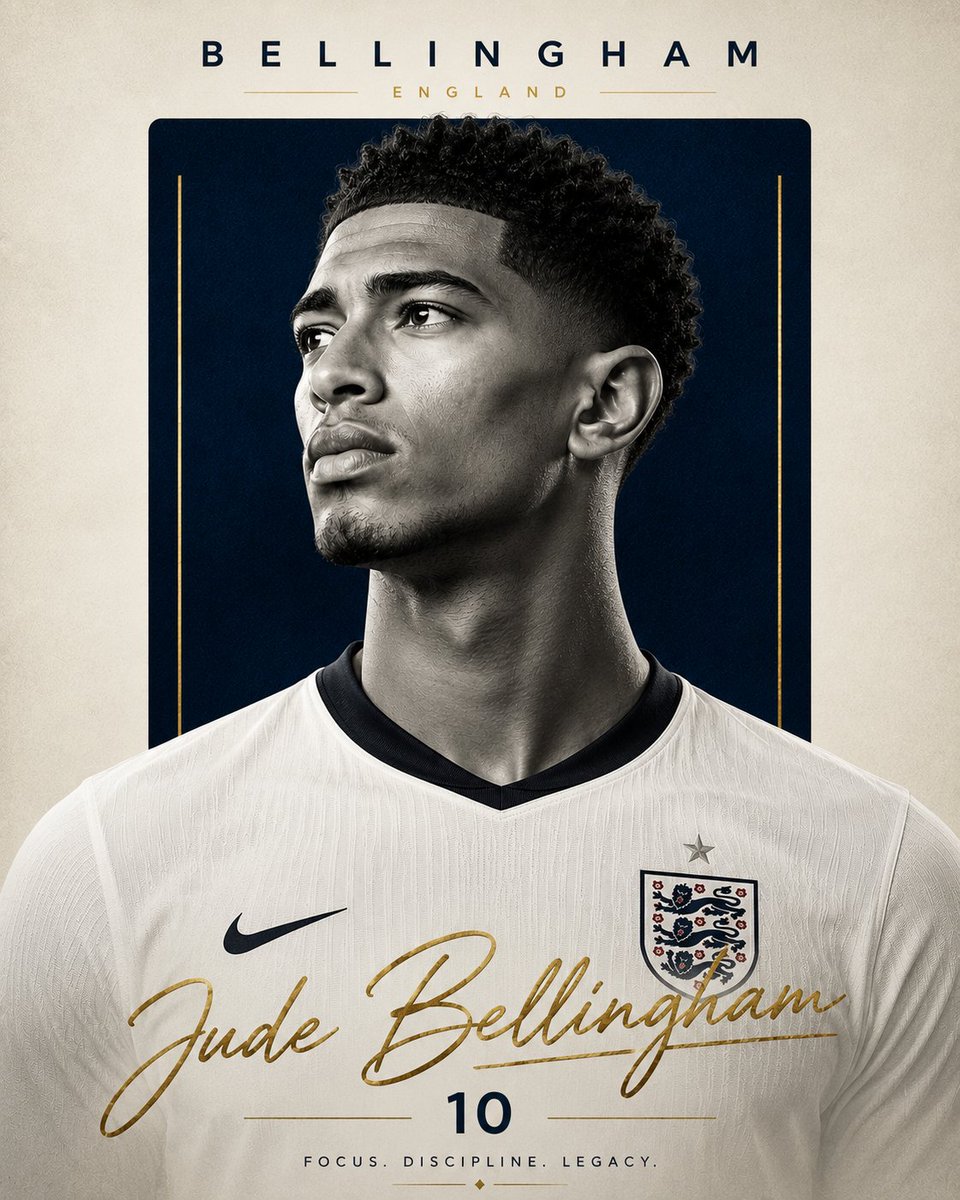
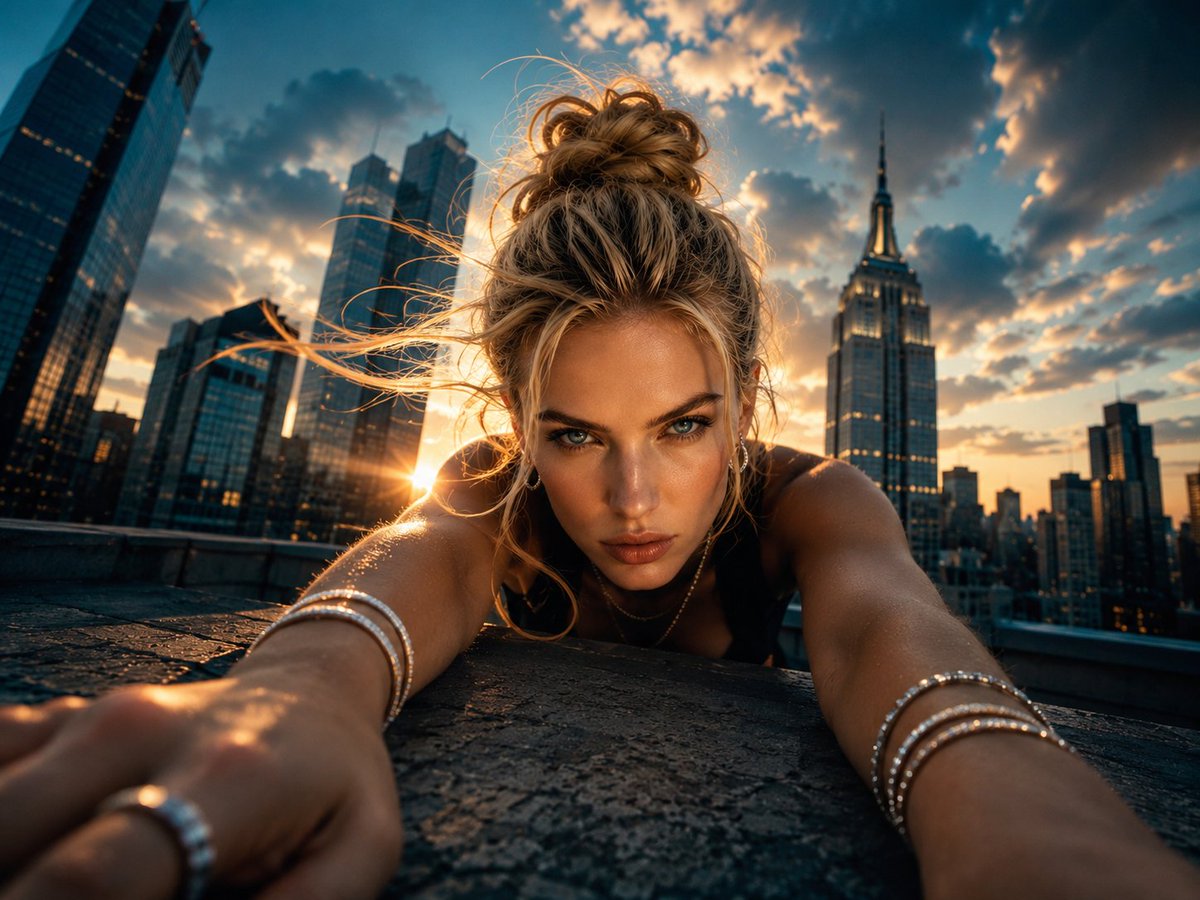
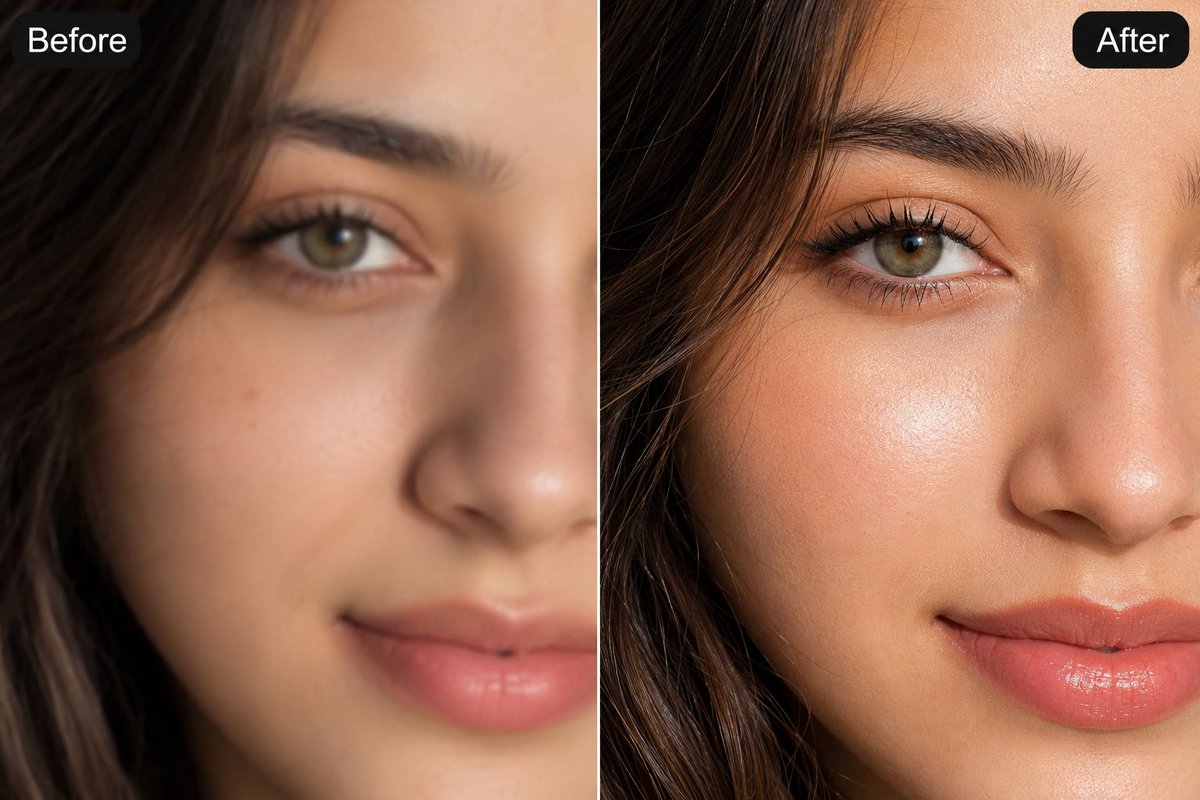
About this prompt
Will opening this prompt spend credits?
No. The button only prefills Image Studio. Credits are used only after you start a generation.
Can I edit the prompt first?
Yes. The transferred text is fully editable before you generate an image.