
Create AI Image with Google Gemini and GPT Image 2
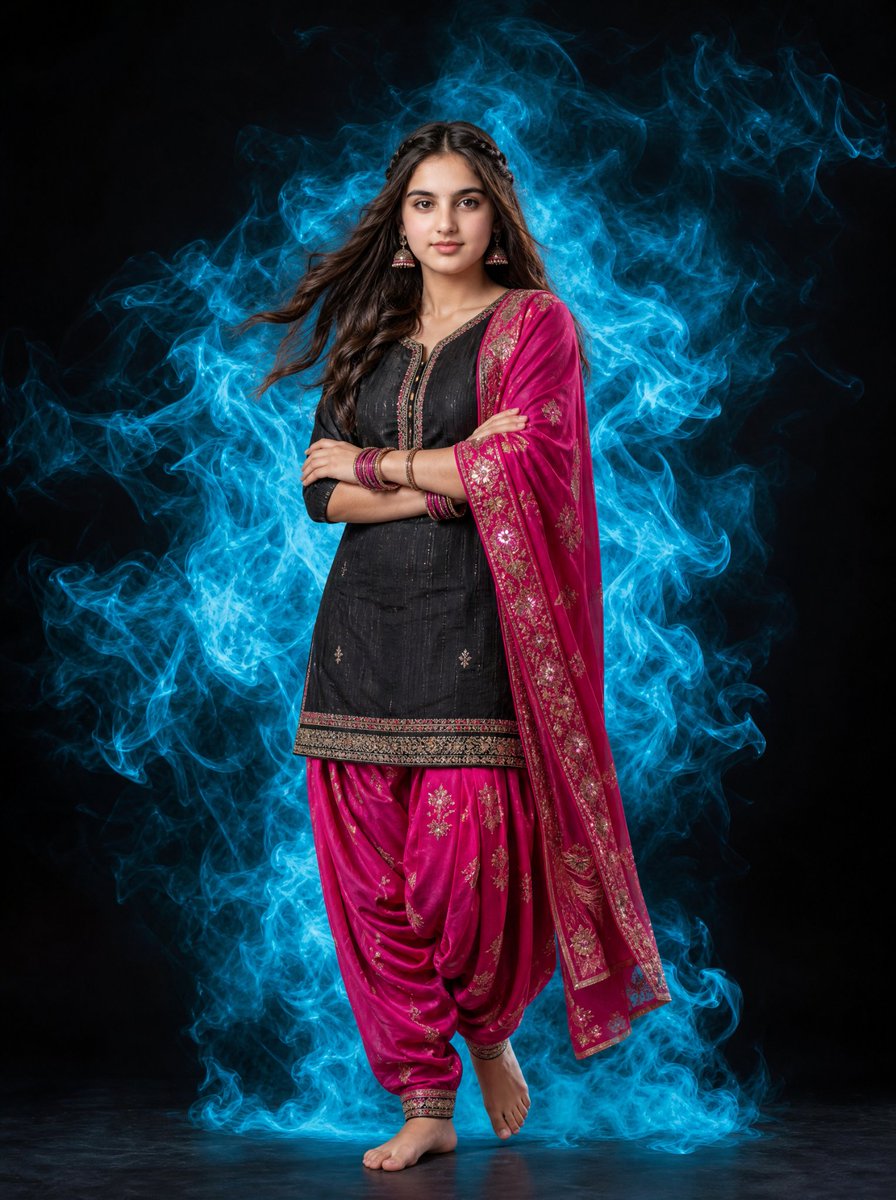
Want to create AI image like this? Just follow these simple steps: 1️⃣ Open Google Gemini, 2️⃣ Upload Your Photo, 3️⃣ Copy and Paste this Prompt.
Prompt
A full-length portrait of a beautiful young Indian woman standing gracefully against a solid black background. She is wearing a traditional black kurti paired with vibrant pink patiala salwar and a matching pink dupatta featuring intricate gold patterns. Her long, dark hair is styled with a soft, natural wave and a subtle braid, appearing to flow slightly as if in a gentle breeze. Surrounding her is a dramatic, swirling aura of glowing cyan smoke that contrasts sharply with the black backdrop and her outfit. She is barefoot, posing confidently with arms crossed, wearing traditional bangles and elegant earrings. Cinematic lighting, high contrast, professional photography, hyper-realistic, 8k resolution.
Kynvio Prompt Workflow
How to use this prompt
Open it in Image Studio
Send the prompt to Kynvio AI without starting a generation.
Adapt the details
Replace the subject, setting, colors, text, or composition for your goal.
Review and generate
Choose your final settings, then click Generate when you are ready.
Related GPT Image 2 prompts
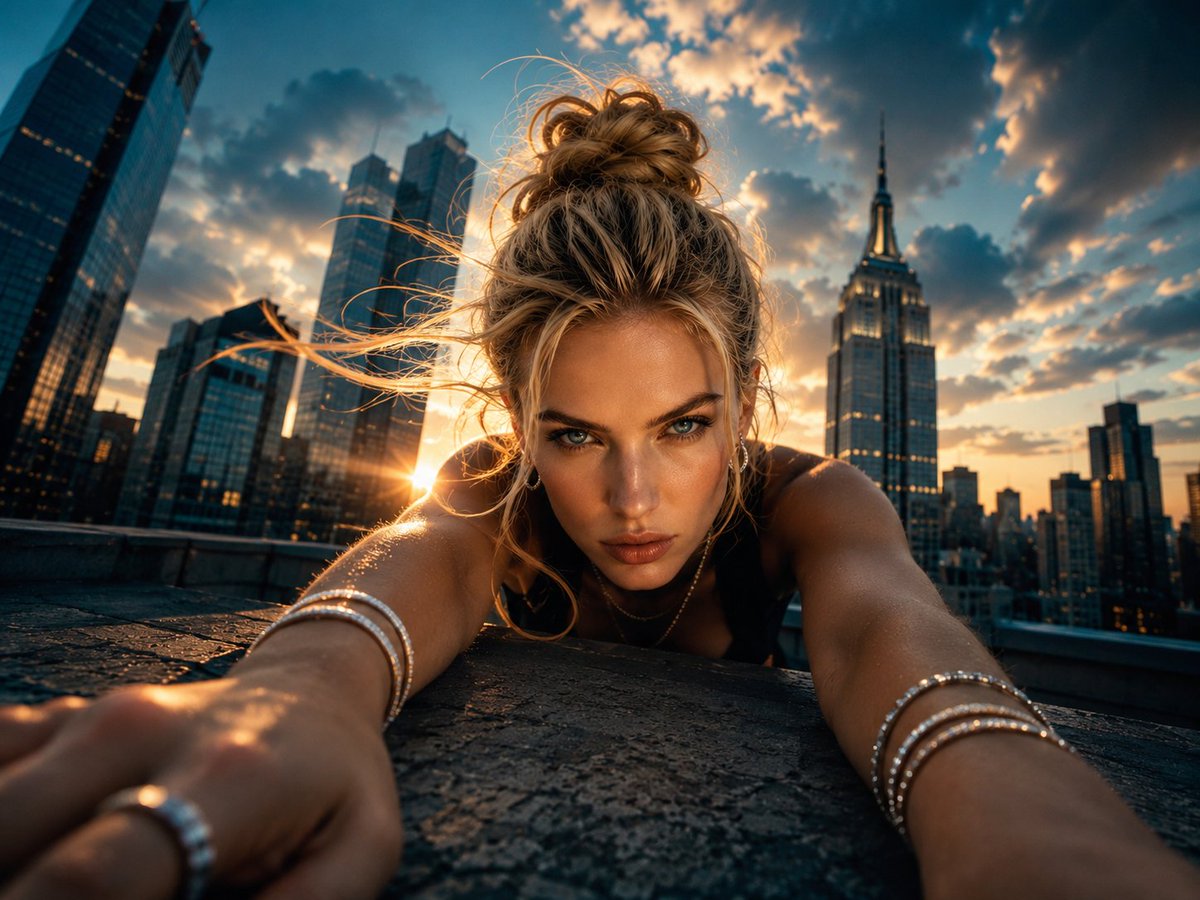
GPT Image 2 prompts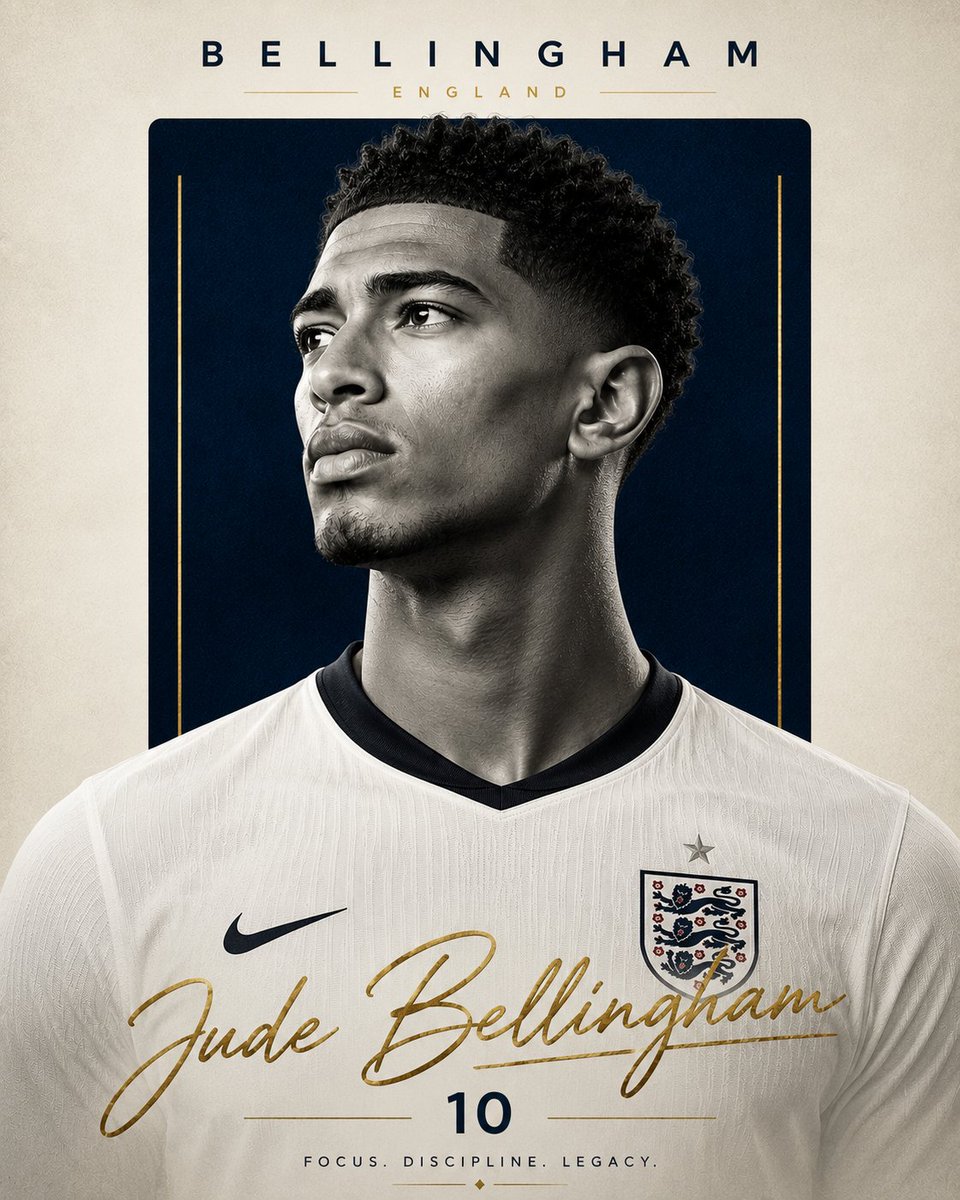
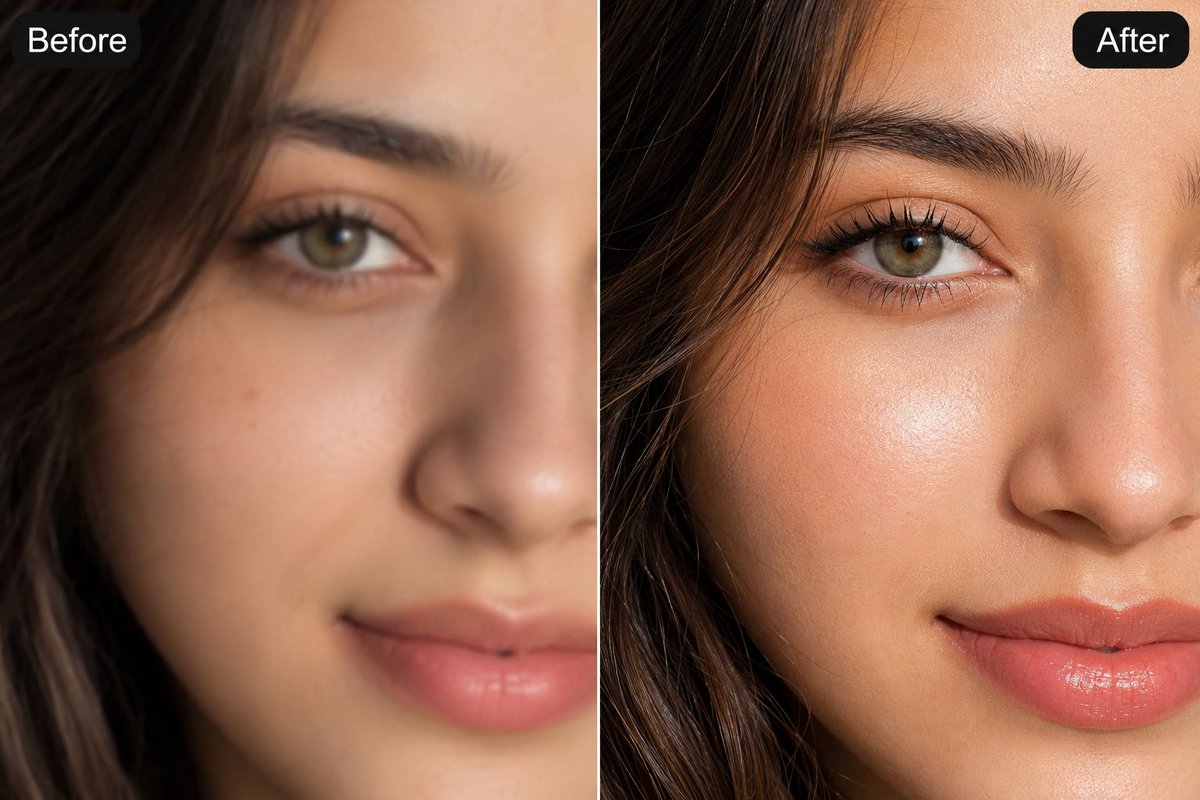
About this prompt
Will opening this prompt spend credits?
No. The button only prefills Image Studio. Credits are used only after you start a generation.
Can I edit the prompt first?
Yes. The transferred text is fully editable before you generate an image.