
Nano Banana 2 vs GPT Image 2 vs Seedream 5.0 Pro: which image model fits your workflow?
Nano Banana 2, GPT Image 2, and Seedream 5.0 Pro overlap on generation and editing, but they are not interchangeable production choices. This comparison explains where each model fits, how to test them on product and campaign work, and why accepted-result rate matters more than a single impressive image.
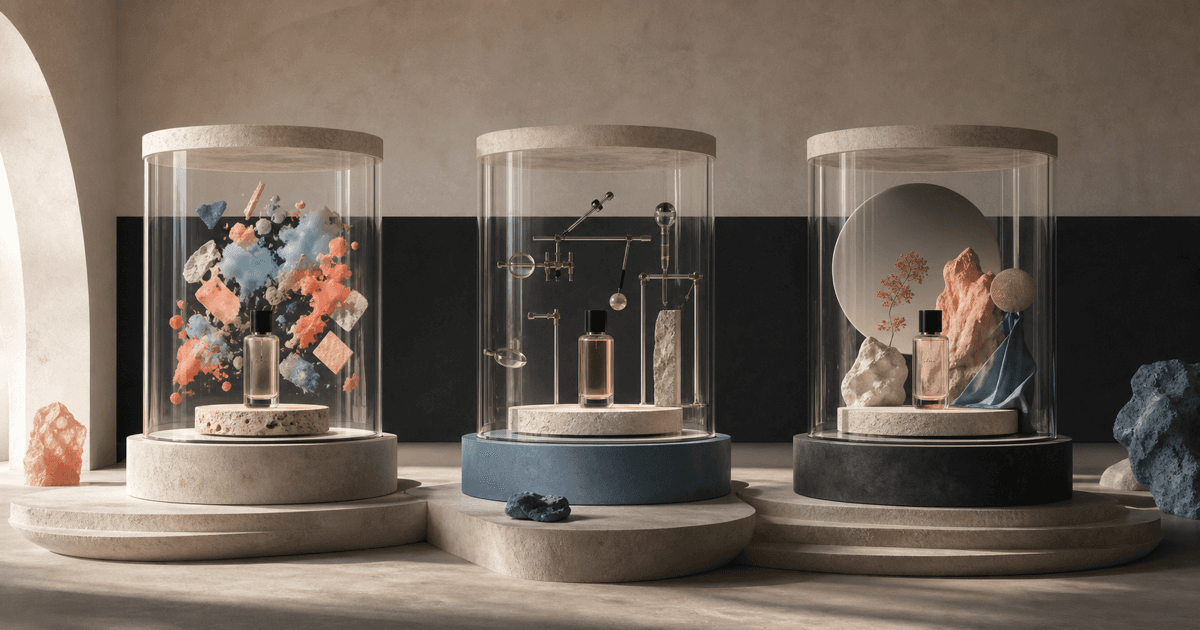
The 30-second answer
Use Nano Banana 2 to explore quickly, GPT Image 2 to preserve and edit deliberately, and Seedream 5.0 Pro to pursue a resolved quality-first composition. That is a starting policy, not a permanent ranking. The correct production model is the least costly workflow that repeatedly clears product accuracy, prompt coverage, brand fit, and channel review.
- Fast campaign and social exploration: Nano Banana 2
- Reference-preserving generation and bounded edits: GPT Image 2
- Quality-first campaign hierarchy and finished composition: Seedream 5.0 Pro
- Final decision: compare accepted-result rate, retries, repair time, and risk
Three image models, three useful starting points
The table reflects public model positioning and Kynvio's current workflow, not a claim that one model wins every prompt. The useful distinction is speed for exploration, control for iterative editing, and quality-first composition for a selected direction.
| Model | Strengths | Best for | Watch for |
|---|---|---|---|
Nano Banana 2 Fast, high-efficiency exploration | Low-latency generation and editing, native multimodal understanding, conversational iteration, broad world knowledge, and web-image grounding where available | Fast ad concepts, social variants, high-volume visual exploration, conversational edits, and briefs that benefit from broad Gemini knowledge or search-assisted context | Fast exploration can encourage premature volume; product identity, visible copy, local facts, and web-grounded details still need review and source checks |
GPT Image 2 Precise generation and editing | High-fidelity image inputs, generation and editing in one model, flexible sizes, strong visual range, and a natural conversational repair loop | High-fidelity input images, controlled product edits, flexible output sizes, prompt-faithful generation, and workflows with several bounded revisions | Flexible editing can drift across turns; exact labels, geometry, identity, hands, and production typography remain human review points |
Seedream 5.0 Pro Quality-first design composition | Design-aware hierarchy, structural coherence, information visualization, reference-led creation, multilingual graphics, and premium commercial composition | Campaign key art, editorial scenes, structured layouts, information graphics, multilingual design intent, and one carefully composed final direction | A quality-first single-image workflow needs a resolved brief; polished output can still hide copy, anatomy, product, and factual errors |
Why three capable image models still need different jobs
All three models can accept natural-language direction and participate in generation or editing workflows. That feature overlap makes a simple checklist look unhelpful: every row says yes. The meaningful difference appears after the first output. How quickly can the team explore alternatives? How well does the source survive a controlled edit? How much of the layout is resolved in one composition? What review burden remains?
A production policy should assign a default by task, not declare one global winner. Nano Banana 2 is Google's high-efficiency image route. GPT Image 2 combines high-fidelity inputs with flexible generation and editing. Seedream 5.0 Pro emphasizes design understanding and quality-first composition. Those positions provide useful hypotheses; only your task set can confirm them.
Nano Banana 2: use speed to reduce uncertainty
Google describes Nano Banana 2, or Gemini 3.1 Flash Image, as a high-efficiency model for high-quality generation and conversational editing at mainstream cost and low latency. Google also highlights broad world knowledge and the ability to use web-image grounding in supported workflows. The practical opportunity is breadth: test audiences, seasons, settings, crops, and visual directions before spending the most review time on one path.
Speed is useful only when it changes a decision. Twenty uncontrolled variants can create more review work than four deliberate options. Keep the product, message, and channel fixed; vary one dimension at a time. When web grounding is involved, separate inspiration from factual support and check the sources. A plausible visual detail is not proof that a current place, product, or event looks that way.
GPT Image 2: make each edit small enough to verify
OpenAI positions GPT Image 2 as its state-of-the-art image generation and editing model with flexible sizes and high-fidelity image inputs. That makes it a natural candidate when the source asset is valuable and the desired changes are specific: replace a background, remove a prop, update the season, extend a crop, or preserve a person and product while changing the setting.
The editing advantage disappears when requests are broad. Lock the regions that should not change, make one edit, and compare against the previous approved frame. Save checkpoints. If a new background request also changes the label, camera, product color, and hand position, return to the clean source rather than stacking corrective prompts on top of drift.
Seedream 5.0 Pro: resolve the design system before generating
ByteDance describes Seedream 5.0 Pro as understanding design, with improvements in structural coherence, text, information visualization, editing, and multilingual graphics. It is therefore a strong candidate when the difficult decision is not a local edit but the full arrangement: campaign hierarchy, editorial art direction, wide banner structure, a dense graphic, or a reference-led commercial scene.
A quality-first model needs a quality-first brief. Define the deliverable, subject hierarchy, reference roles, copy zones, materials, light, crop, and exclusions. Asking for a single polished image before the product and layout requirements are resolved can make the result feel expensive and arbitrary. Use fast exploration upstream when the direction is still open.
A three-stage workflow for product and campaign teams
One practical route is to use Nano Banana 2 for divergent exploration, choose two or three viable directions, then test the product-preserving version in GPT Image 2 and the composition-led version in Seedream 5.0 Pro. This is not a mandatory pipeline; it is a way to separate uncertainty reduction, edit control, and final composition so that each stage has a visible goal.
A second route starts with a real catalog photo. Use GPT Image 2 for the first controlled cleanup, then compare Nano Banana 2 for fast audience or seasonal variants and Seedream for a premium campaign alternative. In either route, the authoritative product reference and acceptance checklist remain constant. Models should not be allowed to silently redesign the thing being sold.
How to run the same brief without rigging the result
Write a neutral brief in business language: deliverable, source, subject count, composition, exact copy, preserved details, and exclusions. Avoid provider-specific tricks in the shared prompt. Match the aspect ratio and output size when possible. When products expose different controls, disclose the difference instead of forcing a false equivalence.
Run multiple attempts, randomize the review order, and score before revealing the model. Keep every output, including failures. The rubric should cover prompt coverage, source fidelity, layout, text, anatomy, materials, edit containment, and placement readiness. Add elapsed time, generation count, and repair minutes. This turns a beauty contest into an operational decision.
Route by cost per accepted asset
Direct provider prices, Kynvio credits, and human production time are different units. Do not compare an API token meter with a workspace credit and call the result exact. Measure what the team controls: how many attempts were made, how many passed, how long review took, whether another tool was required, and whether the final asset introduced commercial risk.
Once the data exists, route routine tasks to the lowest-cost model that reliably passes. Escalate difficult references, typography, premium composition, or high-consequence claims. Revisit the policy when models or prompts change. Routing is a living quality rule, not a permanent judgment about provider prestige.
The shortest useful recommendation
Choose Nano Banana 2 when you need to see the possibility space quickly. Choose GPT Image 2 when you already have a valuable source and need a controlled sequence of changes. Choose Seedream 5.0 Pro when the finished visual hierarchy and art direction are the hard part. If the task combines all three needs, separate it into stages rather than demanding one prompt solve everything.
Before publishing, inspect the full-resolution file and the real placement. Verify labels, hands, geometry, product count, colors, text, facts, shadows, reflections, crop safety, and prohibited claims. Save the prompt, references, settings, chosen output, and review notes. The record is more valuable than the model name when the campaign needs another twenty assets.
What the public examples reveal—and what they do not
These are existing public Kynvio examples with model attribution. Because their subjects and prompts differ, use them to understand workflow style and review criteria—not to claim a numerical winner.

Nano Banana 2
Fast campaign direction
A Nano Banana 2 public concept sample that represents fast campaign exploration rather than final catalog proof.
View prompt
Create a fast square campaign concept for a consumer product, clear focal point, contemporary editorial color, clean top-third copy space, no invented logo, no duplicate product.

Nano Banana 2
Rapid visual exploration
The broader Nano Banana showcase is useful for evaluating visual range and rapid variation, not exact product preservation by itself.
View prompt
Explore a polished but fast social visual direction with a clear subject, natural material cues, useful negative space, and no fake typography.

GPT Image 2
Product-focused foundation
A GPT Image 2 public product sample that supports evaluation of prompt fidelity, materials, and commercial edit readiness.
View prompt
Create a realistic premium product visual with accurate materials, controlled studio lighting, clean hierarchy, and enough stable structure for a precise follow-up edit.

Seedream 5.0 Pro
Quality-first campaign composition
A composition-led Seedream example with an explicit title-safe region and controlled architectural depth.
View prompt
Create a premium campaign hero for a sculptural wireless speaker, warm architectural interior, realistic brushed metal and fabric, controlled afternoon light, product centered right, clean headline space on the left, no text, no logo.
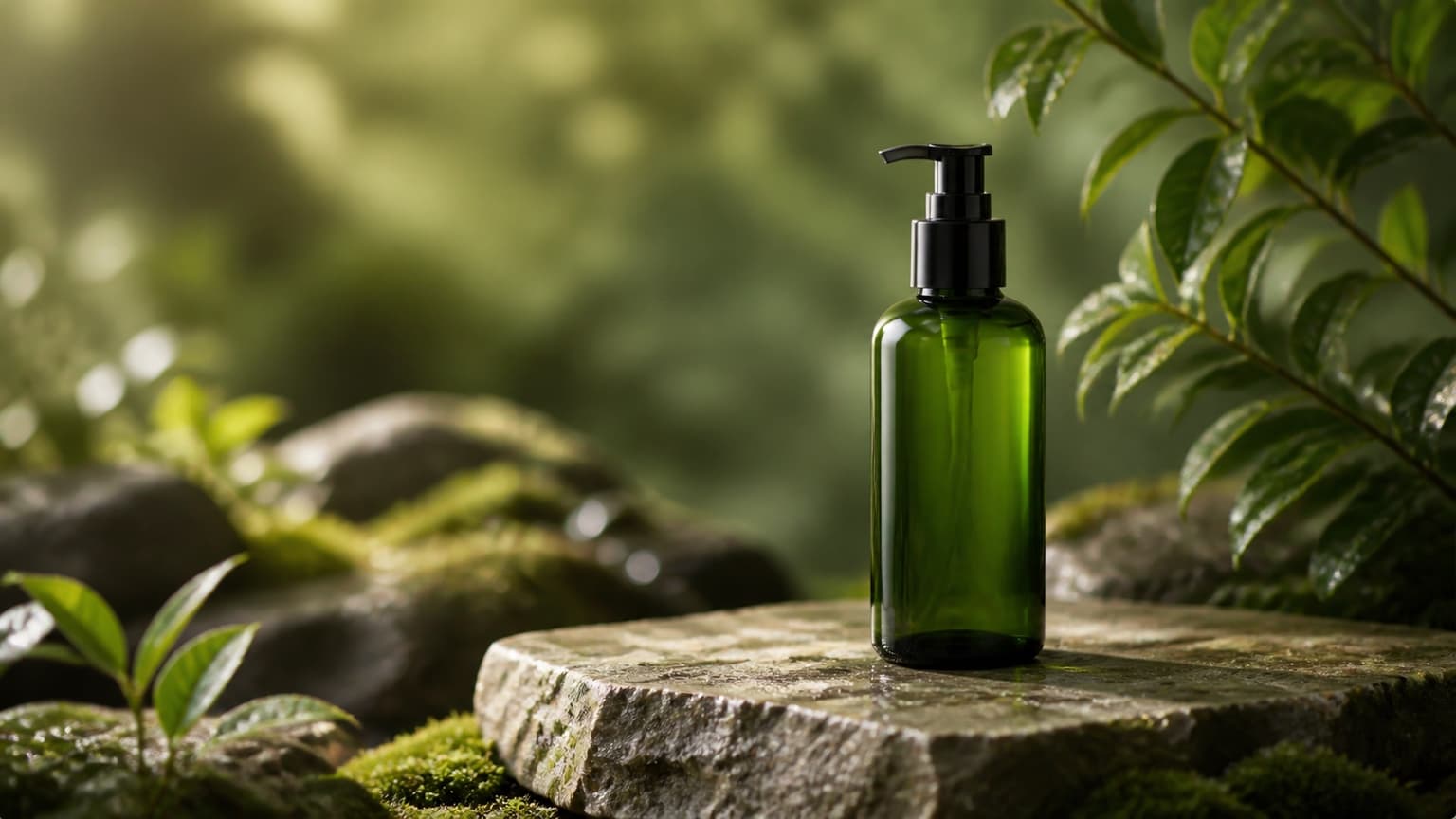
Seedream 5.0 Pro
Reference-led campaign scene
A second Seedream example showing how reference identity and the new scene can be separated in the brief.
View prompt
Using the reference product, create a refined studio campaign image, preserve the silhouette, primary colors, and key surface details, place it on a pale stone plinth, soft directional light, natural contact shadow, no extra products, no invented text.
Five tasks for a reproducible three-model evaluation
Run these tasks with the same source files and review order. If the comparison is published with outcomes later, include settings, run count, rejected results, and the complete scoring rubric.
Fast social concept
Create a 4:5 social launch image for the same generic drink bottle, one benefit, summer morning light, one product, clean top-third copy area, no embedded text or extra fruit.
Evaluate: Time to useful direction, message clarity, product count, visual hierarchy, crop, invented elements, and variation quality.
Product-preserving edit
Replace only the background of the supplied product photo with a pale stone studio. Preserve geometry, label placement, cap, crop, reflections, and existing shadow direction.
Evaluate: Edit containment, identity preservation, edges, perspective, reconstructed surface, and drift in locked regions.
Premium campaign hero
Create a 16:9 premium campaign hero from the same product reference, product on the right, architectural depth, realistic materials, left title-safe space, no text, no duplicate product.
Evaluate: Composition, product fidelity, material realism, safe zone, depth, prompt coverage, and channel readiness.
Text-led poster
Create a 4:5 poster with one approved six-word headline, one date, and one product. Keep every character exact, maintain three-level hierarchy, and do not invent secondary copy.
Evaluate: Character accuracy, hierarchy, spacing, language, product integrity, repeated words, and manual repair needed.
Consistent ecommerce set
Using the approved anchor image, create a matching detail frame showing closure and material texture. Preserve product color, light direction, background temperature, camera family, and shadow softness.
Evaluate: Cross-image consistency, product geometry, detail usefulness, color drift, lighting match, and number of repair steps.
Continue the comparison in Kynvio
Keep discovery on public model and task pages, then enter the private image workspace with a fixed brief and review rubric.
Nano Banana 2 vs GPT Image 2 vs Seedream 5.0 Pro FAQ
Practical answers for teams deciding how the three models should fit into a repeatable image workflow.
Which model should I choose first?
Start with Nano Banana 2 when the goal is rapid exploration and many directions, GPT Image 2 when the source must survive controlled edits, and Seedream 5.0 Pro when the hard problem is the finished composition. Then validate the choice with your own recurring task.
Which model is best for product photography?
There is no universal winner. GPT Image 2 is a sensible first test for source-preserving edits. Seedream 5.0 Pro is a sensible first test for premium campaign composition. Nano Banana 2 is useful for fast scene and audience exploration before a direction is selected. All three need product-identity review.
Is Nano Banana 2 the same as Nano Banana Pro?
No. Google identifies Nano Banana 2 with Gemini 3.1 Flash Image and positions it as the high-efficiency image model. Nano Banana Pro is the Gemini 3 Pro Image route aimed at more advanced reasoning and premium image work. Keep the model names separate in tests and budgets.
Can all three models edit reference images?
Their first-party descriptions and Kynvio model pages expose image-input or reference-led workflows, but limits, sizes, and interaction patterns differ. Check the current public model page and workspace controls before designing a batch process.
How do I compare image quality fairly?
Define the brief, reference assets, aspect ratio, requested output size, run count, and rubric in advance. Score prompt coverage, product fidelity, composition, text, anatomy, materials, repair effort, and channel readiness. Keep the failed outputs.
Should I route every image through all three models?
Usually not. Use a small evaluation set to establish a default by task, then send exceptions to another model. Running every routine request through every model increases cost and review load without guaranteeing a better decision.
Primary sources
These first-party pages support the capability and model-identity statements in this comparison. Verify them again before budgeting or automation.
Editorial method: model capabilities were checked against Google, OpenAI, and ByteDance Seed first-party pages on July 20, 2026. Kynvio's public model controls and visible examples were reviewed separately. The examples are model-specific demonstrations, not a fabricated same-prompt benchmark. No provider sponsored this article.