
GPT Image 2technology
What Premium Looks Like
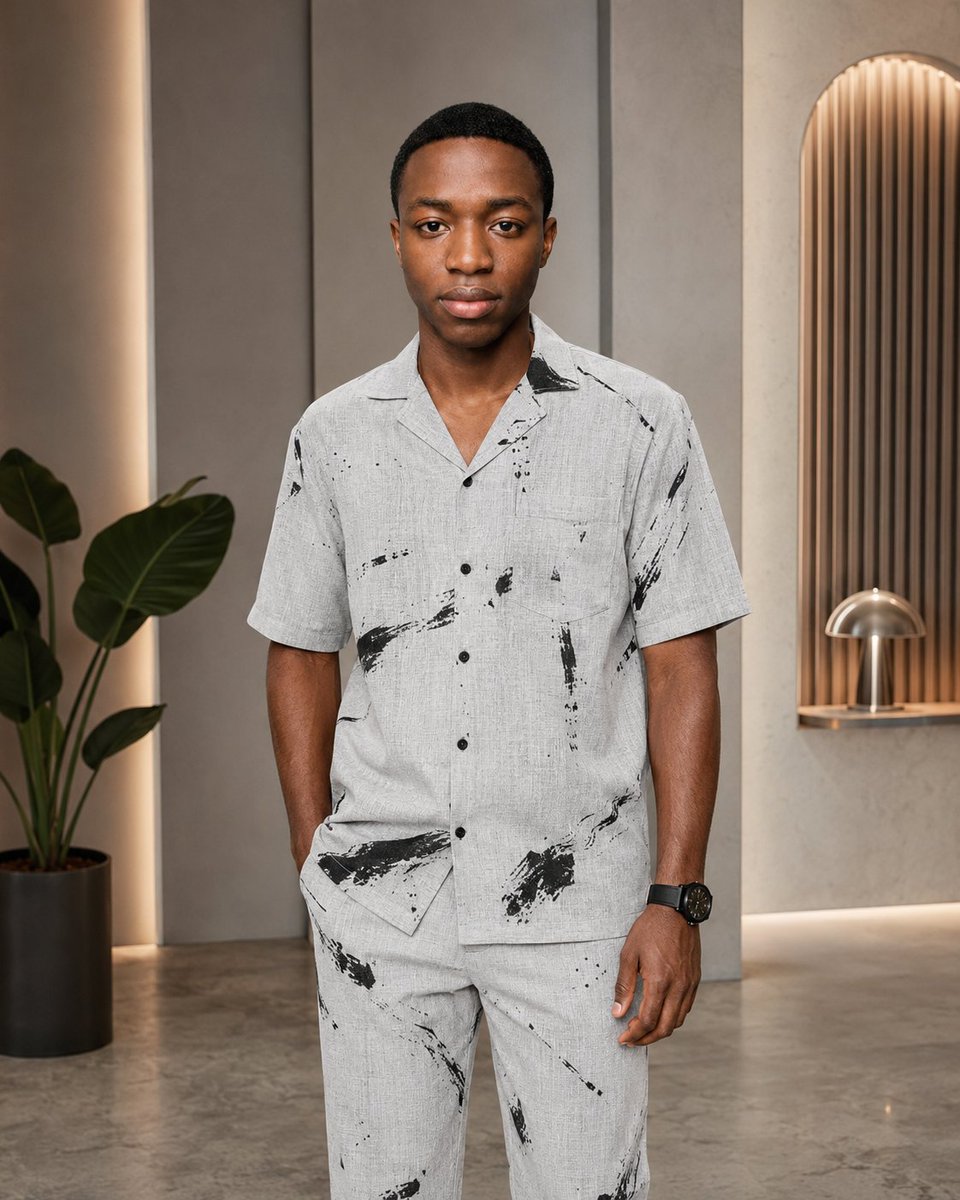
An image generated with GPT image 2 on ChatGPT, showcasing what premium looks like.
Prompt
This is what premium looks like. Created with GPT image 2 on ChatGPT prompt 👇 https://t.co/WnEjpVwunE
Kynvio Prompt Workflow
How to use this prompt
1
Open it in Image Studio
Send the prompt to Kynvio AI without starting a generation.
2
Adapt the details
Replace the subject, setting, colors, text, or composition for your goal.
3
Review and generate
Choose your final settings, then click Generate when you are ready.
Related GPT Image 2 prompts
GPT Image 2 prompts
About this prompt
Will opening this prompt spend credits?
No. The button only prefills Image Studio. Credits are used only after you start a generation.
Can I edit the prompt first?
Yes. The transferred text is fully editable before you generate an image.