
Ultra-Realistic Golden Hour Portrait of Young Asian Woman with Baby Tiger
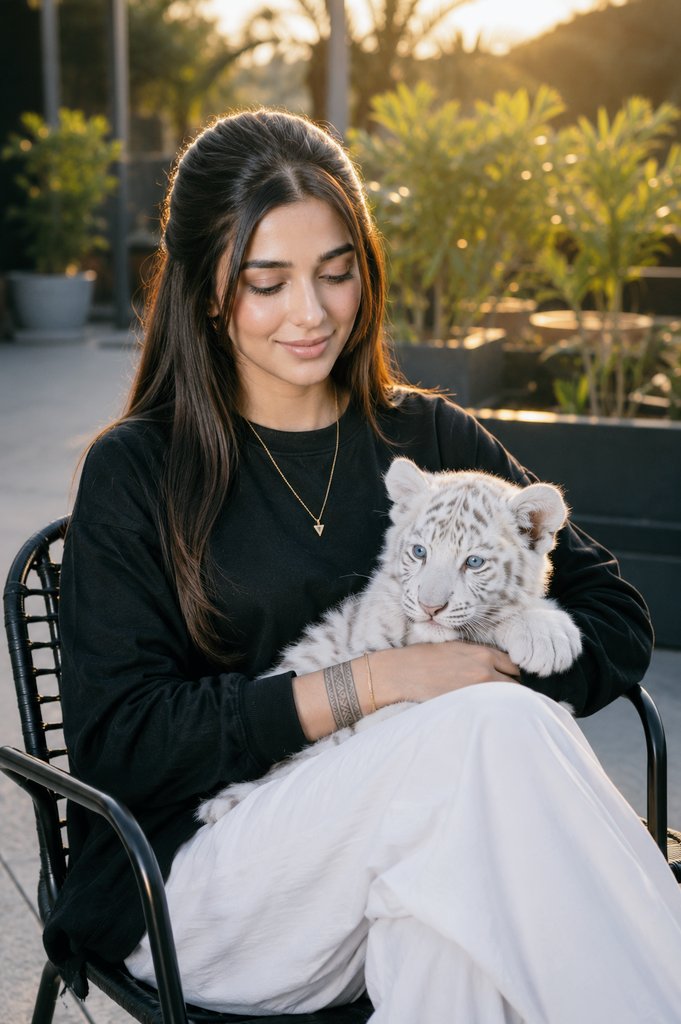
An ultra-realistic cinematic portrait of a young Asian woman during golden hour at an outdoor café, holding a white baby tiger, wearing a black sweatshirt and white trousers, with a gold chain necklace and tribal tattoo, hair flowing naturally, calm and affectionate expression. Blurred background, soft lighting, extreme detail.
Prompt
Create an ultra-realistic cinematic portrait of the same young Asian woman (100% face match with the uploaded reference image; preserve her exact facial identity without any changes) sitting comfortably on a modern black metal chair in an outdoor terrace/café setting during golden hour. She is wearing an oversized black full-sleeve sweatshirt, relaxed-fit white trousers, a thin gold chain necklace with a small triangle pendant, and a detailed tribal tattoo band around her forearm. She is gently holding a fluffy WHITE BABY TIGER on her lap instead of a full-grown tiger, with one arm naturally wrapped around it while looking down at the baby tiger with a calm, affectionate expression. The baby tiger has pure white fur, bright blue eyes, ultra-realistic fluffy fur, a relaxed posture, and a peaceful expression. She has long, naturally voluminous dark hair with a soft center part and subtle face-framing layers, flowing naturally over her shoulders while preserving the hairstyle from the reference image exactly. She sits with a relaxed posture and crossed legs. Warm golden-hour sunlight creates soft rim lighting around her hair and shoulders, enhancing the cinematic atmosphere. The portrait features realistic skin texture, DSLR-quality photography, shallow depth of field, creamy cinematic bokeh, blurred green plants and modern café architecture in the background, premium lifestyle photography, natural color grading, ultra-detailed textures, hyper-realistic rendering, 8K resolution, HDR, razor-sharp focus on the face, professional portrait quality, photorealistic lighting, no distortion, no anatomy errors, no extra fingers, perfectly natural proportions, and maximum realism.
Kynvio Prompt Workflow
How to use this prompt
Open it in Image Studio
Send the prompt to Kynvio AI without starting a generation.
Adapt the details
Replace the subject, setting, colors, text, or composition for your goal.
Review and generate
Choose your final settings, then click Generate when you are ready.
Related GPT Image 2 prompts
GPT Image 2 prompts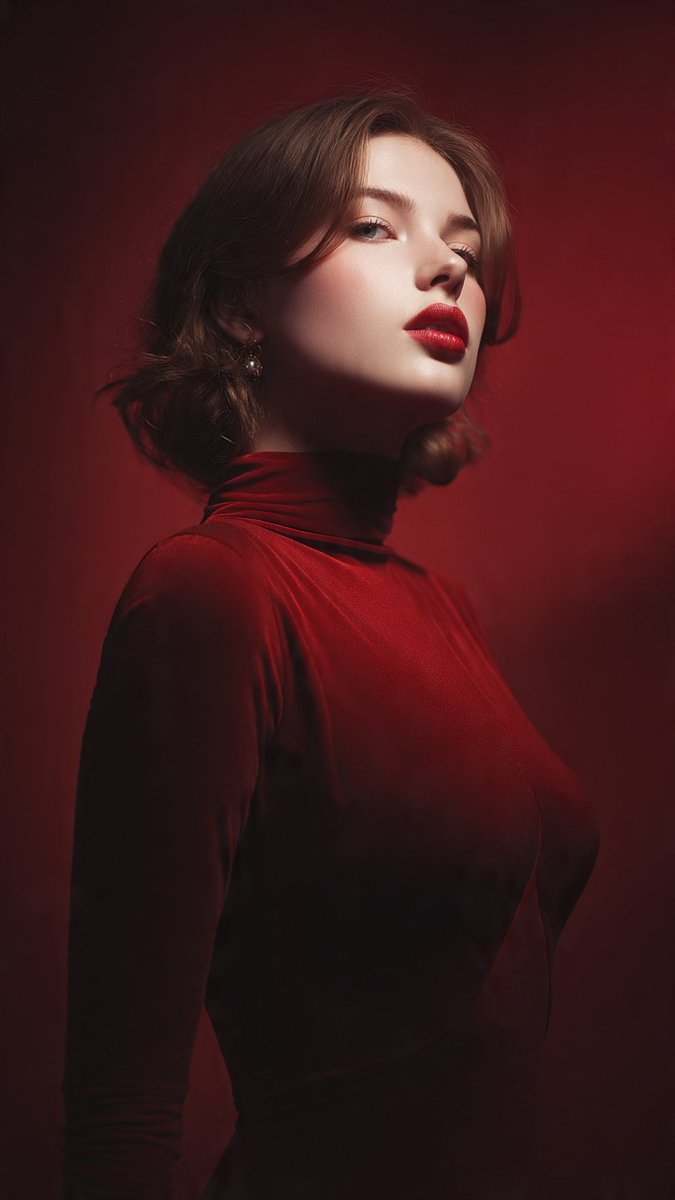
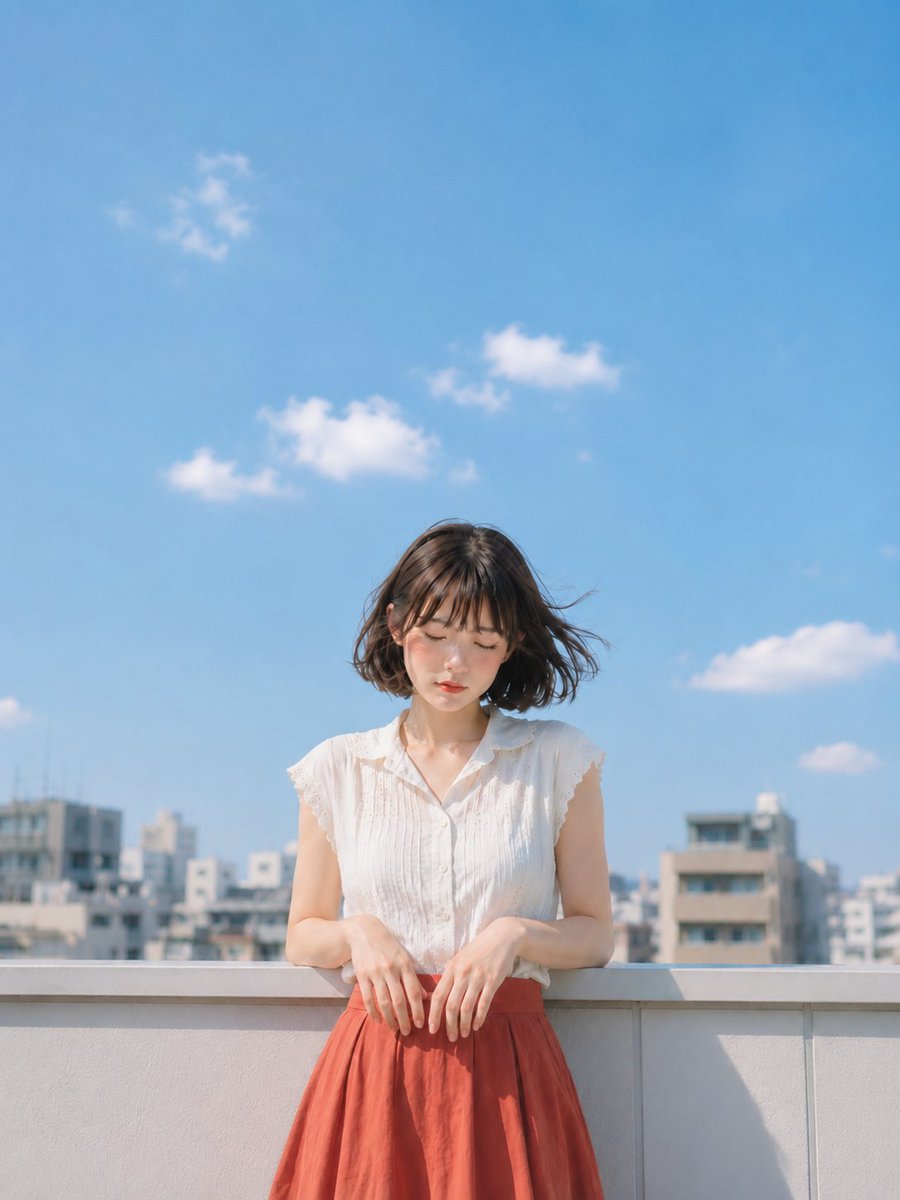
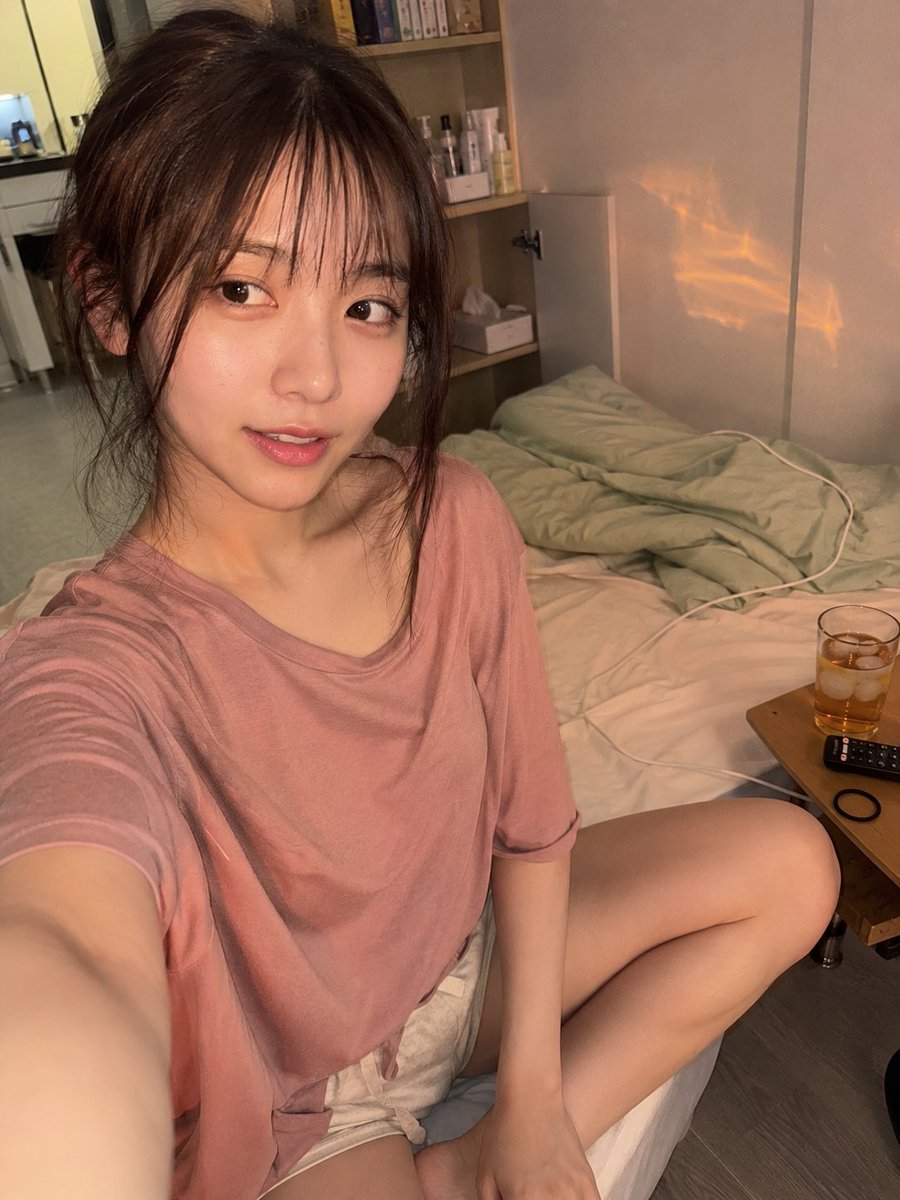
About this prompt
Will opening this prompt spend credits?
No. The button only prefills Image Studio. Credits are used only after you start a generation.
Can I edit the prompt first?
Yes. The transferred text is fully editable before you generate an image.