
Summer Light on the Knees
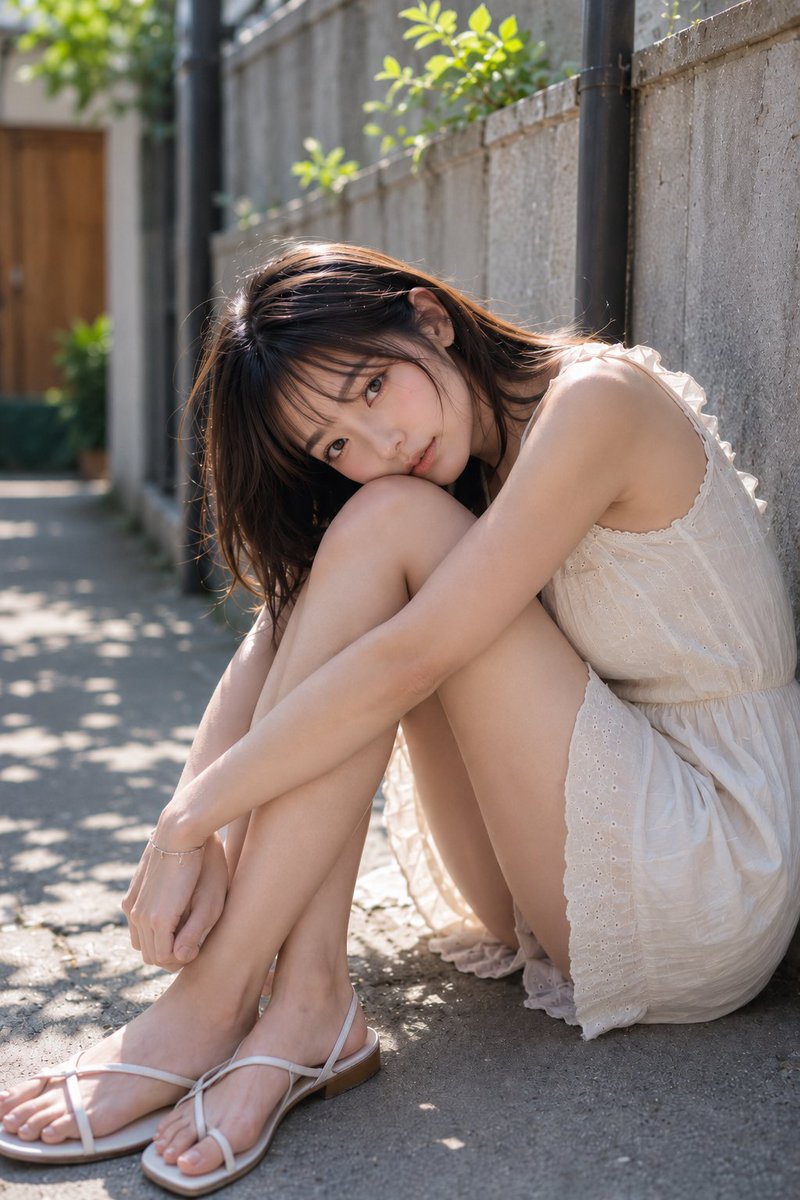
A woman sits on the ground leaning against a concrete wall in a quiet residential alley, knees pulled to her chest, cheek resting on her knee, quietly receiving the summer light. White dress, natural makeup, soft lighting create a transparent summer portrait.
Prompt
Resting cheek on knee, quietly receiving only the summer light. The softness of white fabric and the slightly longer shadows by the wall in the afternoon. 🤍☀️🌿 #AIart #AIphotography #SummerPortrait [GPT Image2 Prompt] Theme: Summer light over the knees Subject: A single adult woman sitting on the ground leaning against a concrete wall in a quiet residential alley, vertical composition. The person occupies the center to right side of the frame, pulling both knees close to the chest, arms wrapping around the legs. Full body included, but with strong presence of upper body and legs, close-up portrait. Character & Expression: A natural, realistic woman with calm maturity and softness. Not too slender, moderately mature body with feminine curves at shoulders, décolletage, arms, and thighs. Hair is dark brown medium-length with light layers and thin see-through bangs. Fine stray hairs around the face, translucent in light. Head slightly tilted, one cheek gently resting on the knee, looking straight at the camera. Expression is quiet and gentle, slightly melancholic. Makeup is natural Japanese-style nude makeup: soft brown eyes, light coral blush, pink-beige lips. Small earrings at the ears. Clothing & Pose: Ivory-white sleeveless dress. Thin shoulder straps, modest ruffles around shoulders, fine embroidery and eyelet lace from chest to waist, slightly cinched waist, thin soft cotton material. Hem is short, naturally showing thighs in seated pose. Both legs extend diagonally forward left, knees held high, arms crossed in front. Hands rest naturally near ankles without tension. Feet wear white thin-strap flat sandals. One wrist has a delicate silver bracelet. Background & Lighting: Background is a lived-in alley typical of Japanese residential areas. Right side has light gray concrete wall, in the distance a black downspout, wooden door, blurred plants and small greenery. Time is a sunny afternoon. Main light source from upper left, strong natural light creating bright highlights on hair outline, shoulders, cheeks, arms, knees, and top of legs. Dappled shadows of tree leaves on the ground, reflected light from the wall softly lifts the shadow side of the face. Air is dry and bright, with summer stillness. Composition & Camera: Vertical 4:5 portrait composition. Camera at low angle, close distance, with toes at lower left and face near upper center. Body positioned right of center, leaving depth of alley and dappled light on the left. Gaze toward the lens, focus on face and front knee. Background softly blurred with shallow depth of field to emphasize the person. Natural perspective to show leg extension and hugging pose beautifully. Texture & Style: Realistic photographic style. Transparent natural portrait like a summer snapshot from a fashion magazine. Skin not overly smooth, retaining natural texture. Carefully depict fine strands of hair, delicate holes of cotton lace, roughness of concrete wall, thin straps of sandals. Color palette centered on ivory, beige, gray, with small touches of background green, elegant and soft. Moderate contrast, not overexposed, calm high-quality finish. Negative: Unnatural face, unnatural gaze, childish body type, extra fingers, missing fingers, fused limbs, joint distortions, twisted arms or legs, unnatural gravity, poor contact with sandals, shadows contradicting light source, excessive skin smoothing, plastic-like skin, garbled text, logos, watermarks.
Kynvio Prompt Workflow
How to use this prompt
Open it in Image Studio
Send the prompt to Kynvio AI without starting a generation.
Adapt the details
Replace the subject, setting, colors, text, or composition for your goal.
Review and generate
Choose your final settings, then click Generate when you are ready.
Related GPT Image 2 prompts
GPT Image 2 prompts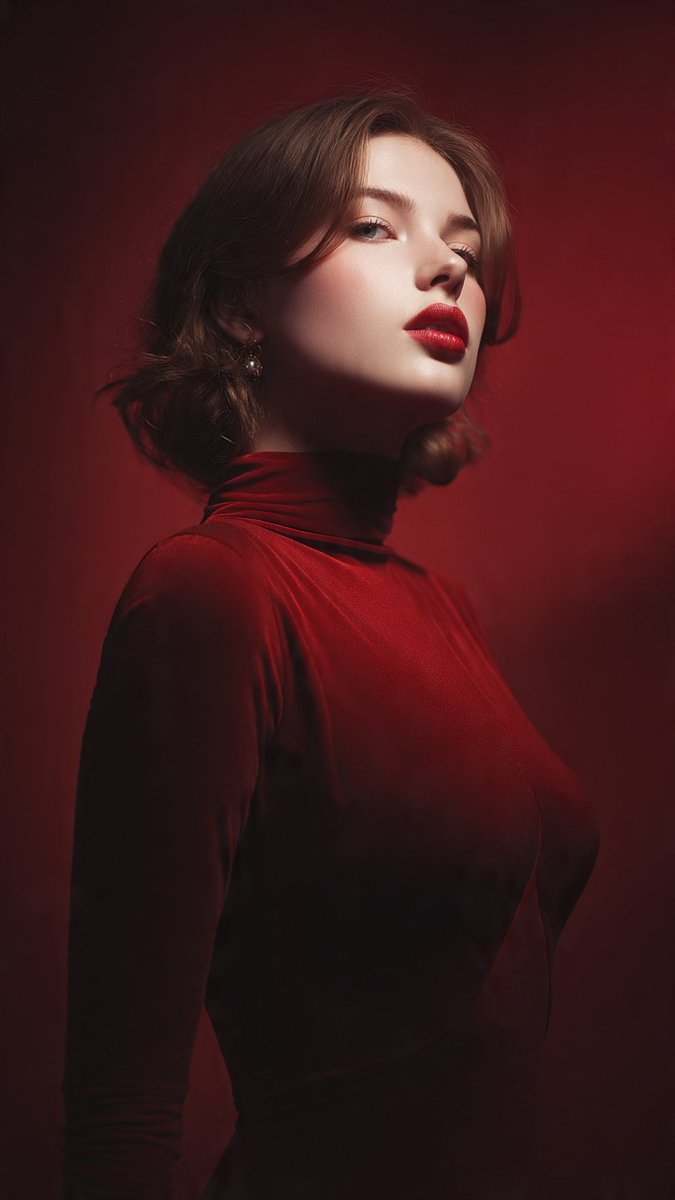
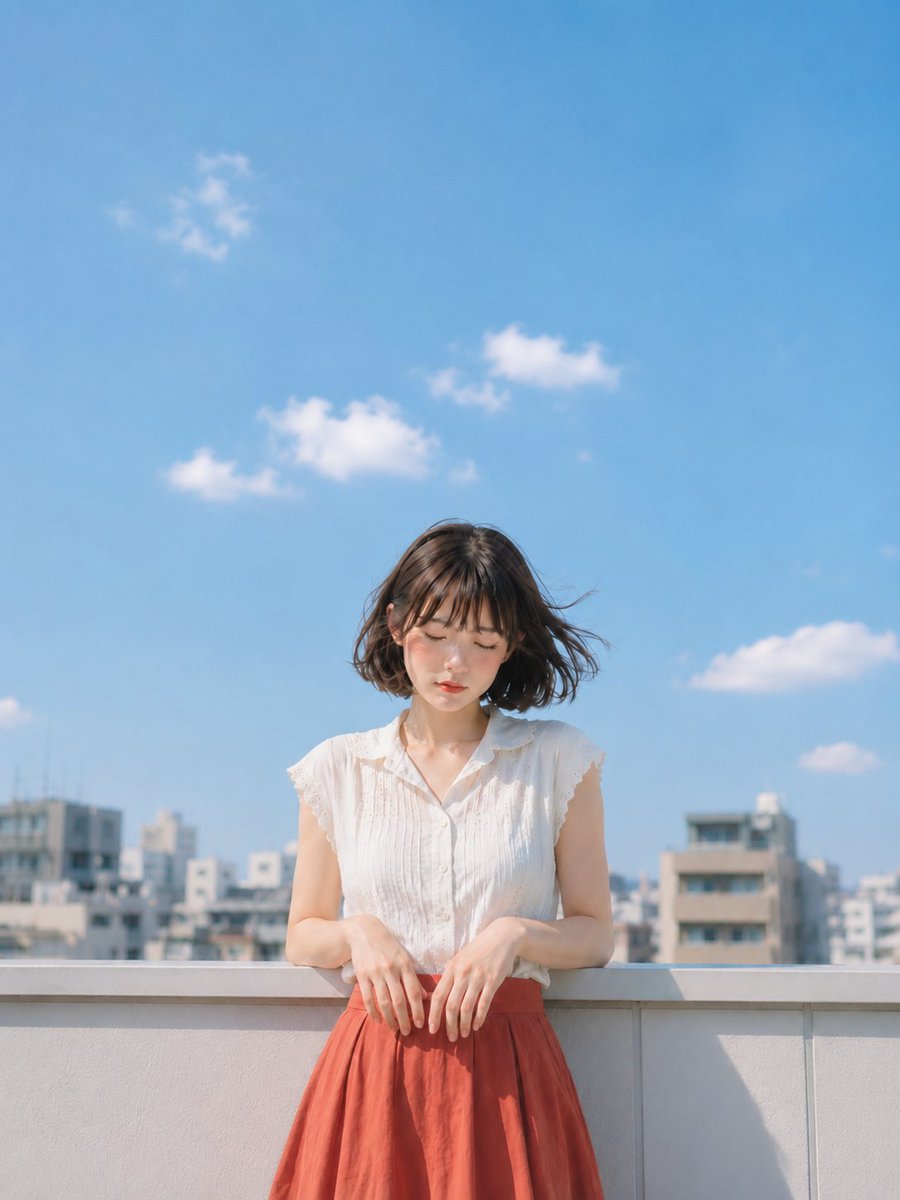
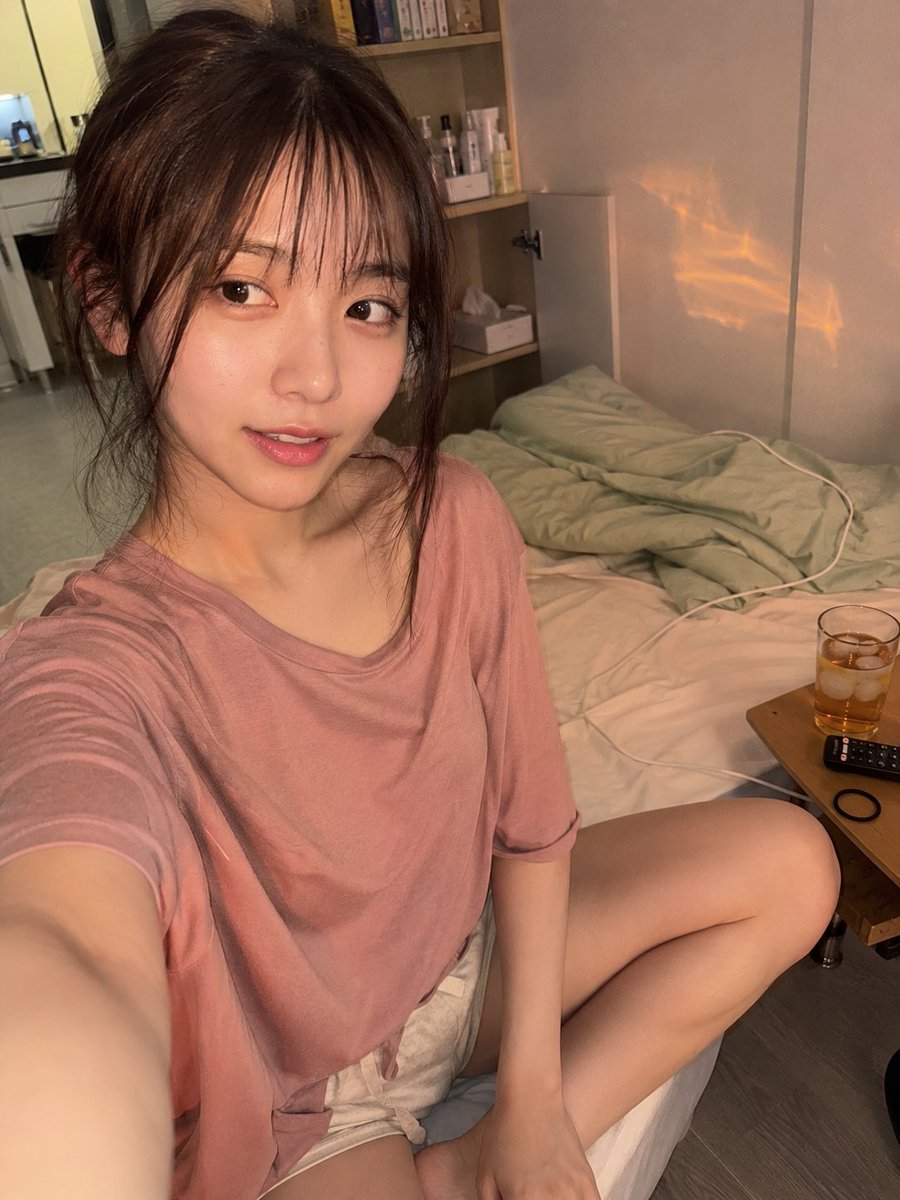
About this prompt
Will opening this prompt spend credits?
No. The button only prefills Image Studio. Credits are used only after you start a generation.
Can I edit the prompt first?
Yes. The transferred text is fully editable before you generate an image.