
Morning Looking Down
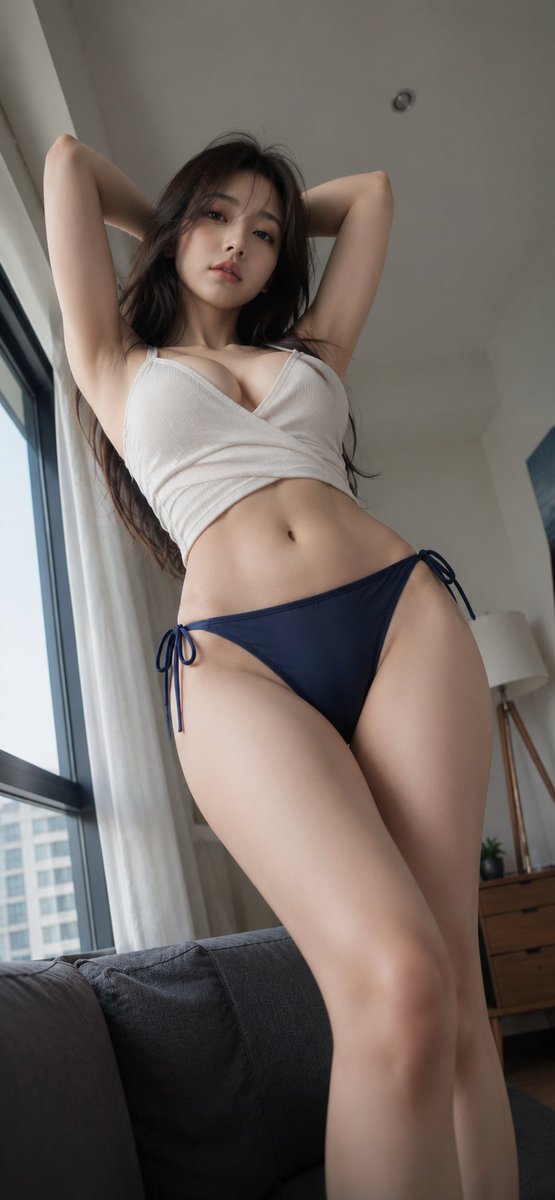
A gaze looking up and a knot that won't come undone. In the quiet room, a slightly stronger morning light streamed in.
Prompt
A gaze looking up and a knot that won't come undone. In the quiet room, a slightly stronger morning light streamed in. 🪟🫧 #AIart #AI写真 #ルームポートレート [GPT Image2 Prompt] Theme: Morning Looking Down Subject: A realistic fashion portrait in vertical 9:16 ratio, looking up from a low angle near the floor at an adult woman standing with both arms raised behind her head in the living room of a Japanese urban apartment. The figure occupies the center of the frame, with hips and thighs in the foreground, face and upper body in the upper part. The legs are naturally cropped at the bottom edge, giving the figure a dignified and mature presence. Character & Expression: A calm, mature woman. Healthy, mature body with natural curves and definition. Dark brown long hair with light see-through bangs and soft layers around the face. The ends sway lightly, a natural Japanese hairstyle without over-styling. Makeup: pink-brown eyeshadow, natural tear bags, thin brown eyeliner, subtle rose blush, matte pink-beige lips. Chin slightly tucked, quietly looking down at the lens. Relaxed eyebrows and mouth, calm and confident expression. Clothing & Pose: White ribbed cropped wrap top. Natural V-neck not too deep, front panels overlapping diagonally. Navy swim bottoms with side ribbons. Fabric not see-through, elegant cut naturally wrapping the hip bones. Both arms bent behind the head, elbows open upward and outward. Natural extension from shoulders to sides and waist, pelvis slightly tilted to the right. Weight on one leg, other knee slightly relaxed. Accurately depict the stretch of the top, overlap of hem, knot and drape of side ribbons following gravity. Background & Lighting: Living room of a Japanese apartment with light beige and wood grain tones. Large window with black frame and white sheer curtains on the left, charcoal gray sofa in the lower left foreground. In the right background: a thin tripod floor lamp, low wooden cabinet, small potted plant. Blurred urban apartment buildings outside the window. Soft natural daylight from the left window illuminates the face, chest, abdomen, and left leg contours. Subtle shadows on the right, weak warm reflected light from wooden furniture. Ceiling slightly darker, lighting composition drawing attention to the figure. Composition & Camera: Vertical 9:16. Camera placed low, about 40-60 cm from the floor, slightly upward. 24-28mm equivalent wide-angle lens. Hips and thighs occupy the lower center of the frame, face in the upper center. Narrow margin above the head, enough margin on sides for arm contours. Foreground legs appear large while maintaining natural body proportions. Focus on face and upper body, background slightly blurred. Convey a sense of presence like a smartphone wide-angle photo, avoiding extreme distortion. Texture & Style: Realistic photographic representation. Natural skin texture, fine vellus hair, soft shadows on abdomen and legs, clear distinction between ribbed fabric and swim material. Low-saturation color scheme centered on white, navy, charcoal gray, and light wood grain. Avoid excessive skin retouching or artificial gloss, aiming for the texture of a high-quality fashion snapshot taken in everyday indoor setting. Contours not too sharp, emphasizing soft three-dimensionality from natural light. Negative: Minors, unnatural face, unnatural gaze, see-through clothing, extra fingers, missing fingers, fused arms or legs, broken joints, extreme wide-angle distortion, unnatural body shape, floating side ribbons, poor contact with clothing, unnatural gravity, incorrect perspective, shadows inconsistent with light source, text, logos, watermarks, excessive skin retouching, plastic-like skin.
Kynvio Prompt Workflow
How to use this prompt
Open it in Image Studio
Send the prompt to Kynvio AI without starting a generation.
Adapt the details
Replace the subject, setting, colors, text, or composition for your goal.
Review and generate
Choose your final settings, then click Generate when you are ready.
Related GPT Image 2 prompts
GPT Image 2 prompts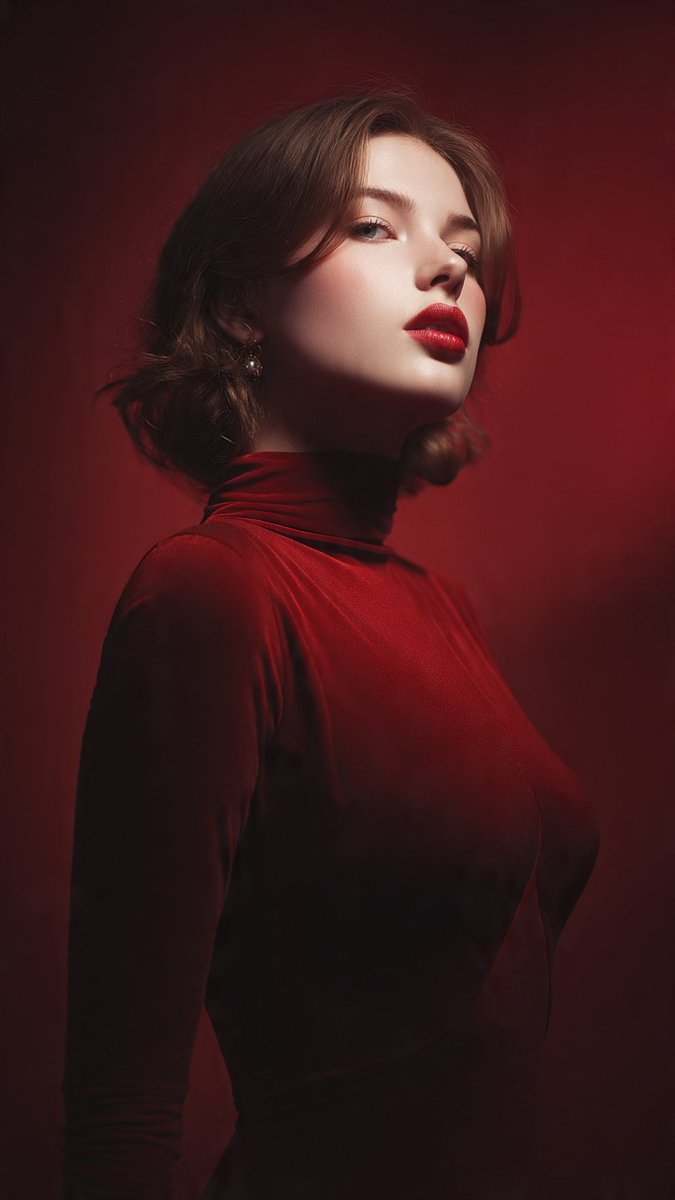
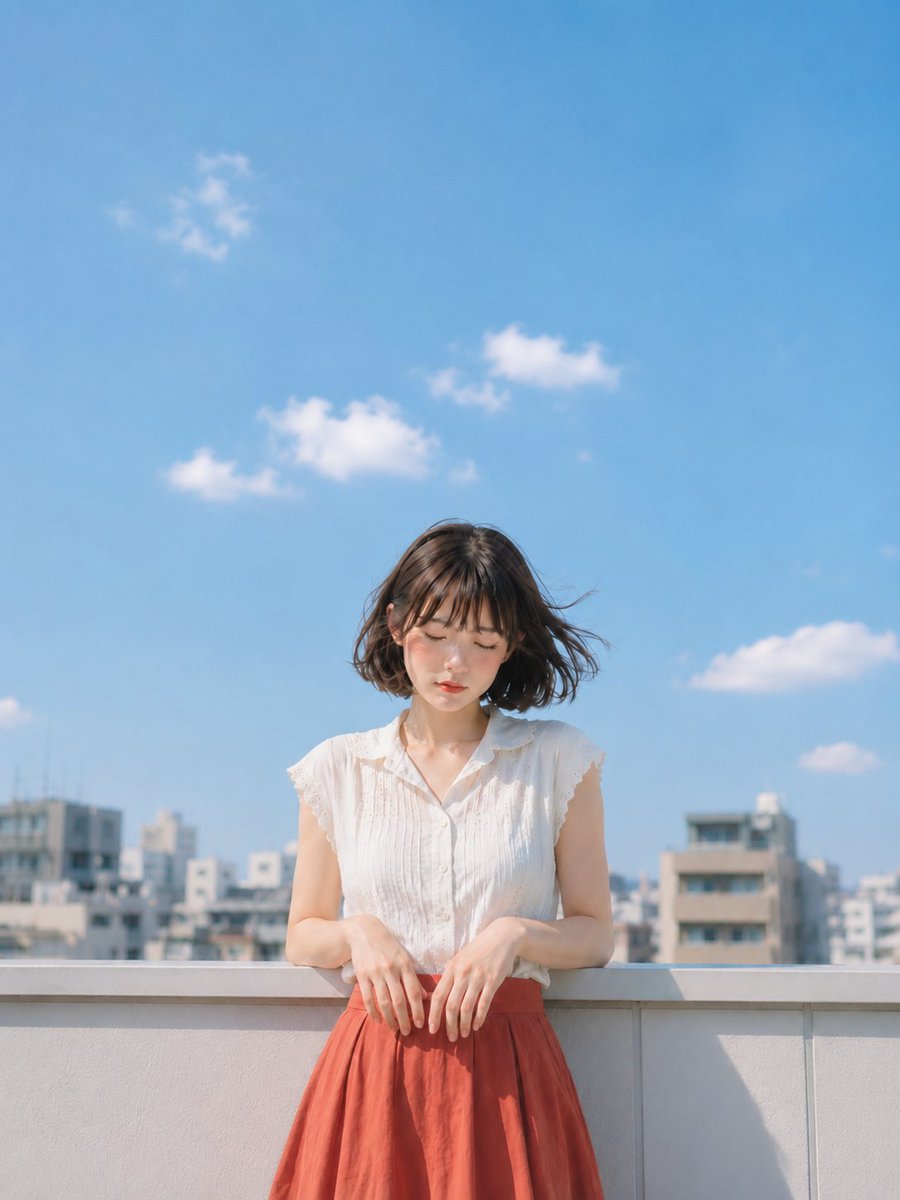
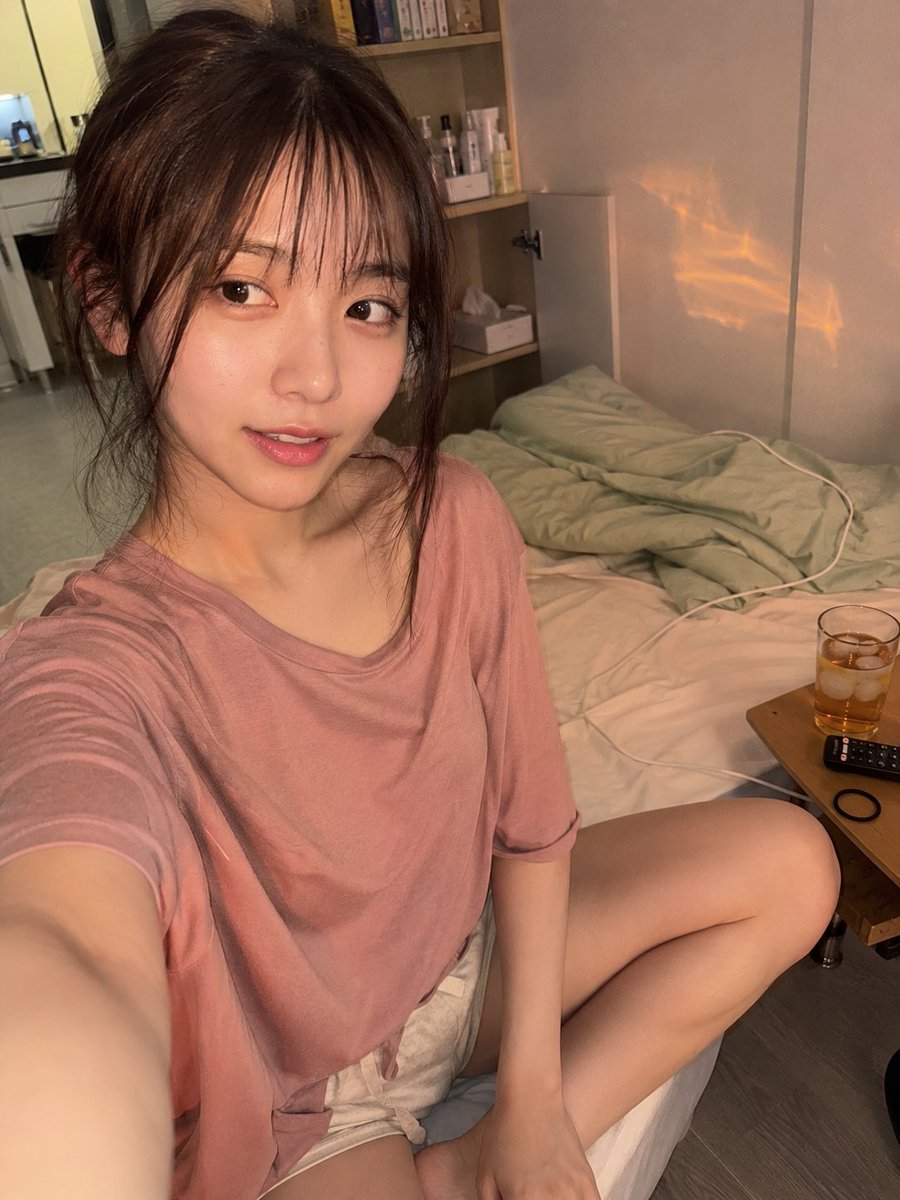
About this prompt
Will opening this prompt spend credits?
No. The button only prefills Image Studio. Credits are used only after you start a generation.
Can I edit the prompt first?
Yes. The transferred text is fully editable before you generate an image.