
Japanese Woman Portrait on Purple Background
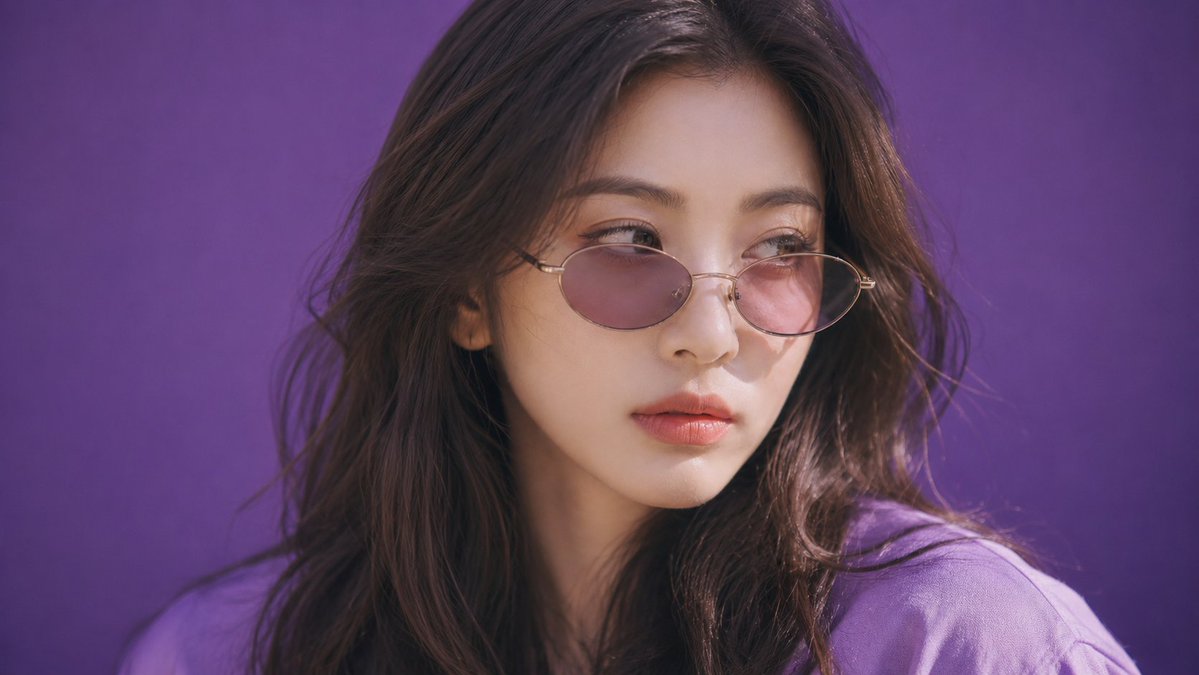
A 16:9 photorealistic editorial portrait of a 20s Japanese woman with sunglasses in a pure purple background, with soft-tonal Japanese portrait color grade.
Prompt
Create a 16:9 photorealistic editorial portrait. Tight face close-up, tilted frame, front view A 20s seductive stunning Japanese or Korean woman with sunglasses with tinted lenses, sexy tall slim-curvy silhouette, about 168-173 cm visual height and 53-58 kg lean visual weight, 94-58-92 body proportion anchor, long legs with about 3.8:6.2 torso-to-leg balance, full F-to-G-cup-scale bust, narrow defined waist, rounded hips, flat abdomen, dramatic but lean bust-waist-hip curve, young beautiful Japanese transparent face, soft natural features, clean gentle eyes, airy fresh beauty, long soft waves with a center part, natural flowing texture, soft black-tea brown hair, muted brown-black salon tone, soft matte skin texture, refined pores, velvety smooth finish, looking away from the camera, distant sideward gaze, thoughtful quiet expression, reflective mood. Scene: The portrait takes place in horizonless seamless matte saturated pure purple color field, continuous vivid purple ground-and-background plane blending into a solid purple void, full-bleed clean purple surface, soft beauty studio environment, diffused shadowless illumination, mixed warm and cool subject lighting, warm-cool highlight contrast across face and clothing. Inspired by Alec Soth, spacious documentary image language. The camera treatment uses shot on 50mm standard lens, soft focus diffusion filter, lowered microcontrast, softened fine detail. soft-tonal Japanese portrait color grade, luminous pale highlights, gentle bloom, lowered micro-contrast, airy contrast. multi-cut sequence n=4
Kynvio Prompt Workflow
How to use this prompt
Open it in Image Studio
Send the prompt to Kynvio AI without starting a generation.
Adapt the details
Replace the subject, setting, colors, text, or composition for your goal.
Review and generate
Choose your final settings, then click Generate when you are ready.
Related GPT Image 2 prompts
GPT Image 2 prompts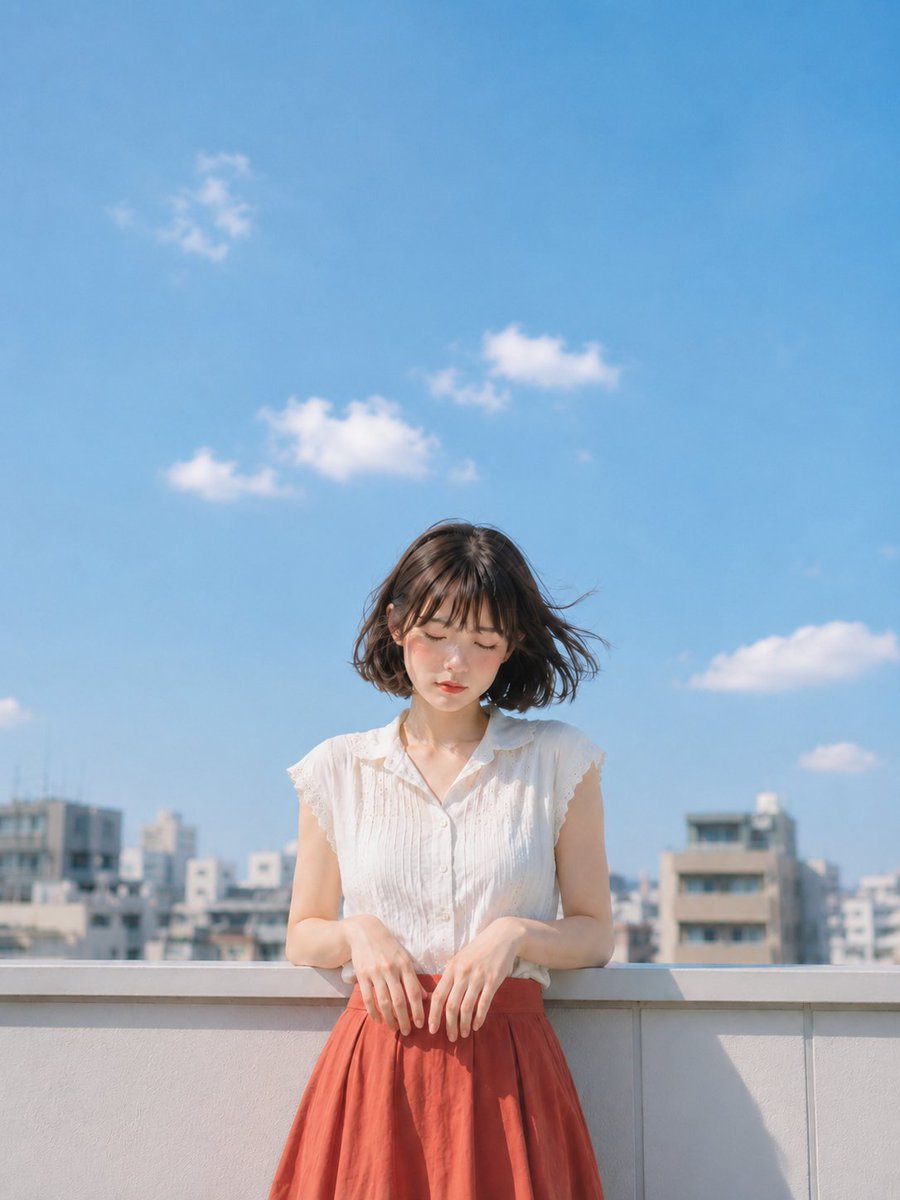

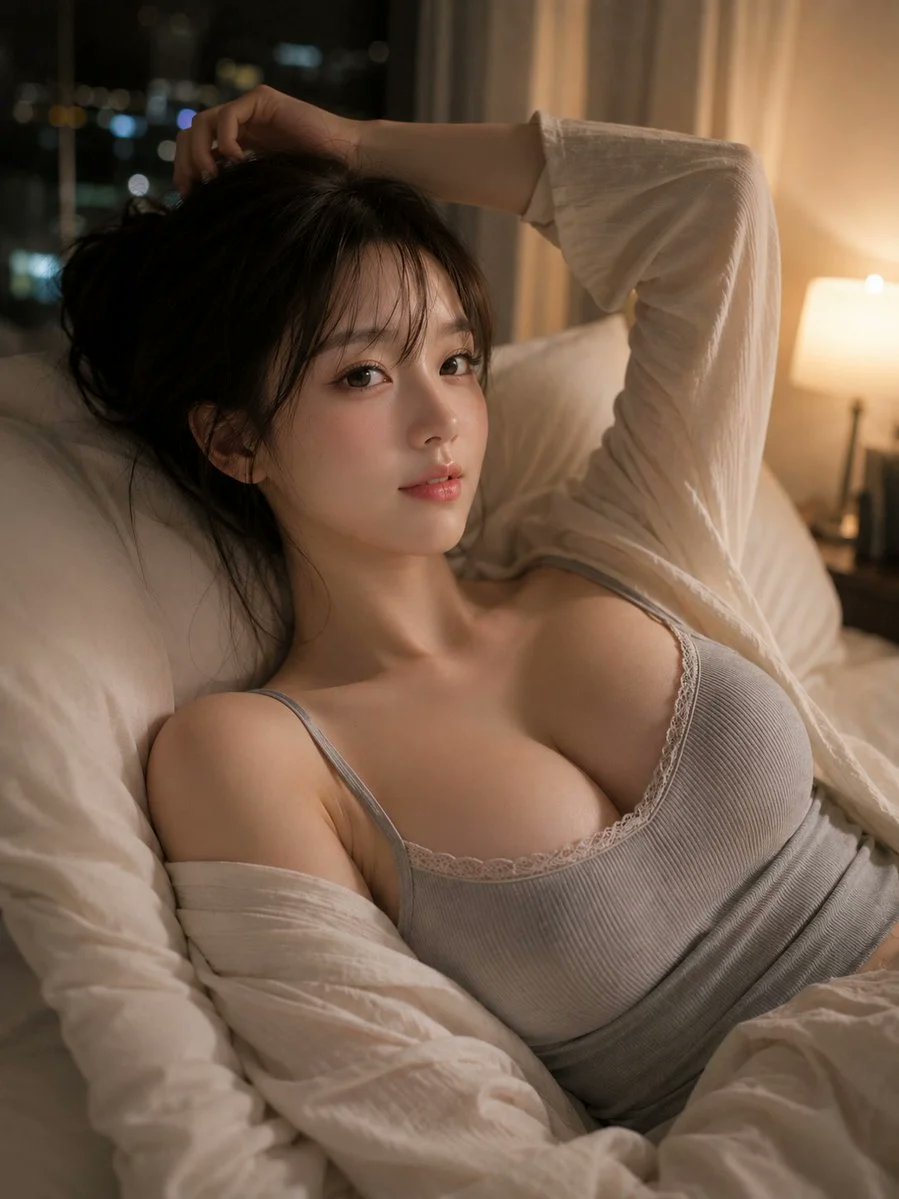
About this prompt
Will opening this prompt spend credits?
No. The button only prefills Image Studio. Credits are used only after you start a generation.
Can I edit the prompt first?
Yes. The transferred text is fully editable before you generate an image.