
Image Generation Test and Model Comparison
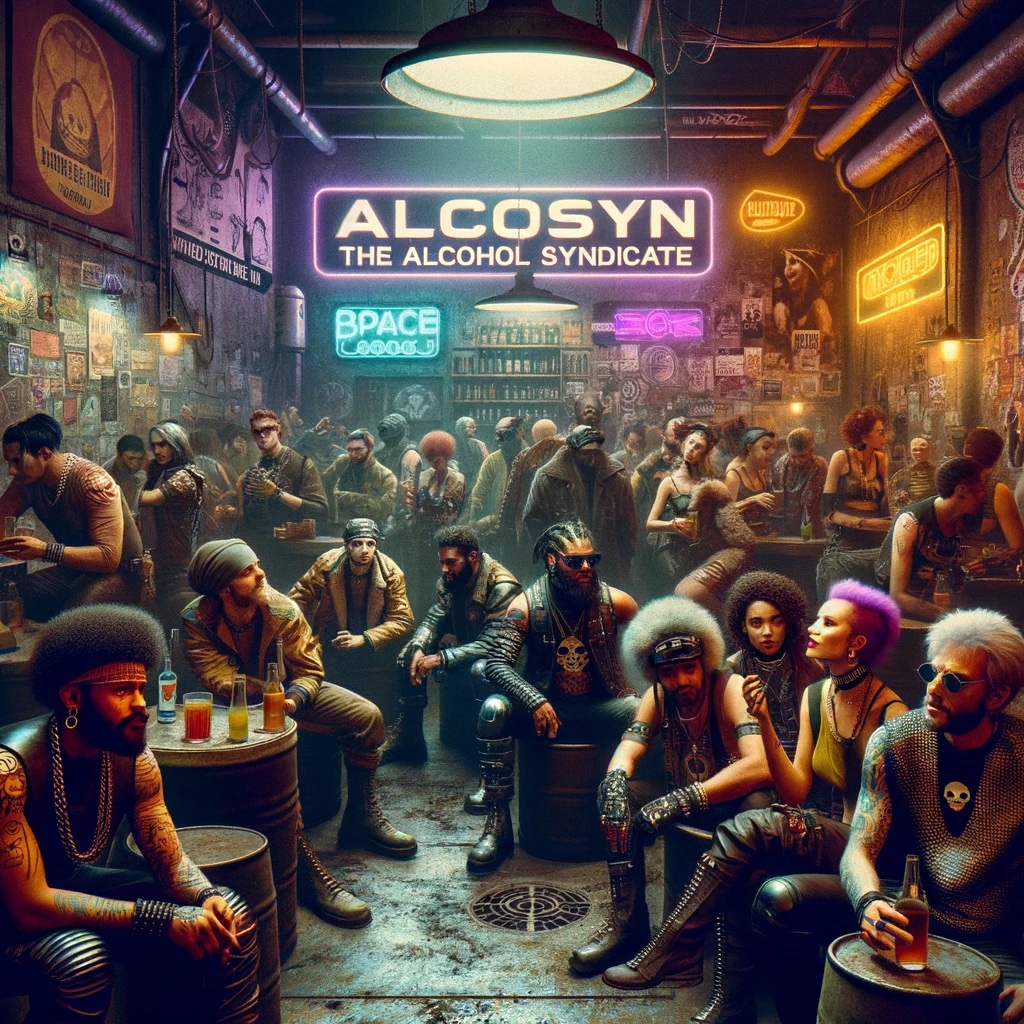
The user shares a test process of generating images using DALL-E 3 and a custom GPT Prompt-o-Matic 9000, discussing tweaks and model differences.
Prompt
Another test. DALL-E 3 > Prompt-o-Matic 9000 (custom GPT) > Image 2 Some tweaks still need to be made. I'm not necessarily trying to make a "higher quality image" from the old image, in some cases I'm trying to capture the look of a deprecated model, or the specifics of the original prompt (I did a lot with distressed looks that later image models clean up far too much).
Kynvio Prompt Workflow
How to use this prompt
Open it in Image Studio
Send the prompt to Kynvio AI without starting a generation.
Adapt the details
Replace the subject, setting, colors, text, or composition for your goal.
Review and generate
Choose your final settings, then click Generate when you are ready.
Related GPT Image 2 prompts
GPT Image 2 prompts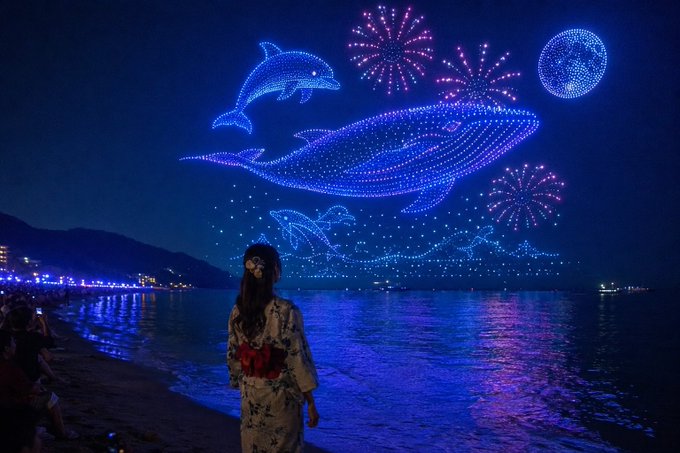
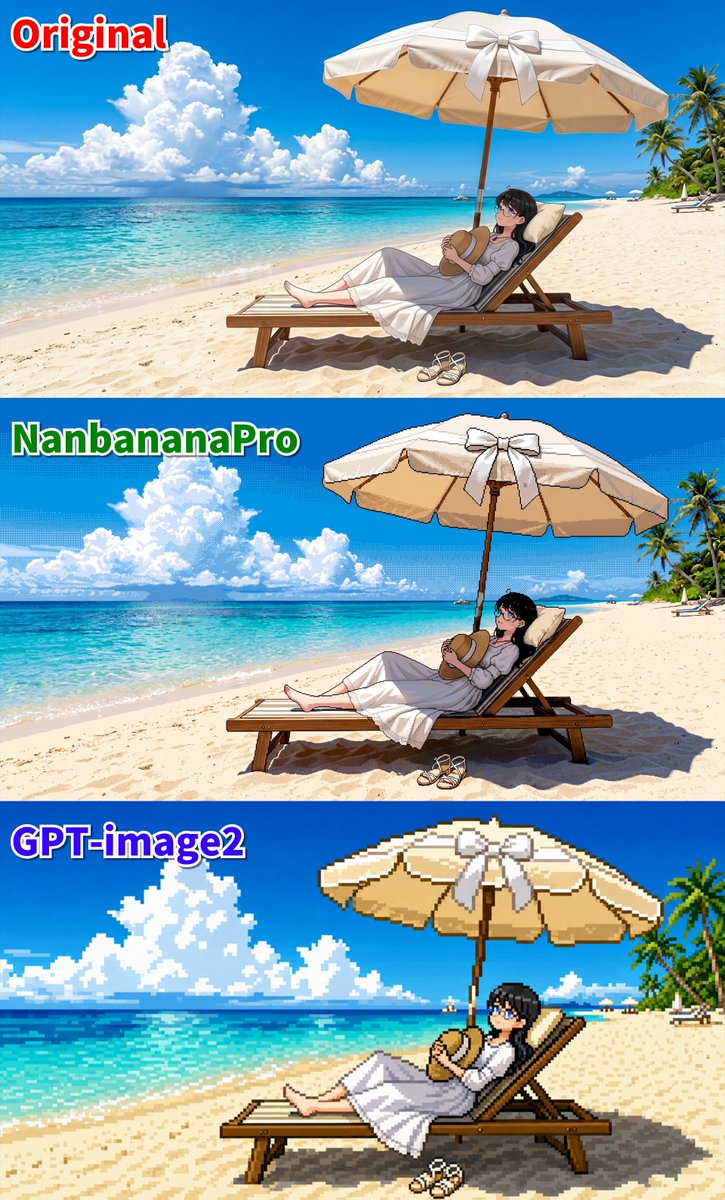

About this prompt
Will opening this prompt spend credits?
No. The button only prefills Image Studio. Credits are used only after you start a generation.
Can I edit the prompt first?
Yes. The transferred text is fully editable before you generate an image.