
Hyper-realistic Cinematic Scene of a Miniature Photographer in His Studio
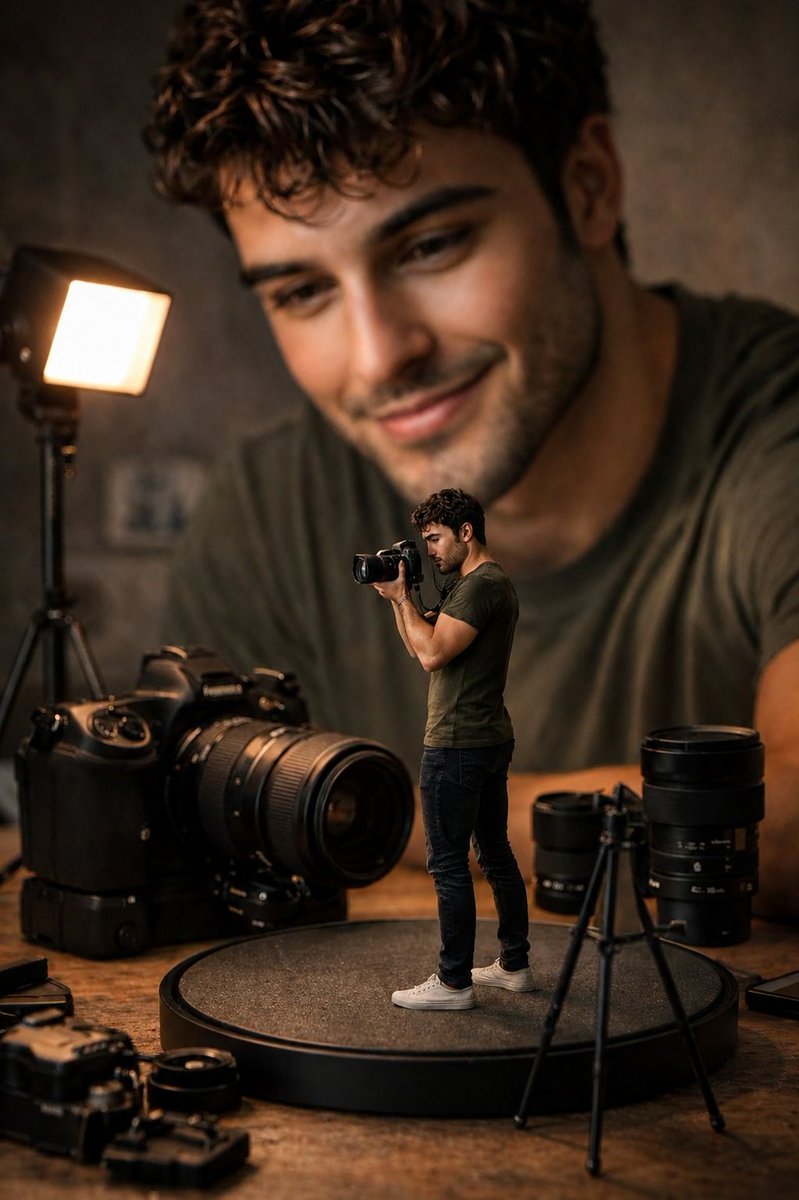
Using a reference image to maintain likeness, create a hyper-realistic cinematic scene: a miniature photographer stands on a circular platform photographing with a professional mirrorless camera, surrounded by giant camera bodies and studio equipment on a wooden tabletop. In the background, a massive softly blurred portrait of the same person smiles, creating the illusion that the miniature version exists inside his own photography studio. Includes professional LED panel light, realistic reflections, premium camera gear, warm cinematic lighting, shallow depth of field, creamy bokeh, ultra-detailed textures, natural skin tones, fantasy perspective, volumetric lighting, HDR, commercial photography quality, 85mm lens at f/1.4, photorealistic, ultra-realistic, 8K masterpiece.
Prompt
Use the uploaded reference image as the primary visual reference for the subject's facial features, hairstyle, expression, skin tone, clothing style, and overall likeness. Preserve the identity, pose inspiration, lighting mood, and cinematic aesthetic from the reference while recreating the scene below. Do not copy the image exactly—maintain the person's recognizable appearance in a new composition. Create a hyper-realistic cinematic scene of a miniature photographer standing on a circular display platform while photographing with a professional mirrorless camera. Giant camera bodies, telephoto lenses, and studio equipment surround him on a wooden tabletop. In the background, a massive softly blurred portrait of the same person from the reference image smiles at the scene, creating the illusion that the miniature version exists inside his own photography studio. Include a professional LED panel light, realistic reflections, premium camera gear, warm cinematic lighting, shallow depth of field, creamy bokeh, ultra-detailed textures, natural skin tones, fantasy perspective, volumetric lighting, HDR, commercial photography quality, 85mm lens, f/1.4, photorealistic, ultra-realistic, 8K masterpiece.
Kynvio Prompt Workflow
How to use this prompt
Open it in Image Studio
Send the prompt to Kynvio AI without starting a generation.
Adapt the details
Replace the subject, setting, colors, text, or composition for your goal.
Review and generate
Choose your final settings, then click Generate when you are ready.
Related GPT Image 2 prompts
GPT Image 2 prompts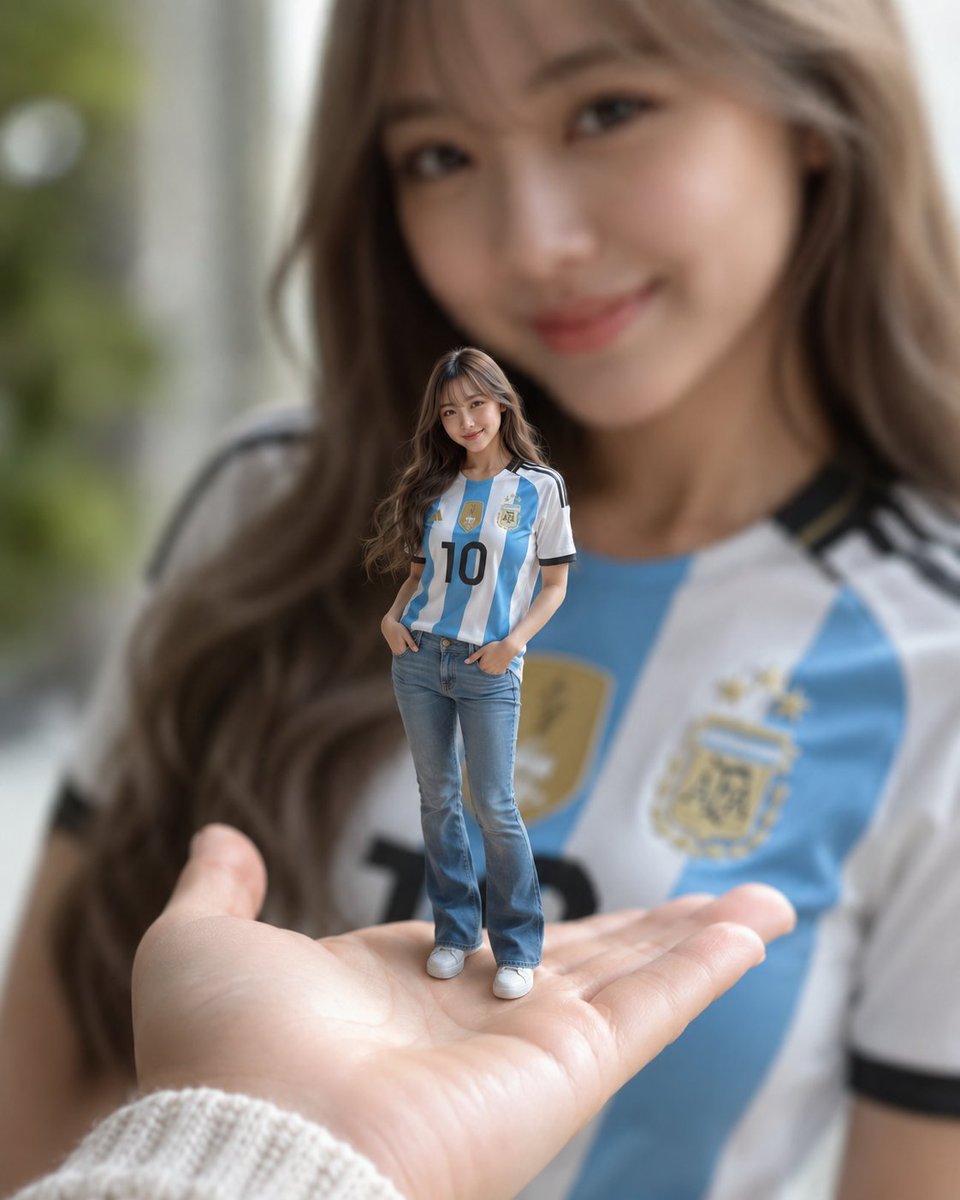
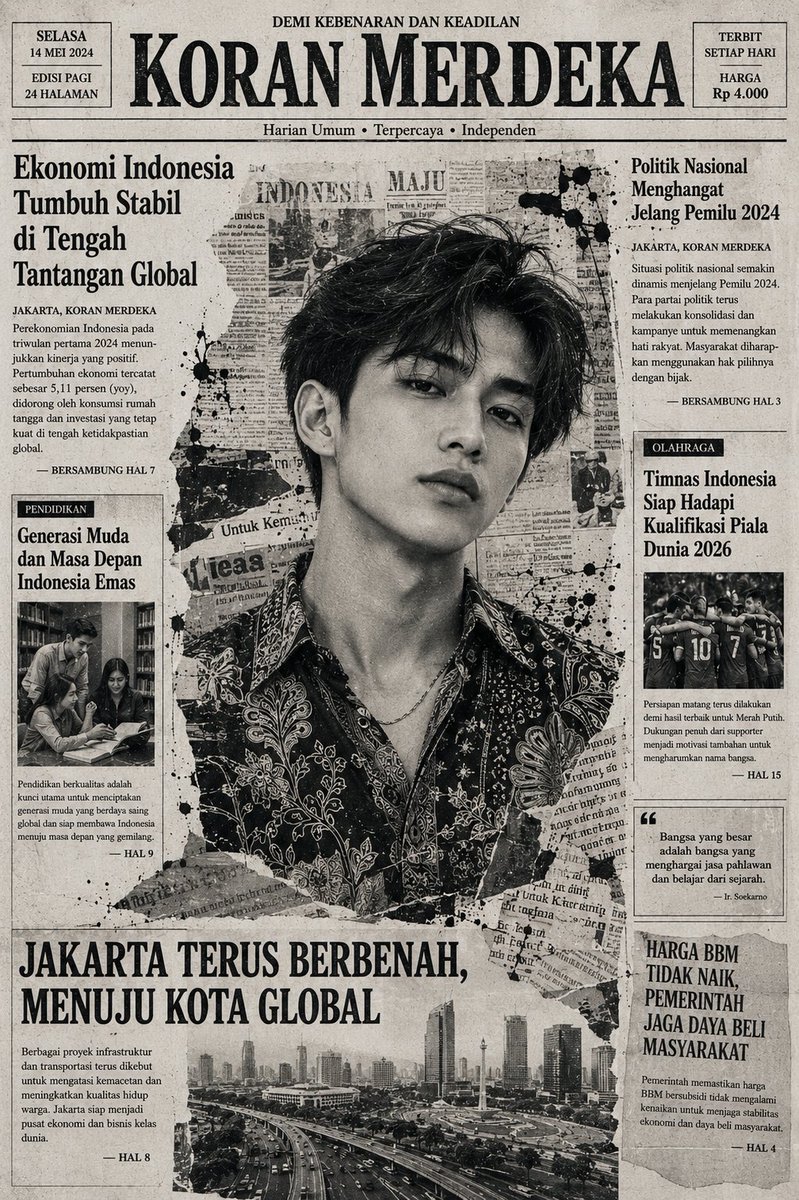
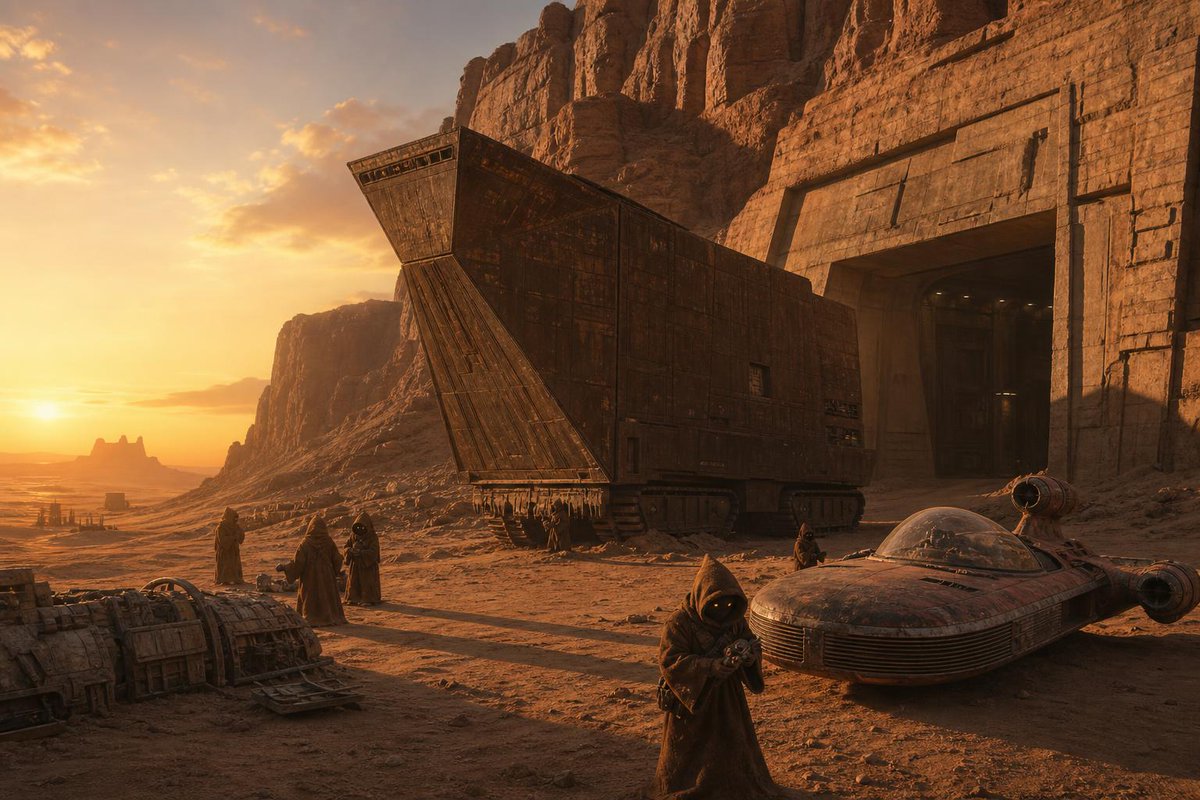
About this prompt
Will opening this prompt spend credits?
No. The button only prefills Image Studio. Credits are used only after you start a generation.
Can I edit the prompt first?
Yes. The transferred text is fully editable before you generate an image.