
How to Create Product Image Sets Using AI
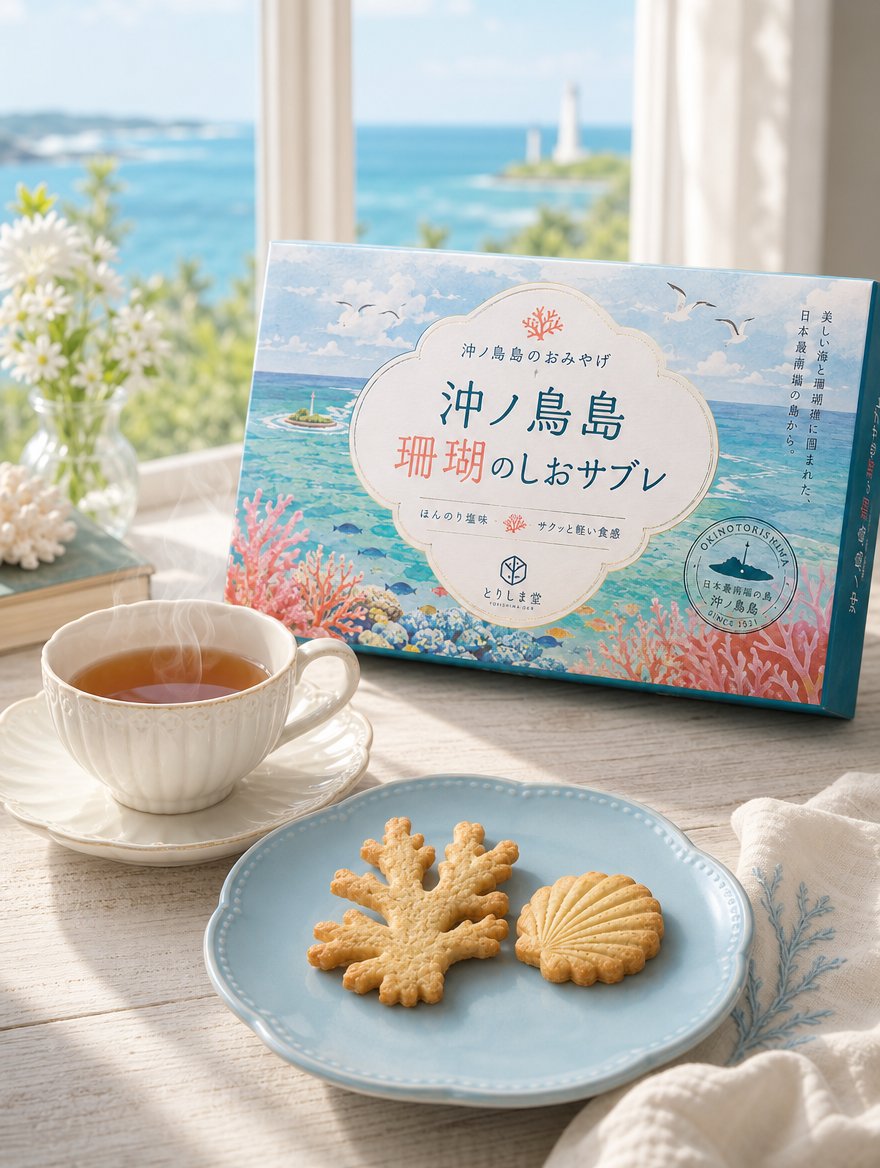
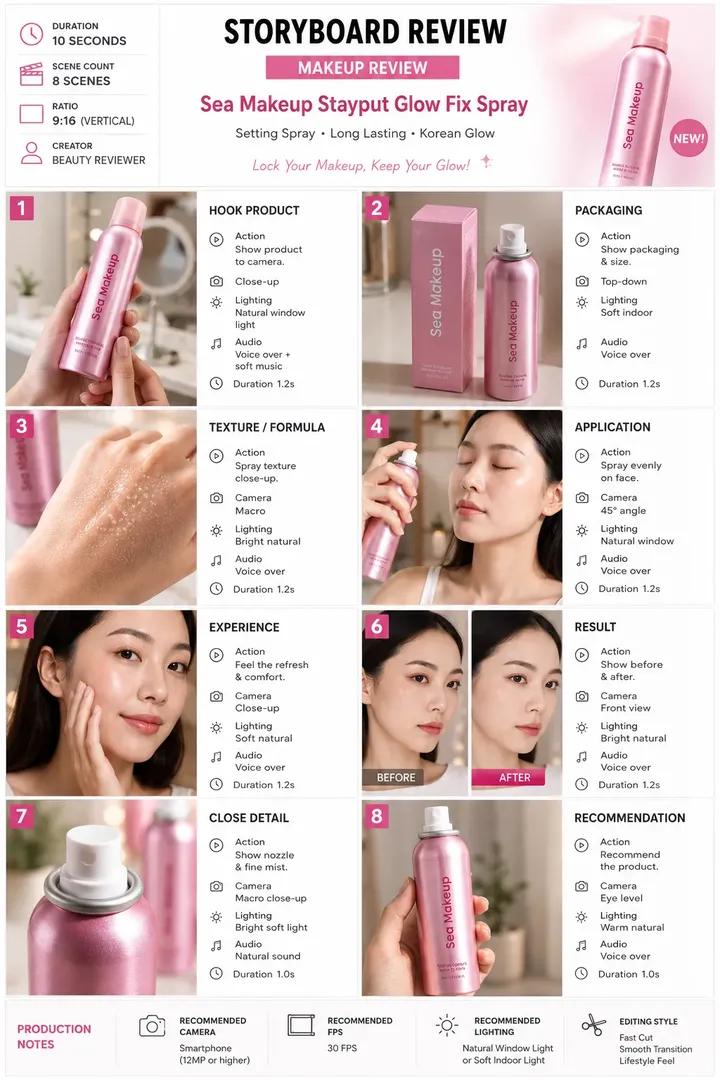
Using Pollo AI's Commerce Studio, you can easily create a set of product images from a single photo. Steps: 1. Prepare one product photo (in this example, a virtual snack designed with GPT Image 2). 2. Select a template in Commerce Studio and reference the image. 3. Enter a simple prompt like 'Please create a set of images for product listing. Write descriptions in Japanese.' 4. A nice set of images is generated. The Japanese expressions are natural and the quality is sufficient for promotional needs without hiring a professional.
Prompt
Please create a set of images for product listing. Write descriptions in Japanese.
Kynvio Prompt Workflow
How to use this prompt
Open it in Image Studio
Send the prompt to Kynvio AI without starting a generation.
Adapt the details
Replace the subject, setting, colors, text, or composition for your goal.
Review and generate
Choose your final settings, then click Generate when you are ready.
Related GPT Image 2 prompts
GPT Image 2 prompts
About this prompt
Will opening this prompt spend credits?
No. The button only prefills Image Studio. Credits are used only after you start a generation.
Can I edit the prompt first?
Yes. The transferred text is fully editable before you generate an image.