
GPT2 Tea Garden Poster Aesthetic Prompt
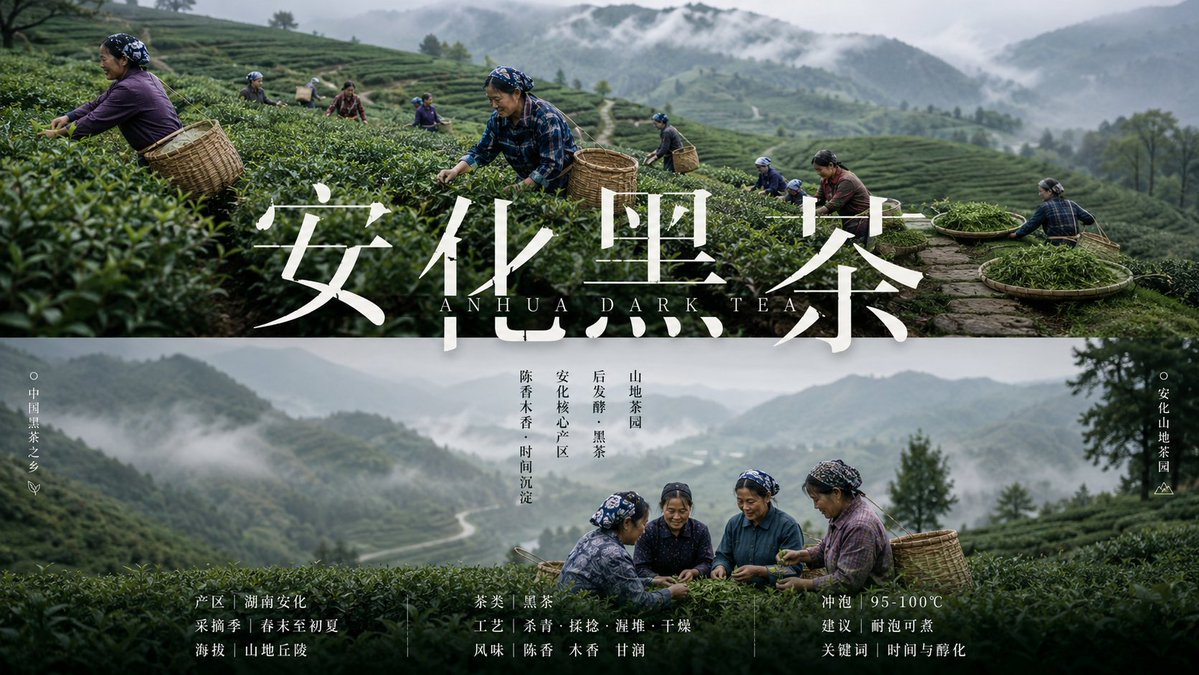
This is a set of upgraded aesthetic prompts suitable for tea gardens, orchards, bases, production areas, etc., for creating posters or promotional images. Using the GPT-image2 model, you can quickly generate high-quality promotional materials, saving costs.
Prompt
GPT2 x Tea Garden x Poster x Aesthetic Prompt. This set of prompts is also suitable for: orchards, bases, production areas, etc. Many materials for government and enterprises can also use this prompt. This is also an upgraded version of my prompts. I have upgraded thousands of prompts this week. I will try to launch them to the member prompt library in the next two days. 💪 If I were a second-generation farmer, with GPT-image2, I could really make a set of promotional images for my own products in minutes. No problem, save money and effort.
Kynvio Prompt Workflow
How to use this prompt
Open it in Image Studio
Send the prompt to Kynvio AI without starting a generation.
Adapt the details
Replace the subject, setting, colors, text, or composition for your goal.
Review and generate
Choose your final settings, then click Generate when you are ready.
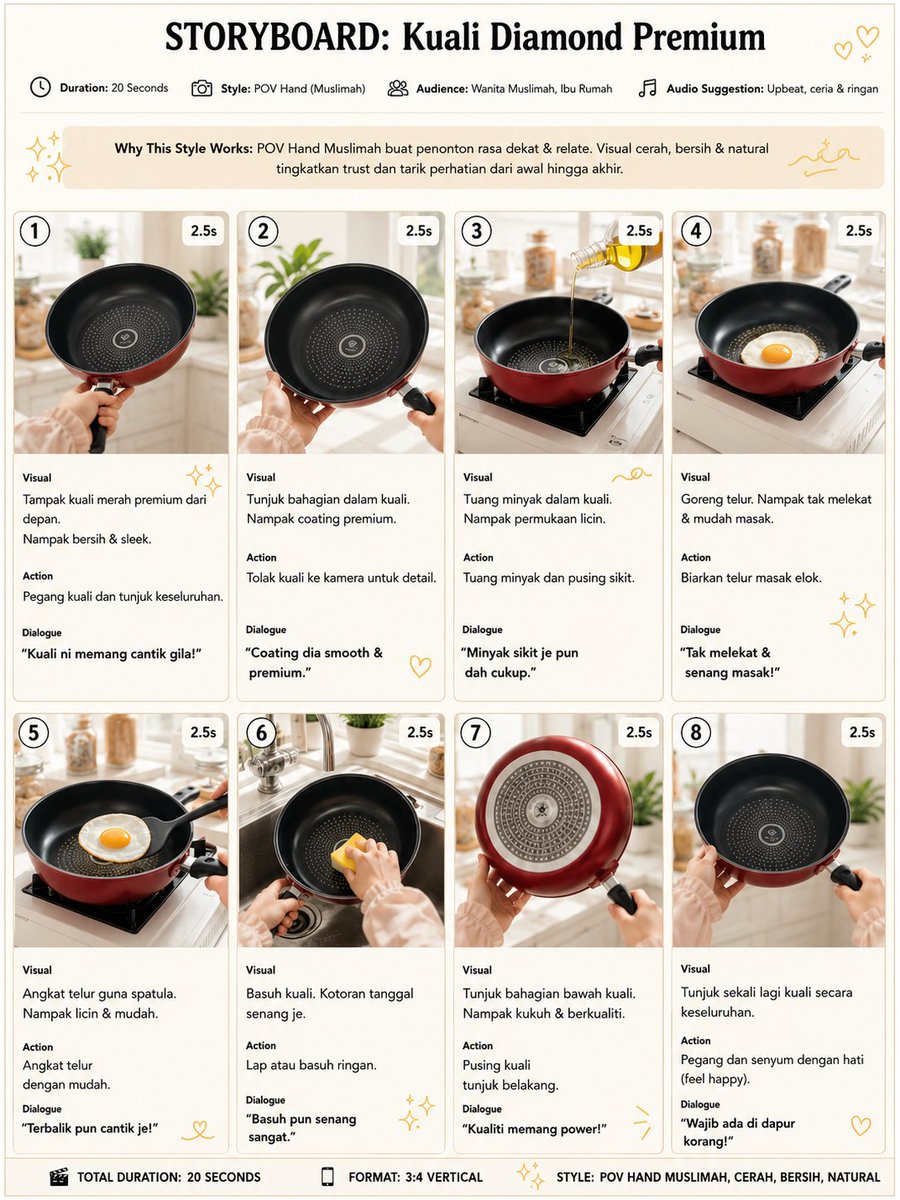
Related GPT Image 2 prompts
GPT Image 2 prompts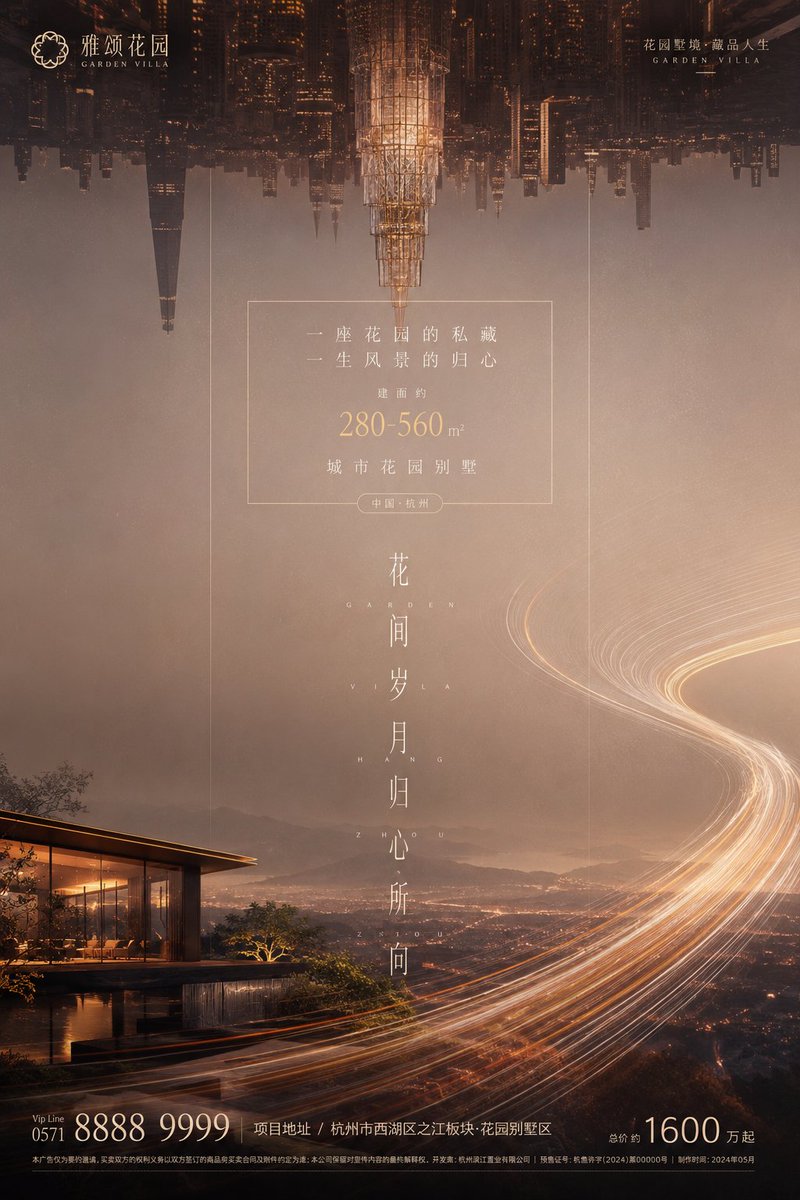

About this prompt
Will opening this prompt spend credits?
No. The button only prefills Image Studio. Credits are used only after you start a generation.
Can I edit the prompt first?
Yes. The transferred text is fully editable before you generate an image.