
GPT-Image2-Skill: Efficient AI Image Generation Skill Pack
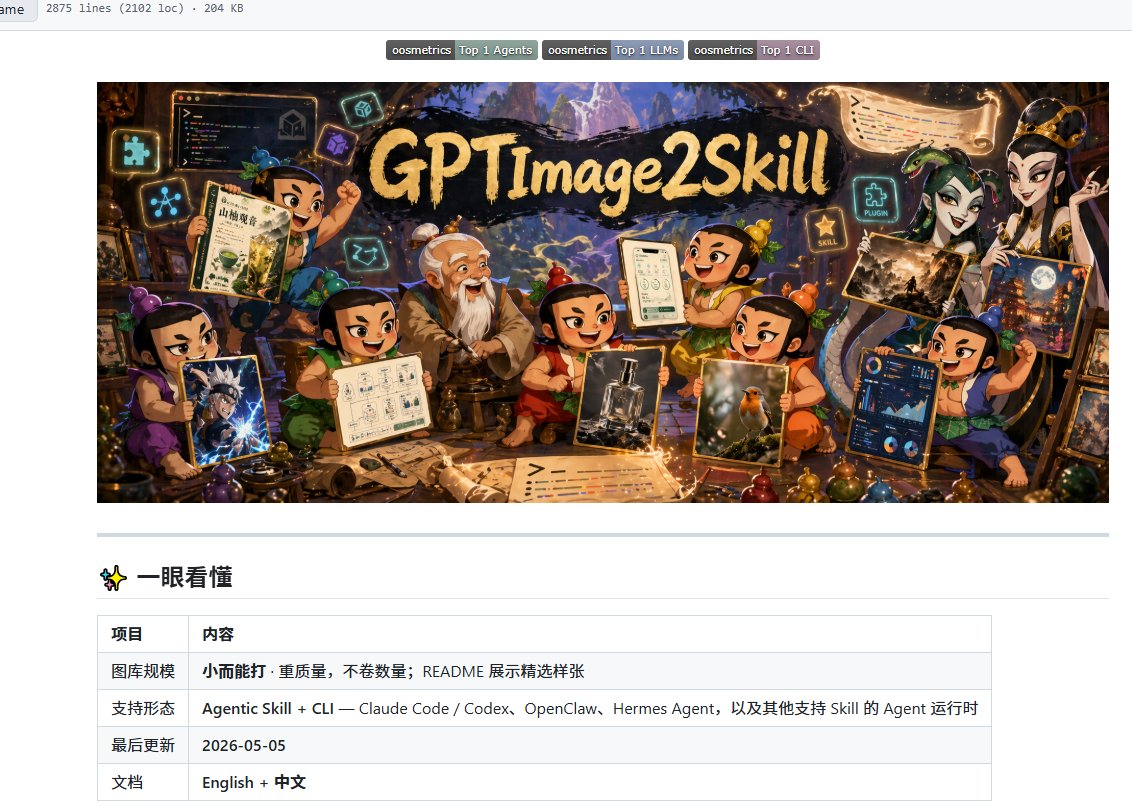
wuyoscar/GPT-Image2-Skill is an AI Agent skill pack with a CLI tool designed to improve the quality and efficiency of GPT Image 2 image generation. It includes practical prompts for UI designs, movie posters, game screenshots, and scientific research paper illustrations. It supports command-line calls to the OpenAI API for image generation, local edits, and image inpainting, and can be integrated into Claude Code or Codex for automated batch generation. Budget is controllable with low/medium/high quality modes.
Prompt
Tired of wasting API credits on the gacha-style image generation of GPT Image 2? wuyoscar/GPT-Image2-Skill is an AI Agent skill pack with a CLI tool. Its greatest value is helping you bypass ineffective plain-language descriptions and directly invoke top-tier practical instructions, visibly improving image quality. It includes practical prompts for UI designs, movie posters, game screenshots, and even scientific research paper illustrations. No more staring at a blank input box—just use it directly with advanced instructions. Comes with a command-line tool: type one command to call the OpenAI API for image generation, and seamlessly perform local edits and image inpainting, much more efficient than clicking around in a web interface. One command installs it as a skill in Claude Code or Codex, allowing your local AI to fully automate workflows and batch-generate assets, freeing your hands completely. Precise budget control: supports quality and cost settings (low/medium/high). Use low-quality mode during the sketching phase to save money, then maximize quality for the final output, spending every API credit wisely.
Kynvio Prompt Workflow
How to use this prompt
Open it in Image Studio
Send the prompt to Kynvio AI without starting a generation.
Adapt the details
Replace the subject, setting, colors, text, or composition for your goal.
Review and generate
Choose your final settings, then click Generate when you are ready.
Related GPT Image 2 prompts
GPT Image 2 prompts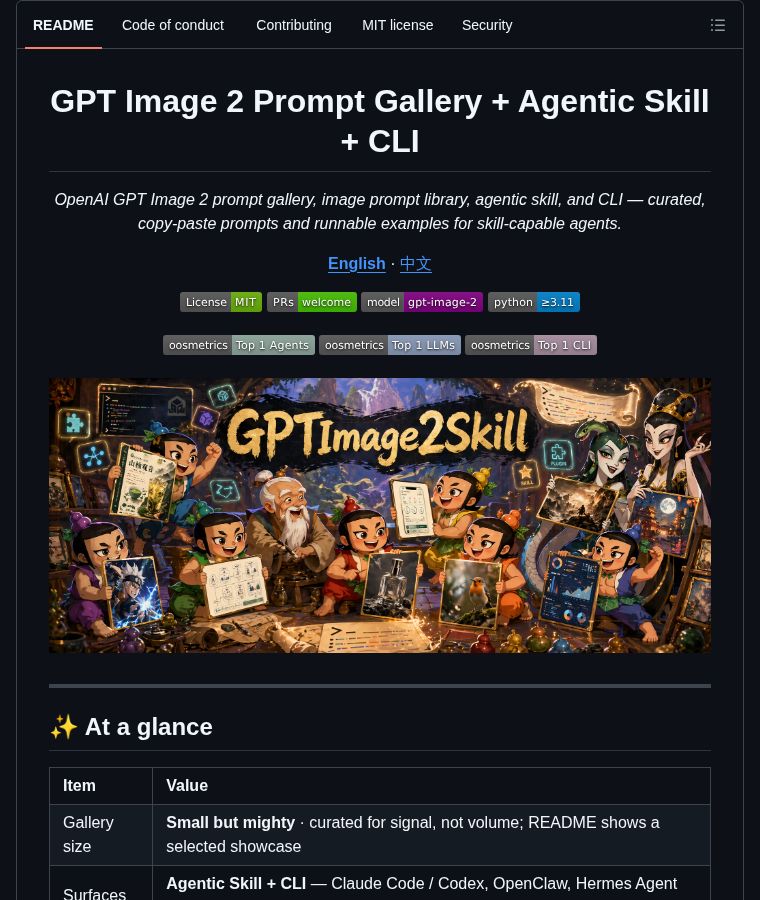
About this prompt
Will opening this prompt spend credits?
No. The button only prefills Image Studio. Credits are used only after you start a generation.
Can I edit the prompt first?
Yes. The transferred text is fully editable before you generate an image.