
GPT Image 2ai-generated
Gpt Image 2 Made on ChatGPT
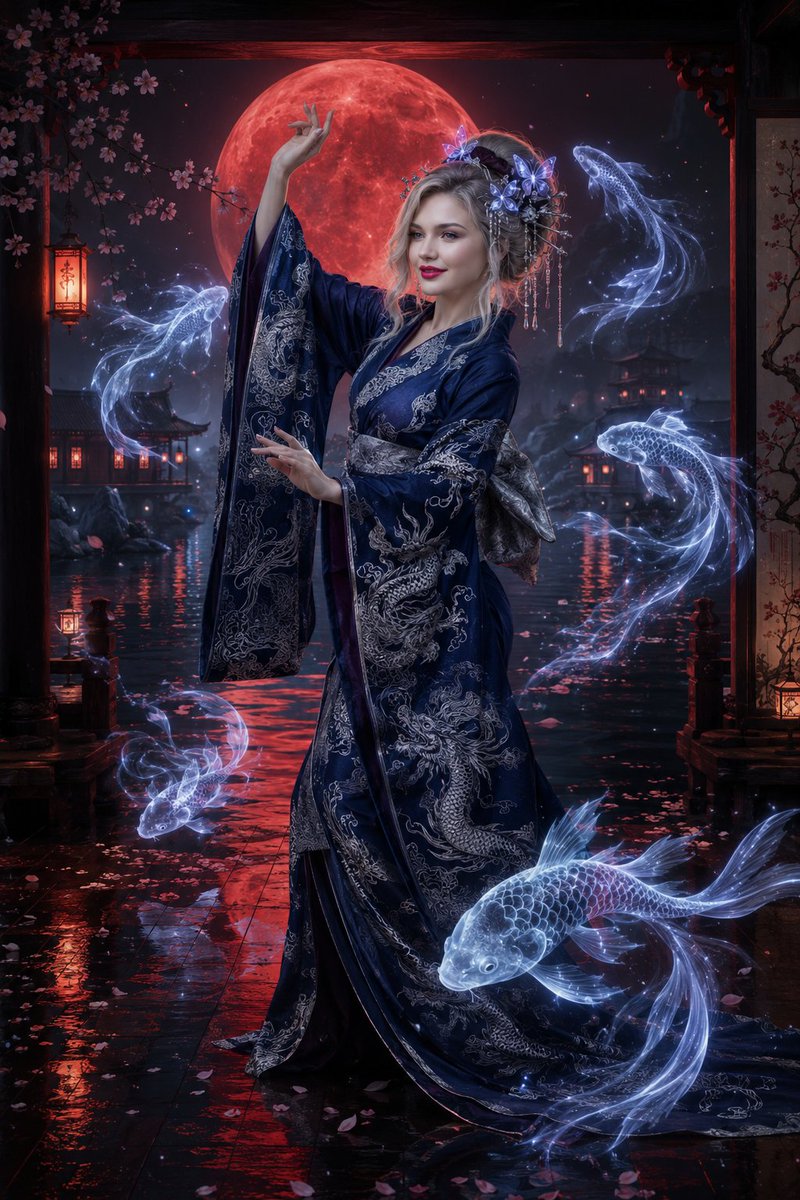
This image was generated by the Gpt Image 2 model on ChatGPT. The prompt is provided via a short link.
Prompt
Gpt Image 2 Made on Chatgpt Prompt:👇 https://t.co/SyeuBqAAhJ
Kynvio Prompt Workflow
How to use this prompt
1
Open it in Image Studio
Send the prompt to Kynvio AI without starting a generation.
2
Adapt the details
Replace the subject, setting, colors, text, or composition for your goal.
3
Review and generate
Choose your final settings, then click Generate when you are ready.
About this prompt
Will opening this prompt spend credits?
No. The button only prefills Image Studio. Credits are used only after you start a generation.
Can I edit the prompt first?
Yes. The transferred text is fully editable before you generate an image.