
Generative AI Group: Prompt Enhancement, Multi-Agent Systems & Cutting-Edge Models
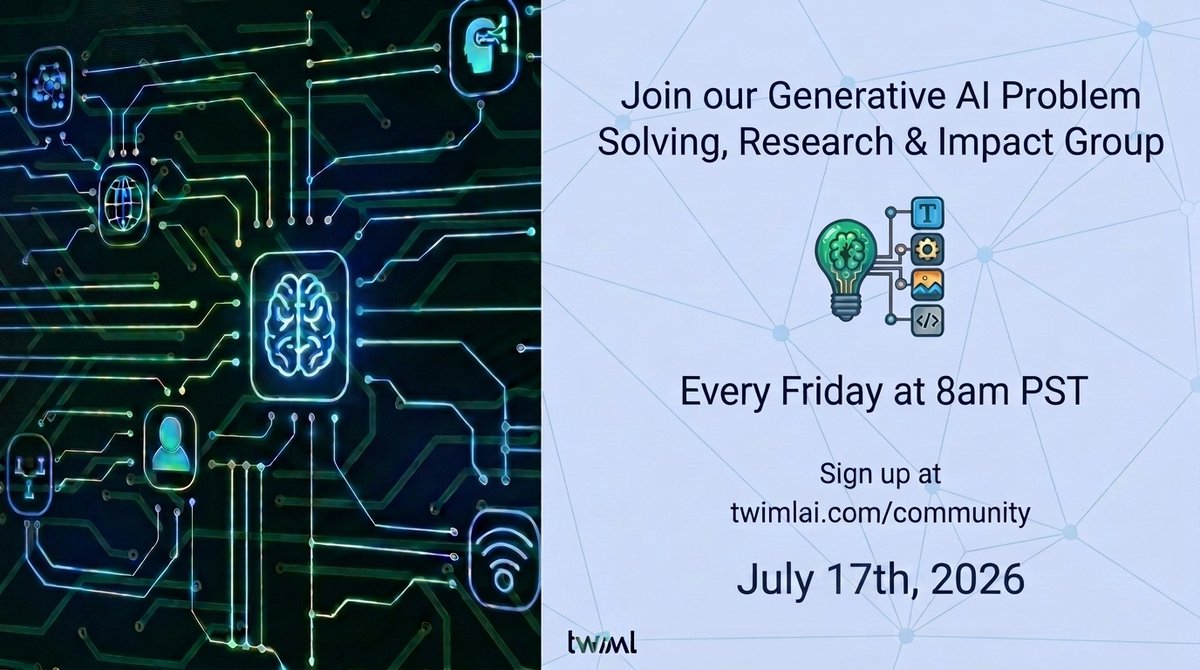
Join our Generative AI group to learn prompt enhancement techniques, explore open-source LLM evaluation platforms, and discuss data engineering strategies. Participate in @twimlai meetup covering multi-agent systems, pre/post-training, computer vision, multimodal models, and more. Discuss tools like GPT-Image-2, Claude Code, Gemini, etc. Dive into MoE models, memory tuning, productionization. Also discuss #IndiaAIImpactSummit2026 and long-horizon training on Google TPUs.
Prompt
Dive into the evolving landscape of AI in our Generative AI group, where we learn from each other about prompt enhancement techniques, explore open-source LLM evaluation platforms, discuss data engineering strategies, and more! 🧮 Join our @twimlai Generative AI Meetup, advised by @samcharrington, where we connect, share, and discuss topics on Deploying Multi-Agent Systems Using MCP and A2A, Pre-Training & Post-Training recipes, Computer Vision & Multimodal models, breakthrough research, and their extensive engineering, along with adaptable control! 🎯 Engage in open discussion, unpack cutting-edge trends and developments in the Generative AI space, delve into ML techniques & algorithms, collaborate on building the RAG & Agentic projects, transcription pipelines, and integration of different AI coding tools & agents (@OpenAI 5.6/GPT-Image-2, @AnthropicAI's Claude Code & Mythos 5/Fable 5/Opus 4.8, @cursor_ai/@windsurf, @Google's Gemini 3.5 Flash/3.1 Pro/Gemini CLI/@antigravity IDE, @SarvamAI, etc.), along with deep dives into code! 🛠️ Moreover, build and explore agentic behavior with effective prompt engineering; dig into Mixture of Experts (MoE) models; exchange memory-tuning techniques; and productionize models for low latency and high throughput, among others, moderated by @aitaxonomist and @cataluna84 of OM Enterprises — AI Research & Engineering Labs 👥 We will also be discussing the next phase of #IndiaAIImpactSummit2026, powered by the @GoI_MeitY under the @OfficialINDIAai Mission, bringing together an extraordinary coalition of global technology pioneers, policymakers, researchers and industry leaders to shape the next chapter of AI 🚀 We will discuss long-horizon training on Google TPUs and how to integrate it into your AI & dev workflows this week. Also, the open-source models are making a comeback with @thinkymachines Inkling and @Kimi_Moonshot K3 🧠 #TPU #AgenticAI #MCP #ComputerVision #Multilingual #Tokenizers #Embedding #NationalSecurity #CyberSecurity #ProblemSolving #SSMs #HybridModels
Kynvio Prompt Workflow
How to use this prompt
Open it in Image Studio
Send the prompt to Kynvio AI without starting a generation.
Adapt the details
Replace the subject, setting, colors, text, or composition for your goal.
Review and generate
Choose your final settings, then click Generate when you are ready.
Related GPT Image 2 prompts
GPT Image 2 prompts
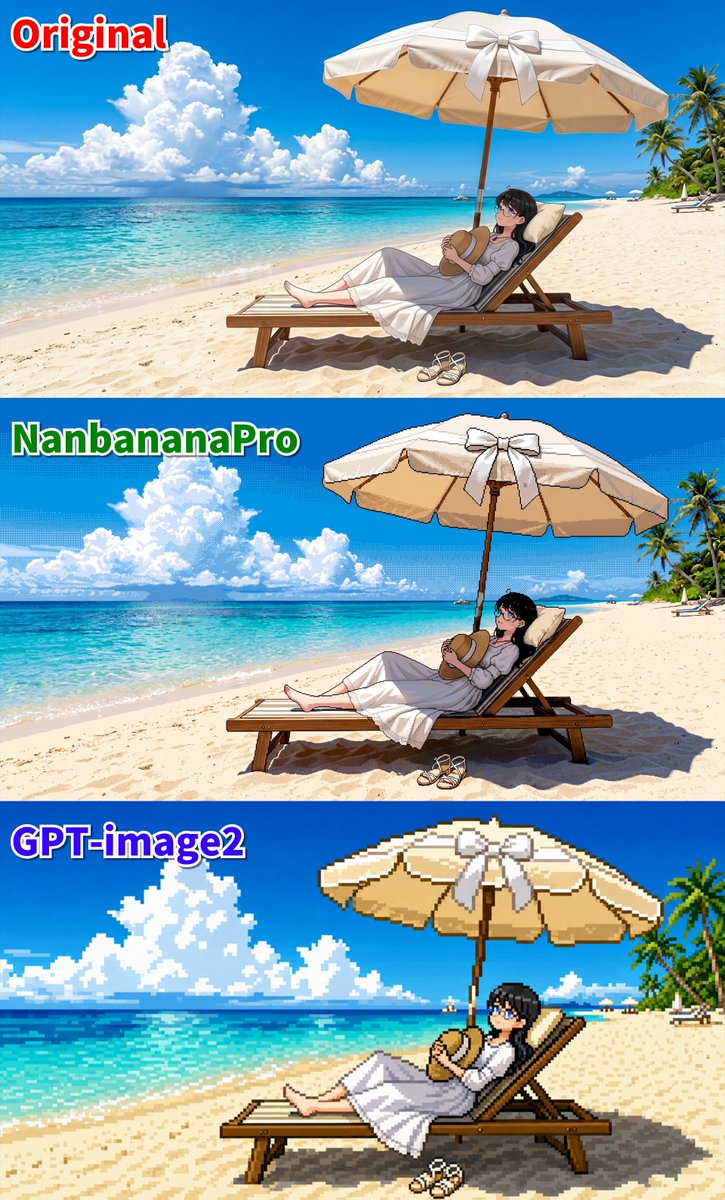

About this prompt
Will opening this prompt spend credits?
No. The button only prefills Image Studio. Credits are used only after you start a generation.
Can I edit the prompt first?
Yes. The transferred text is fully editable before you generate an image.