
Flower Shadows at the Window: Eastern Zen Minimalist Wallpaper
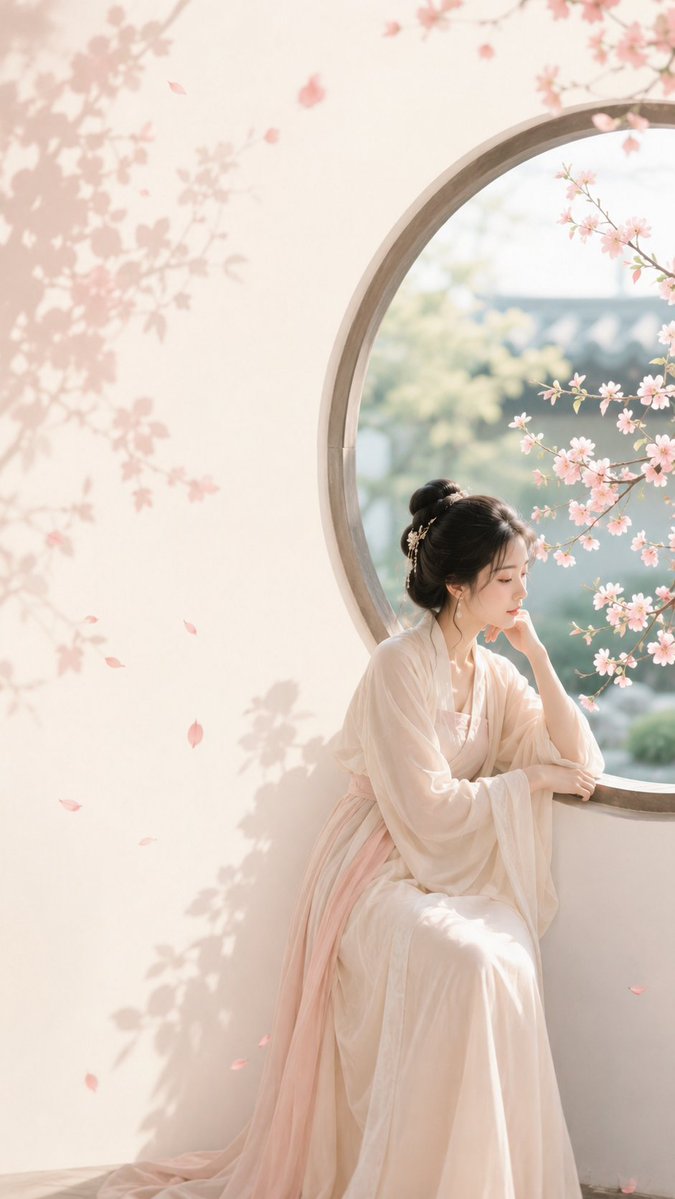
An aesthetic wallpaper with Eastern Zen minimalist theme, featuring an ancient-style woman leaning by the moon window quietly watching flowers, peacock green courtyard plants intertwined with rouge pink flower shadows, jade white wall as base, off-center composition with negative space suitable for title area, overall bright and transparent, fashionable female aesthetic, strong cover appeal.
Prompt
GPT Image 2 generates aesthetic wallpaper: Flower shadows at the window. Prompt: Theme direction: Eastern Zen minimalist poster Style branch: New Eastern style for female aesthetics Main subject: An ancient-style woman leaning by the moon window, quietly watching flowers Emotional motif: Gentle, reserved, romantic in tranquility Scene and imagery: Peacock green courtyard plants, rouge pink flower shadows, moon window, woman, jade white wall Composition and space: Off-center composition, one side with the figure and moon window, the other side with clean negative space and flower shadows, suitable for title area Color control: Jade white as the main base, peacock green for courtyard plants and a few distant layers, rouge pink only for flower shadows and local petal accents, figure's clothing can be warm white or light bean paste pink; avoid overall pink-green uniformity Lighting and texture: Bright natural light, soft window light, light paper texture, transparent image Aspect ratio: 9:16 Additional requirements: Overall should lean towards fashionable female aesthetics, colors vivid but not vulgar, strong cover appeal
Kynvio Prompt Workflow
How to use this prompt
Open it in Image Studio
Send the prompt to Kynvio AI without starting a generation.
Adapt the details
Replace the subject, setting, colors, text, or composition for your goal.
Review and generate
Choose your final settings, then click Generate when you are ready.
Related GPT Image 2 prompts
GPT Image 2 prompts
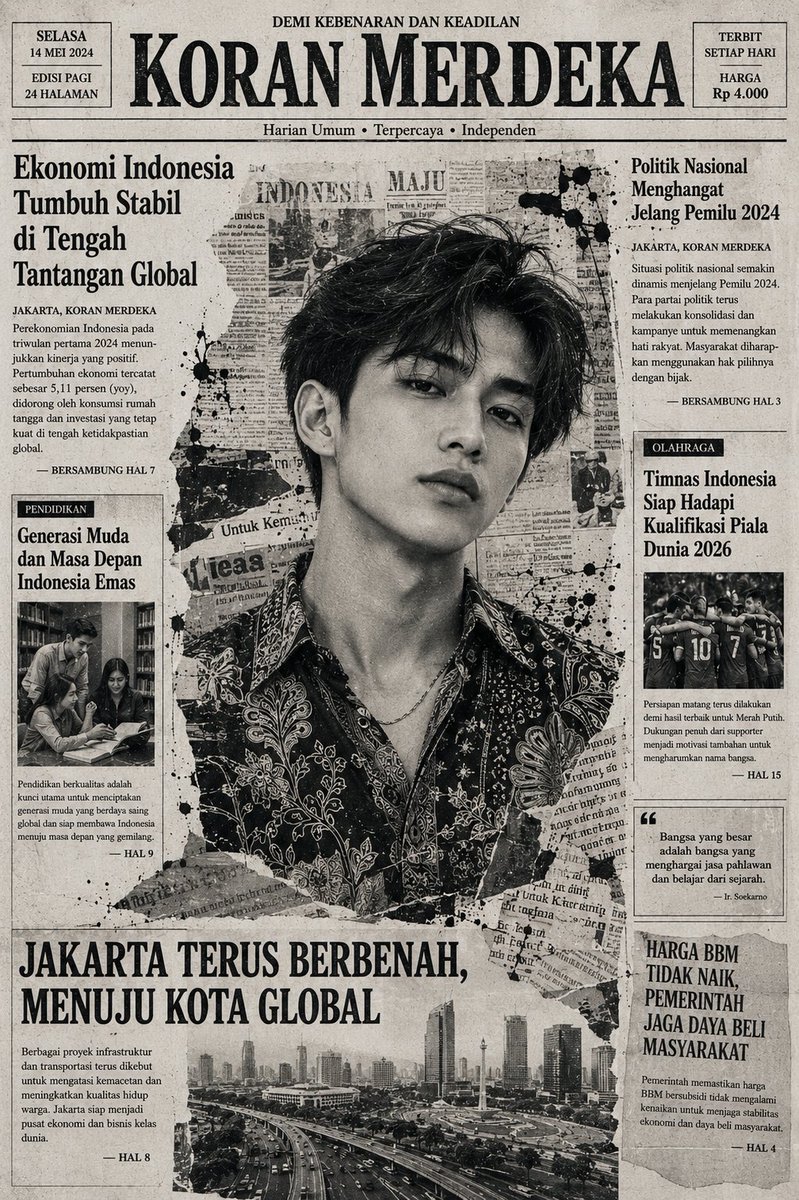

About this prompt
Will opening this prompt spend credits?
No. The button only prefills Image Studio. Credits are used only after you start a generation.
Can I edit the prompt first?
Yes. The transferred text is fully editable before you generate an image.