
Character Sheet Generation Comparison: Beta vs Improved
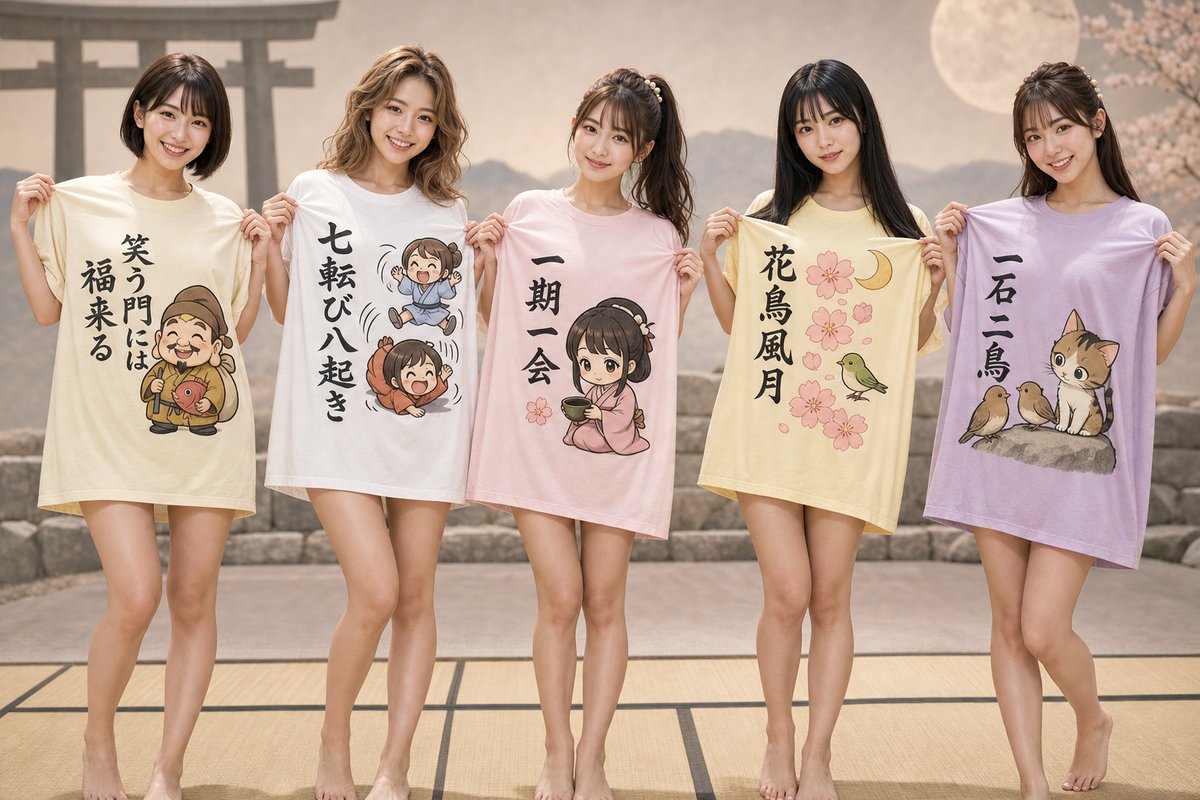
User shares attempts to generate 5 characters (Ayui, Nozomi, Chiyomi, Noriko, Akiko) using Genspark's GPT Image 2. Left is beta version, right is improved version with merged additional instructions.
Prompt
I attached 5 character sheets, but they always end up separate or characters overlap...☺️ The beta version is on the left. I felt the faces on the character sheets were different, and when I asked for more movement, Genspark's GPT Image 2 went wild lol The right side is the result of executing the prompt with additional instructions from another chat merged together. The faces haven't changed much, but I think it's a bit better🥰 Good luck with your prompt studies!!!!! A few days ago, Genspark said something like "5 people is impossible," but I ignored it and now it handles it normally😌 Characters: Ayui, Nozomi, Chiyomi, Noriko, Akiko
Kynvio Prompt Workflow
How to use this prompt
Open it in Image Studio
Send the prompt to Kynvio AI without starting a generation.
Adapt the details
Replace the subject, setting, colors, text, or composition for your goal.
Review and generate
Choose your final settings, then click Generate when you are ready.
Related GPT Image 2 prompts
GPT Image 2 prompts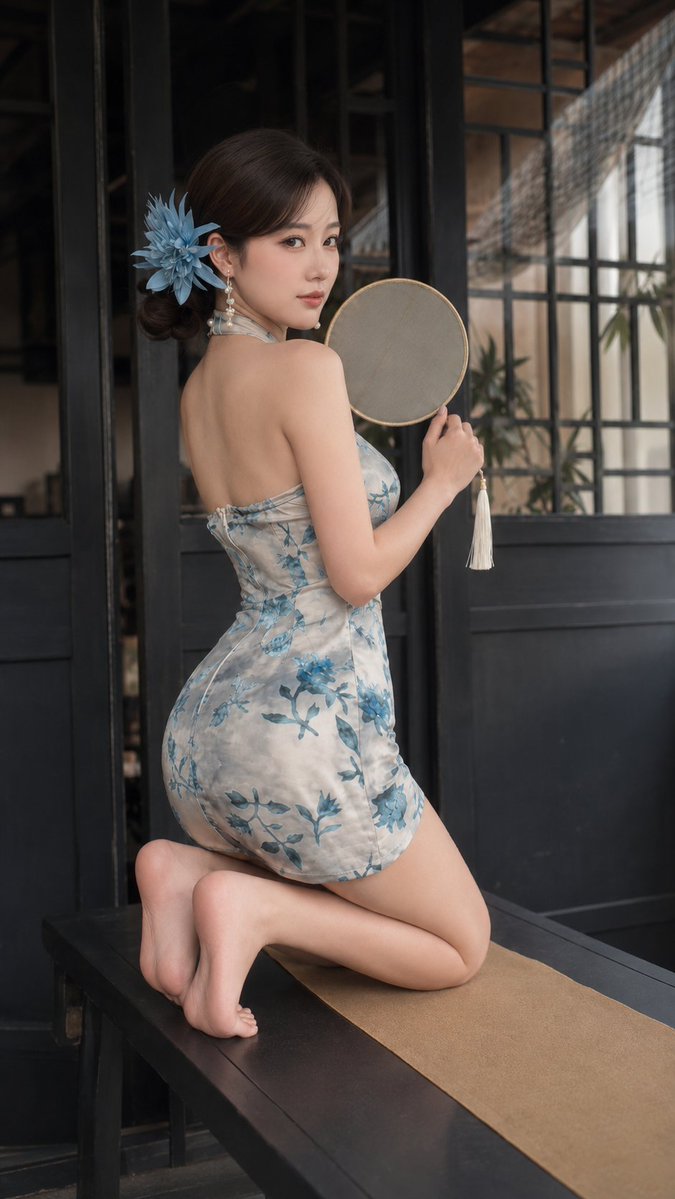
About this prompt
Will opening this prompt spend credits?
No. The button only prefills Image Studio. Credits are used only after you start a generation.
Can I edit the prompt first?
Yes. The transferred text is fully editable before you generate an image.