
AI Character Face Generation: Seedream vs GPT Image 2 Comparison
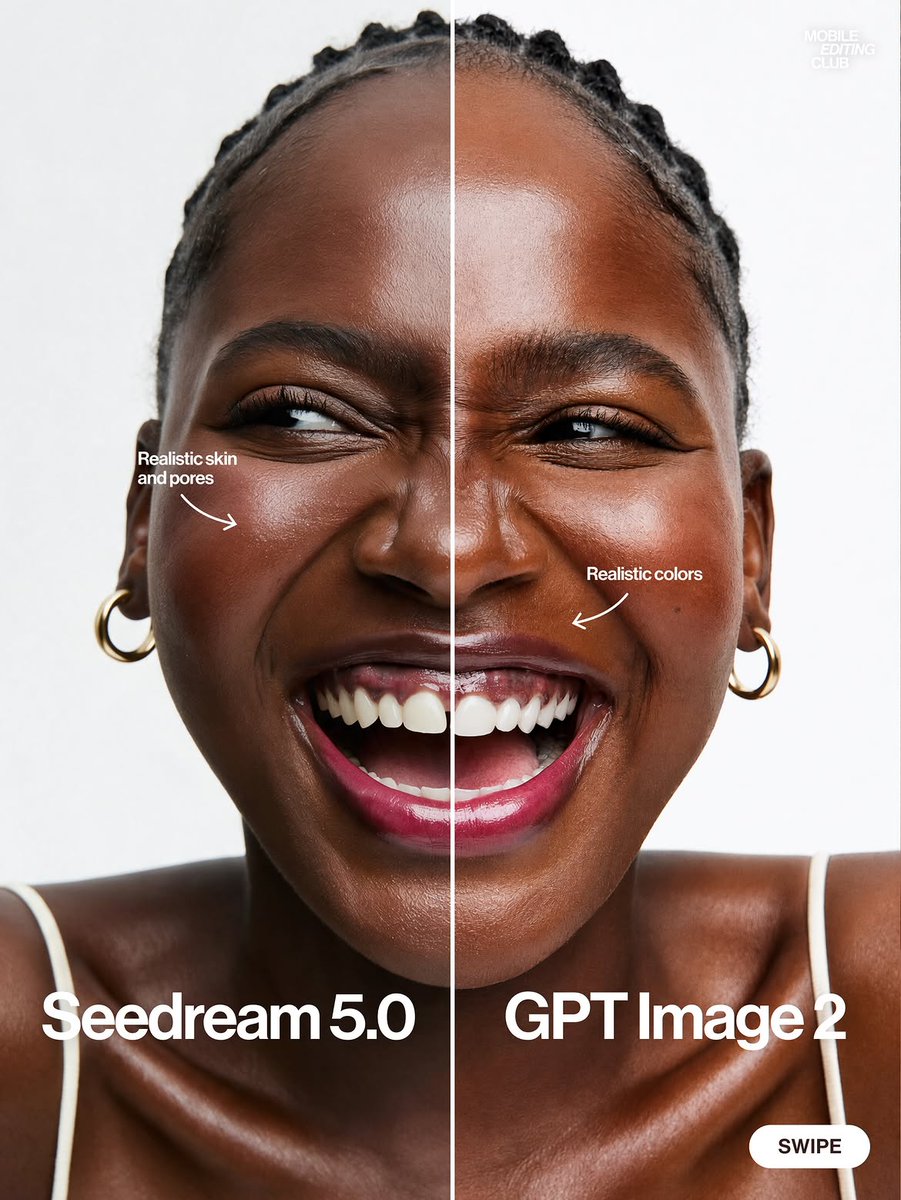
Discussion on how to avoid plastic-like appearance in AI-generated character faces, comparing Seedream 5.0 Pro and GPT Image 2, with tool selection advice.
Prompt
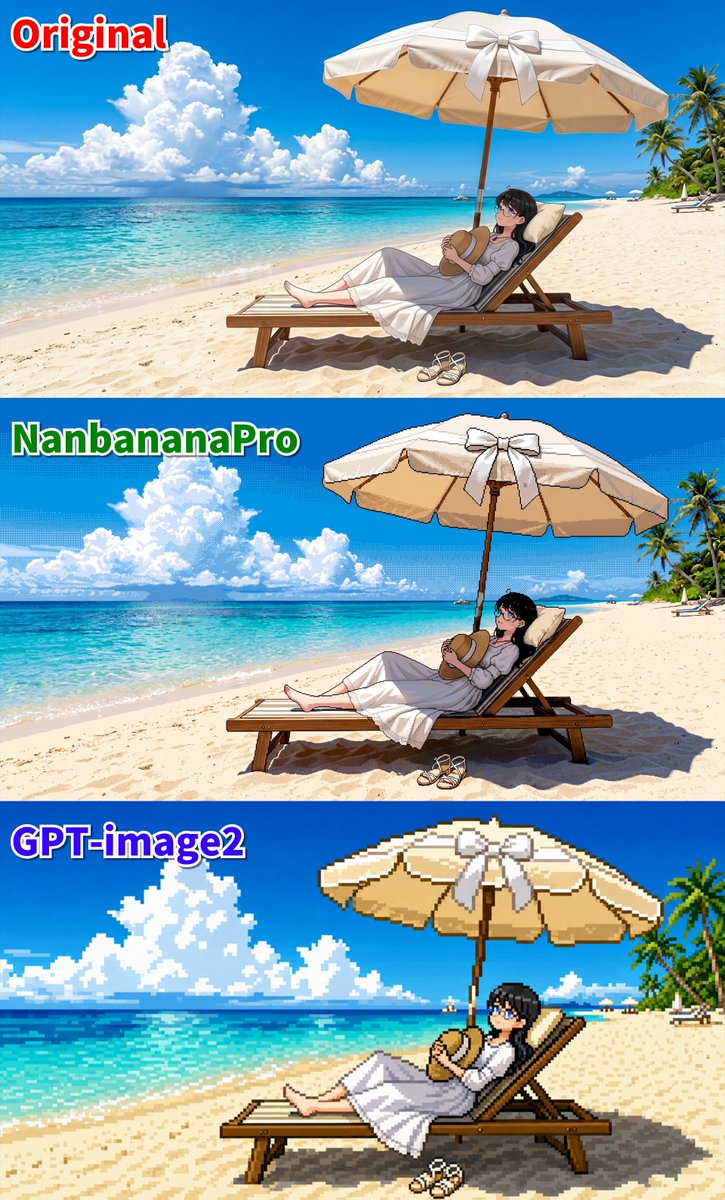
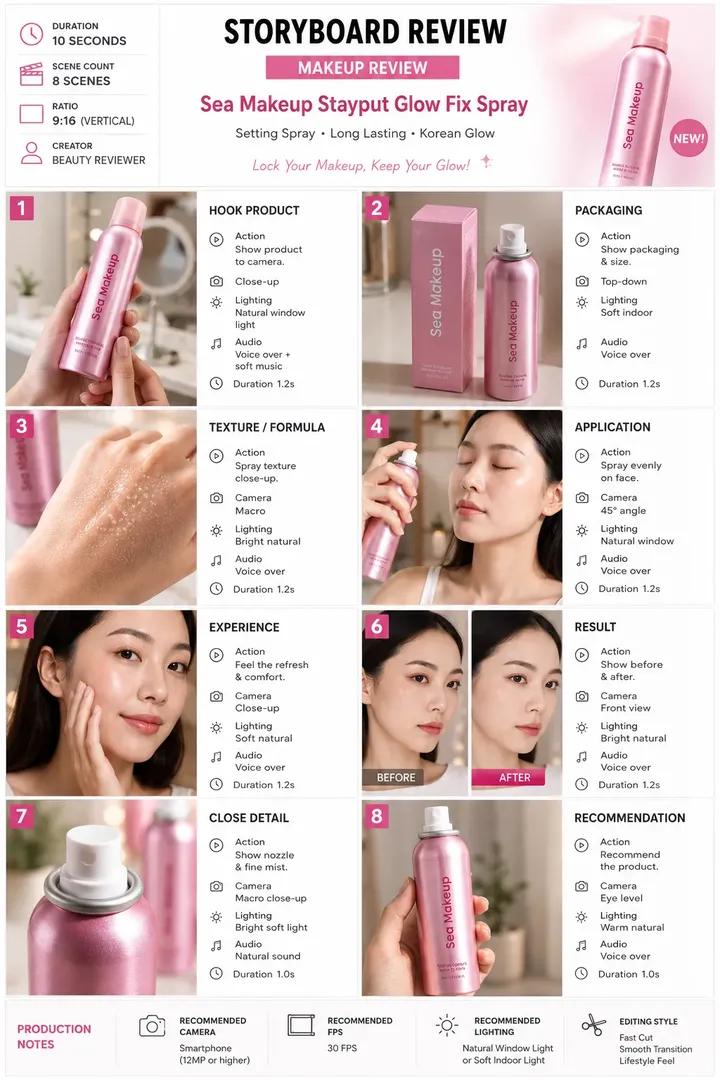
Are your character's face generation results still as smooth as plastic? The bitter truth: no AI can fix all visual problems with one button. You have to take control and choose the tools. Here's my division of labor so you don't waste credits: 1. Seedream 5.0 Pro (King of Photorealism & Texture): Use this when you need human skin pore details, physical lighting, and cinematic results that look expensive right away. 2. GPT Image 2 (King of Control & Precision): Texture-wise it may lose, but this model is the most obedient. Use it to create stable character sheets, complex prompt instructions, or layered layouts. Bottom line: Seedream for god-level realism, GPT Image 2 for control. I've summarized a complete comparison table and workflow for using both models. Check the community link in my profile directly👌
Kynvio Prompt Workflow
How to use this prompt
Open it in Image Studio
Send the prompt to Kynvio AI without starting a generation.
Adapt the details
Replace the subject, setting, colors, text, or composition for your goal.
Review and generate
Choose your final settings, then click Generate when you are ready.
Related GPT Image 2 prompts
GPT Image 2 prompts
About this prompt
Will opening this prompt spend credits?
No. The button only prefills Image Studio. Credits are used only after you start a generation.
Can I edit the prompt first?
Yes. The transferred text is fully editable before you generate an image.