
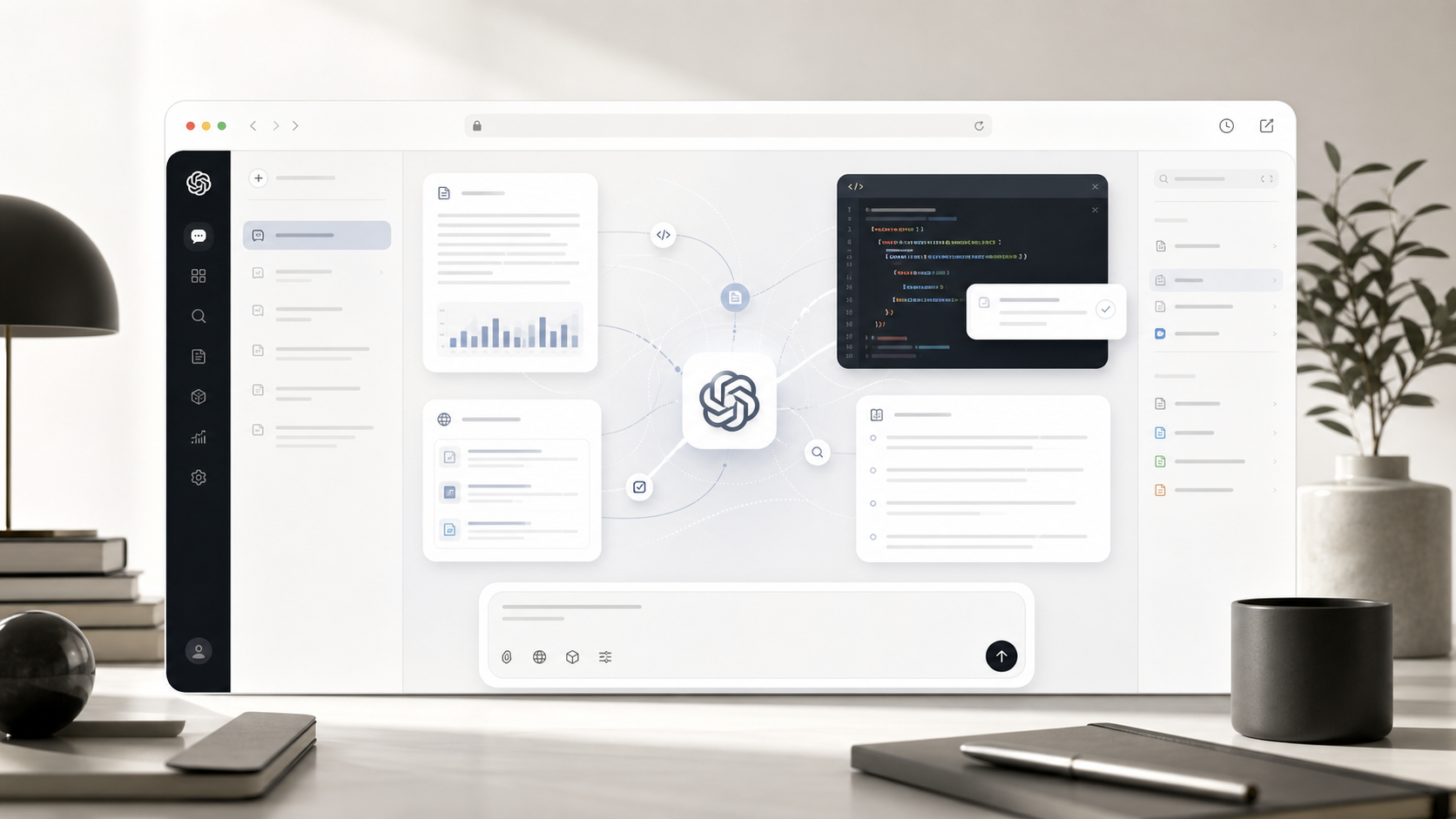
Break down complex problems faster
Turn strategy notes, research material, and constraint-heavy work into conclusions, priorities, risks, and next actions before a review or decision.
Analyze a complex task
Use Claude Opus 4.6 when you want careful writing, deep review, and structured reasoning.
Powerful Claude chat for demanding writing, code review, careful analysis, and document review workflows.
Claude Opus 4.6 is a Kynvio AI model page for evaluating advanced chat work: reasoning, coding, document analysis, strategy, and professional writing. Real conversations, search, file uploads, and history stay inside the Kynvio workspace.
The public page explains and routes; the real chat run happens in the workspace.
Turn strategy notes, research material, and constraint-heavy work into conclusions, priorities, risks, and next actions before a review or decision.
Analyze a complex task
Review architecture boundaries, state ownership, maintainability, edge cases, and test gaps before a large change, refactor, or launch.
Review an engineering plan
Shape PRDs, research notes, meeting material, reports, summaries, and action lists into clear documents that teams can move with.
Create a professional documentEnter the task goal, background, and expected output in the hero composer.
Enable search or attach files when the task needs more context.
Continue with Claude Opus 4.6 inside the Kynvio workspace and save the conversation history.
It is a strong choice for careful writing, document work, code review, and nuanced analysis.
Yes. The current catalog marks Claude Opus 4.6 as file-capable.
Start with the task type: Deep review, Writing, Document analysis, Careful reasoning. If the page examples match your goal, submit the prompt with this model so Kynvio opens the chat workspace and starts the response automatically.
Give the model the goal, audience, source material, output format, and any constraints. For research or file-heavy work, mention what should be verified and what can be treated as context.
The public page explains the model. The Kynvio workspace handles the real generation flow, credits, uploads, and history.
Open chat workspace


